
QuikPDF Pro
Create & Export PDFs Instantly
Conçue pour iPhone, iPad, iPod touch
Gratuit
- Classification d’âge4+
- CatégorieProductivité
- DéveloppeurSouriya Vongchanh
- LanguesAnglais
- Taille5,1 Mo
Renvoie vers la page App Store officielle
Download.org n’héberge aucun fichier de QuikPDF Pro. Le bouton ouvre la page de l’application sur App Store, où Souriya Vongchanh la publie. Fiche vérifiée pour la dernière fois le 16/11/2026.
Captures d’écran


À propos
Le développeur n’a pas fourni ce texte dans votre langue.
QuikPDF Pro is the fastest way to create, format, and export professional PDF documents on your iPhone or iPad — no account, no cloud, no subscription required.
WHAT YOU CAN DO
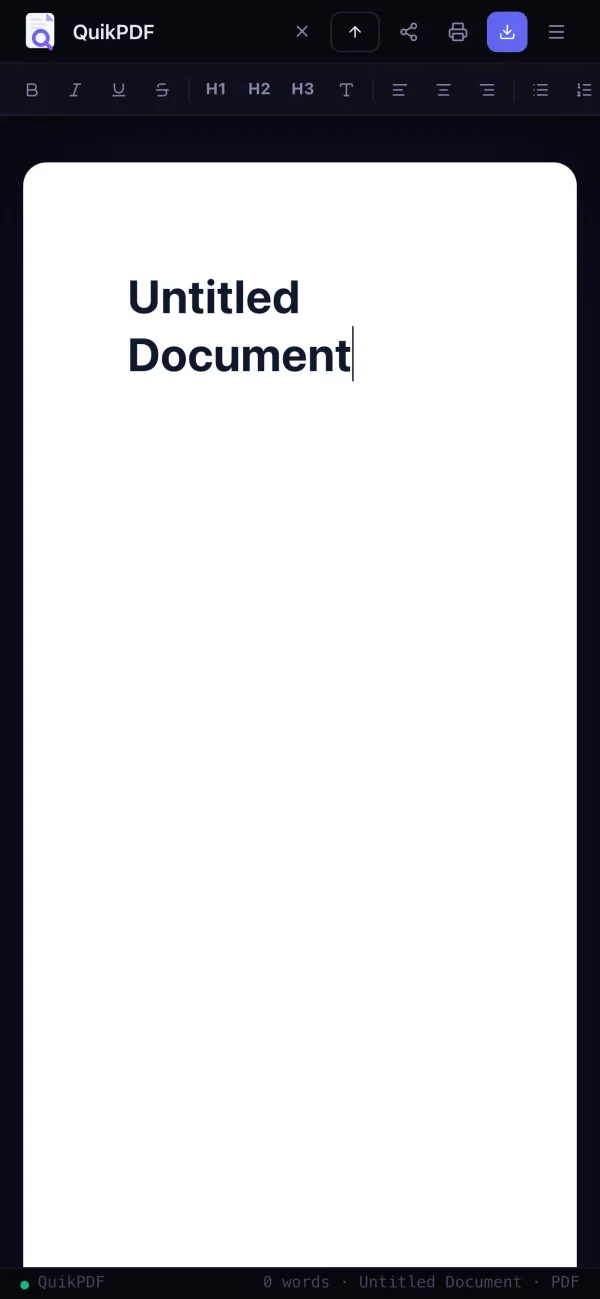
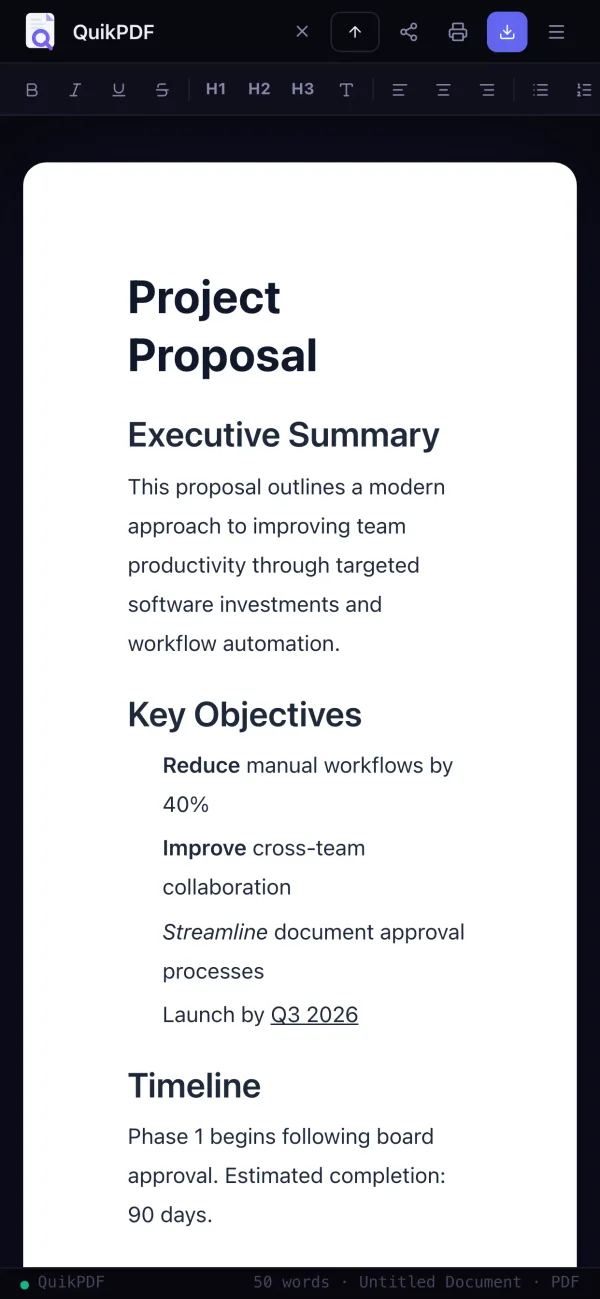
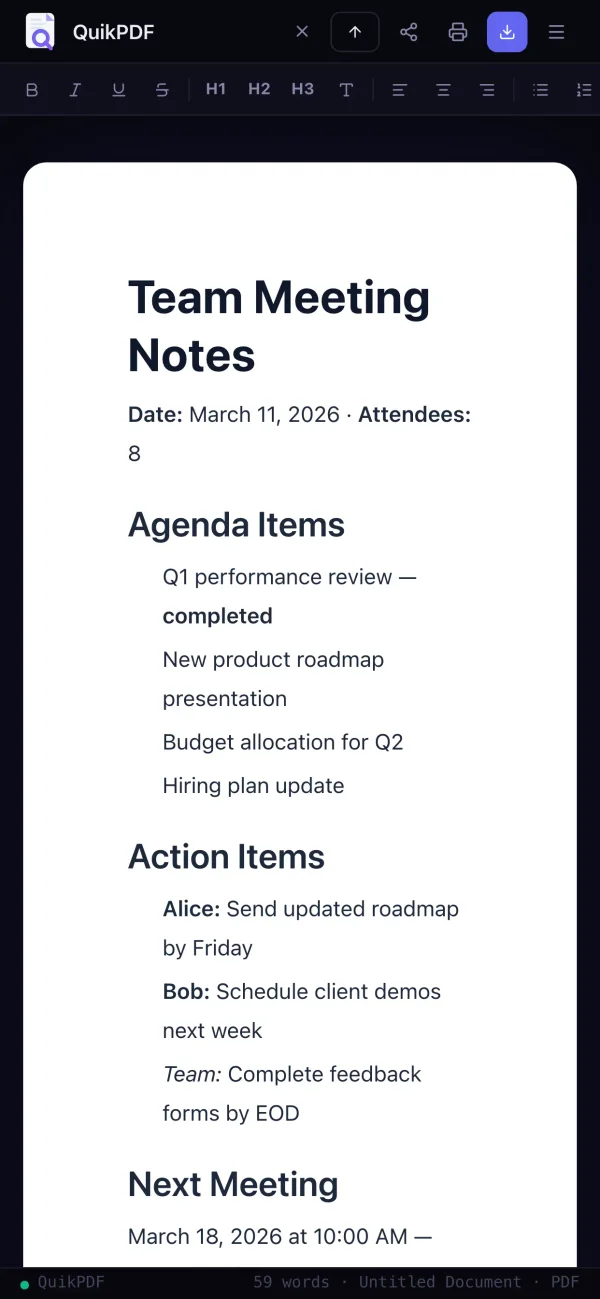
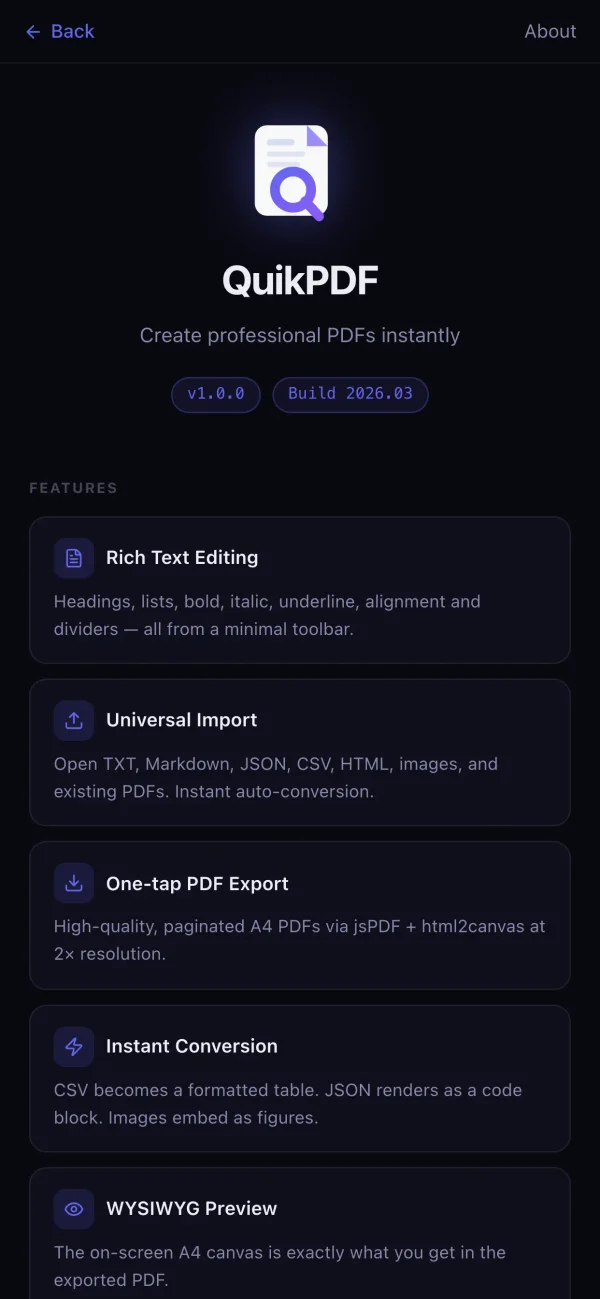
• Write rich documents with headings (H1–H3), bold, italic, underline, lists, and dividers
• Start from a template: invoice, formal letter, meeting notes, or a blank page
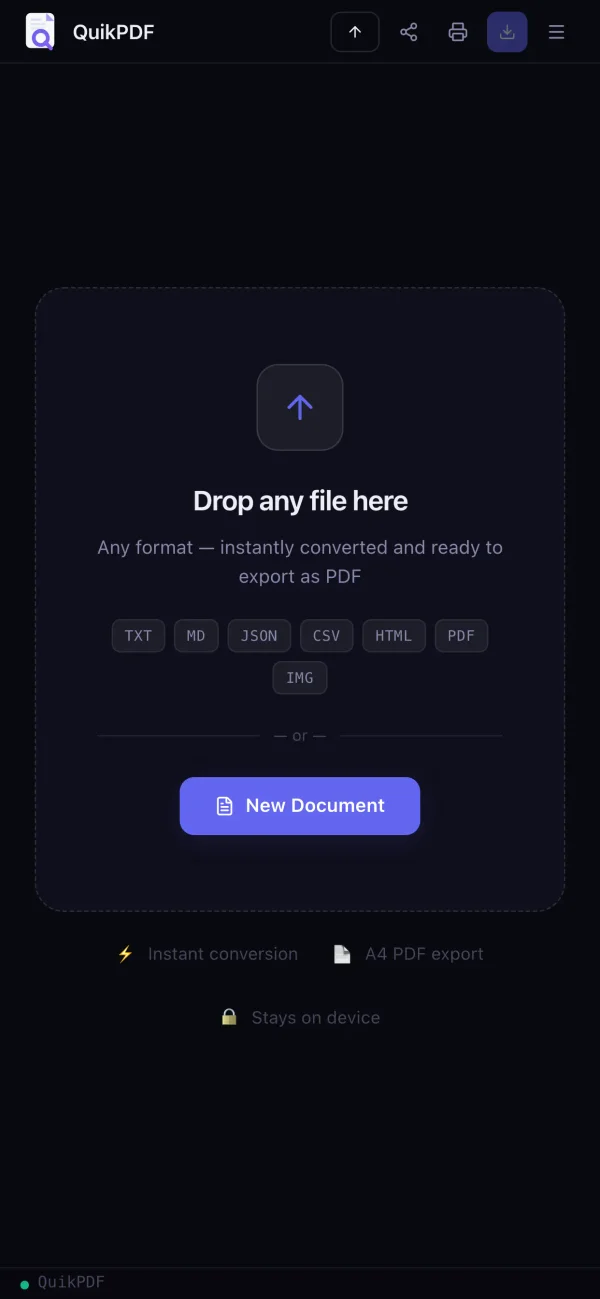
• Import text, Markdown, JSON, CSV, HTML, images, and existing PDFs — every PDF page comes in, in order
• Draw your signature once and add it to any document
• Export sharp PDFs with real, selectable text in A4, Letter, or Legal size
UNIVERSAL IMPORT
• CSV → styled table with headers
• JSON → formatted code block
• Text and Markdown → editable text
• HTML → formatted content
• Images → from your photo library, the camera, or Files
• PDF → every page added to your document, ready to type around
PROFESSIONAL PDF EXPORT
Text stays crisp and selectable, and long documents break cleanly between lines. Share your PDF to Mail, Messages, AirDrop, or any app, or save it straight to the Files app.
YOUR DOCUMENTS, ON YOUR DEVICE
Documents save automatically as you type and appear in the Files app under QuikPDF Pro. Signatures you draw stay on your device.
PRIVACY FIRST
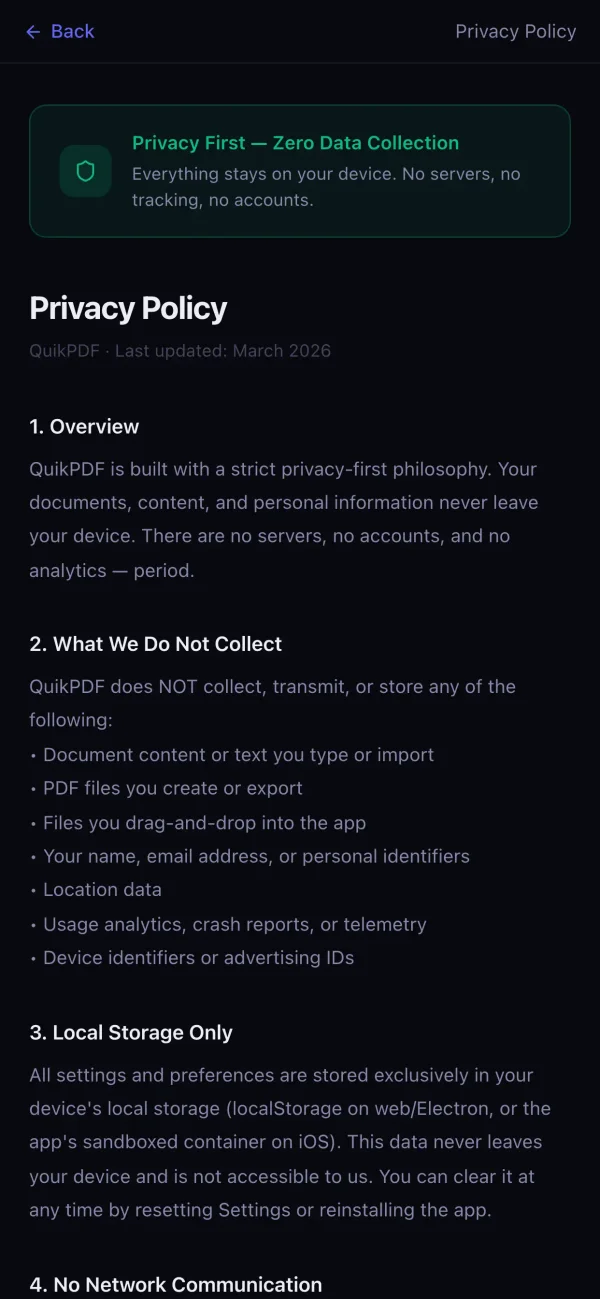
QuikPDF Pro collects zero data. No analytics, no tracking, no servers. Everything happens on your device, and no internet connection is required.
SETTINGS & CUSTOMIZATION
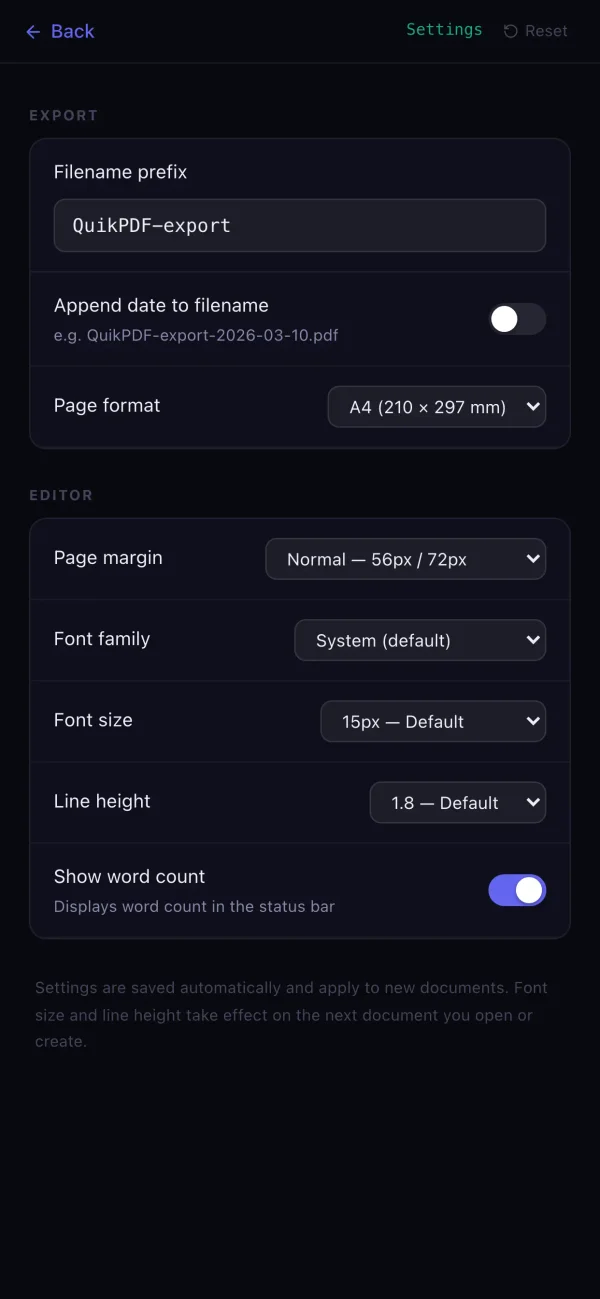
• Choose from 5 page margin presets (None to Extra Wide)
• Pick your editor font, size, and line spacing
• Set a filename prefix with an optional date stamp
QuikPDF Pro works on all iPhone and iPad screen sizes.
Nouveautés
Version 2.1.0 · 23/10/2026
• PDFs now keep real text, so it stays sharp, selectable and searchable
• Import every page of a PDF, not just the first
• Draw your signature once and add it to any document
• Your documents are saved as files and appear in the Files app
• Simpler Home: New Doc, Import, Signature and Templates
Confidentialité de l’application
Ce que Souriya Vongchanh déclare sur l’App Store au sujet du traitement des données par cette application.
-
Données non collectées
Le développeur ne collecte aucune donnée à partir de cette application.
Les pratiques en matière de confidentialité peuvent varier, notamment en fonction des fonctionnalités que vous utilisez ou de votre âge.
Informations
- Vendeur
- Souriya Vongchanh
- Catégorie
- Productivité
- Version
- 2.1.0
- Mis à jour
- 23/10/2026
- Publié
- 19/03/2026
- Taille
- 5,1 Mo
- Nécessite
- iOS 15.0 ou version ultérieure
- Classification d’âge
- 4+
- Prix
- Gratuit
- Langues
- Anglais
- Copyright
- © 2026 Souriya Bobby Vongchanh
Vous aimerez peut-être aussi
-
 SumDoc — DOCX Document EditorProductivité
-
 Open Chat InferenceProductivité
-
 SomenotesProductivité
-
 Local LLM runnerProductivité
-
 SoftExpert DocumentProductivité
-
 MobileSafe: Malware ProtectionProductivité
-
 PDF CabinetLa lecture améliorées
-
 PebblebeeProductivité
-
 PDF Editor - Edit PDF & SignProductivité
-
 Zoho Writer - Document EditorEasy to use word processing