
QuikPDF Pro
Create & Export PDFs Instantly
iPhone, iPad, iPod touch için tasarlandı
Ücretsiz
- Yaş sınırı4+
- KategoriÜretkenlik
- GeliştiriciSouriya Vongchanh
- Dillerİngilizce
- Boyut5,1 MB
Resmi App Store sayfasına bağlanır
Download.org, QuikPDF Pro için hiçbir dosya barındırmaz. Düğme, uygulamanın App Store üzerindeki sayfasını açar; uygulamayı orada Souriya Vongchanh yayınlar. Sayfanın son kontrolü: 16.11.2026.
Ekran görüntüleri


Hakkında
Geliştirici bu metni dilinizde sunmamış.
QuikPDF Pro is the fastest way to create, format, and export professional PDF documents on your iPhone or iPad — no account, no cloud, no subscription required.
WHAT YOU CAN DO
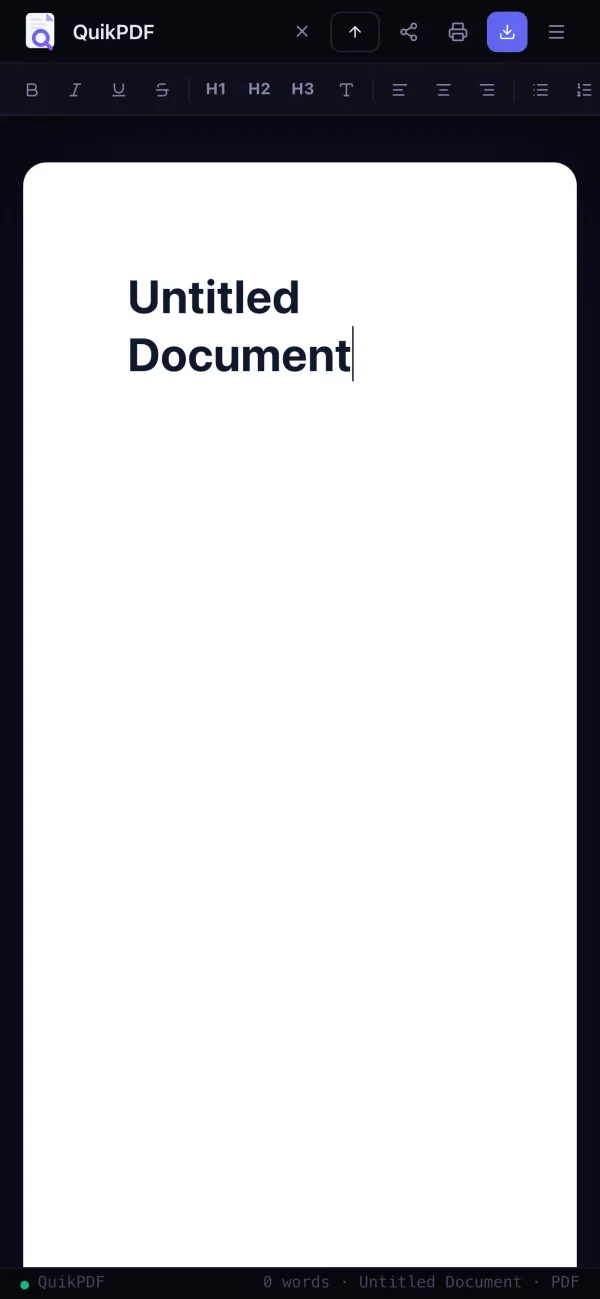
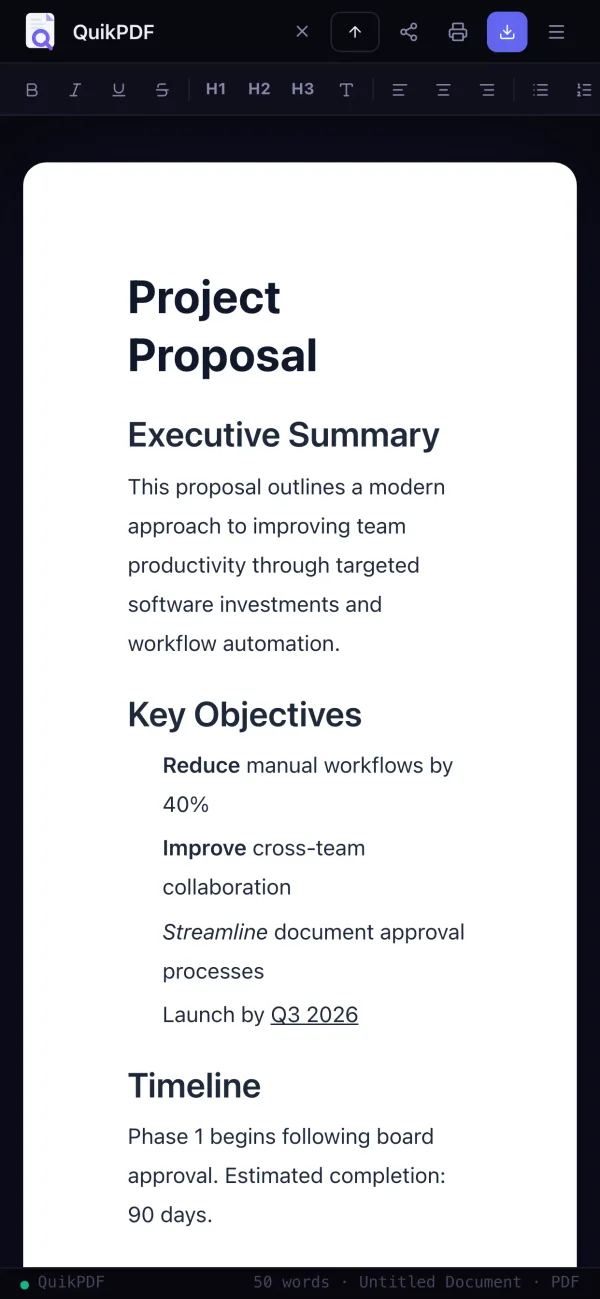
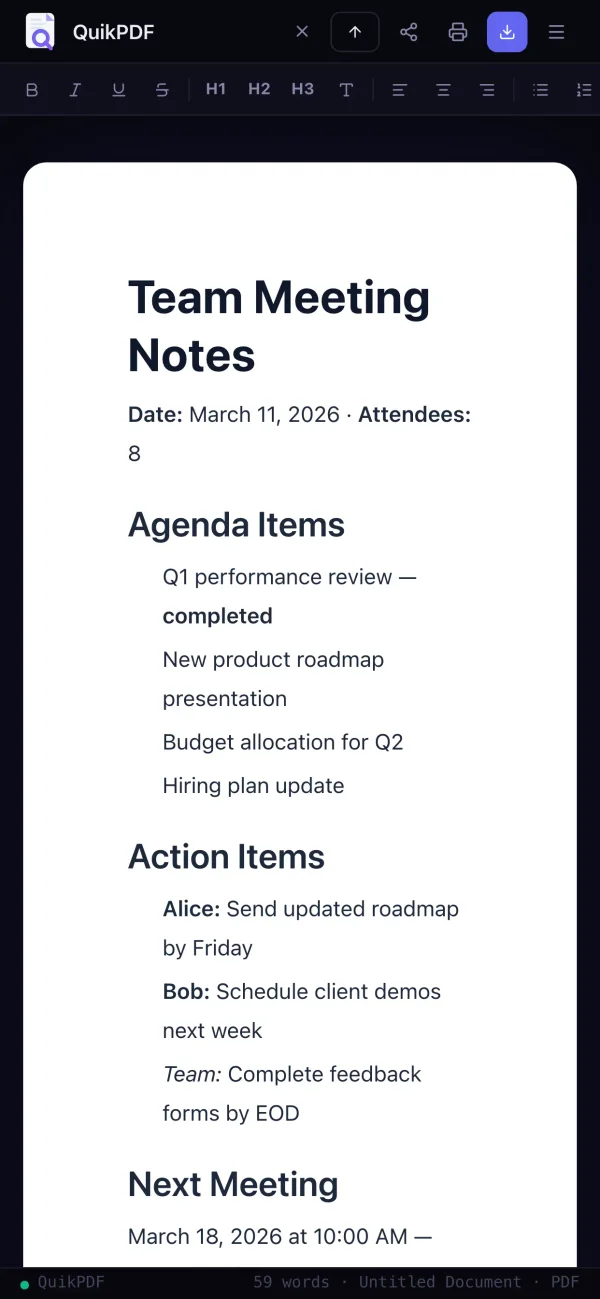
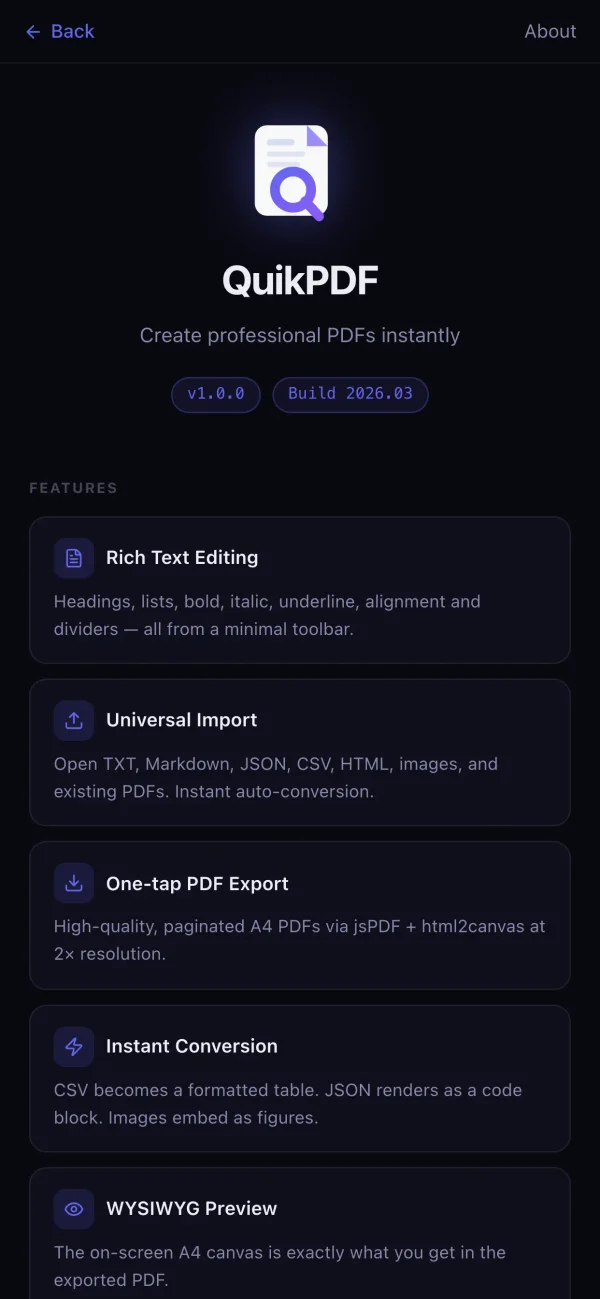
• Write rich documents with headings (H1–H3), bold, italic, underline, lists, and dividers
• Start from a template: invoice, formal letter, meeting notes, or a blank page
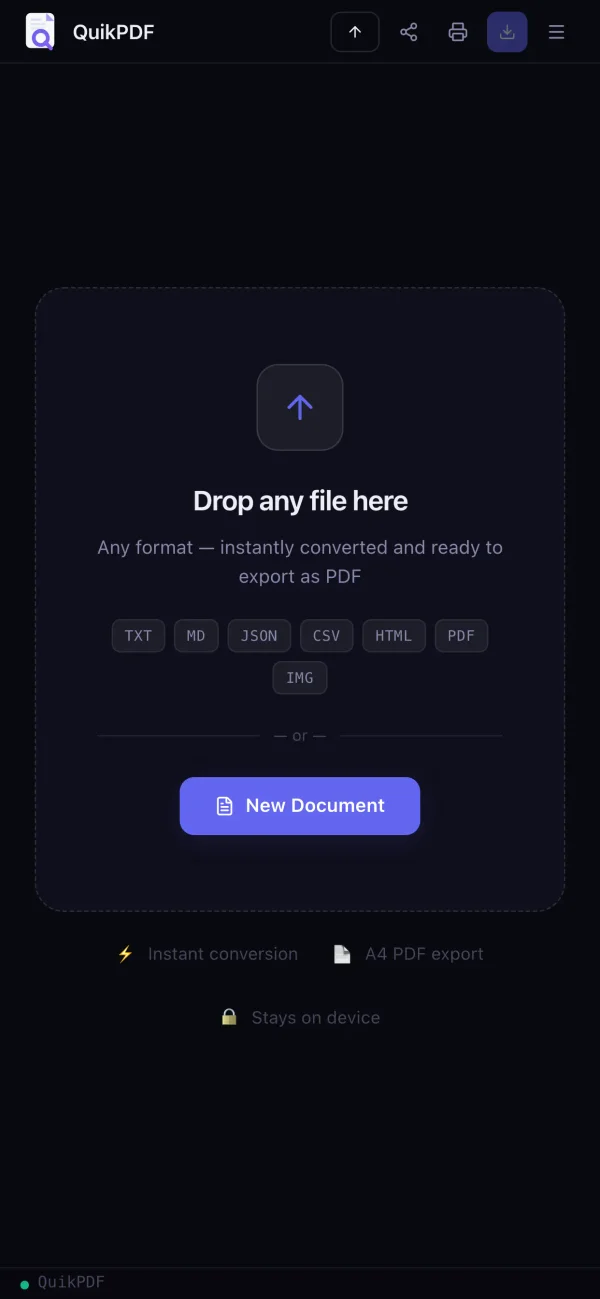
• Import text, Markdown, JSON, CSV, HTML, images, and existing PDFs — every PDF page comes in, in order
• Draw your signature once and add it to any document
• Export sharp PDFs with real, selectable text in A4, Letter, or Legal size
UNIVERSAL IMPORT
• CSV → styled table with headers
• JSON → formatted code block
• Text and Markdown → editable text
• HTML → formatted content
• Images → from your photo library, the camera, or Files
• PDF → every page added to your document, ready to type around
PROFESSIONAL PDF EXPORT
Text stays crisp and selectable, and long documents break cleanly between lines. Share your PDF to Mail, Messages, AirDrop, or any app, or save it straight to the Files app.
YOUR DOCUMENTS, ON YOUR DEVICE
Documents save automatically as you type and appear in the Files app under QuikPDF Pro. Signatures you draw stay on your device.
PRIVACY FIRST
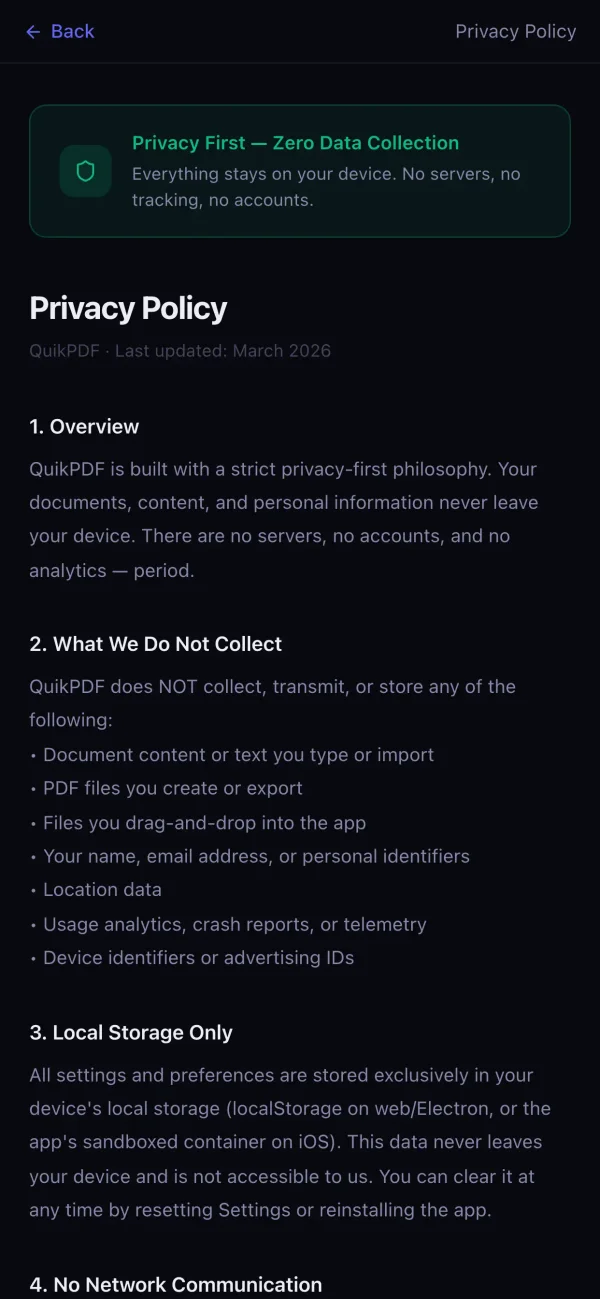
QuikPDF Pro collects zero data. No analytics, no tracking, no servers. Everything happens on your device, and no internet connection is required.
SETTINGS & CUSTOMIZATION
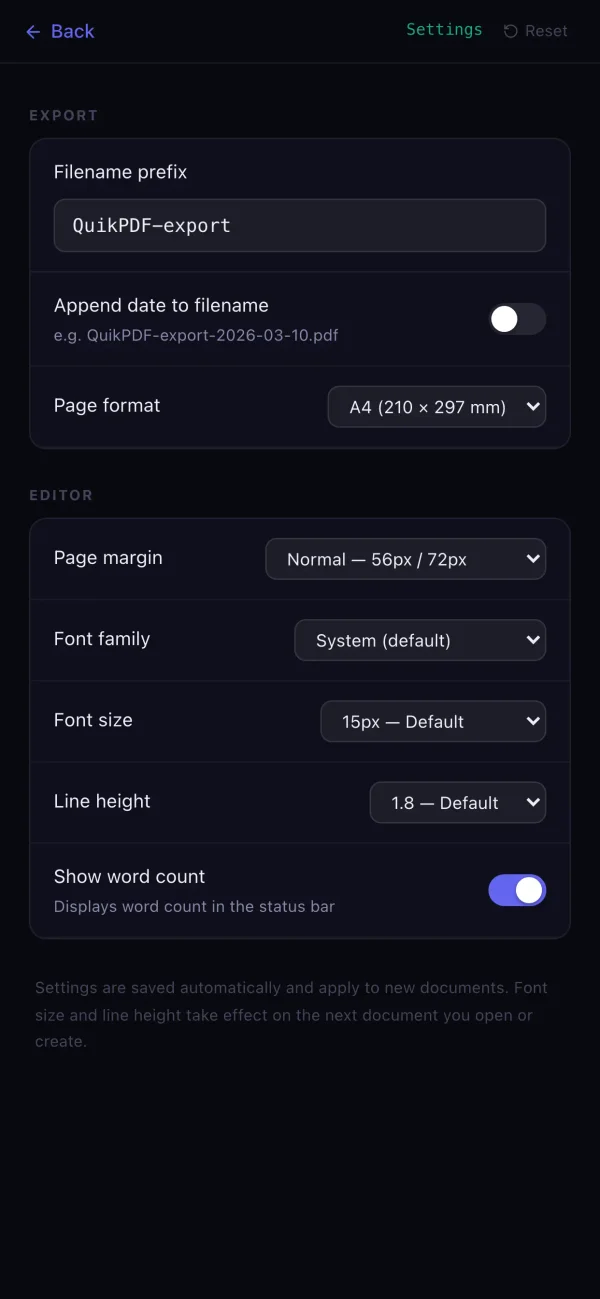
• Choose from 5 page margin presets (None to Extra Wide)
• Pick your editor font, size, and line spacing
• Set a filename prefix with an optional date stamp
QuikPDF Pro works on all iPhone and iPad screen sizes.
Yenilikler
Sürüm 2.1.0 · 23.10.2026
• PDFs now keep real text, so it stays sharp, selectable and searchable
• Import every page of a PDF, not just the first
• Draw your signature once and add it to any document
• Your documents are saved as files and appear in the Files app
• Simpler Home: New Doc, Import, Signature and Templates
Uygulama gizliliği
Bu uygulamanın verileri nasıl işlediği hakkında Souriya Vongchanh tarafından App Store üzerinde yapılan beyan.
-
Veri toplanmıyor
Geliştirici bu uygulamadan hiçbir veri toplamıyor.
Gizlilik uygulamaları, örneğin kullandığınız özelliklere veya yaşınıza göre değişiklik gösterebilir.
Bilgiler
- Satıcı
- Souriya Vongchanh
- Kategori
- Üretkenlik
- Sürüm
- 2.1.0
- Güncellendi
- 23.10.2026
- Yayın tarihi
- 19.03.2026
- Boyut
- 5,1 MB
- Gereksinim
- iOS 15.0 veya sonrası
- Yaş sınırı
- 4+
- Fiyat
- Ücretsiz
- Diller
- İngilizce
- Telif hakkı
- © 2026 Souriya Bobby Vongchanh
Bunları da beğenebilirsiniz
-
 SumDoc — DOCX Document EditorÜretkenlik
-
 Open Chat InferenceÜretkenlik
-
 SomenotesÜretkenlik
-
 Local LLM runnerÜretkenlik
-
 SoftExpert DocumentÜretkenlik
-
 MobileSafe: Malware ProtectionÜretkenlik
-
 PDF CabinetÜretkenlik
-
 PebblebeeÜretkenlik
-
 PDF Editor - Edit PDF & SignÜretkenlik
-
 Zoho Writer - Document EditorEasy to use word processing