
QuikPDF Pro
Create & Export PDFs Instantly
Designed for iPhone, iPad, iPod touch
Free
- Age rating4+
- CategoryProductivity
- DeveloperSouriya Vongchanh
- LanguagesEnglish
- Size5.1 MB
Links to the official App Store page
Download.org hosts no file of QuikPDF Pro. The button opens its official App Store page, published by Souriya Vongchanh. Listing last checked on Nov 16, 2026.
Screenshots



About
QuikPDF Pro is the fastest way to create, format, and export professional PDF documents on your iPhone or iPad — no account, no cloud, no subscription required.
WHAT YOU CAN DO
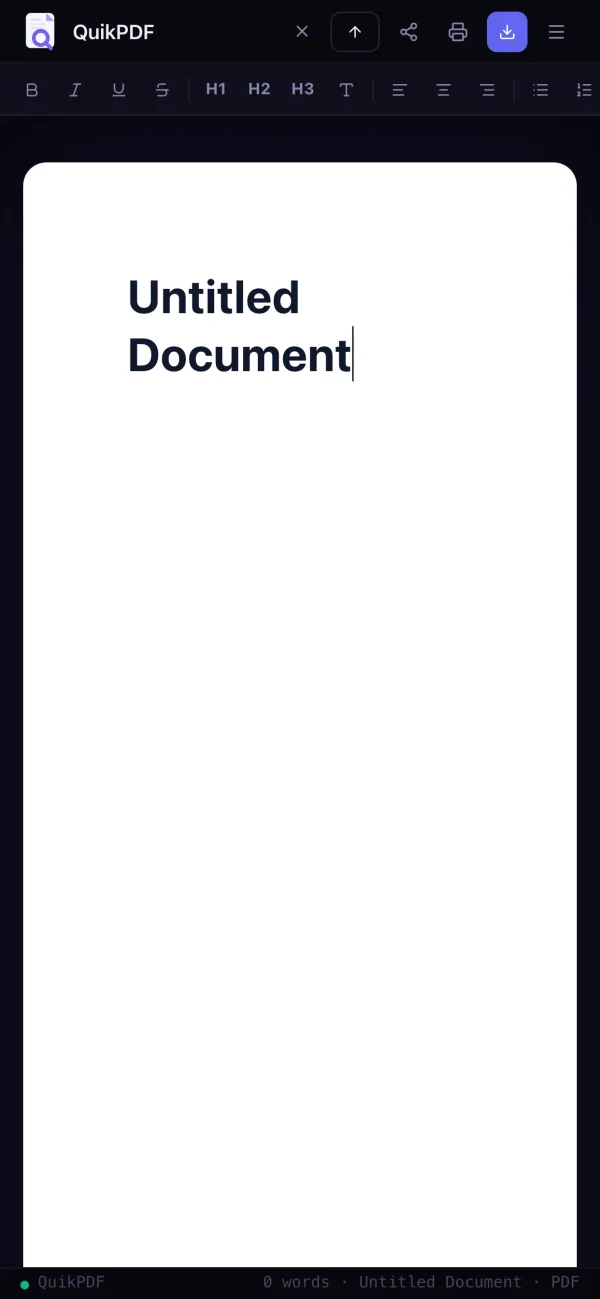
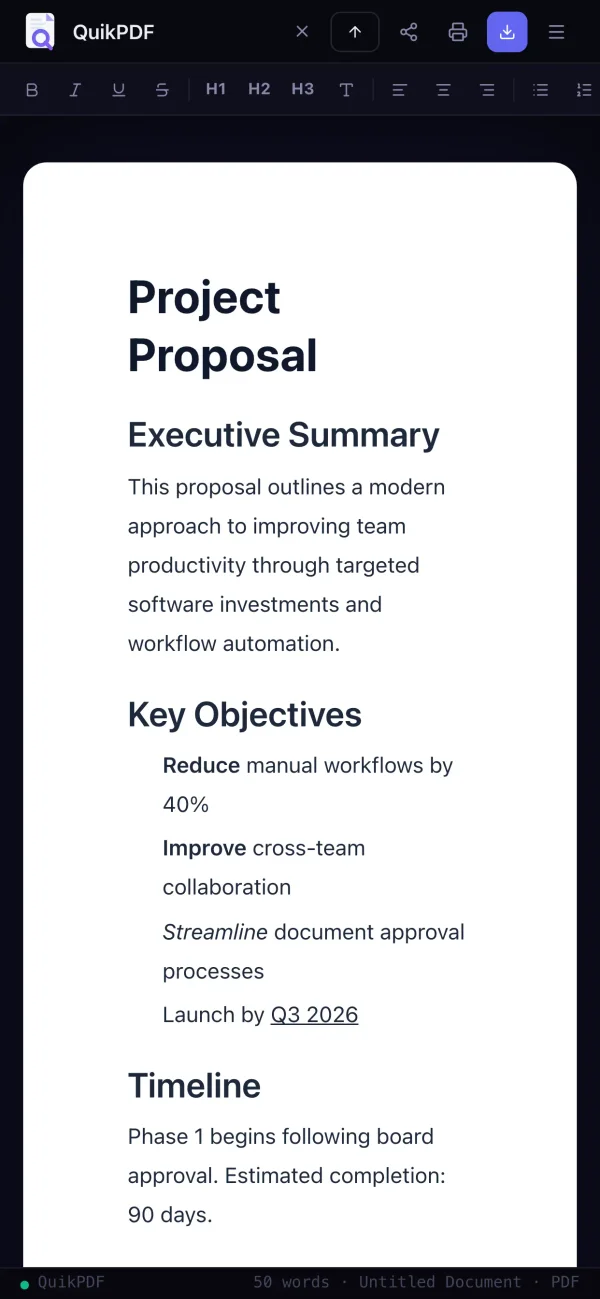
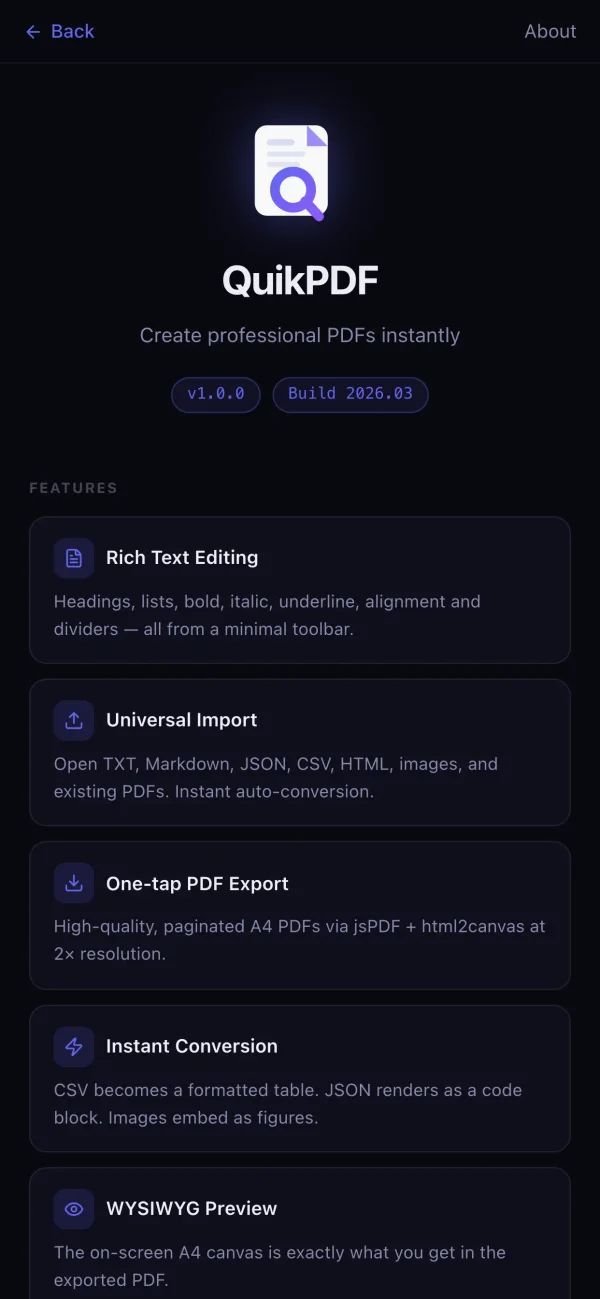
• Write rich documents with headings (H1–H3), bold, italic, underline, lists, and dividers
• Start from a template: invoice, formal letter, meeting notes, or a blank page
• Import text, Markdown, JSON, CSV, HTML, images, and existing PDFs — every PDF page comes in, in order
• Draw your signature once and add it to any document
• Export sharp PDFs with real, selectable text in A4, Letter, or Legal size
UNIVERSAL IMPORT
• CSV → styled table with headers
• JSON → formatted code block
• Text and Markdown → editable text
• HTML → formatted content
• Images → from your photo library, the camera, or Files
• PDF → every page added to your document, ready to type around
PROFESSIONAL PDF EXPORT
Text stays crisp and selectable, and long documents break cleanly between lines. Share your PDF to Mail, Messages, AirDrop, or any app, or save it straight to the Files app.
YOUR DOCUMENTS, ON YOUR DEVICE
Documents save automatically as you type and appear in the Files app under QuikPDF Pro. Signatures you draw stay on your device.
PRIVACY FIRST
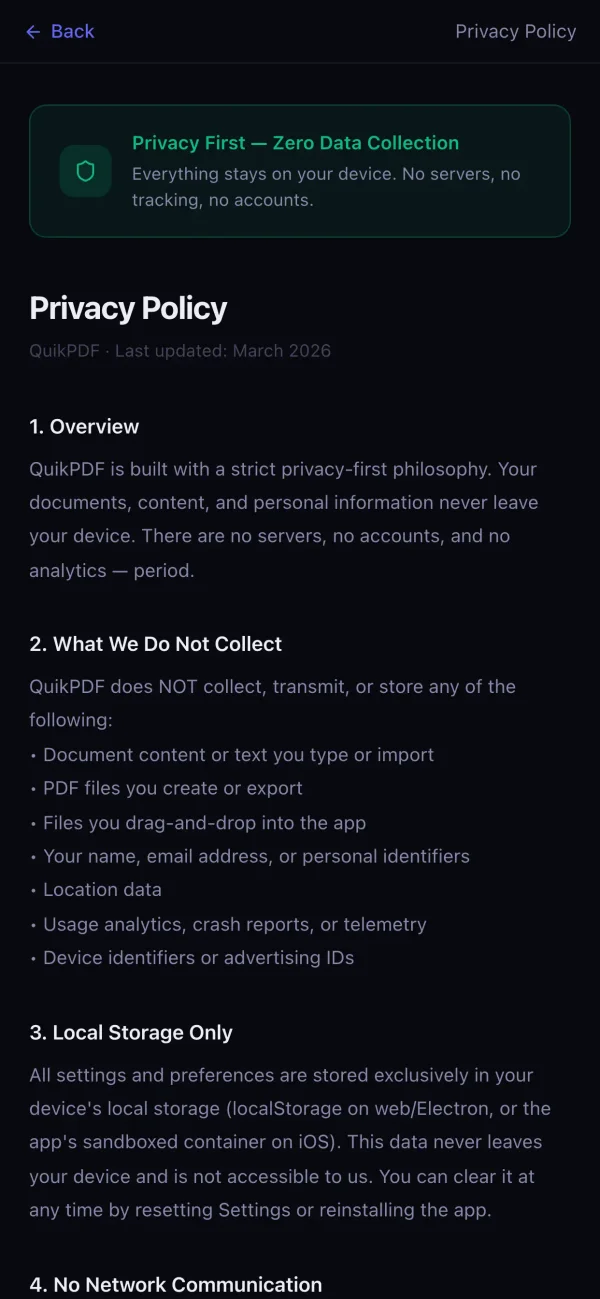
QuikPDF Pro collects zero data. No analytics, no tracking, no servers. Everything happens on your device, and no internet connection is required.
SETTINGS & CUSTOMIZATION
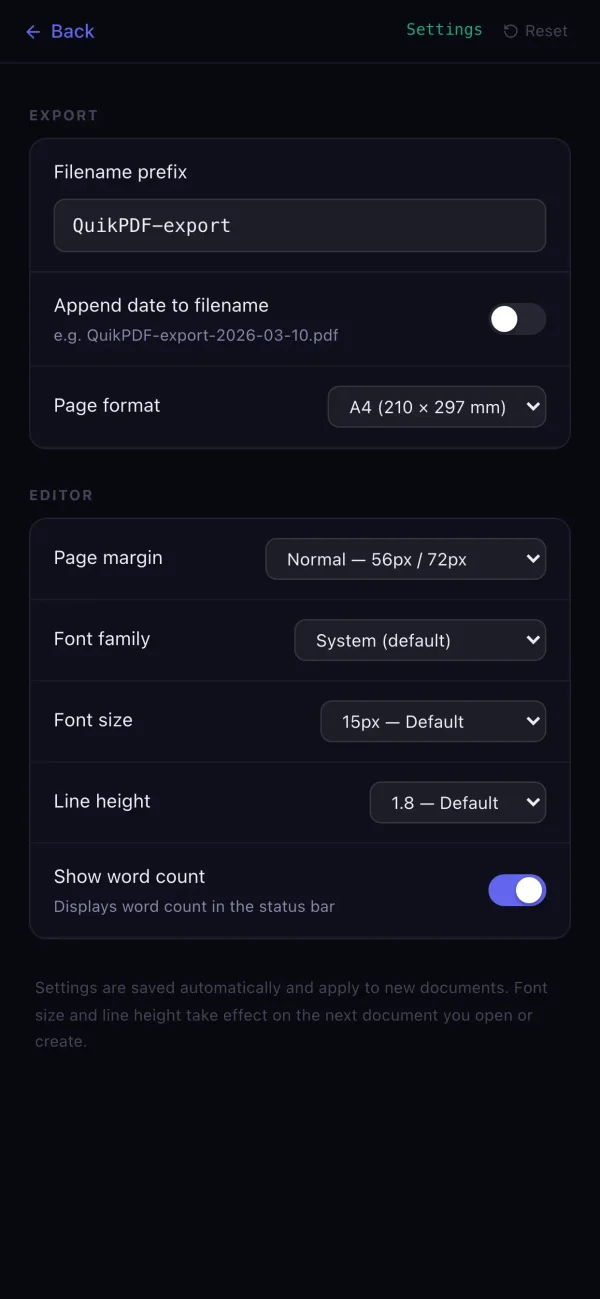
• Choose from 5 page margin presets (None to Extra Wide)
• Pick your editor font, size, and line spacing
• Set a filename prefix with an optional date stamp
QuikPDF Pro works on all iPhone and iPad screen sizes.
What’s new
Version 2.1.0 · Oct 23, 2026
• PDFs now keep real text, so it stays sharp, selectable and searchable
• Import every page of a PDF, not just the first
• Draw your signature once and add it to any document
• Your documents are saved as files and appear in the Files app
• Simpler Home: New Doc, Import, Signature and Templates
App privacy
What Souriya Vongchanh declares on the App Store about how this app handles data.
-
Data not collected
The developer does not collect any data from this app.
Privacy practices may vary, for example with the features you use or your age.
Information
- Seller
- Souriya Vongchanh
- Category
- Productivity
- Version
- 2.1.0
- Updated
- Oct 23, 2026
- Released
- Mar 19, 2026
- Size
- 5.1 MB
- Requires
- iOS 15.0 or later
- Age rating
- 4+
- Price
- Free
- Languages
- English
- Copyright
- © 2026 Souriya Bobby Vongchanh
You might also like
-
 SumDoc — DOCX Document EditorOpen and edit Word documents
-
 Open Chat InferenceAI Client for Any Provider
-
 SomenotesSomenotes
-
 Local LLM runnerOn-device AI chat, no network
-
 SoftExpert DocumentView your documents
-
 MobileSafe: Malware ProtectionVirus Scan & Hacker Protection
-
 PDF CabinetRead, Annotate, Collaborate
-
 PebblebeeTrack What Matters Most
-
 PDF Editor - Edit PDF & SignAdvanced PDF Converter
-
 Zoho Writer - Document EditorEasy to use word processing