- Altersfreigabe4+
- KategorieWirtschaft
- EntwicklerNorming Software
- SprachenEnglisch+ 4 weitere
- Größe24,7 MB
Verlinkt auf die offizielle App Store-Seite
Download.org hostet keine Datei von RM ePortal. Die Schaltfläche öffnet die App-Seite bei App Store, wo Norming Software die App veröffentlicht. Eintrag zuletzt geprüft am 24.11.2026.
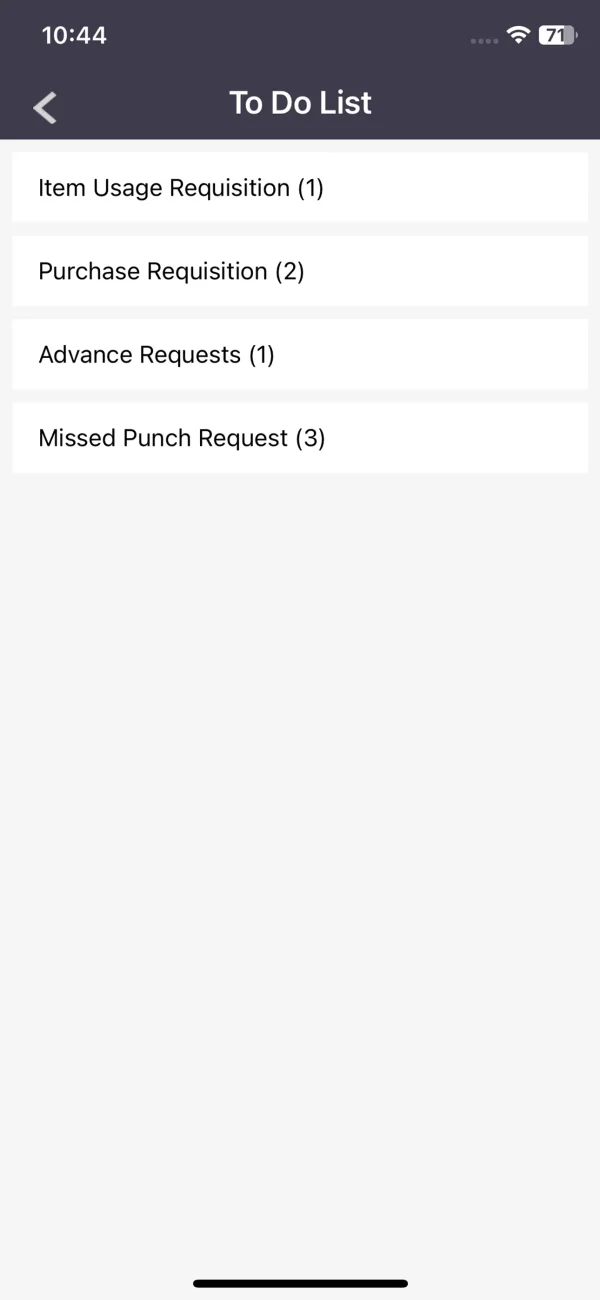
Screenshots

Info
Der Entwickler hat diesen Text nicht in Ihrer Sprache bereitgestellt.
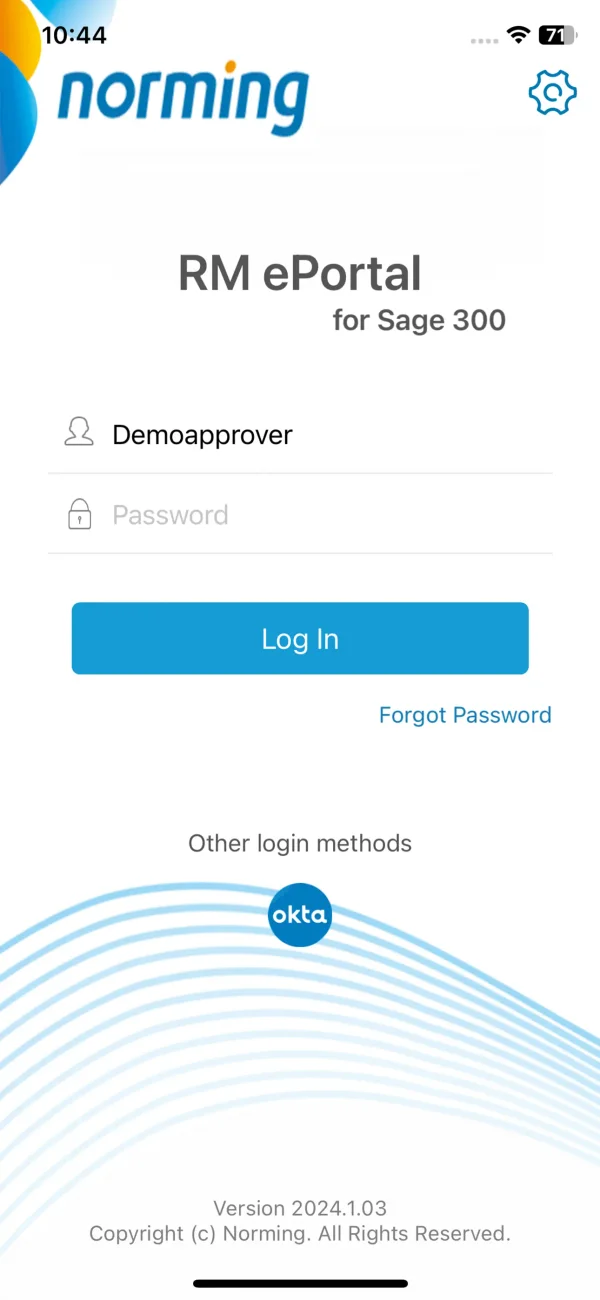
Fully Integrated with Sage 300, RM ePortal for Sage 300 is an easy and user-friendly APP that enables employees to track time usage and expense against projects. Leave requests can be also raised by employees with the app.
Time entry, expense report and leave request can be submitted to specified managers for approvals, and the approved time entry and expense report can be posted to Sage 300 modules.
***Integration with Sage 300 ***
1. Fully based on the Sage 300 database.
2. Time usage and expense can be entered against PJC Contracts and Projects.
3. Expense entry can be posted to A/P Invoices and PJC Timecards.
4. Timesheet entry can be posted to Payroll Timecard and PJC Timecard.
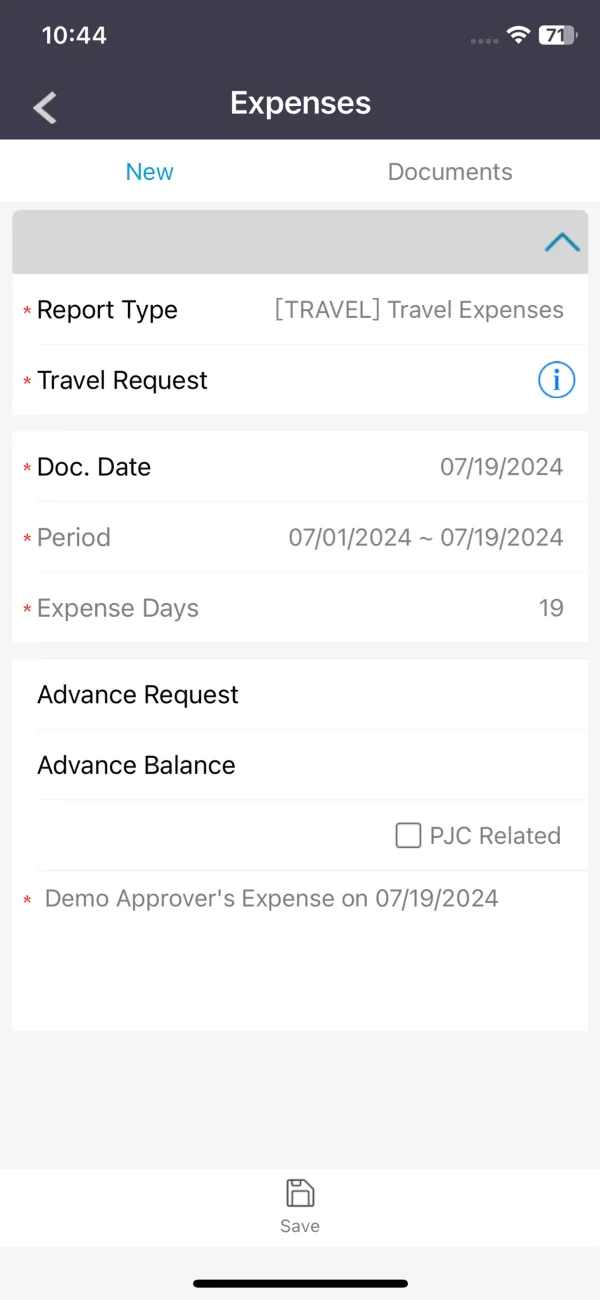
***Expenses Tracking***
1. Allowed expense types are limited per employee.
2. Expense entry is always populated with default contract and project.
3. A photo can be taken and then attached to the expense entry.
4. Submission of expense entries could initiate an approval workflow.
5. Expense comments can be entered and submitted to managers.
6. Expense history inquiry is available.
***Time Tracking***
1. Time entry is always populated with default contract and project.
2. Standard time entry lets employees enter total worked hours against projects.
3. In/Out time entry lets employees punch in/out.
4. A photo can be taken and then attached to the time entry.
5. Time usage comments can be entered and submitted to managers.
6. Submission of time entry could initiate an approval workflow.
7. Time usage history inquiry is available.
***Leave Tracking***
1. Allowed leave types are limited per employee.
2. Available Days of each leave type is always displayed.
3. Leave period and time must be specified for a leave request.
4. A photo can be taken and then attached to a leave request.
5. Leave comments can be entered and submitted to managers.
6. Submission of leave request could initiate an approval workflow.
7. Leave history inquiry is available.
Neue Funktionen
Version 2026.0.04 · 23.11.2026
1. Fix known issues.
App-Datenschutz
Was Norming Software im App Store zum Umgang dieser App mit Daten angibt.
-
Keine Daten erfasst
Der Entwickler erfasst keine Daten von dieser App.
Die Datenschutzpraktiken können variieren, zum Beispiel je nach den von Ihnen verwendeten Funktionen oder Ihrem Alter.
Informationen
- Anbieter
- Norming Software (Shanghai) Co., Ltd.
- Kategorie
- Wirtschaft
- Version
- 2026.0.04
- Aktualisiert
- 23.11.2026
- Veröffentlicht
- 15.07.2015
- Größe
- 24,7 MB
- Erfordert
- iOS 15.0 oder neuer
- Altersfreigabe
- 4+
- Preis
- Kostenlos
- Sprachen
- Englisch, Französisch, Vereinf. Chinesisch, Spanisch, Tradit. Chinesisch
- Copyright
- © Copyright 2017 Norming Software International Ltd. All Rights Reserved.