- Yaş sınırı4+
- Kategoriİş
- GeliştiriciNorming Software
- Dillerİngilizce+ 4 dil daha
- Boyut24,7 MB
Resmi App Store sayfasına bağlanır
Download.org, RM ePortal için hiçbir dosya barındırmaz. Düğme, uygulamanın App Store üzerindeki sayfasını açar; uygulamayı orada Norming Software yayınlar. Sayfanın son kontrolü: 24.11.2026.
Ekran görüntüleri


Hakkında
Geliştirici bu metni dilinizde sunmamış.
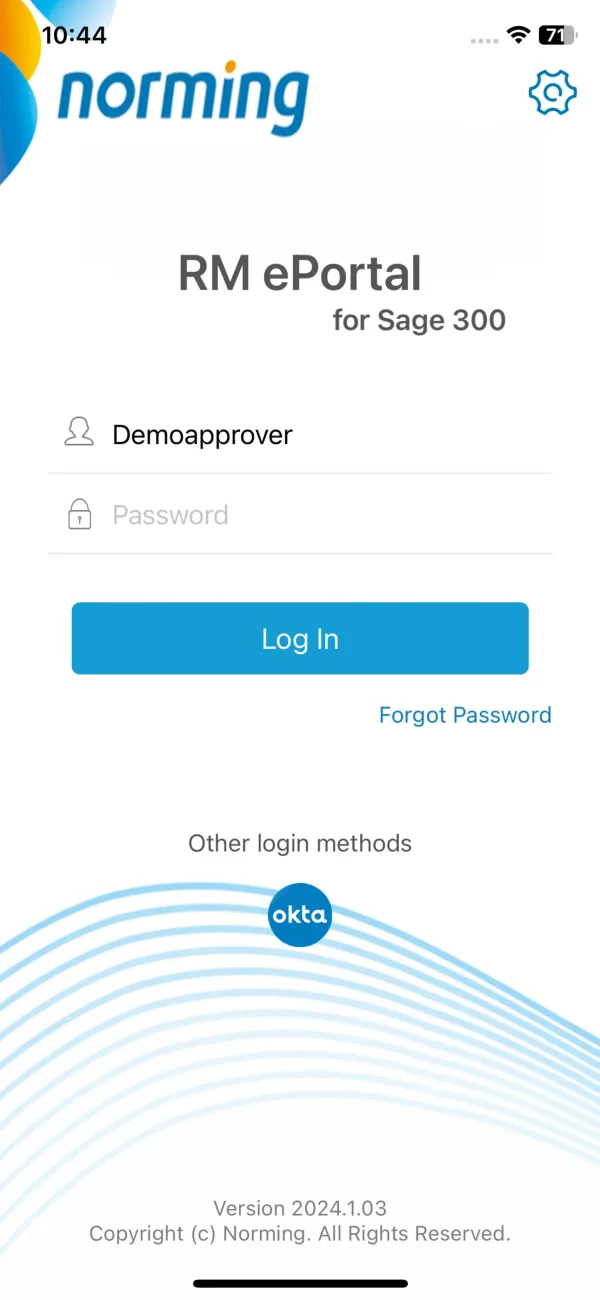
Fully Integrated with Sage 300, RM ePortal for Sage 300 is an easy and user-friendly APP that enables employees to track time usage and expense against projects. Leave requests can be also raised by employees with the app.
Time entry, expense report and leave request can be submitted to specified managers for approvals, and the approved time entry and expense report can be posted to Sage 300 modules.
***Integration with Sage 300 ***
1. Fully based on the Sage 300 database.
2. Time usage and expense can be entered against PJC Contracts and Projects.
3. Expense entry can be posted to A/P Invoices and PJC Timecards.
4. Timesheet entry can be posted to Payroll Timecard and PJC Timecard.
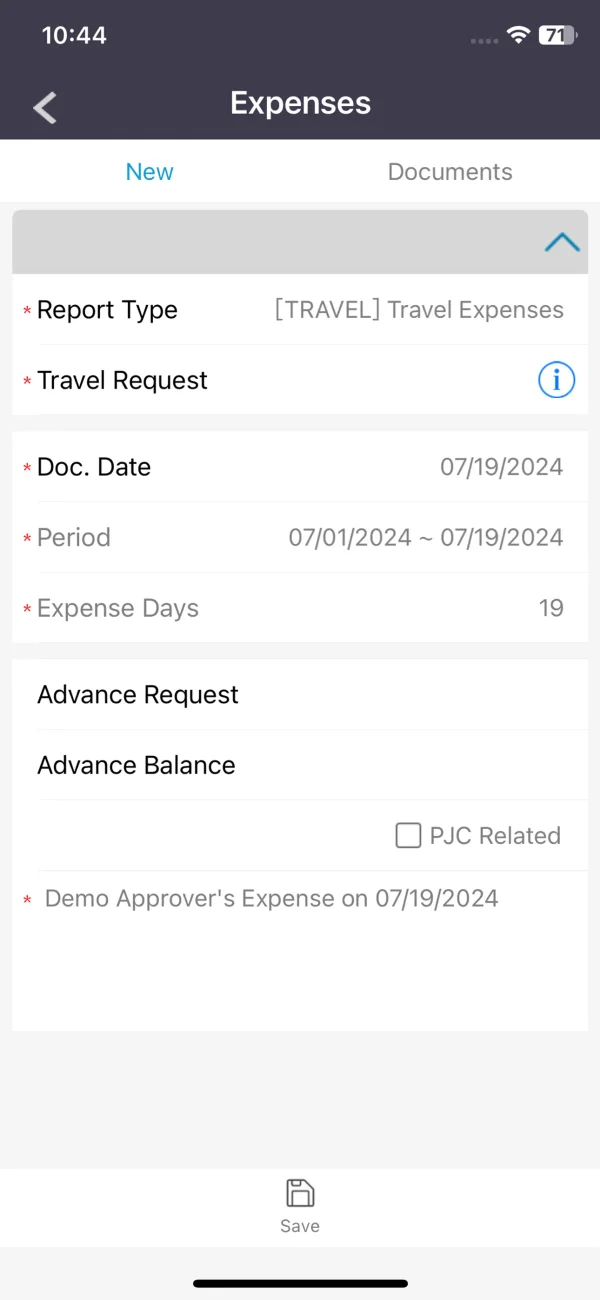
***Expenses Tracking***
1. Allowed expense types are limited per employee.
2. Expense entry is always populated with default contract and project.
3. A photo can be taken and then attached to the expense entry.
4. Submission of expense entries could initiate an approval workflow.
5. Expense comments can be entered and submitted to managers.
6. Expense history inquiry is available.
***Time Tracking***
1. Time entry is always populated with default contract and project.
2. Standard time entry lets employees enter total worked hours against projects.
3. In/Out time entry lets employees punch in/out.
4. A photo can be taken and then attached to the time entry.
5. Time usage comments can be entered and submitted to managers.
6. Submission of time entry could initiate an approval workflow.
7. Time usage history inquiry is available.
***Leave Tracking***
1. Allowed leave types are limited per employee.
2. Available Days of each leave type is always displayed.
3. Leave period and time must be specified for a leave request.
4. A photo can be taken and then attached to a leave request.
5. Leave comments can be entered and submitted to managers.
6. Submission of leave request could initiate an approval workflow.
7. Leave history inquiry is available.
Yenilikler
Sürüm 2026.0.04 · 23.11.2026
1. Fix known issues.
Uygulama gizliliği
Bu uygulamanın verileri nasıl işlediği hakkında Norming Software tarafından App Store üzerinde yapılan beyan.
-
Veri toplanmıyor
Geliştirici bu uygulamadan hiçbir veri toplamıyor.
Gizlilik uygulamaları, örneğin kullandığınız özelliklere veya yaşınıza göre değişiklik gösterebilir.
Bilgiler
- Satıcı
- Norming Software (Shanghai) Co., Ltd.
- Kategori
- İş
- Sürüm
- 2026.0.04
- Güncellendi
- 23.11.2026
- Yayın tarihi
- 15.07.2015
- Boyut
- 24,7 MB
- Gereksinim
- iOS 15.0 veya sonrası
- Yaş sınırı
- 4+
- Fiyat
- Ücretsiz
- Diller
- İngilizce, Fransızca, Basitleştirilmiş Çince, İspanyolca, Geleneksel Çince
- Telif hakkı
- © Copyright 2017 Norming Software International Ltd. All Rights Reserved.