
- Clasificación por edad4+
- CategoríaEconomía y empresa
- DesarrolladorNorming Software
- IdiomasInglés+ 4 más
- Tamaño24,7 MB
Enlaza a la página oficial de App Store
Download.org no aloja ningún archivo de RM ePortal. El botón abre la página de la aplicación en App Store, donde la publica Norming Software. Ficha comprobada por última vez el 24/11/2026.
Capturas de pantalla


Acerca de
El desarrollador no ha proporcionado este texto en tu idioma.
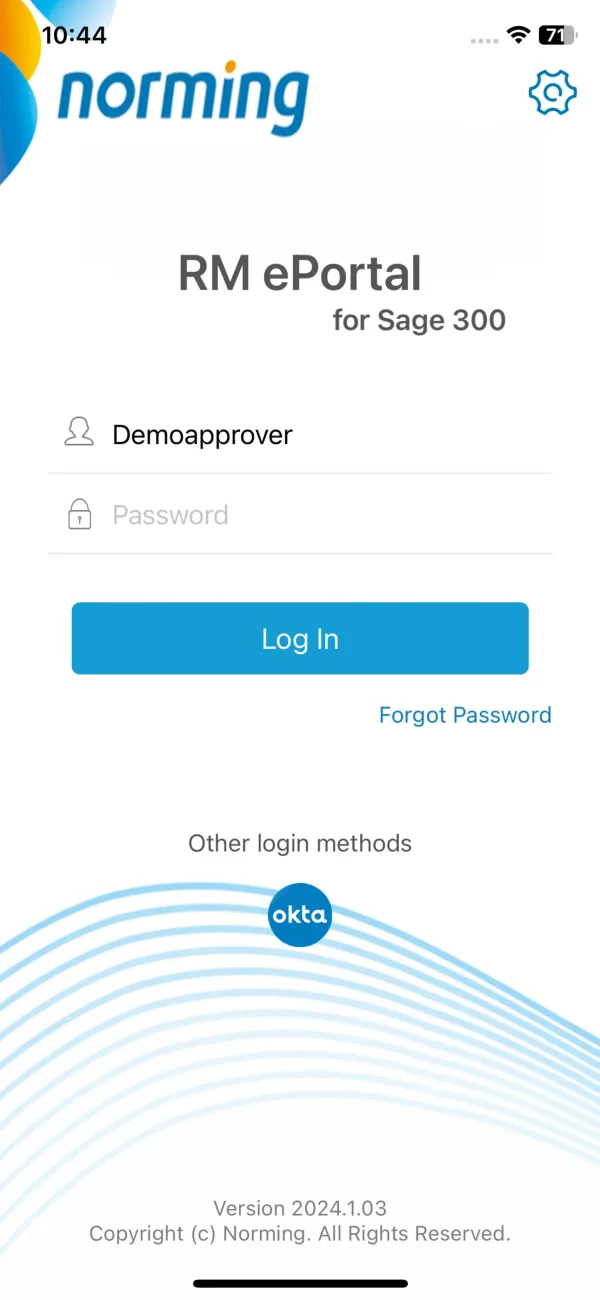
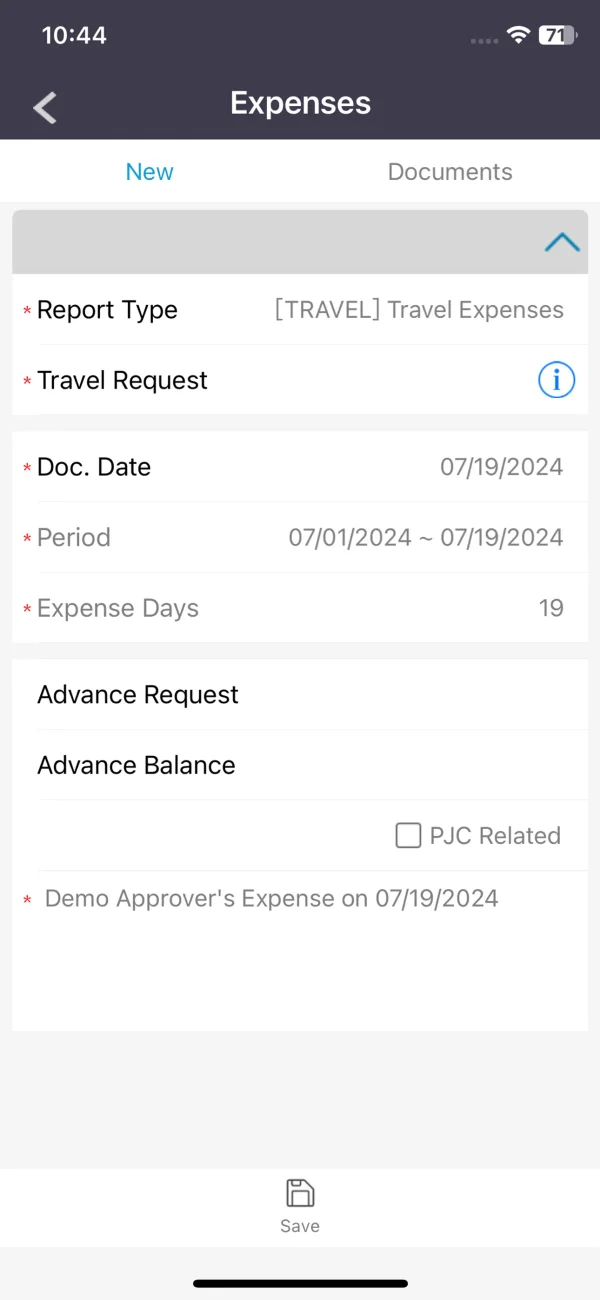
Fully Integrated with Sage 300, RM ePortal for Sage 300 is an easy and user-friendly APP that enables employees to track time usage and expense against projects. Leave requests can be also raised by employees with the app.
Time entry, expense report and leave request can be submitted to specified managers for approvals, and the approved time entry and expense report can be posted to Sage 300 modules.
***Integration with Sage 300 ***
1. Fully based on the Sage 300 database.
2. Time usage and expense can be entered against PJC Contracts and Projects.
3. Expense entry can be posted to A/P Invoices and PJC Timecards.
4. Timesheet entry can be posted to Payroll Timecard and PJC Timecard.
***Expenses Tracking***
1. Allowed expense types are limited per employee.
2. Expense entry is always populated with default contract and project.
3. A photo can be taken and then attached to the expense entry.
4. Submission of expense entries could initiate an approval workflow.
5. Expense comments can be entered and submitted to managers.
6. Expense history inquiry is available.
***Time Tracking***
1. Time entry is always populated with default contract and project.
2. Standard time entry lets employees enter total worked hours against projects.
3. In/Out time entry lets employees punch in/out.
4. A photo can be taken and then attached to the time entry.
5. Time usage comments can be entered and submitted to managers.
6. Submission of time entry could initiate an approval workflow.
7. Time usage history inquiry is available.
***Leave Tracking***
1. Allowed leave types are limited per employee.
2. Available Days of each leave type is always displayed.
3. Leave period and time must be specified for a leave request.
4. A photo can be taken and then attached to a leave request.
5. Leave comments can be entered and submitted to managers.
6. Submission of leave request could initiate an approval workflow.
7. Leave history inquiry is available.
Novedades
Versión 2026.0.04 · 23/11/2026
1. Fix known issues.
Privacidad de la aplicación
Lo que Norming Software declara en App Store sobre cómo esta aplicación gestiona los datos.
-
No se recopilan datos
El desarrollador no recopila ningún dato de esta aplicación.
Las prácticas de privacidad pueden variar, por ejemplo, según las funciones que uses o tu edad.
Información
- Vendedor
- Norming Software (Shanghai) Co., Ltd.
- Categoría
- Economía y empresa
- Versión
- 2026.0.04
- Actualizado
- 23/11/2026
- Publicado
- 15/7/2015
- Tamaño
- 24,7 MB
- Requiere
- iOS 15.0 o posterior
- Clasificación por edad
- 4+
- Precio
- Gratis
- Idiomas
- Inglés, Francés, Chino simplificado, Español, Chino tradicional
- Copyright
- © Copyright 2017 Norming Software International Ltd. All Rights Reserved.
Quizá también te guste
-
 MTFS InsightEconomía y empresa
-
 Simple In/OutControl exacto entrada/salida
-
 EHS InsightEconomía y empresa
-
 Spend Clarity EnterpriseFinanzas
-
 SonicWall Mobile ConnectEconomía y empresa
-
 TOTVS Mi RRHHEconomía y empresa
-
 Sage HR (New)Economía y empresa
-
 Stinker StoresEconomía y empresa
-
 my-benefitsFinanzas
-
 BambooHREconomía y empresa