
- Classification d’âge4+
- CatégorieÉconomie et entreprise
- DéveloppeurNorming Software
- LanguesAnglais+ 4 de plus
- Taille24,7 Mo
Renvoie vers la page App Store officielle
Download.org n’héberge aucun fichier de RM ePortal. Le bouton ouvre la page de l’application sur App Store, où Norming Software la publie. Fiche vérifiée pour la dernière fois le 24/11/2026.
Captures d’écran


À propos
Le développeur n’a pas fourni ce texte dans votre langue.
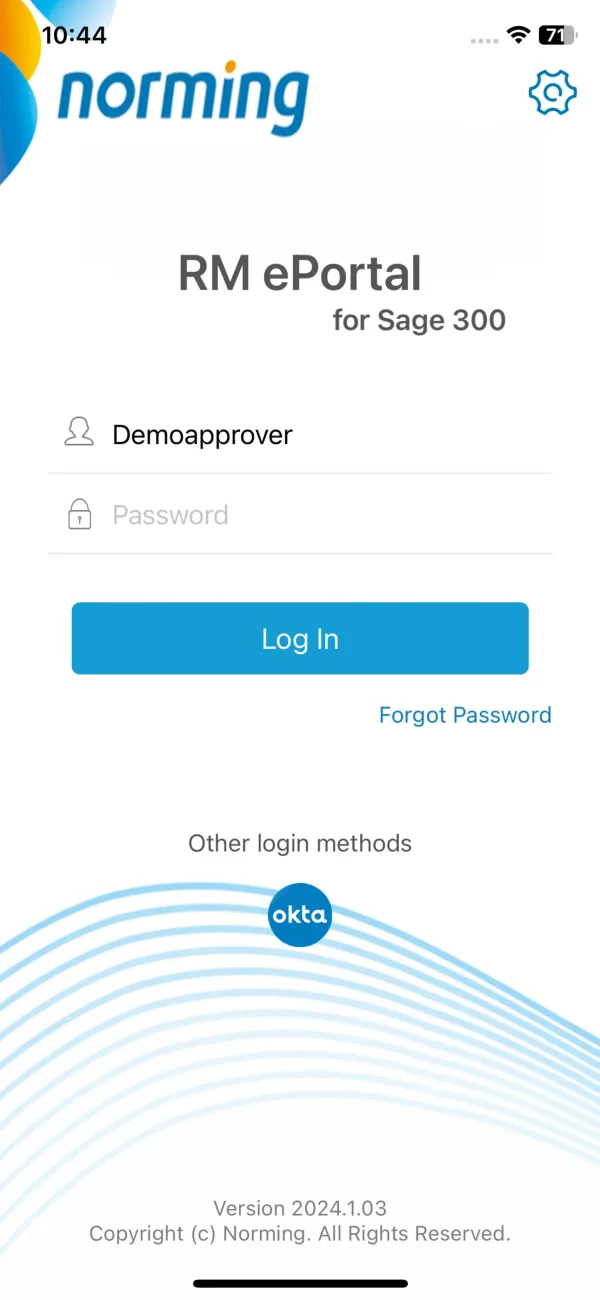
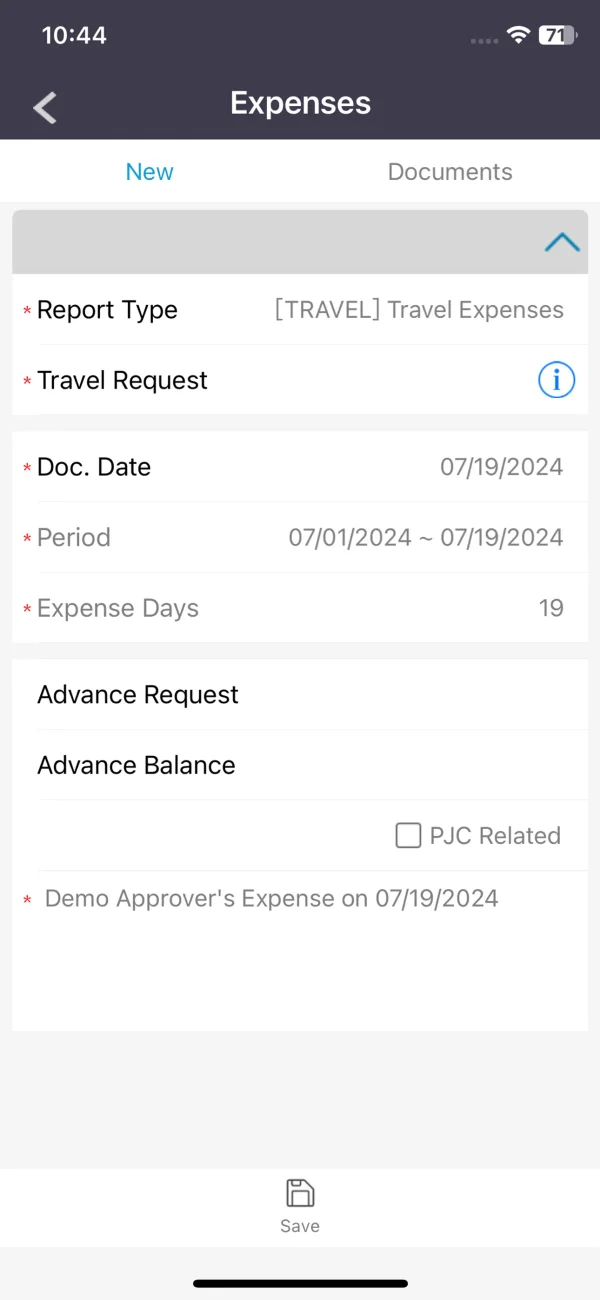
Fully Integrated with Sage 300, RM ePortal for Sage 300 is an easy and user-friendly APP that enables employees to track time usage and expense against projects. Leave requests can be also raised by employees with the app.
Time entry, expense report and leave request can be submitted to specified managers for approvals, and the approved time entry and expense report can be posted to Sage 300 modules.
***Integration with Sage 300 ***
1. Fully based on the Sage 300 database.
2. Time usage and expense can be entered against PJC Contracts and Projects.
3. Expense entry can be posted to A/P Invoices and PJC Timecards.
4. Timesheet entry can be posted to Payroll Timecard and PJC Timecard.
***Expenses Tracking***
1. Allowed expense types are limited per employee.
2. Expense entry is always populated with default contract and project.
3. A photo can be taken and then attached to the expense entry.
4. Submission of expense entries could initiate an approval workflow.
5. Expense comments can be entered and submitted to managers.
6. Expense history inquiry is available.
***Time Tracking***
1. Time entry is always populated with default contract and project.
2. Standard time entry lets employees enter total worked hours against projects.
3. In/Out time entry lets employees punch in/out.
4. A photo can be taken and then attached to the time entry.
5. Time usage comments can be entered and submitted to managers.
6. Submission of time entry could initiate an approval workflow.
7. Time usage history inquiry is available.
***Leave Tracking***
1. Allowed leave types are limited per employee.
2. Available Days of each leave type is always displayed.
3. Leave period and time must be specified for a leave request.
4. A photo can be taken and then attached to a leave request.
5. Leave comments can be entered and submitted to managers.
6. Submission of leave request could initiate an approval workflow.
7. Leave history inquiry is available.
Nouveautés
Version 2026.0.04 · 23/11/2026
1. Fix known issues.
Confidentialité de l’application
Ce que Norming Software déclare sur l’App Store au sujet du traitement des données par cette application.
-
Données non collectées
Le développeur ne collecte aucune donnée à partir de cette application.
Les pratiques en matière de confidentialité peuvent varier, notamment en fonction des fonctionnalités que vous utilisez ou de votre âge.
Informations
- Vendeur
- Norming Software (Shanghai) Co., Ltd.
- Catégorie
- Économie et entreprise
- Version
- 2026.0.04
- Mis à jour
- 23/11/2026
- Publié
- 15/07/2015
- Taille
- 24,7 Mo
- Nécessite
- iOS 15.0 ou version ultérieure
- Classification d’âge
- 4+
- Prix
- Gratuit
- Langues
- Anglais, Français, Chinois simplifié, Espagnol, Chinois traditionnel
- Copyright
- © Copyright 2017 Norming Software International Ltd. All Rights Reserved.
Vous aimerez peut-être aussi
-
 MTFS InsightÉconomie et entreprise
-
 Simple In/OutLe tableau le plus précis
-
 EHS InsightÉconomie et entreprise
-
 Spend Clarity EnterpriseFinance
-
 SonicWall Mobile ConnectÉconomie et entreprise
-
 TOTVS My HRÉconomie et entreprise
-
 Sage HR (New)Économie et entreprise
-
 Stinker StoresÉconomie et entreprise
-
 mes-avantagesFinance
-
 BambooHRÉconomie et entreprise