- Độ tuổi4+
- Danh mụcKinh Doanh
- Nhà phát triểnNorming Software
- Ngôn ngữTiếng Anh+ 4 ngôn ngữ khác
- Kích thước24,7 MB
Liên kết đến trang App Store chính thức
Download.org không lưu trữ tệp nào của RM ePortal. Nút này mở trang ứng dụng trên App Store, nơi Norming Software phát hành ứng dụng. Trang được kiểm tra lần cuối: 24/11/2026.
Ảnh chụp màn hình


Giới thiệu
Nhà phát triển chưa cung cấp nội dung này bằng ngôn ngữ của bạn.
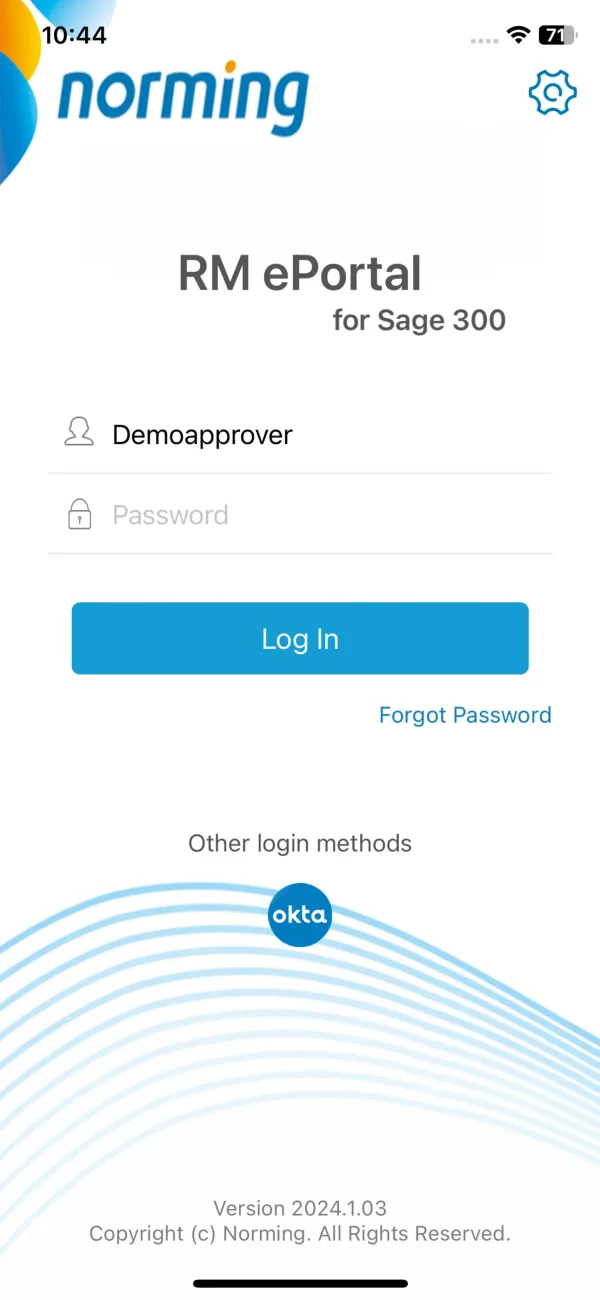
Fully Integrated with Sage 300, RM ePortal for Sage 300 is an easy and user-friendly APP that enables employees to track time usage and expense against projects. Leave requests can be also raised by employees with the app.
Time entry, expense report and leave request can be submitted to specified managers for approvals, and the approved time entry and expense report can be posted to Sage 300 modules.
***Integration with Sage 300 ***
1. Fully based on the Sage 300 database.
2. Time usage and expense can be entered against PJC Contracts and Projects.
3. Expense entry can be posted to A/P Invoices and PJC Timecards.
4. Timesheet entry can be posted to Payroll Timecard and PJC Timecard.
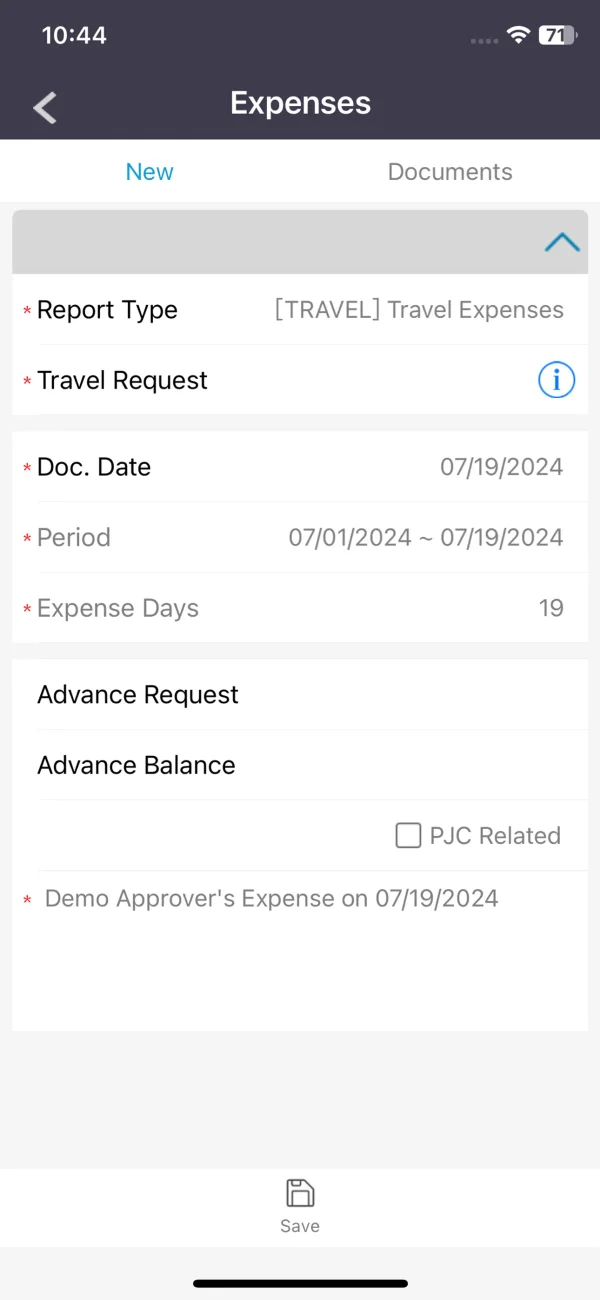
***Expenses Tracking***
1. Allowed expense types are limited per employee.
2. Expense entry is always populated with default contract and project.
3. A photo can be taken and then attached to the expense entry.
4. Submission of expense entries could initiate an approval workflow.
5. Expense comments can be entered and submitted to managers.
6. Expense history inquiry is available.
***Time Tracking***
1. Time entry is always populated with default contract and project.
2. Standard time entry lets employees enter total worked hours against projects.
3. In/Out time entry lets employees punch in/out.
4. A photo can be taken and then attached to the time entry.
5. Time usage comments can be entered and submitted to managers.
6. Submission of time entry could initiate an approval workflow.
7. Time usage history inquiry is available.
***Leave Tracking***
1. Allowed leave types are limited per employee.
2. Available Days of each leave type is always displayed.
3. Leave period and time must be specified for a leave request.
4. A photo can be taken and then attached to a leave request.
5. Leave comments can be entered and submitted to managers.
6. Submission of leave request could initiate an approval workflow.
7. Leave history inquiry is available.
Có gì mới
Phiên bản 2026.0.04 · 23/11/2026
1. Fix known issues.
Quyền riêng tư của ứng dụng
Những gì Norming Software khai báo trên App Store về cách ứng dụng này xử lý dữ liệu.
-
Dữ liệu không được thu thập
Nhà phát triển không thu thập bất kỳ dữ liệu nào từ ứng dụng này.
Phương thức đảm bảo quyền riêng tư có thể khác nhau, chẳng hạn như tuỳ theo các tính năng bạn sử dụng hoặc độ tuổi của bạn.
Thông tin
- Người bán
- Norming Software (Shanghai) Co., Ltd.
- Danh mục
- Kinh Doanh
- Phiên bản
- 2026.0.04
- Cập nhật
- 23/11/2026
- Phát hành
- 15/07/2015
- Kích thước
- 24,7 MB
- Yêu cầu
- iOS 15.0 trở lên
- Độ tuổi
- 4+
- Giá
- Miễn phí
- Ngôn ngữ
- Tiếng Anh, Tiếng Pháp, Tiếng Trung Giản thể, Tiếng Tây Ban Nha, Tiếng Trung Phồn thể
- Bản quyền
- © Copyright 2017 Norming Software International Ltd. All Rights Reserved.