
- Age rating4+
- CategoryBusiness
- DeveloperNorming Software
- LanguagesEnglish+ 4 more
- Size24.7 MB
Links to the official App Store page
Download.org hosts no file of RM ePortal. The button opens its official App Store page, published by Norming Software. Listing last checked on Nov 24, 2026.
Screenshots

About
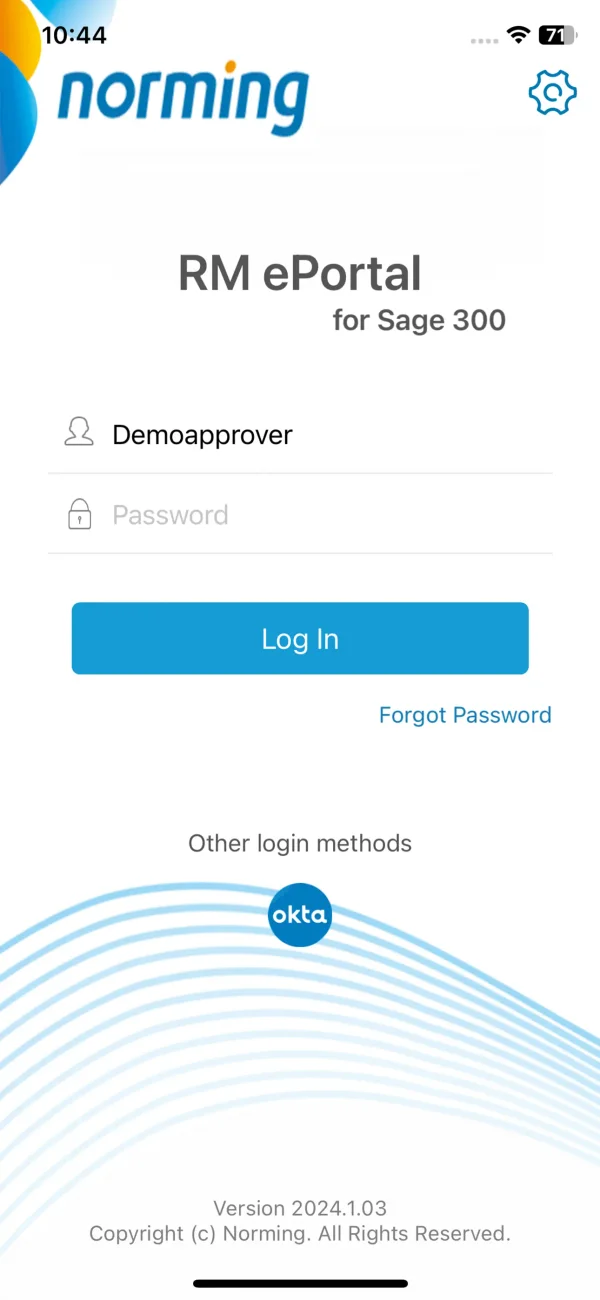
Fully Integrated with Sage 300, RM ePortal for Sage 300 is an easy and user-friendly APP that enables employees to track time usage and expense against projects. Leave requests can be also raised by employees with the app.
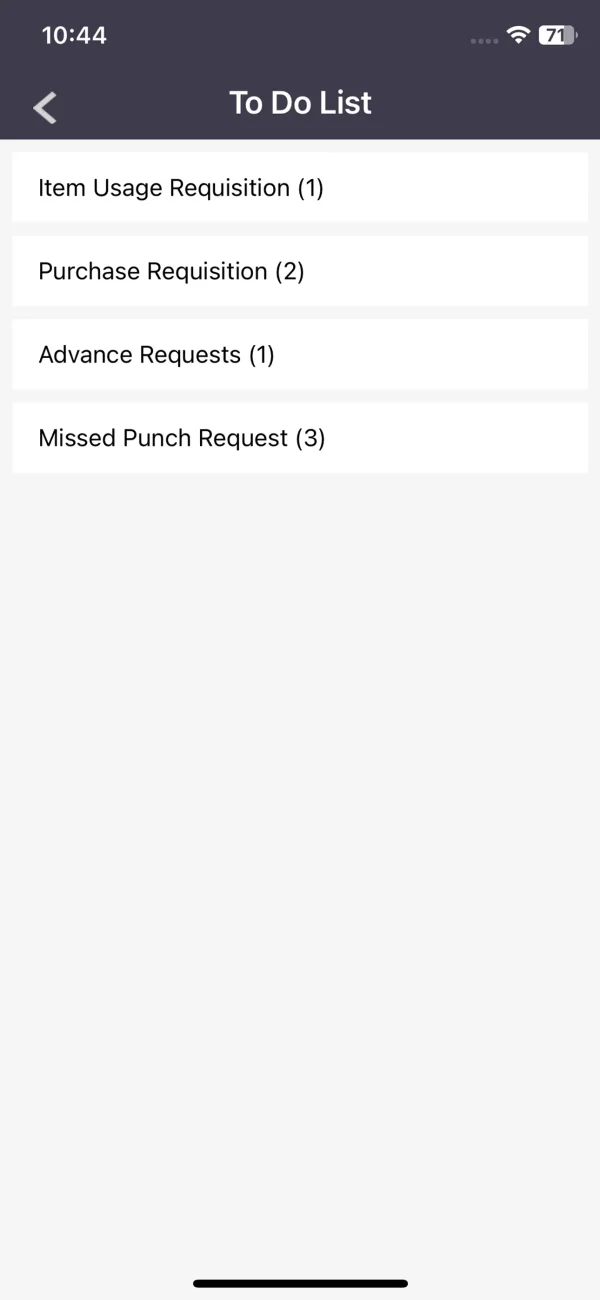
Time entry, expense report and leave request can be submitted to specified managers for approvals, and the approved time entry and expense report can be posted to Sage 300 modules.
***Integration with Sage 300 ***
1. Fully based on the Sage 300 database.
2. Time usage and expense can be entered against PJC Contracts and Projects.
3. Expense entry can be posted to A/P Invoices and PJC Timecards.
4. Timesheet entry can be posted to Payroll Timecard and PJC Timecard.
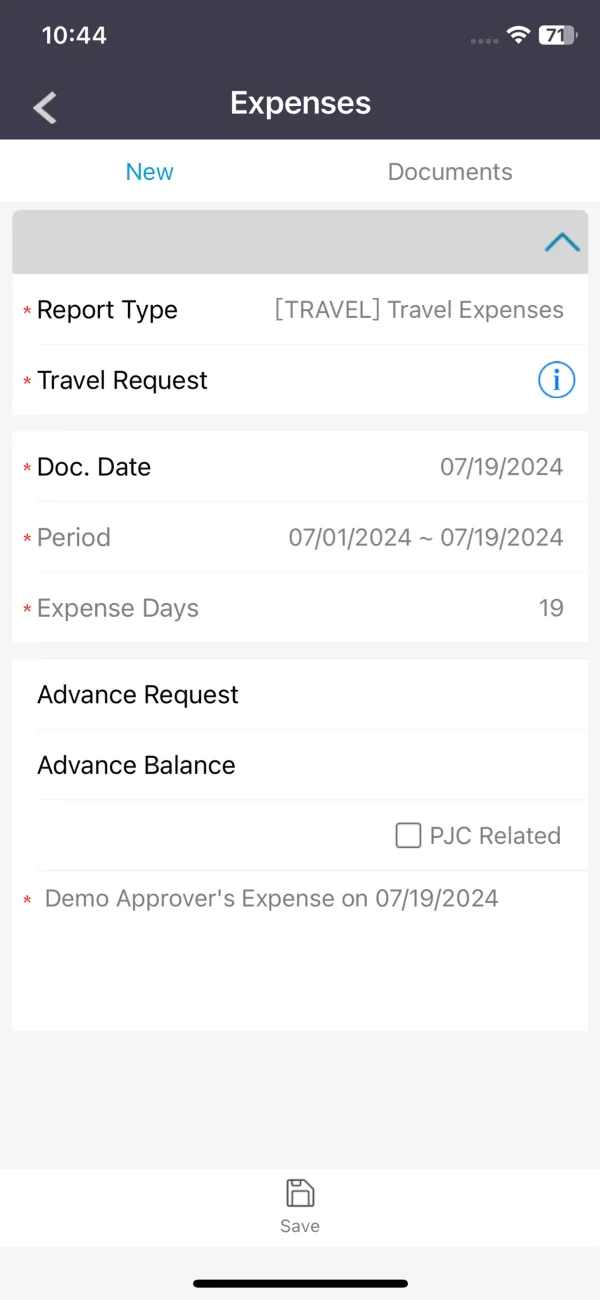
***Expenses Tracking***
1. Allowed expense types are limited per employee.
2. Expense entry is always populated with default contract and project.
3. A photo can be taken and then attached to the expense entry.
4. Submission of expense entries could initiate an approval workflow.
5. Expense comments can be entered and submitted to managers.
6. Expense history inquiry is available.
***Time Tracking***
1. Time entry is always populated with default contract and project.
2. Standard time entry lets employees enter total worked hours against projects.
3. In/Out time entry lets employees punch in/out.
4. A photo can be taken and then attached to the time entry.
5. Time usage comments can be entered and submitted to managers.
6. Submission of time entry could initiate an approval workflow.
7. Time usage history inquiry is available.
***Leave Tracking***
1. Allowed leave types are limited per employee.
2. Available Days of each leave type is always displayed.
3. Leave period and time must be specified for a leave request.
4. A photo can be taken and then attached to a leave request.
5. Leave comments can be entered and submitted to managers.
6. Submission of leave request could initiate an approval workflow.
7. Leave history inquiry is available.
What’s new
Version 2026.0.04 · Nov 23, 2026
1. Fix known issues.
App privacy
What Norming Software declares on the App Store about how this app handles data.
-
Data not collected
The developer does not collect any data from this app.
Privacy practices may vary, for example with the features you use or your age.
Information
- Seller
- Norming Software (Shanghai) Co., Ltd.
- Category
- Business
- Version
- 2026.0.04
- Updated
- Nov 23, 2026
- Released
- Jul 15, 2015
- Size
- 24.7 MB
- Requires
- iOS 15.0 or later
- Age rating
- 4+
- Price
- Free
- Languages
- English, French, Simplified Chinese, Spanish, Traditional Chinese
- Copyright
- © Copyright 2017 Norming Software International Ltd. All Rights Reserved.
You might also like
-
 MTFS InsightNDT Inspection Services
-
 Simple In/OutThe most accurate in/out board
-
 EHS InsightBusiness
-
 Spend Clarity EnterpriseVisa Spend Clarity Enterprise
-
 SonicWall Mobile ConnectSecure Mobile Access
-
 TOTVS My HRBusiness
-
 Sage HR (New)Your HR. Simplified!
-
 Stinker StoresBusiness
-
 my-benefitsFinance
-
 BambooHREasy, on-the-go access to HR