- Altersfreigabe4+
- KategorieDienstprogramme
- Entwicklerkobunachou ozawa
- SprachenEnglisch
- Größe13,5 MB
Verlinkt auf die offizielle App Store-Seite
Download.org hostet keine Datei von Routine Time Watch. Die Schaltfläche öffnet die App-Seite bei App Store, wo kobunachou ozawa die App veröffentlicht. Eintrag zuletzt geprüft am 17.11.2026.
Screenshots
Info
Der Entwickler hat diesen Text nicht in Ihrer Sprache bereitgestellt.
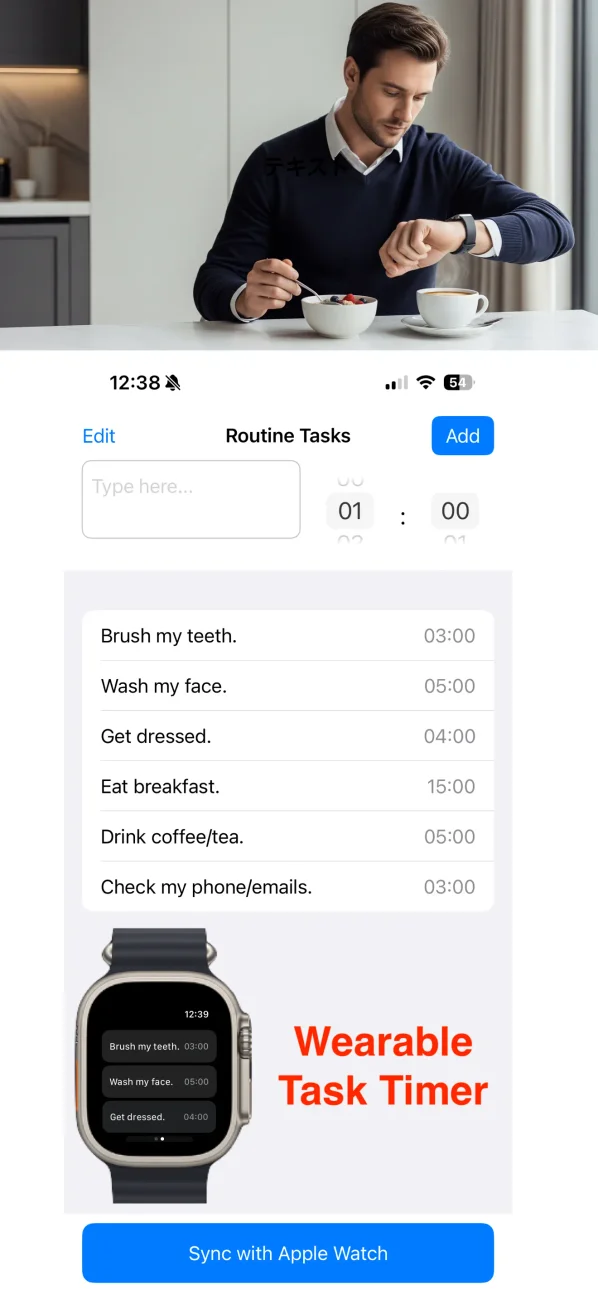
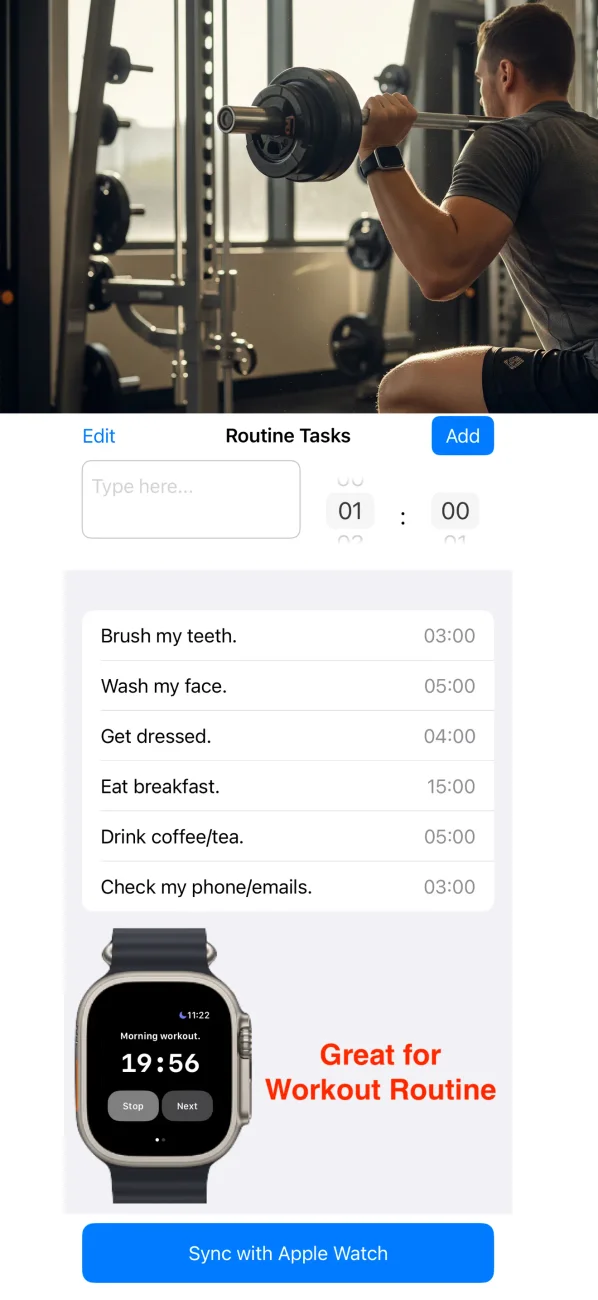
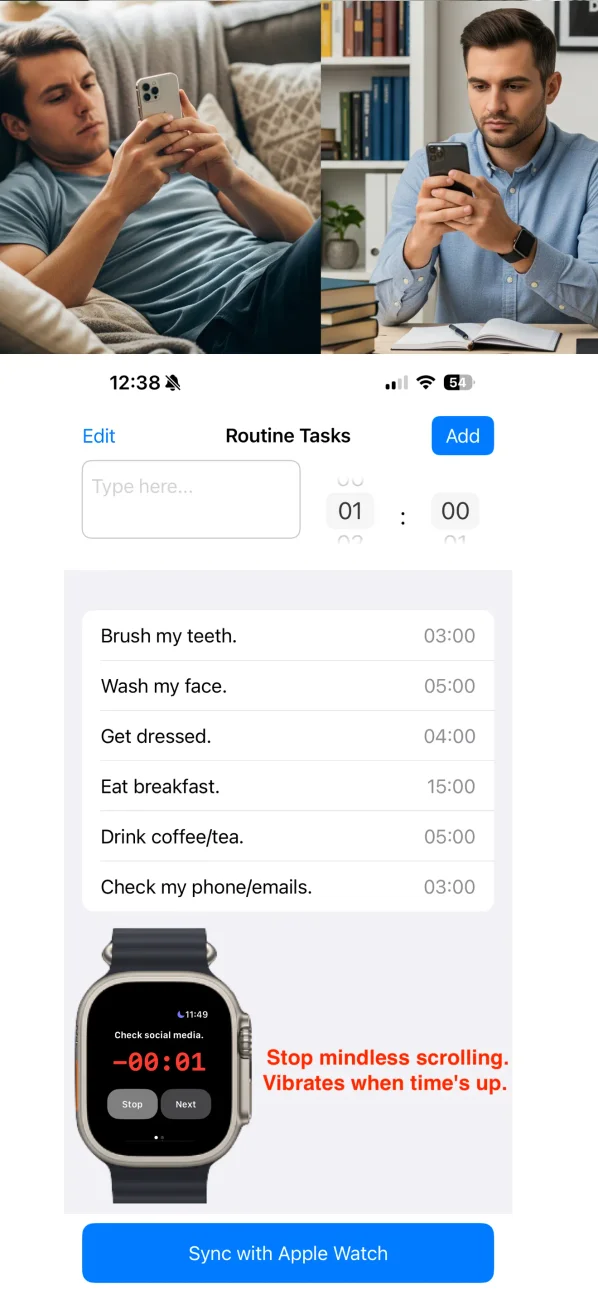
"Routine Time Watch" is an Apple Watch app that sequentially counts down through a list of tasks.
~ Features ~
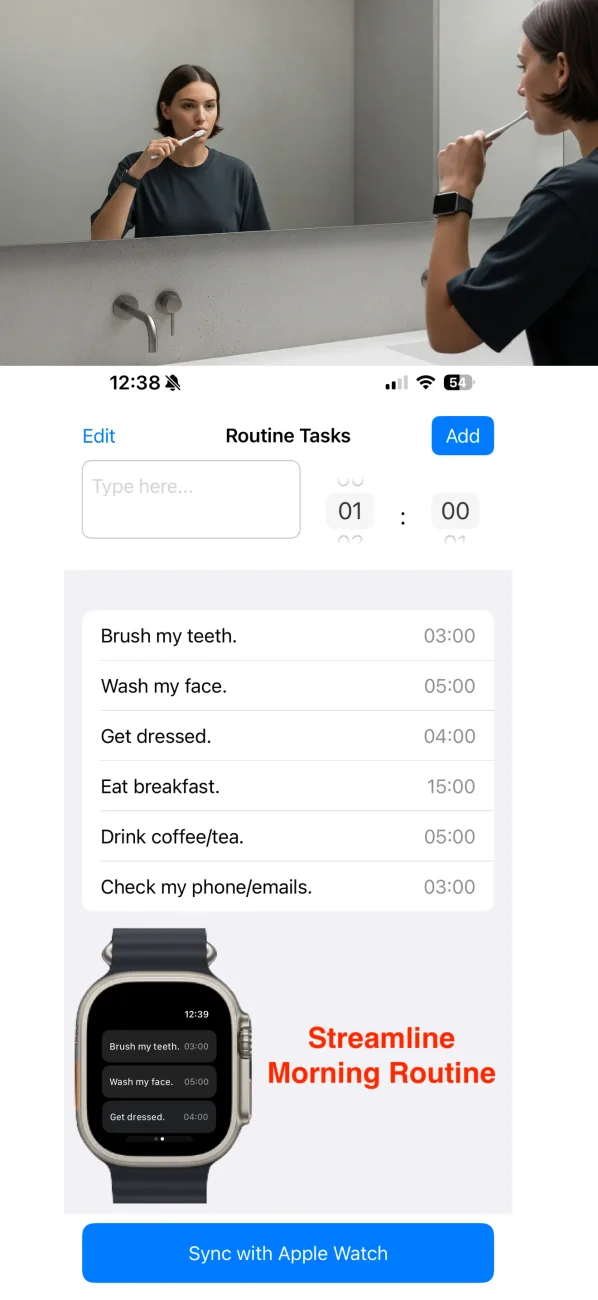
-This app helps you efficiently complete your routines, such as a morning tasks, by making you more aware of time.
-You can view your listed tasks on your Apple Watch and start from any step you like.
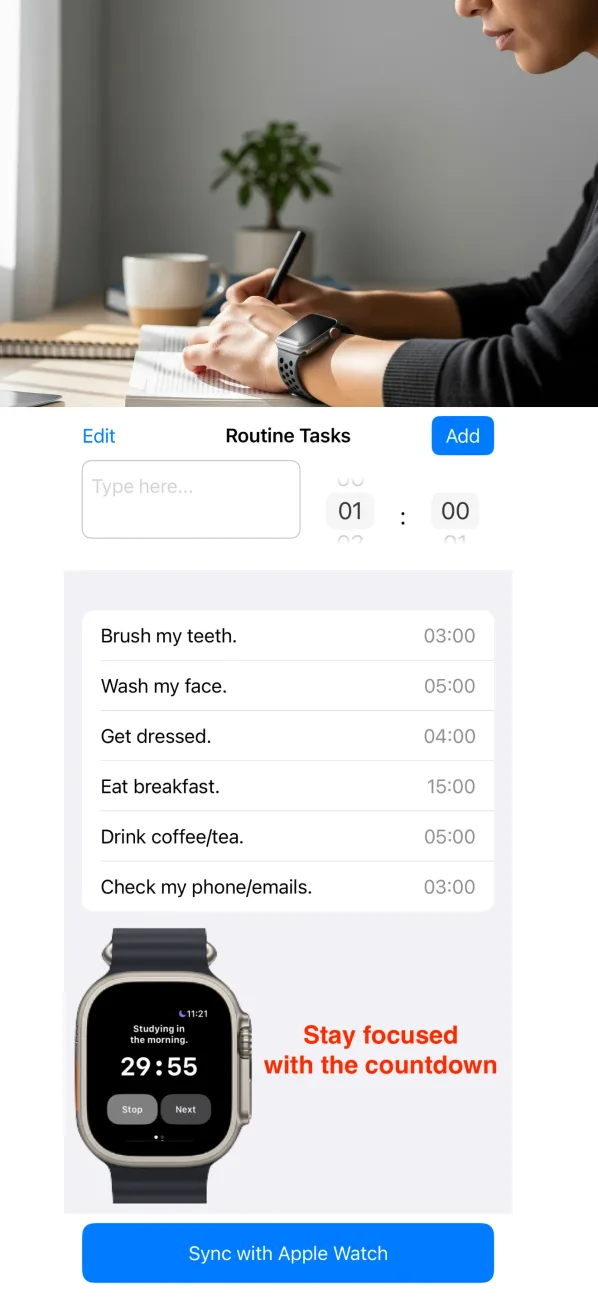
-This app notifies you with a vibration when a time limit is reached.
~ How to Use ~
1. On your Apple Watch, go to Settings > General > Return to Clock and select After 1 Hour. *1, *2
2. Open the app on your iPhone and enter your desired task in the text field at the top left.
3. After entering the text, set the time limit for the task to its right.
4. After you've finished entering the task, press the Add button to add it to your list.
5. Repeat the above steps to add more tasks. *3
6. Once your task list is complete, open the app on your Apple Watch.
7. Tap the Sync with Apple Watch button on your iPhone to sync the task list.
8. Confirm that the task list has been reflected on your Apple Watch.
9. Tap the Start button on your Apple Watch to begin the task countdown. *4
*1 You can also set a custom app setting to prevent the watch from returning to the clock face when you twist your wrist.
*2 We recommend placing a shortcut to the app on your watch face for quick access.
*3 To change the order or delete tasks, use the Edit button.
*4 You can swipe left and right on the Apple Watch screen to switch to the task list.
Neue Funktionen
Version 2.8 · 25.03.2026
-bugs fixed
App-Datenschutz
Was kobunachou ozawa im App Store zum Umgang dieser App mit Daten angibt.
-
Keine Daten erfasst
Der Entwickler erfasst keine Daten von dieser App.
Die Datenschutzpraktiken können variieren, zum Beispiel je nach den von Ihnen verwendeten Funktionen oder Ihrem Alter.
Informationen
- Anbieter
- kobunachou ozawa
- Kategorie
- Dienstprogramme
- Version
- 2.8
- Aktualisiert
- 25.03.2026
- Veröffentlicht
- 31.07.2025
- Größe
- 13,5 MB
- Erfordert
- iOS 18.4 oder neuer
- Altersfreigabe
- 4+
- Preis
- 0,99 €
- Sprachen
- Englisch
- Copyright
- © Shin APP Tech
Das könnte Ihnen auch gefallen
-
 Audio MonitorDienstprogramme
-
 Sequence-Actions TimerDienstprogramme
-
 AizuDeck - Cue DeckDienstprogramme
-
 DoDone RoutinesRoutinen mit Timer & Schritte
-
 SixtySum - Time CalculatorDienstprogramme
-
 Voice Clock - Hear the TimeDienstprogramme
-
 Momently: Countdown WidgetsTage bis Geburtstag & Urlaub
-
 Haptic Pulse TimerDienstprogramme
-
 Hierarchical To-do ListDienstprogramme
-
 Haptic Focus TimerDienstprogramme