- Classification d’âge4+
- CatégorieUtilitaires
- Développeurkobunachou ozawa
- LanguesAnglais
- Taille13,5 Mo
Renvoie vers la page App Store officielle
Download.org n’héberge aucun fichier de Routine Time Watch. Le bouton ouvre la page de l’application sur App Store, où kobunachou ozawa la publie. Fiche vérifiée pour la dernière fois le 17/11/2026.
Captures d’écran
À propos
Le développeur n’a pas fourni ce texte dans votre langue.
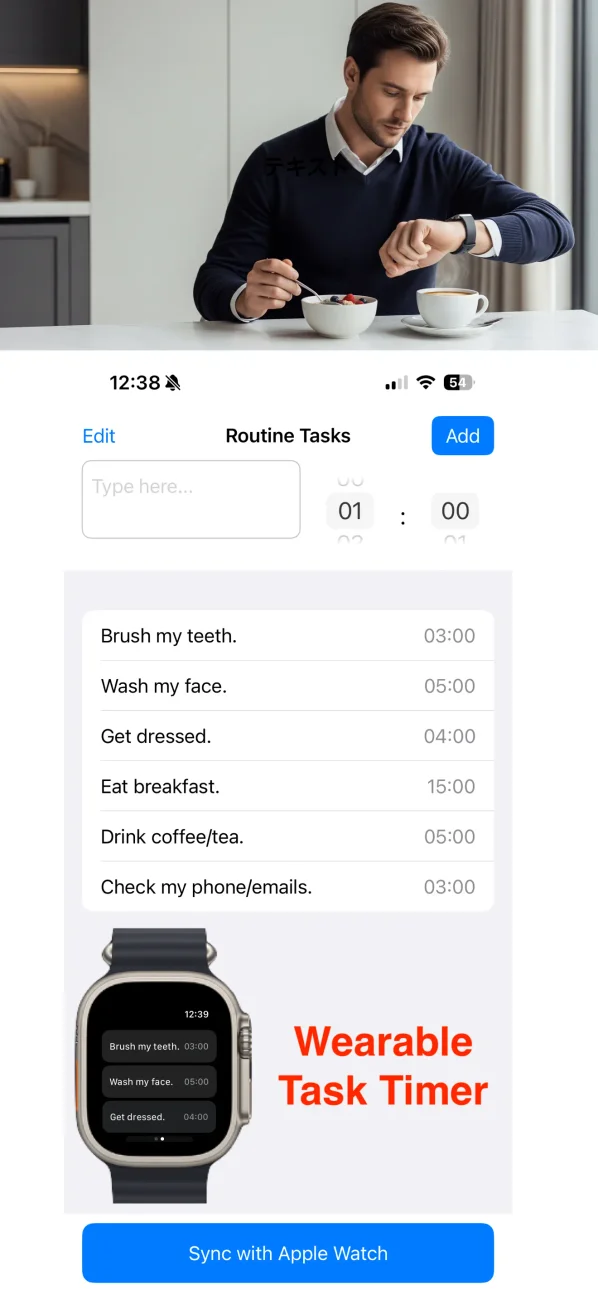
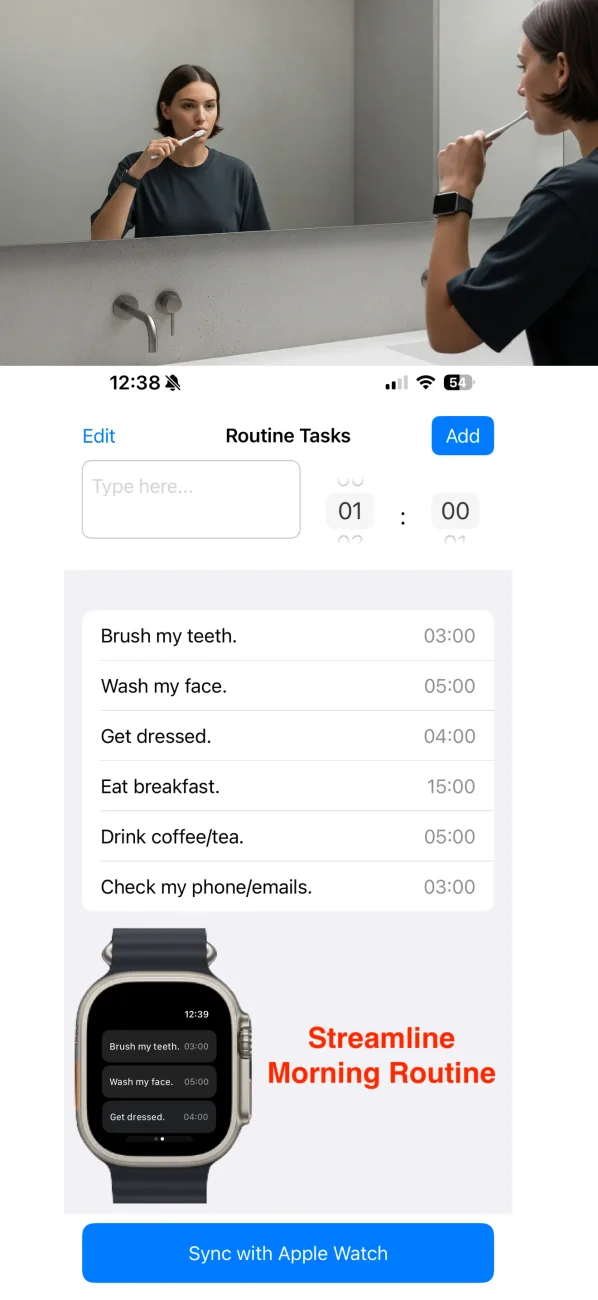
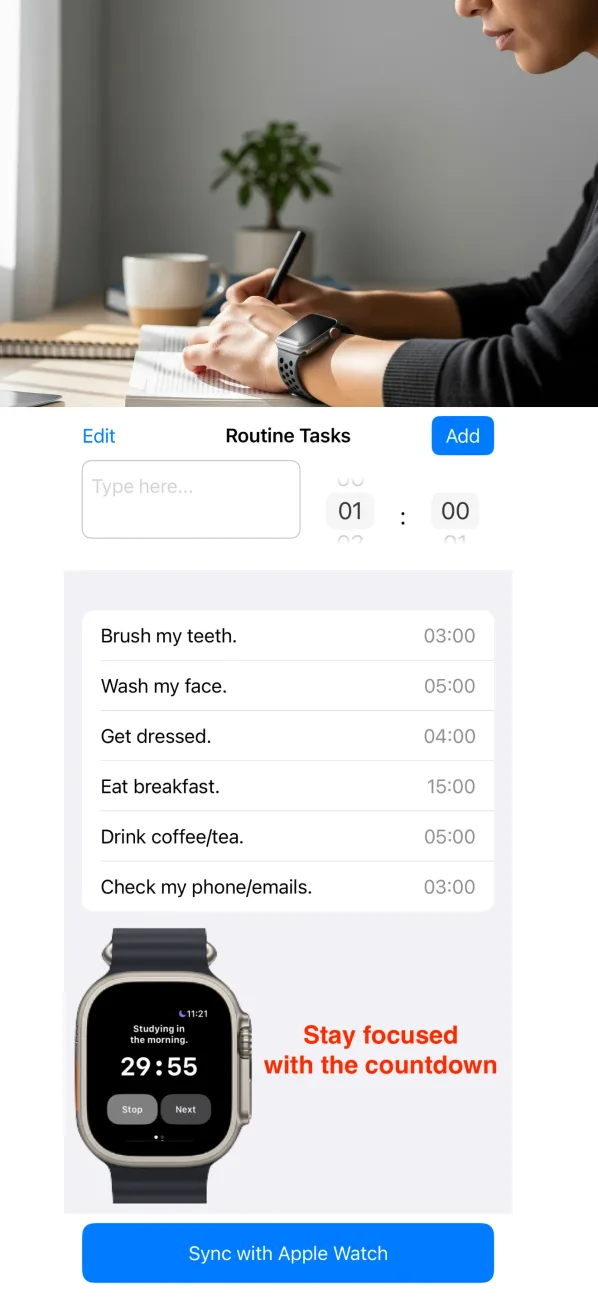
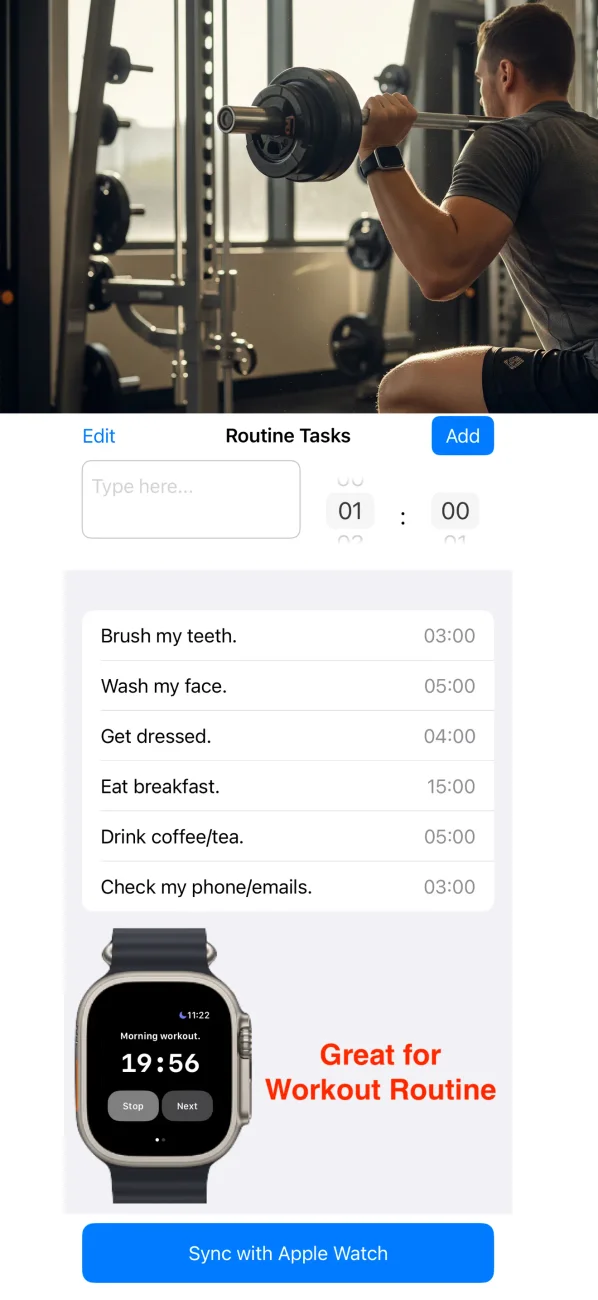
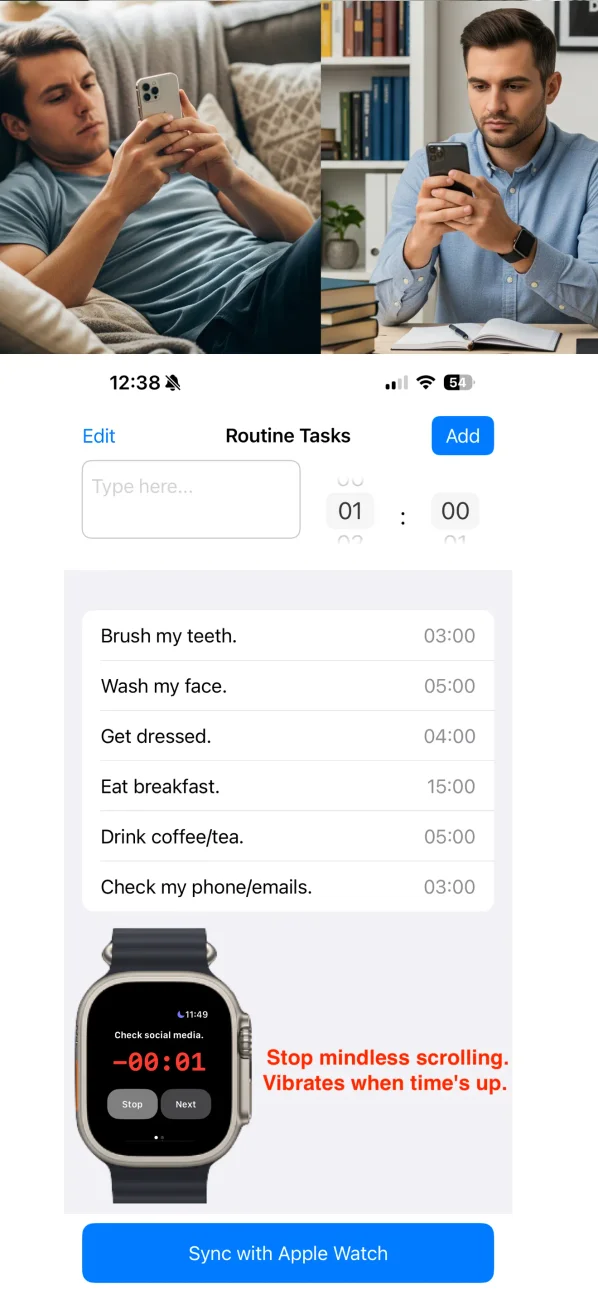
"Routine Time Watch" is an Apple Watch app that sequentially counts down through a list of tasks.
~ Features ~
-This app helps you efficiently complete your routines, such as a morning tasks, by making you more aware of time.
-You can view your listed tasks on your Apple Watch and start from any step you like.
-This app notifies you with a vibration when a time limit is reached.
~ How to Use ~
1. On your Apple Watch, go to Settings > General > Return to Clock and select After 1 Hour. *1, *2
2. Open the app on your iPhone and enter your desired task in the text field at the top left.
3. After entering the text, set the time limit for the task to its right.
4. After you've finished entering the task, press the Add button to add it to your list.
5. Repeat the above steps to add more tasks. *3
6. Once your task list is complete, open the app on your Apple Watch.
7. Tap the Sync with Apple Watch button on your iPhone to sync the task list.
8. Confirm that the task list has been reflected on your Apple Watch.
9. Tap the Start button on your Apple Watch to begin the task countdown. *4
*1 You can also set a custom app setting to prevent the watch from returning to the clock face when you twist your wrist.
*2 We recommend placing a shortcut to the app on your watch face for quick access.
*3 To change the order or delete tasks, use the Edit button.
*4 You can swipe left and right on the Apple Watch screen to switch to the task list.
Nouveautés
Version 2.8 · 25/03/2026
-bugs fixed
Confidentialité de l’application
Ce que kobunachou ozawa déclare sur l’App Store au sujet du traitement des données par cette application.
-
Données non collectées
Le développeur ne collecte aucune donnée à partir de cette application.
Les pratiques en matière de confidentialité peuvent varier, notamment en fonction des fonctionnalités que vous utilisez ou de votre âge.
Informations
- Vendeur
- kobunachou ozawa
- Catégorie
- Utilitaires
- Version
- 2.8
- Mis à jour
- 25/03/2026
- Publié
- 31/07/2025
- Taille
- 13,5 Mo
- Nécessite
- iOS 18.4 ou version ultérieure
- Classification d’âge
- 4+
- Prix
- 0,99 €
- Langues
- Anglais
- Copyright
- © Shin APP Tech
Vous aimerez peut-être aussi
-
 Audio MonitorUtilitaires
-
 Sequence-Actions TimerUtilitaires
-
 AizuDeck - Cue DeckUtilitaires
-
 DoDone RoutinesRoutines et séquences minutées
-
 SixtySum - Time CalculatorUtilitaires
-
 Voice Clock - Hear the TimeUtilitaires
-
 Momently: Compte à reboursWidgets anniversaires, voyages
-
 Haptic Pulse TimerUtilitaires
-
 Hierarchical To-do ListUtilitaires
-
 Haptic Focus TimerUtilitaires