Routine Time Watch
Wearable Task Timer
iPhone, iPad için tasarlandı
₺49,99
- Yaş sınırı4+
- KategoriYardımcılar
- Geliştiricikobunachou ozawa
- Dillerİngilizce
- Boyut13,5 MB
Resmi App Store sayfasına bağlanır
Download.org, Routine Time Watch için hiçbir dosya barındırmaz. Düğme, uygulamanın App Store üzerindeki sayfasını açar; uygulamayı orada kobunachou ozawa yayınlar. Sayfanın son kontrolü: 17.11.2026.
Ekran görüntüleri
Hakkında
Geliştirici bu metni dilinizde sunmamış.
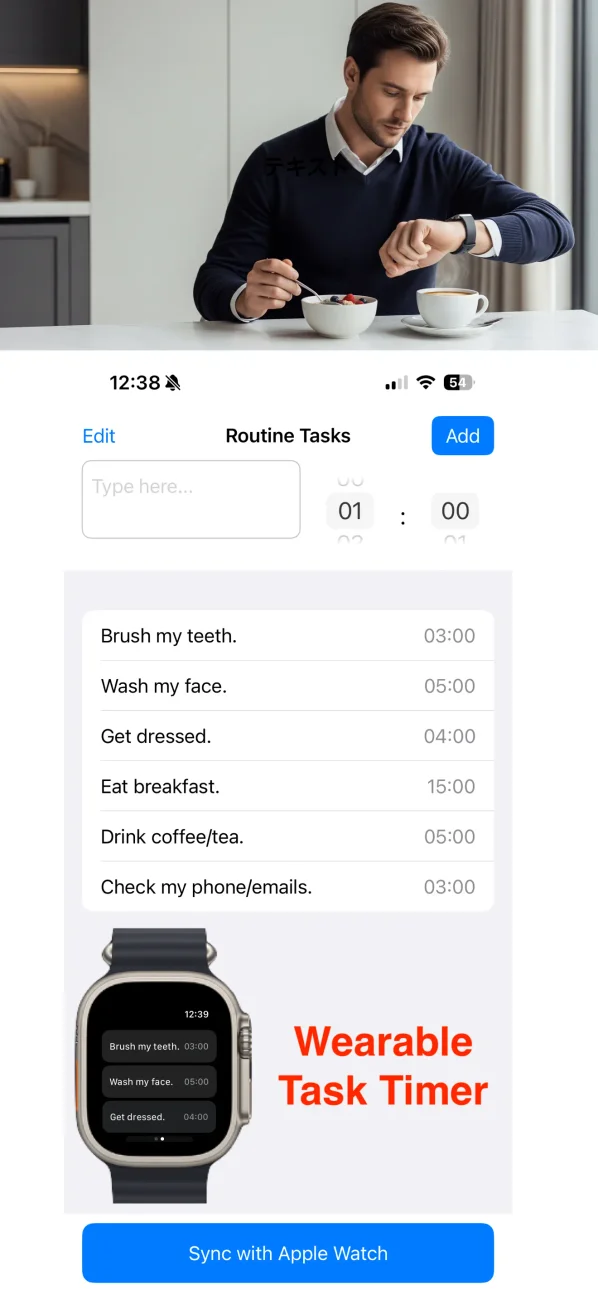
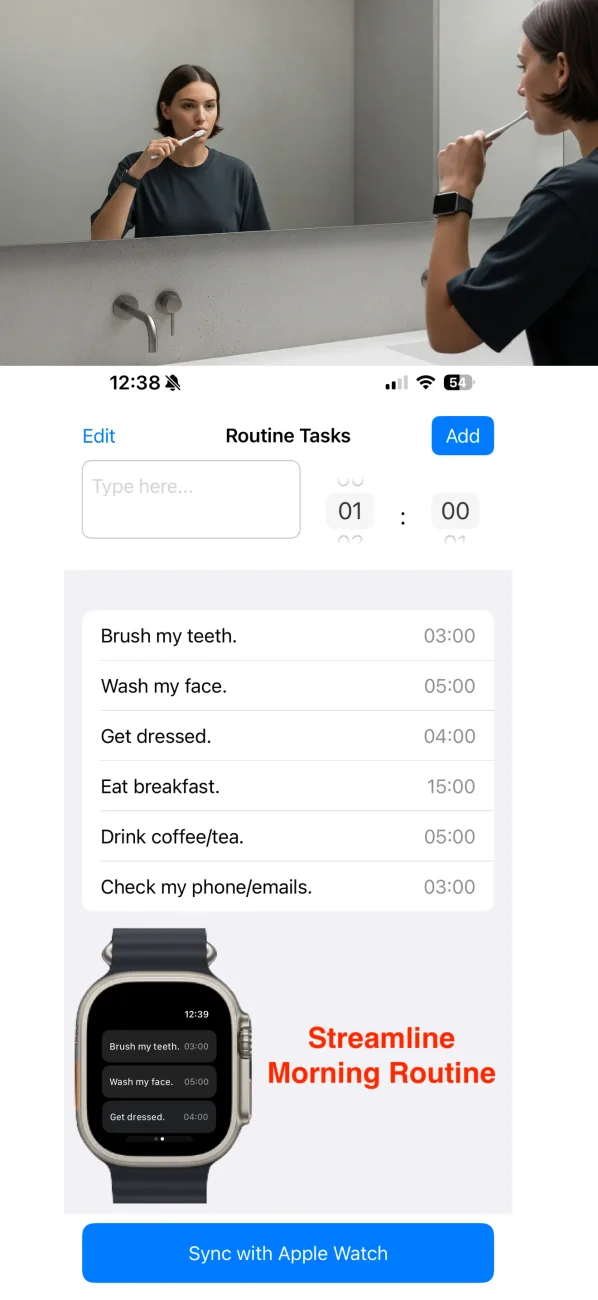
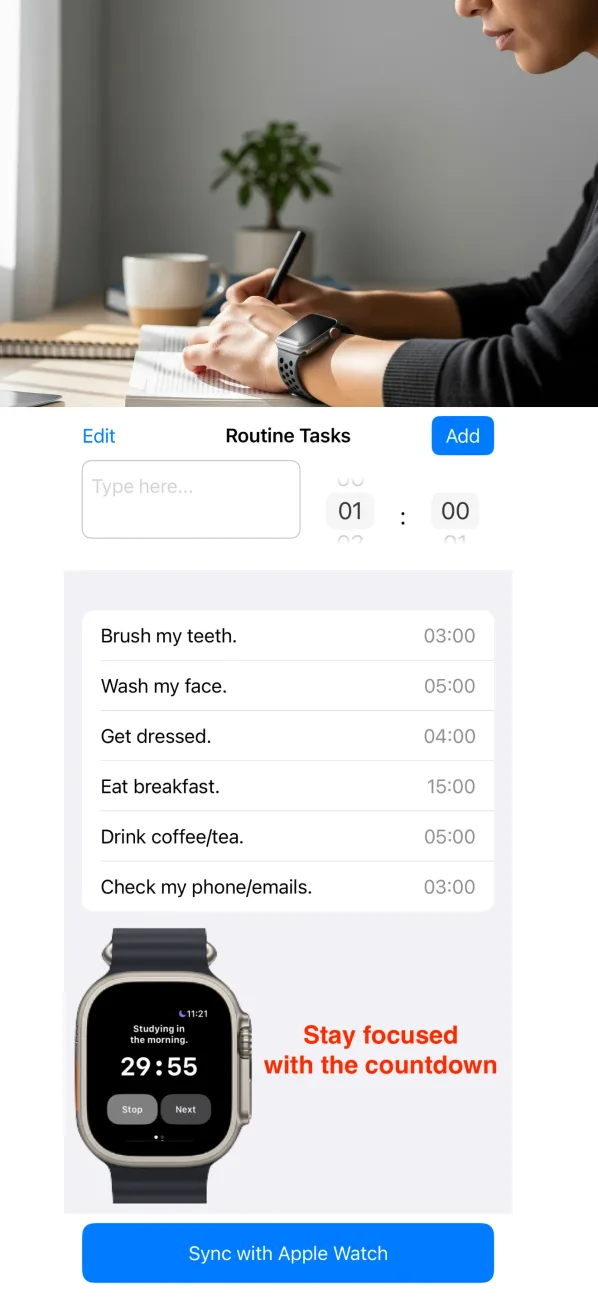
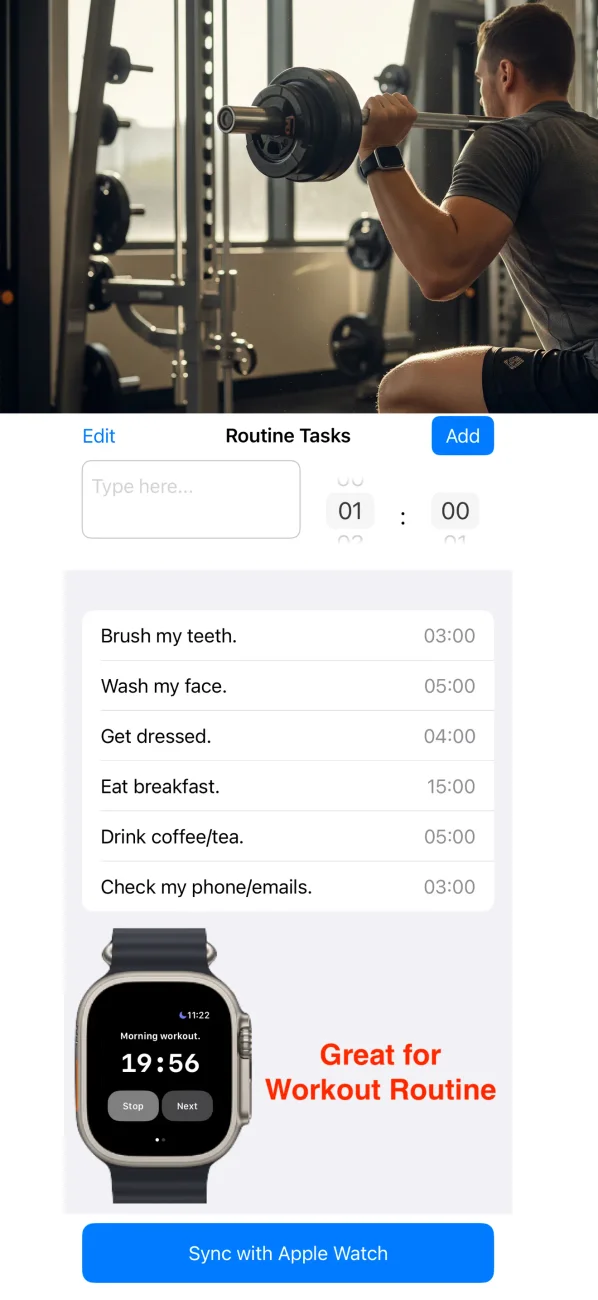
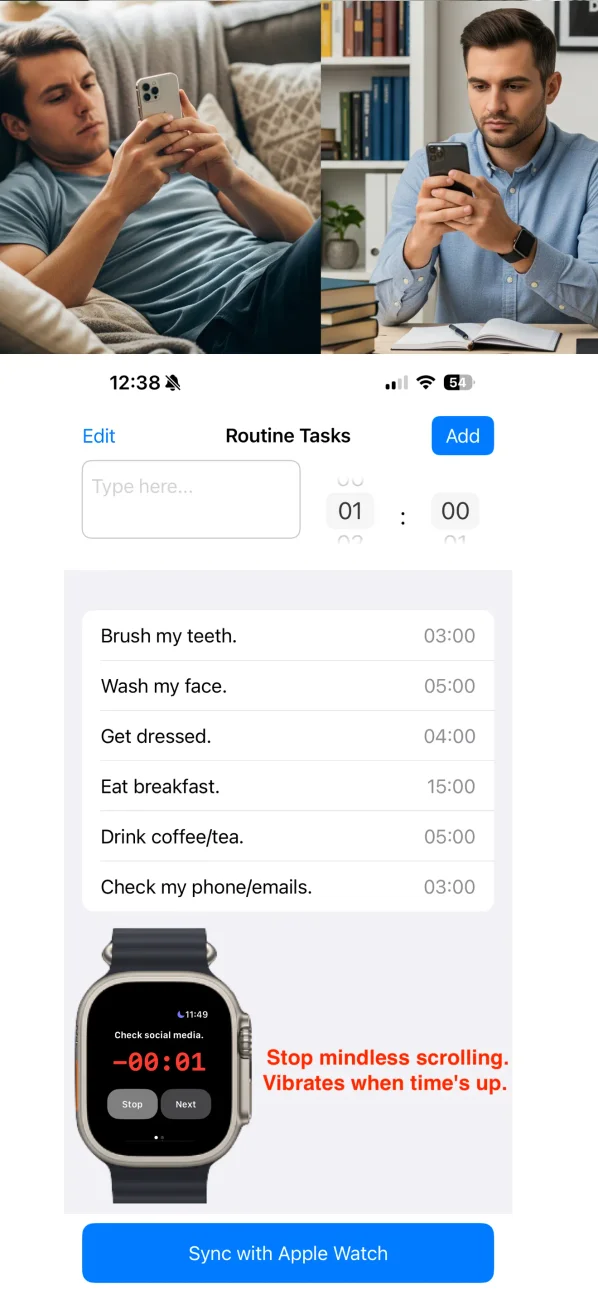
"Routine Time Watch" is an Apple Watch app that sequentially counts down through a list of tasks.
~ Features ~
-This app helps you efficiently complete your routines, such as a morning tasks, by making you more aware of time.
-You can view your listed tasks on your Apple Watch and start from any step you like.
-This app notifies you with a vibration when a time limit is reached.
~ How to Use ~
1. On your Apple Watch, go to Settings > General > Return to Clock and select After 1 Hour. *1, *2
2. Open the app on your iPhone and enter your desired task in the text field at the top left.
3. After entering the text, set the time limit for the task to its right.
4. After you've finished entering the task, press the Add button to add it to your list.
5. Repeat the above steps to add more tasks. *3
6. Once your task list is complete, open the app on your Apple Watch.
7. Tap the Sync with Apple Watch button on your iPhone to sync the task list.
8. Confirm that the task list has been reflected on your Apple Watch.
9. Tap the Start button on your Apple Watch to begin the task countdown. *4
*1 You can also set a custom app setting to prevent the watch from returning to the clock face when you twist your wrist.
*2 We recommend placing a shortcut to the app on your watch face for quick access.
*3 To change the order or delete tasks, use the Edit button.
*4 You can swipe left and right on the Apple Watch screen to switch to the task list.
Yenilikler
Sürüm 2.8 · 25.03.2026
-bugs fixed
Uygulama gizliliği
Bu uygulamanın verileri nasıl işlediği hakkında kobunachou ozawa tarafından App Store üzerinde yapılan beyan.
-
Veri toplanmıyor
Geliştirici bu uygulamadan hiçbir veri toplamıyor.
Gizlilik uygulamaları, örneğin kullandığınız özelliklere veya yaşınıza göre değişiklik gösterebilir.
Bilgiler
- Satıcı
- kobunachou ozawa
- Kategori
- Yardımcılar
- Sürüm
- 2.8
- Güncellendi
- 25.03.2026
- Yayın tarihi
- 31.07.2025
- Boyut
- 13,5 MB
- Gereksinim
- iOS 18.4 veya sonrası
- Yaş sınırı
- 4+
- Fiyat
- ₺49,99
- Diller
- İngilizce
- Telif hakkı
- © Shin APP Tech
Bunları da beğenebilirsiniz
-
 Audio MonitorYardımcılar
-
 Sequence-Actions TimerYardımcılar
-
 AizuDeck - Cue DeckYardımcılar
-
 DoDone RoutinesYardımcılar
-
 SixtySum - Time CalculatorYardımcılar
-
 Voice Clock - Hear the TimeYardımcılar
-
 Momently: Countdown WidgetsYardımcılar
-
 Haptic Pulse TimerYardımcılar
-
 Hierarchical To-do ListYardımcılar
-
 Haptic Focus TimerYardımcılar