- Clasificación por edad4+
- CategoríaUtilidades
- Desarrolladorkobunachou ozawa
- IdiomasInglés
- Tamaño13,5 MB
Enlaza a la página oficial de App Store
Download.org no aloja ningún archivo de Routine Time Watch. El botón abre la página de la aplicación en App Store, donde la publica kobunachou ozawa. Ficha comprobada por última vez el 17/11/2026.
Capturas de pantalla
Acerca de
El desarrollador no ha proporcionado este texto en tu idioma.
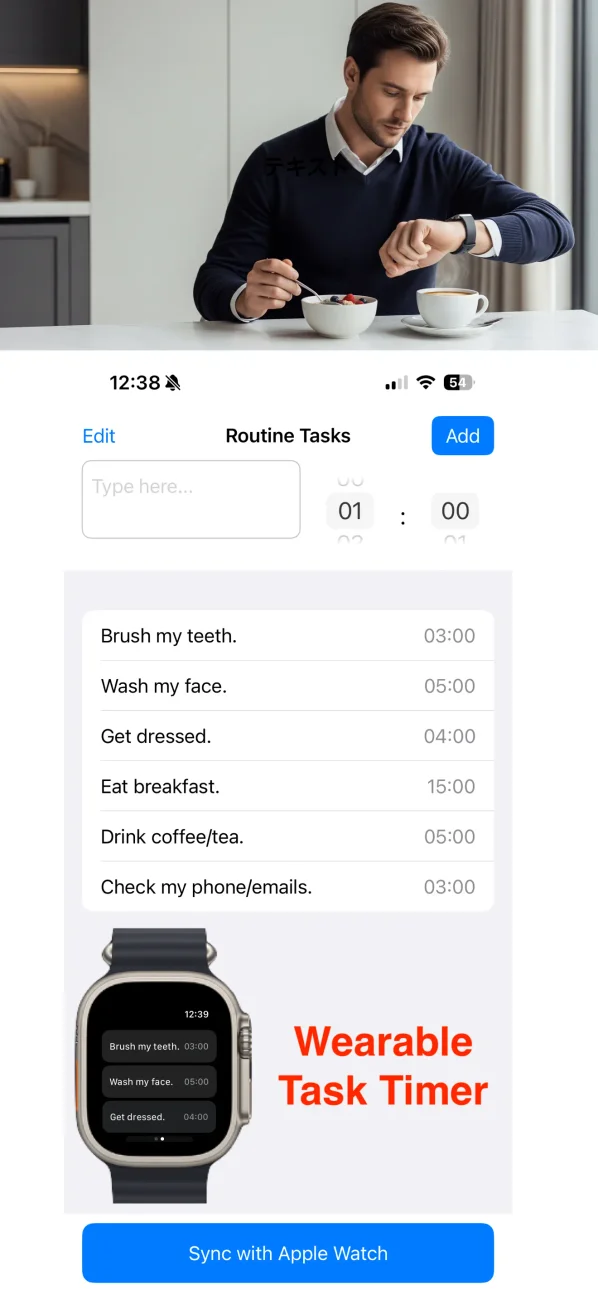
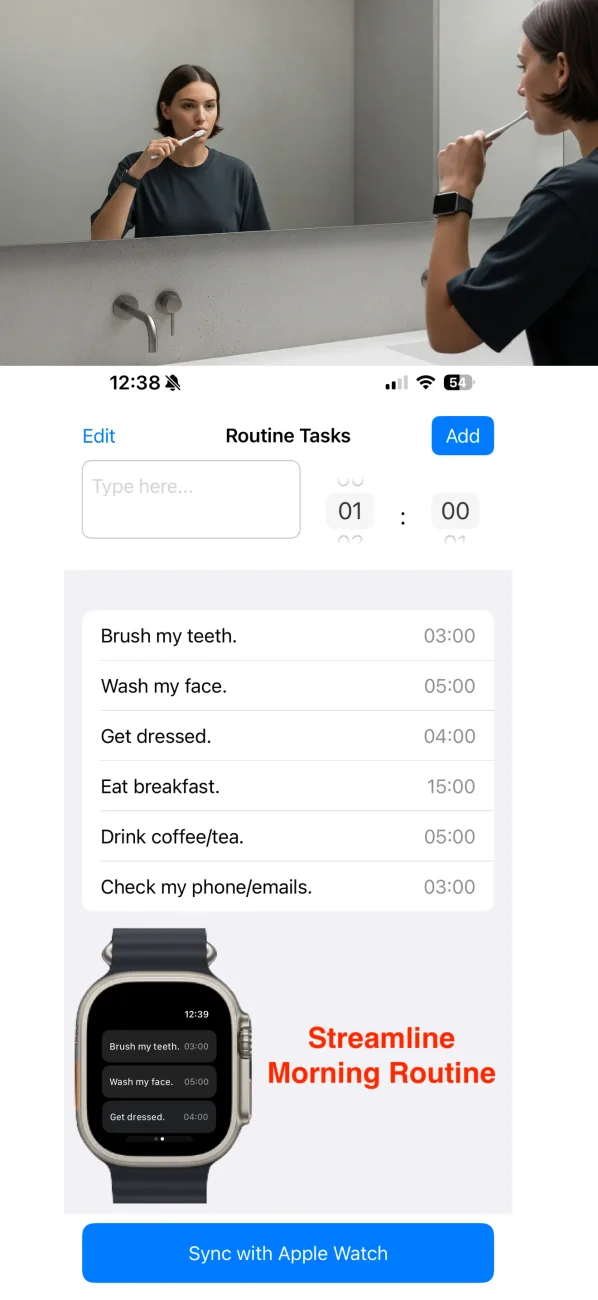
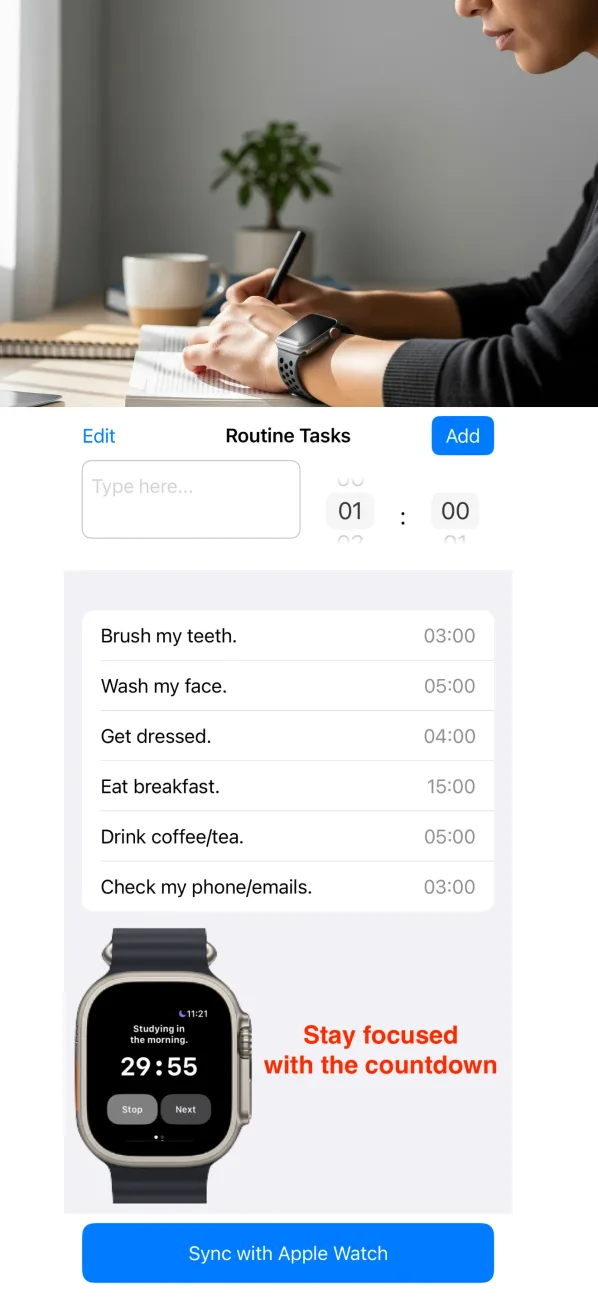
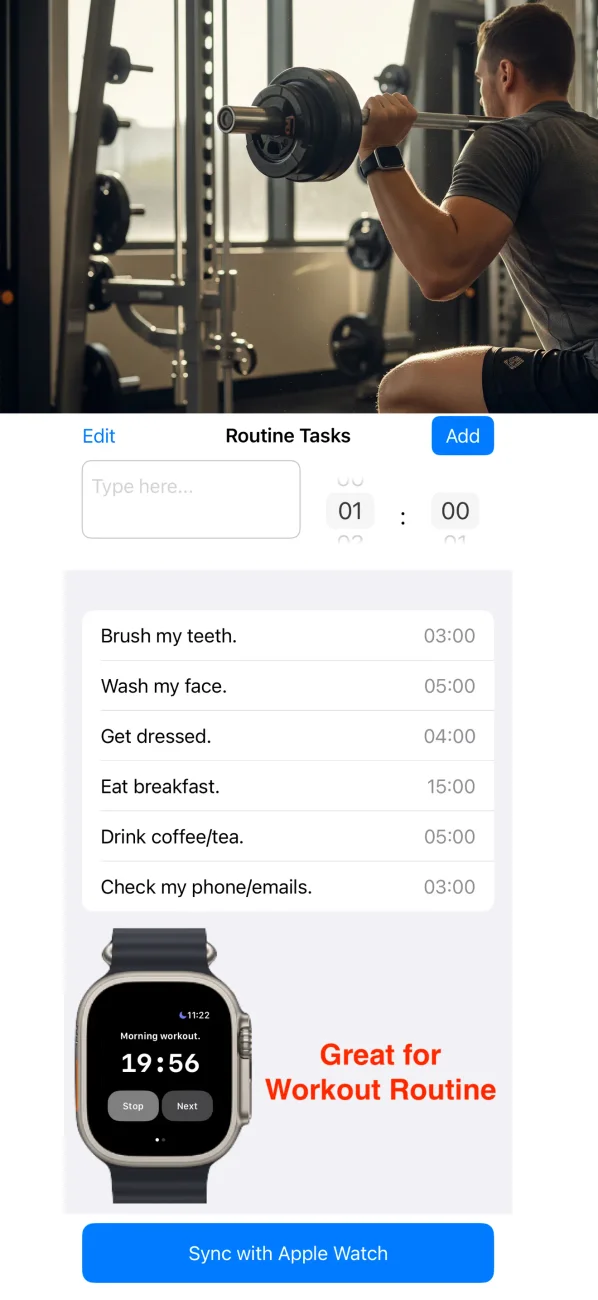
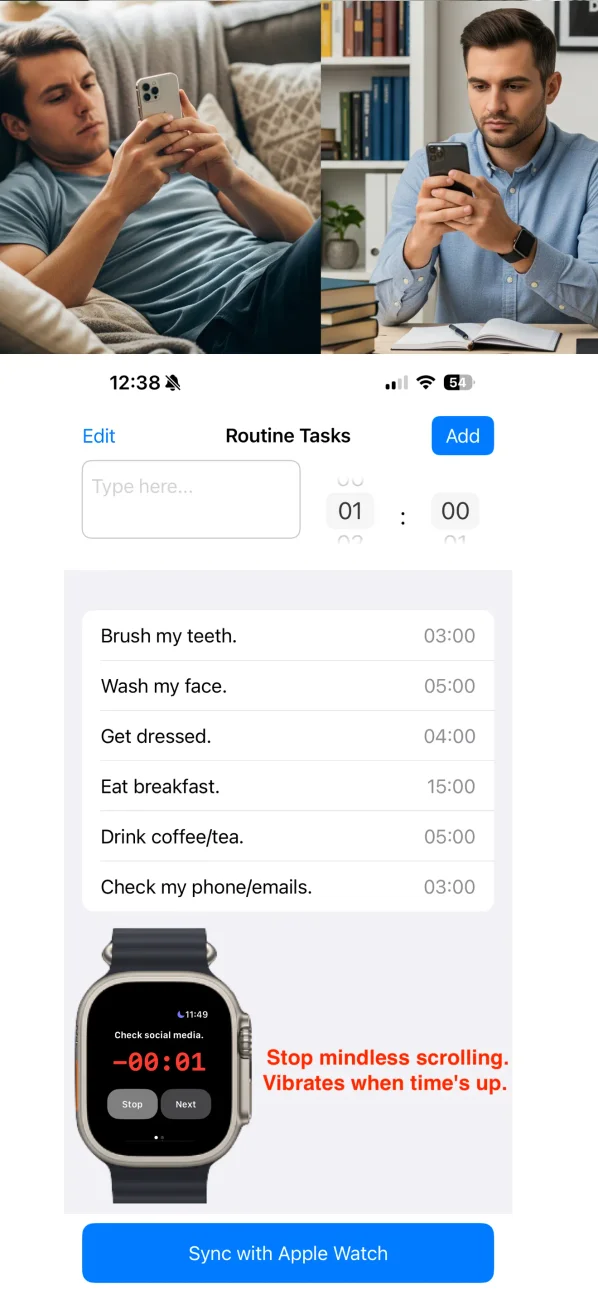
"Routine Time Watch" is an Apple Watch app that sequentially counts down through a list of tasks.
~ Features ~
-This app helps you efficiently complete your routines, such as a morning tasks, by making you more aware of time.
-You can view your listed tasks on your Apple Watch and start from any step you like.
-This app notifies you with a vibration when a time limit is reached.
~ How to Use ~
1. On your Apple Watch, go to Settings > General > Return to Clock and select After 1 Hour. *1, *2
2. Open the app on your iPhone and enter your desired task in the text field at the top left.
3. After entering the text, set the time limit for the task to its right.
4. After you've finished entering the task, press the Add button to add it to your list.
5. Repeat the above steps to add more tasks. *3
6. Once your task list is complete, open the app on your Apple Watch.
7. Tap the Sync with Apple Watch button on your iPhone to sync the task list.
8. Confirm that the task list has been reflected on your Apple Watch.
9. Tap the Start button on your Apple Watch to begin the task countdown. *4
*1 You can also set a custom app setting to prevent the watch from returning to the clock face when you twist your wrist.
*2 We recommend placing a shortcut to the app on your watch face for quick access.
*3 To change the order or delete tasks, use the Edit button.
*4 You can swipe left and right on the Apple Watch screen to switch to the task list.
Novedades
Versión 2.8 · 25/3/2026
-bugs fixed
Privacidad de la aplicación
Lo que kobunachou ozawa declara en App Store sobre cómo esta aplicación gestiona los datos.
-
No se recopilan datos
El desarrollador no recopila ningún dato de esta aplicación.
Las prácticas de privacidad pueden variar, por ejemplo, según las funciones que uses o tu edad.
Información
- Vendedor
- kobunachou ozawa
- Categoría
- Utilidades
- Versión
- 2.8
- Actualizado
- 25/3/2026
- Publicado
- 31/7/2025
- Tamaño
- 13,5 MB
- Requiere
- iOS 18.4 o posterior
- Clasificación por edad
- 4+
- Precio
- 0,99 €
- Idiomas
- Inglés
- Copyright
- © Shin APP Tech
Quizá también te guste
-
 Audio MonitorUtilidades
-
 Sequence-Actions TimerDomina tu tiempo y tu ritmo
-
 AizuDeck - Cue DeckUtilidades
-
 DoDone RoutinesRutinas y secuencias con timer
-
 SixtySum - Time CalculatorUtilidades
-
 Voice Clock - Hear the TimeUtilidades
-
 Momently: Countdown WidgetsUtilidades
-
 Haptic Pulse TimerUtilidades
-
 Hierarchical To-do ListUtilidades
-
 Haptic Focus TimerUtilidades