- Độ tuổi4+
- Danh mụcTiện Ích
- Nhà phát triểnkobunachou ozawa
- Ngôn ngữTiếng Anh
- Kích thước13,5 MB
Liên kết đến trang App Store chính thức
Download.org không lưu trữ tệp nào của Routine Time Watch. Nút này mở trang ứng dụng trên App Store, nơi kobunachou ozawa phát hành ứng dụng. Trang được kiểm tra lần cuối: 17/11/2026.
Ảnh chụp màn hình
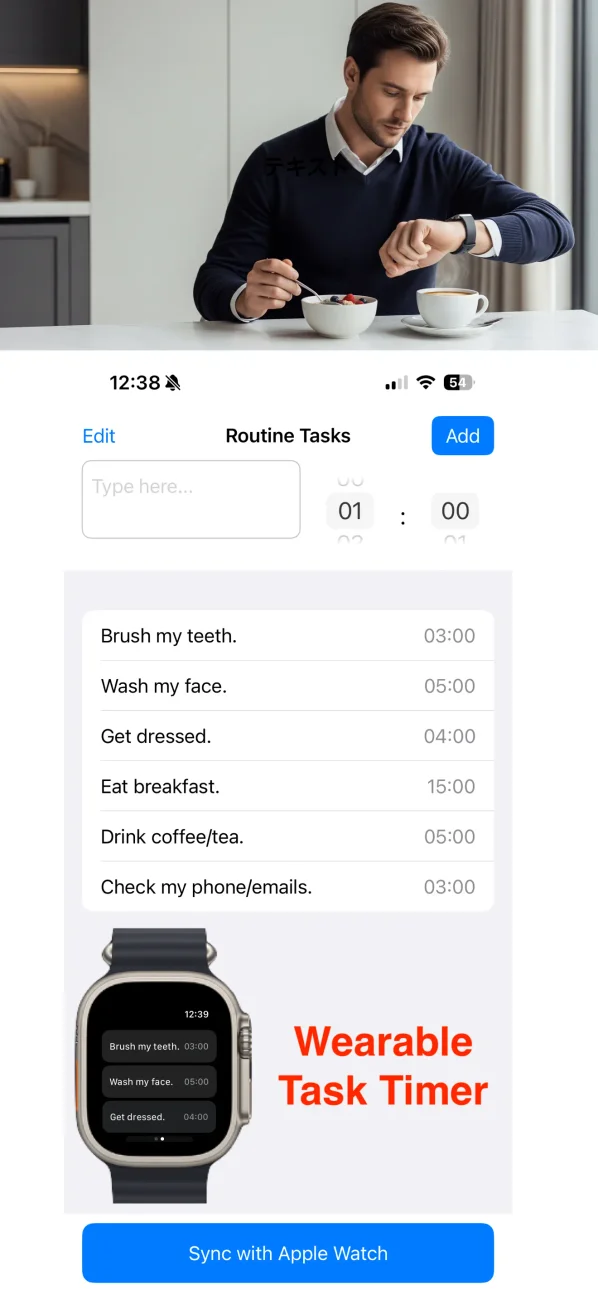
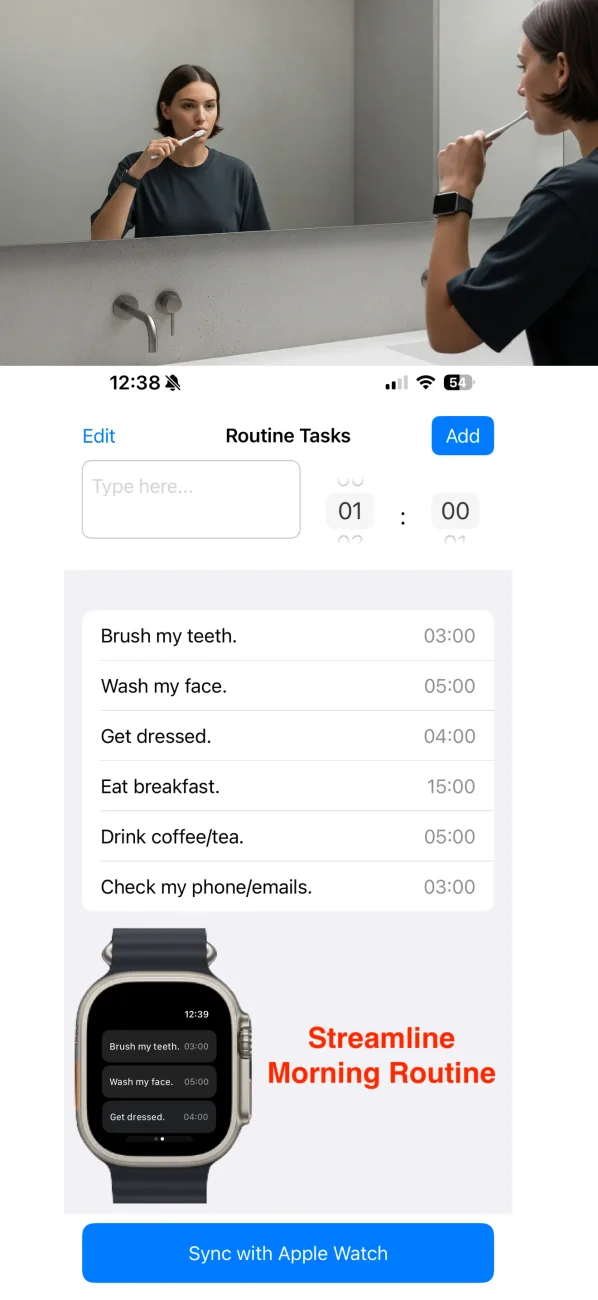
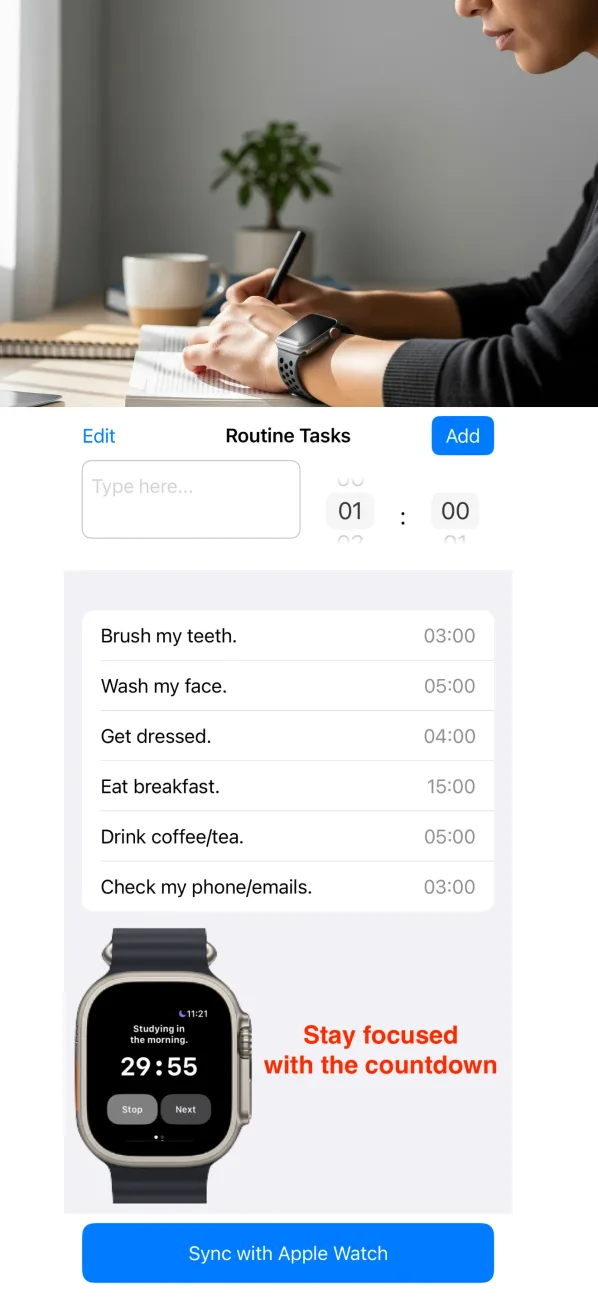
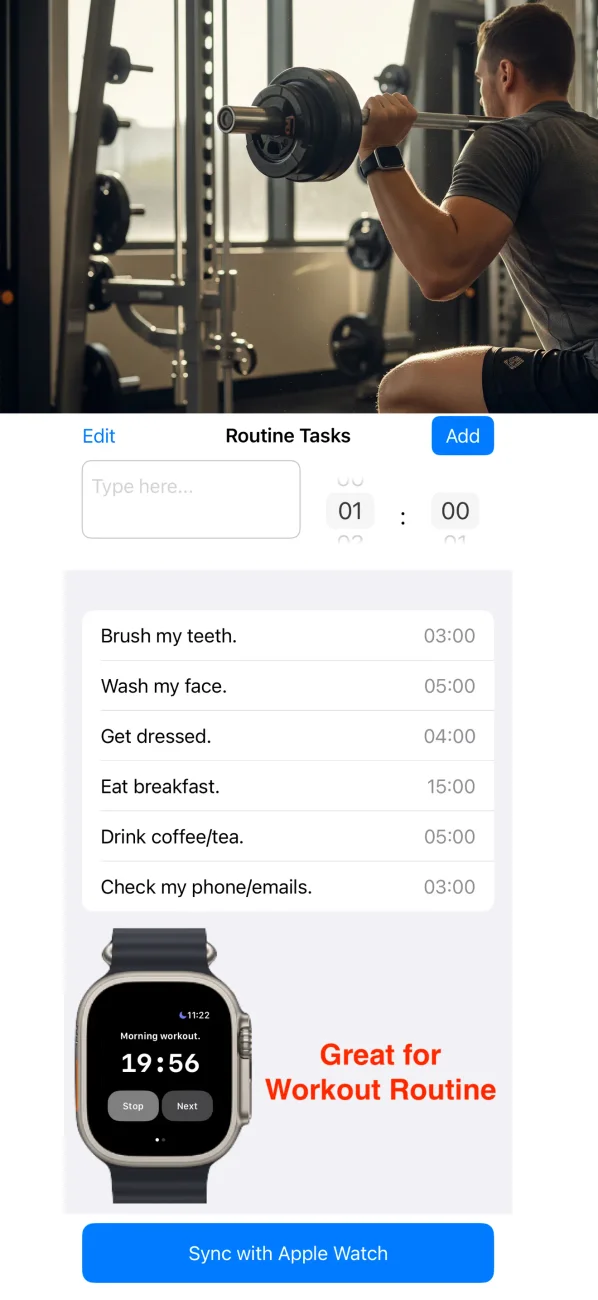
Giới thiệu
Nhà phát triển chưa cung cấp nội dung này bằng ngôn ngữ của bạn.
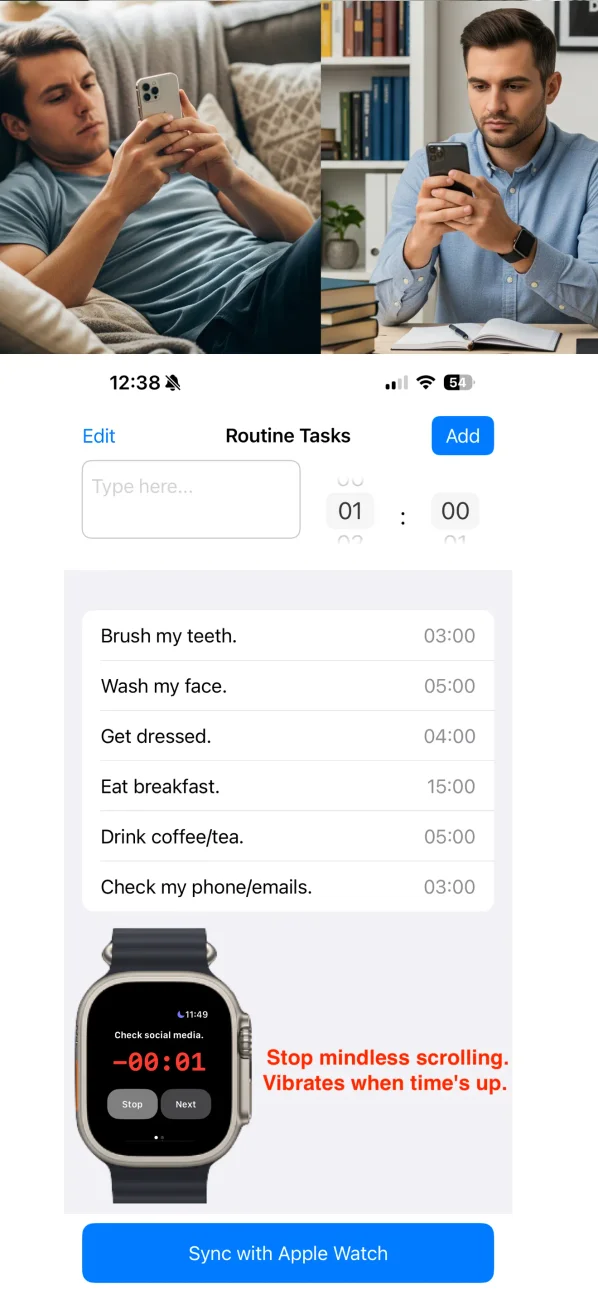
"Routine Time Watch" is an Apple Watch app that sequentially counts down through a list of tasks.
~ Features ~
-This app helps you efficiently complete your routines, such as a morning tasks, by making you more aware of time.
-You can view your listed tasks on your Apple Watch and start from any step you like.
-This app notifies you with a vibration when a time limit is reached.
~ How to Use ~
1. On your Apple Watch, go to Settings > General > Return to Clock and select After 1 Hour. *1, *2
2. Open the app on your iPhone and enter your desired task in the text field at the top left.
3. After entering the text, set the time limit for the task to its right.
4. After you've finished entering the task, press the Add button to add it to your list.
5. Repeat the above steps to add more tasks. *3
6. Once your task list is complete, open the app on your Apple Watch.
7. Tap the Sync with Apple Watch button on your iPhone to sync the task list.
8. Confirm that the task list has been reflected on your Apple Watch.
9. Tap the Start button on your Apple Watch to begin the task countdown. *4
*1 You can also set a custom app setting to prevent the watch from returning to the clock face when you twist your wrist.
*2 We recommend placing a shortcut to the app on your watch face for quick access.
*3 To change the order or delete tasks, use the Edit button.
*4 You can swipe left and right on the Apple Watch screen to switch to the task list.
Có gì mới
Phiên bản 2.8 · 25/03/2026
-bugs fixed
Quyền riêng tư của ứng dụng
Những gì kobunachou ozawa khai báo trên App Store về cách ứng dụng này xử lý dữ liệu.
-
Dữ liệu không được thu thập
Nhà phát triển không thu thập bất kỳ dữ liệu nào từ ứng dụng này.
Phương thức đảm bảo quyền riêng tư có thể khác nhau, chẳng hạn như tuỳ theo các tính năng bạn sử dụng hoặc độ tuổi của bạn.
Thông tin
- Người bán
- kobunachou ozawa
- Danh mục
- Tiện Ích
- Phiên bản
- 2.8
- Cập nhật
- 25/03/2026
- Phát hành
- 31/07/2025
- Kích thước
- 13,5 MB
- Yêu cầu
- iOS 18.4 trở lên
- Độ tuổi
- 4+
- Giá
- 29.000đ
- Ngôn ngữ
- Tiếng Anh
- Bản quyền
- © Shin APP Tech