ScanReader:OCR Text Scanner
Scan Document,Edit Image&PDF
Entwickelt für iPhone, iPod touch
Kostenlos · In-App-Käufe
- Altersfreigabe17+
- KategorieDienstprogramme
- Entwickler杨杨 赵
- SprachenEnglisch
- Größe36,5 MB
Verlinkt auf die offizielle App Store-Seite
Download.org hostet keine Datei von ScanReader:OCR Text Scanner. Die Schaltfläche öffnet die App-Seite bei App Store, wo 杨杨 赵 die App veröffentlicht. Eintrag zuletzt geprüft am 17.11.2026.
Screenshots
Info
Der Entwickler hat diesen Text nicht in Ihrer Sprache bereitgestellt.
ScanReader – Scan, Edit, Sign & Convert on the Go
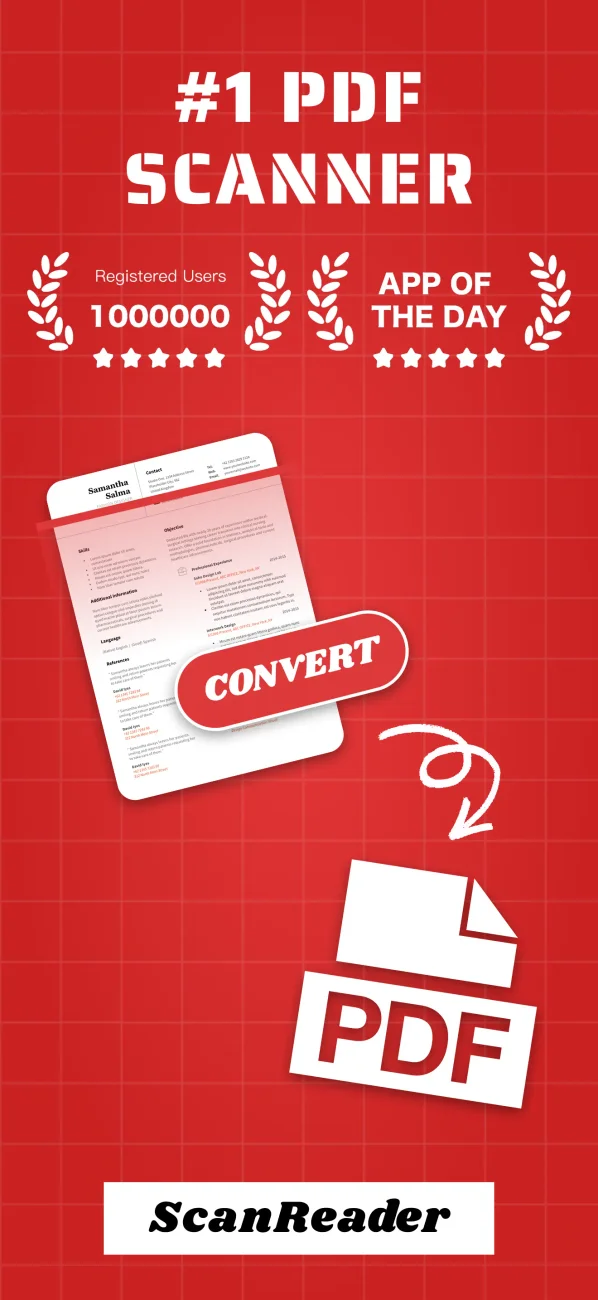
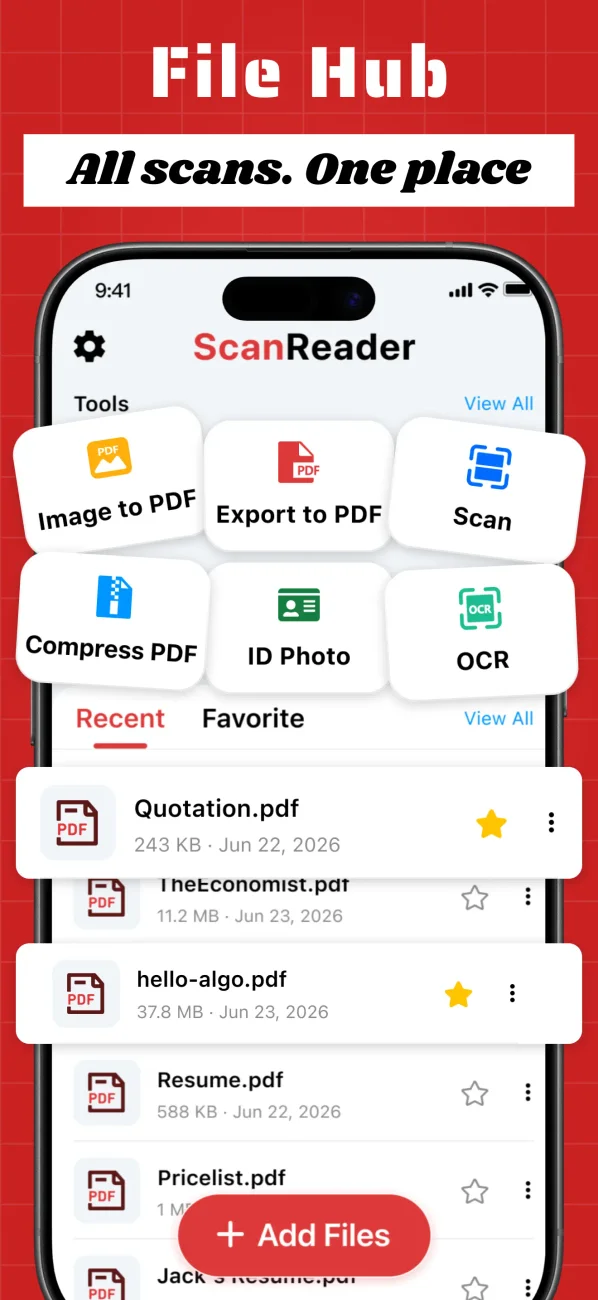
Need to scan a receipt, edit a photo, or sign a contract? ScanReader is the all-in-one document and image tool that handles it all. Scan any document or image, edit text and photos, sign PDFs, and convert formats — all offline, all private, no account needed. Stop juggling multiple apps. One tool does it all.
Scan Any Document or Image
Capture receipts, contracts, whiteboards, and photos with your camera. Automatic edge detection and image enhancement deliver crisp, clean scans every time. No more blurry or crooked images.
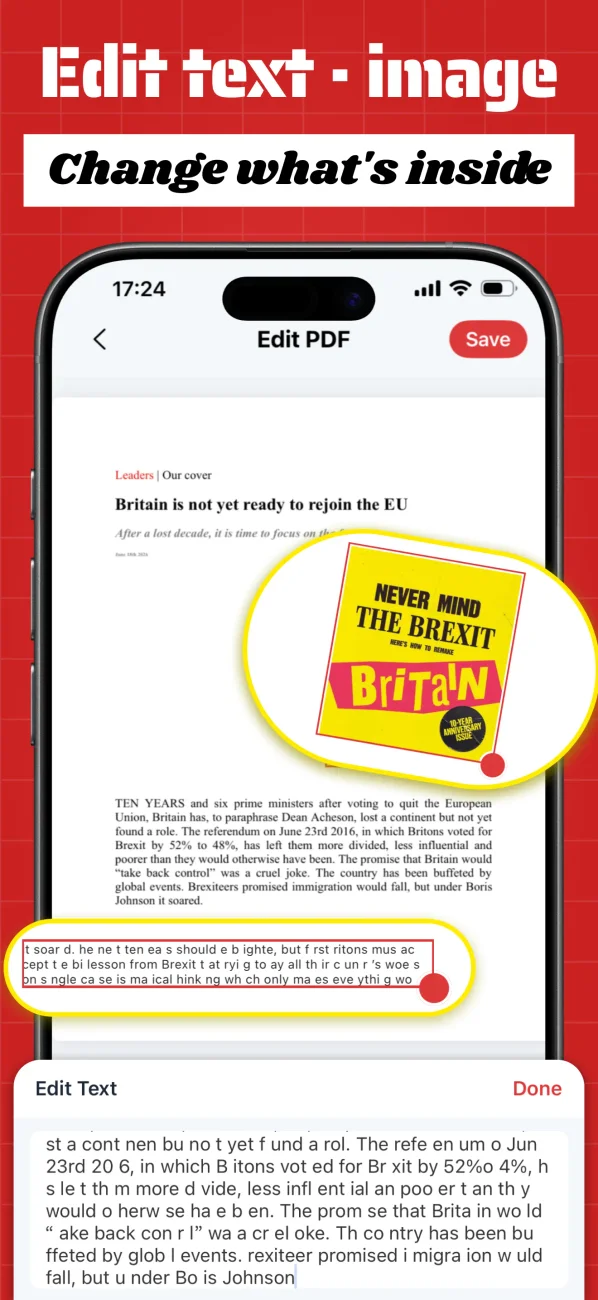
OCR Text Extraction & Editing
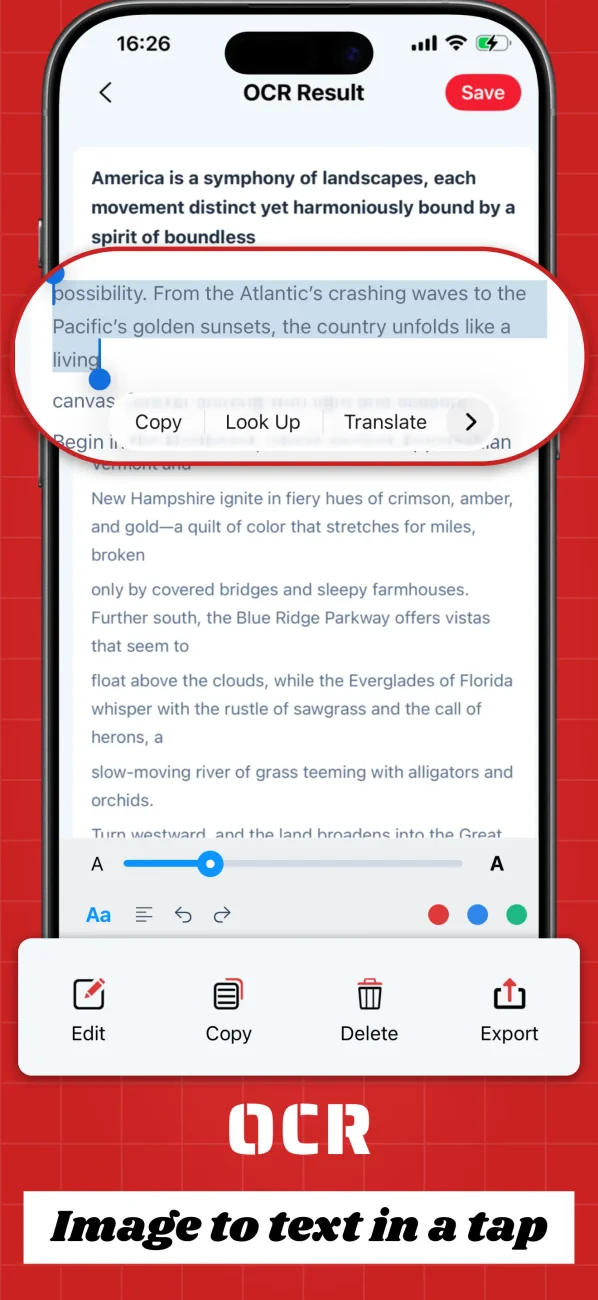
Turn scanned documents and images into editable text with powerful OCR technology. Extract text from photos, screenshots, or printed documents in seconds. Once extracted, edit, delete, or reformat the text directly in the app — as easy as editing a Word document.
Annotate, Sign & Watermark
Add highlights, freehand drawings, and text annotations to your documents. Insert your signature into contracts and forms with a single tap. Protect your work by adding custom watermarks — all without printing a single page.
Convert Formats
Turn photos, screenshots, and document images into professional PDFs or editable Word files. Perfect for reports, contracts, and school assignments. Export in seconds and share anywhere.
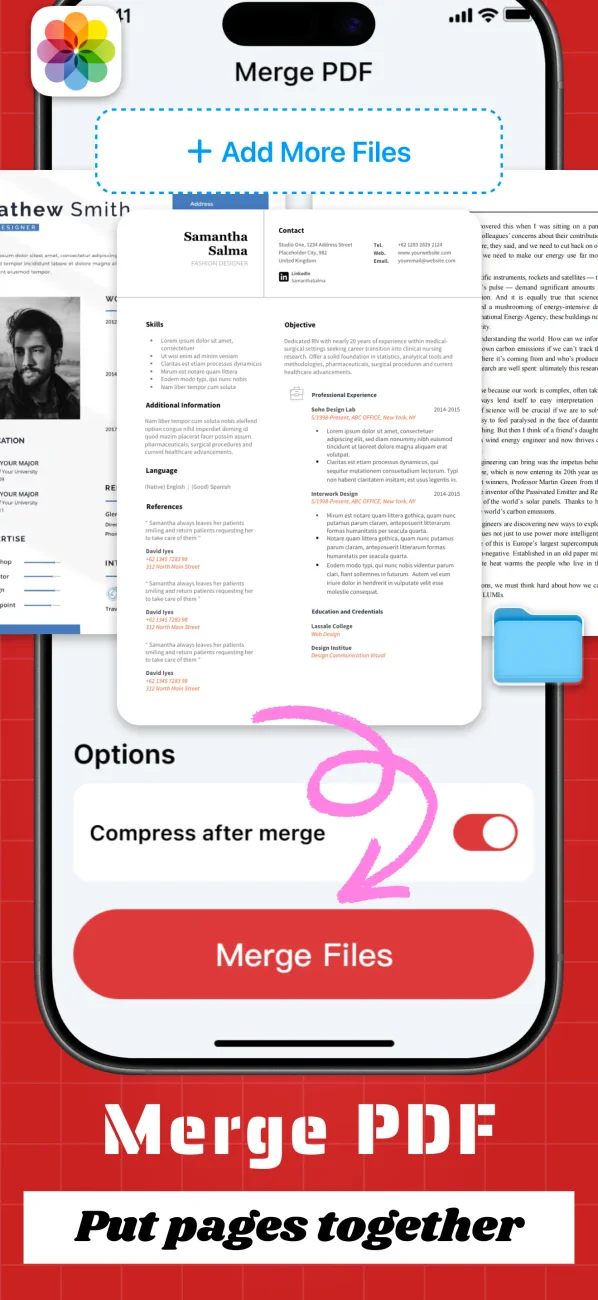
Merge & Organize PDFs
Combine multiple PDFs into one document. Reorder pages, delete unwanted pages, and keep all your documents organized — all in one place.
100% Private & Offline
Everything processes locally on your device. Your documents never leave your phone. No cloud uploads, no data collection, no third-party access. And no account required. Download and start scanning immediately.
Stop downloading separate apps for scanning, editing, signing, and converting. ScanReader puts it all in one tool — fast, private, and always available offline. Download now and get more done with less hassle.Terms of use:https://sites.google.com/view/scanreaderterms-of-use/home
Privacy Policy:https://sites.google.com/view/scanreaderprivacy-policy/home
Neue Funktionen
Version 1.0.5 · 11.08.2026
Better performance, new lower price. Enjoy a faster, more responsive app
App-Datenschutz
Was 杨杨 赵 im App Store zum Umgang dieser App mit Daten angibt.
-
Daten, die zum Tracking Ihrer Person verwendet werden
Können verwendet werden, um Sie über Apps und Websites anderer Unternehmen hinweg zu verfolgen.
- Kennungen
-
Nicht mit Ihnen verknüpfte Daten
Können erfasst werden, sind aber nicht mit Ihrer Identität verknüpft.
- Kennungen
Die Datenschutzpraktiken können variieren, zum Beispiel je nach den von Ihnen verwendeten Funktionen oder Ihrem Alter.
Informationen
- Anbieter
- 杨杨 赵
- Kategorie
- Dienstprogramme
- Version
- 1.0.5
- Aktualisiert
- 11.08.2026
- Veröffentlicht
- 01.07.2026
- Größe
- 36,5 MB
- Erfordert
- iOS 15.6 oder neuer
- Altersfreigabe
- 17+
- Preis
- Kostenlos
- In-App-Käufe
- Ja
- Sprachen
- Englisch
- Copyright
- © @zhaoyangyang
Das könnte Ihnen auch gefallen
-
 MediaEase: Universal ConverterDienstprogramme
-
 TransVoice:AI NoteDienstprogramme
-
 Vocal AI: AI Transcribe NotesDienstprogramme
-
 Filexy-File ManagerDienstprogramme
-
 ShareWell: Cross-Platform P2PDienstprogramme
-
 Smart Notes: AI Voice NotesDienstprogramme
-
 Flow Note:Smart AI NoteDienstprogramme
-
 CodeIT:QR Code GeneratorDienstprogramme
-
 Conver CityDienstprogramme
-
 File Transfer: Nearby & RemoteDienstprogramme