ScanReader:OCR Text Scanner
Scan Document,Edit Image&PDF
Được thiết kế cho iPhone, iPod touch
Miễn phí · Mua hàng trong ứng dụng
- Độ tuổi17+
- Danh mụcTiện Ích
- Nhà phát triển杨杨 赵
- Ngôn ngữTiếng Anh
- Kích thước36,5 MB
Liên kết đến trang App Store chính thức
Download.org không lưu trữ tệp nào của ScanReader:OCR Text Scanner. Nút này mở trang ứng dụng trên App Store, nơi 杨杨 赵 phát hành ứng dụng. Trang được kiểm tra lần cuối: 17/11/2026.
Ảnh chụp màn hình
Giới thiệu
Nhà phát triển chưa cung cấp nội dung này bằng ngôn ngữ của bạn.
ScanReader – Scan, Edit, Sign & Convert on the Go
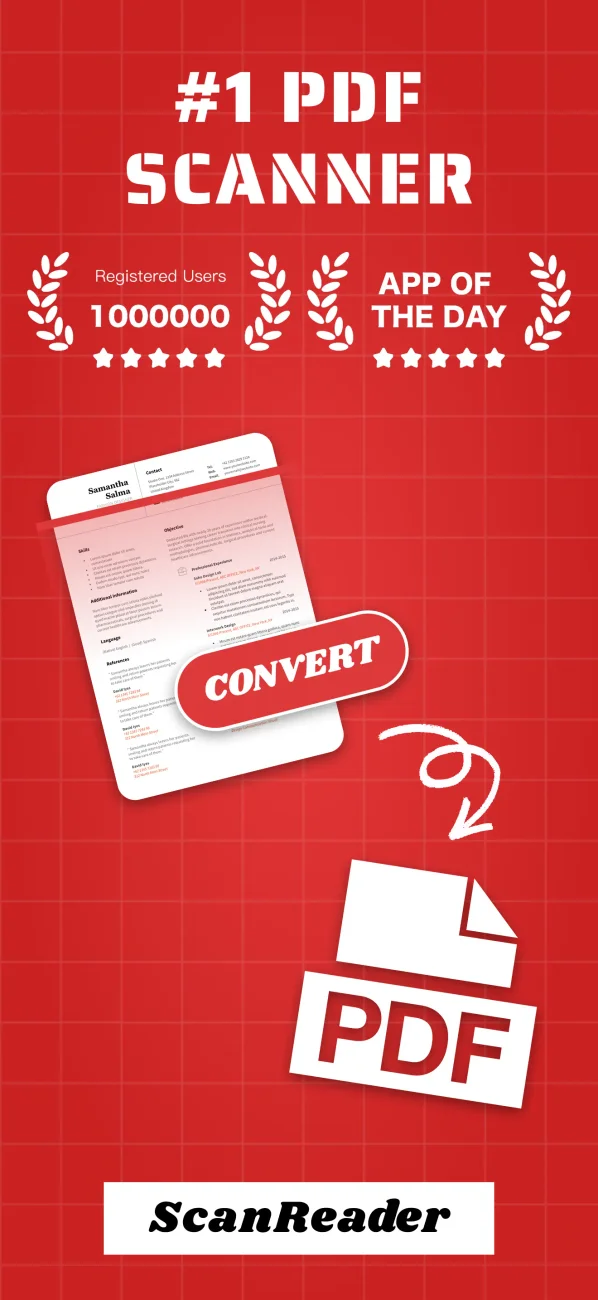
Need to scan a receipt, edit a photo, or sign a contract? ScanReader is the all-in-one document and image tool that handles it all. Scan any document or image, edit text and photos, sign PDFs, and convert formats — all offline, all private, no account needed. Stop juggling multiple apps. One tool does it all.
Scan Any Document or Image
Capture receipts, contracts, whiteboards, and photos with your camera. Automatic edge detection and image enhancement deliver crisp, clean scans every time. No more blurry or crooked images.
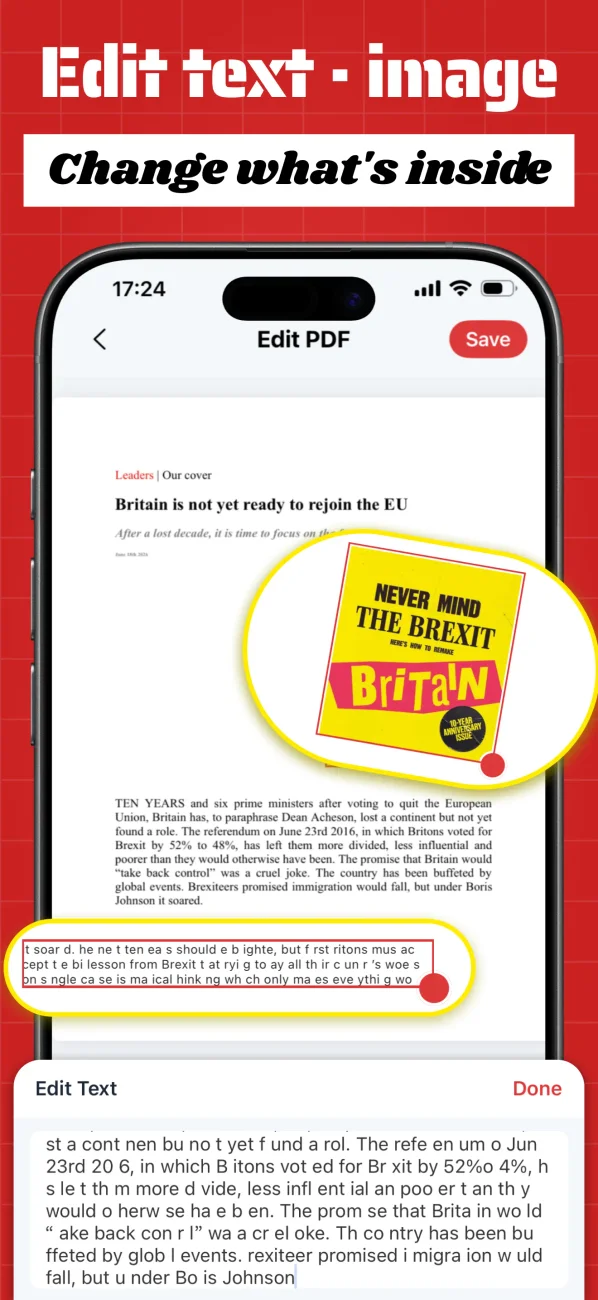
OCR Text Extraction & Editing
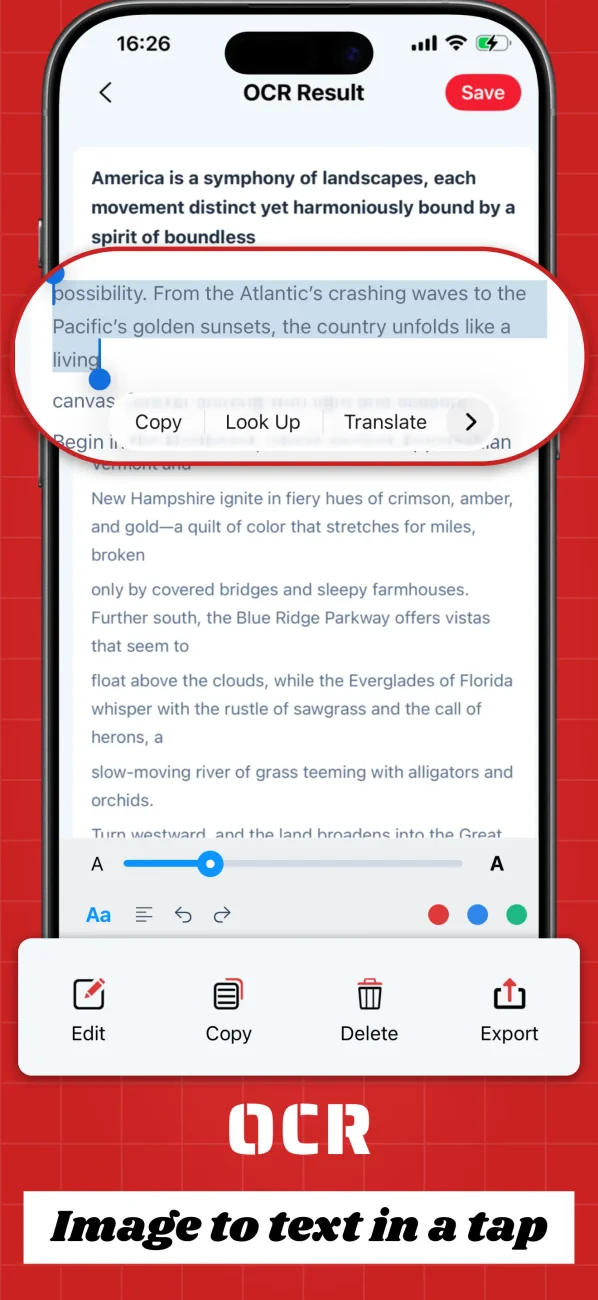
Turn scanned documents and images into editable text with powerful OCR technology. Extract text from photos, screenshots, or printed documents in seconds. Once extracted, edit, delete, or reformat the text directly in the app — as easy as editing a Word document.
Annotate, Sign & Watermark
Add highlights, freehand drawings, and text annotations to your documents. Insert your signature into contracts and forms with a single tap. Protect your work by adding custom watermarks — all without printing a single page.
Convert Formats
Turn photos, screenshots, and document images into professional PDFs or editable Word files. Perfect for reports, contracts, and school assignments. Export in seconds and share anywhere.
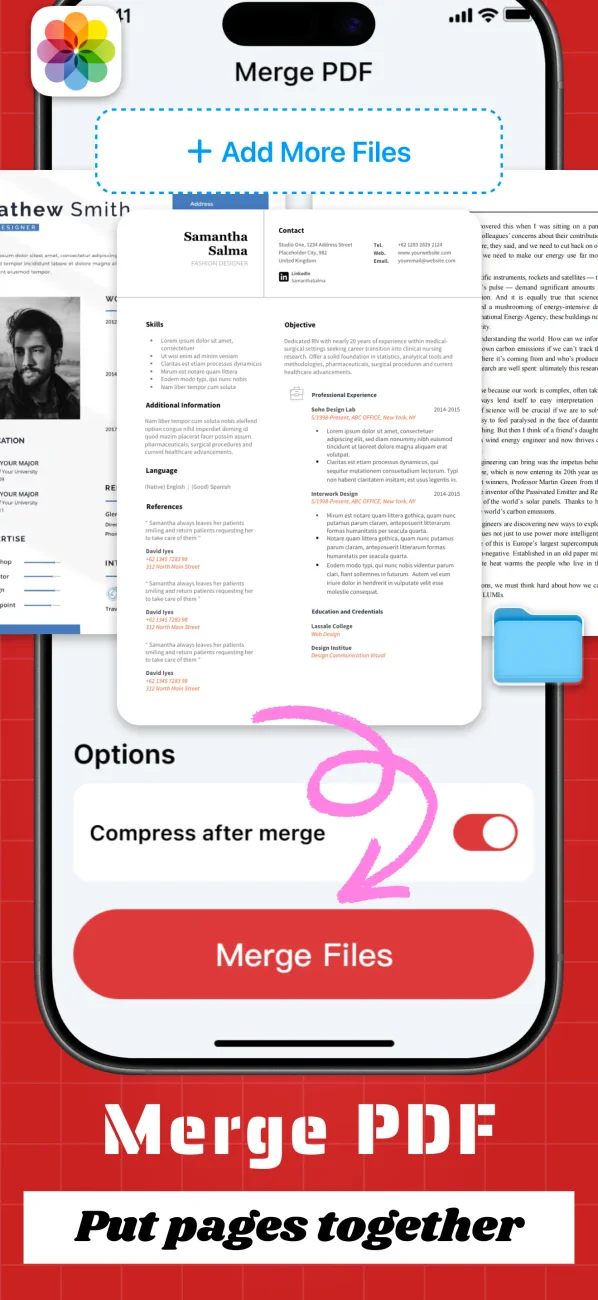
Merge & Organize PDFs
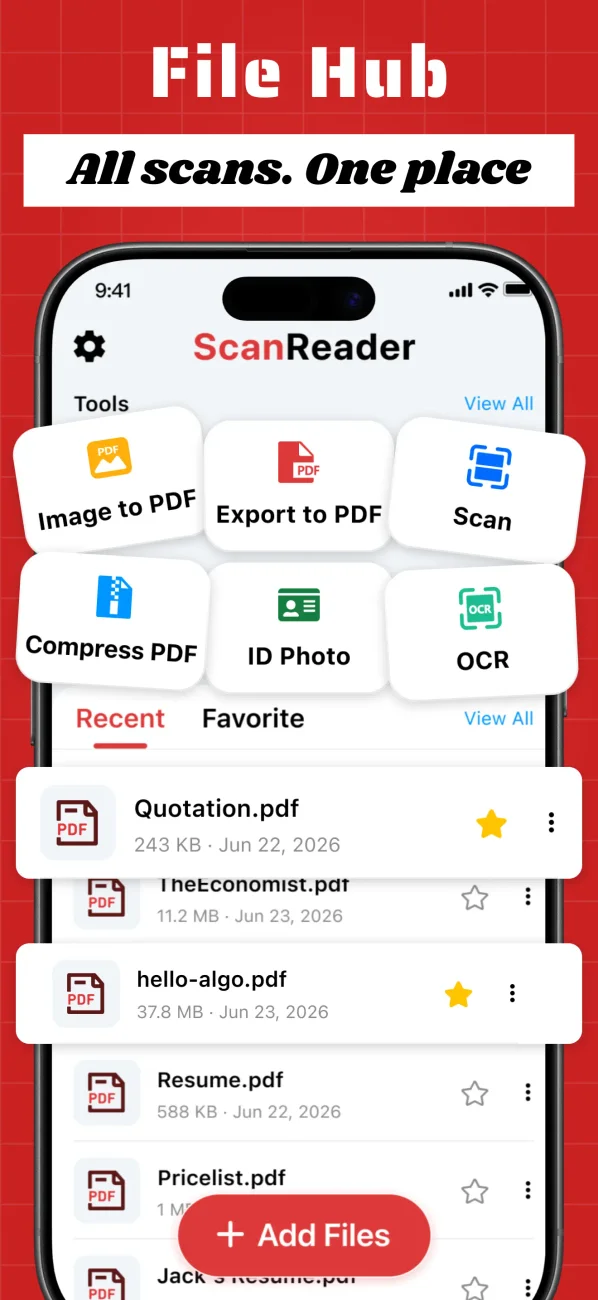
Combine multiple PDFs into one document. Reorder pages, delete unwanted pages, and keep all your documents organized — all in one place.
100% Private & Offline
Everything processes locally on your device. Your documents never leave your phone. No cloud uploads, no data collection, no third-party access. And no account required. Download and start scanning immediately.
Stop downloading separate apps for scanning, editing, signing, and converting. ScanReader puts it all in one tool — fast, private, and always available offline. Download now and get more done with less hassle.Terms of use:https://sites.google.com/view/scanreaderterms-of-use/home
Privacy Policy:https://sites.google.com/view/scanreaderprivacy-policy/home
Có gì mới
Phiên bản 1.0.5 · 11/08/2026
Better performance, new lower price. Enjoy a faster, more responsive app
Quyền riêng tư của ứng dụng
Những gì 杨杨 赵 khai báo trên App Store về cách ứng dụng này xử lý dữ liệu.
-
Dữ liệu được sử dụng để theo dõi bạn
Có thể được sử dụng để theo dõi bạn trên các ứng dụng và trang web do công ty khác sở hữu.
- Mã định danh
-
Dữ liệu không liên kết với bạn
Có thể được thu thập nhưng không liên kết với danh tính của bạn.
- Mã định danh
Phương thức đảm bảo quyền riêng tư có thể khác nhau, chẳng hạn như tuỳ theo các tính năng bạn sử dụng hoặc độ tuổi của bạn.
Thông tin
- Người bán
- 杨杨 赵
- Danh mục
- Tiện Ích
- Phiên bản
- 1.0.5
- Cập nhật
- 11/08/2026
- Phát hành
- 01/07/2026
- Kích thước
- 36,5 MB
- Yêu cầu
- iOS 15.6 trở lên
- Độ tuổi
- 17+
- Giá
- Miễn phí
- Mua hàng trong ứng dụng
- Có
- Ngôn ngữ
- Tiếng Anh
- Bản quyền
- © @zhaoyangyang
Có thể bạn cũng thích
-
 MediaEase: Universal ConverterTiện Ích
-
 TransVoice:AI NoteTiện Ích
-
 Vocal AI: AI Transcribe NotesTiện Ích
-
 Filexy-File ManagerTiện Ích
-
 ShareWell: Cross-Platform P2PTiện Ích
-
 Smart Notes: AI Voice NotesTiện Ích
-
 Flow Note:Smart AI NoteTiện Ích
-
 CodeIT:QR Code GeneratorTiện Ích
-
 Conver CityTiện Ích
-
 File Transfer: Nearby & RemoteTiện Ích