ScanReader:OCR Text Scanner
Scan Document,Edit Image&PDF
Conçue pour iPhone, iPod touch
Gratuit · Achats intégrés
- Classification d’âge17+
- CatégorieUtilitaires
- Développeur杨杨 赵
- LanguesAnglais
- Taille36,5 Mo
Renvoie vers la page App Store officielle
Download.org n’héberge aucun fichier de ScanReader:OCR Text Scanner. Le bouton ouvre la page de l’application sur App Store, où 杨杨 赵 la publie. Fiche vérifiée pour la dernière fois le 17/11/2026.
Captures d’écran
À propos
Le développeur n’a pas fourni ce texte dans votre langue.
ScanReader – Scan, Edit, Sign & Convert on the Go
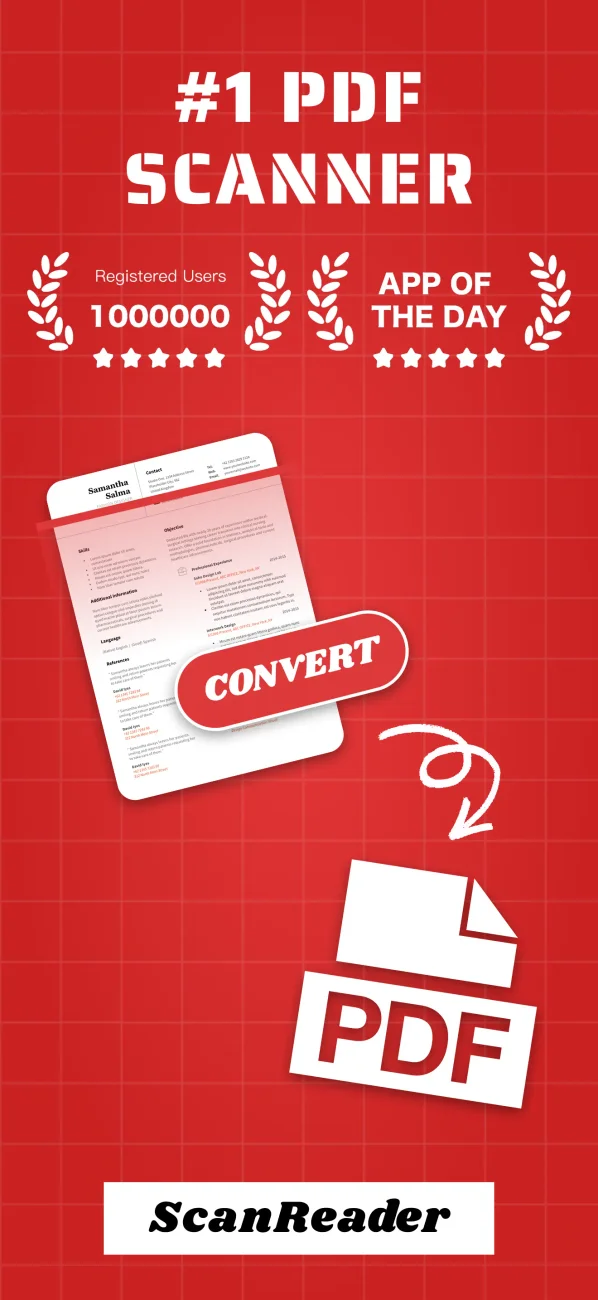
Need to scan a receipt, edit a photo, or sign a contract? ScanReader is the all-in-one document and image tool that handles it all. Scan any document or image, edit text and photos, sign PDFs, and convert formats — all offline, all private, no account needed. Stop juggling multiple apps. One tool does it all.
Scan Any Document or Image
Capture receipts, contracts, whiteboards, and photos with your camera. Automatic edge detection and image enhancement deliver crisp, clean scans every time. No more blurry or crooked images.
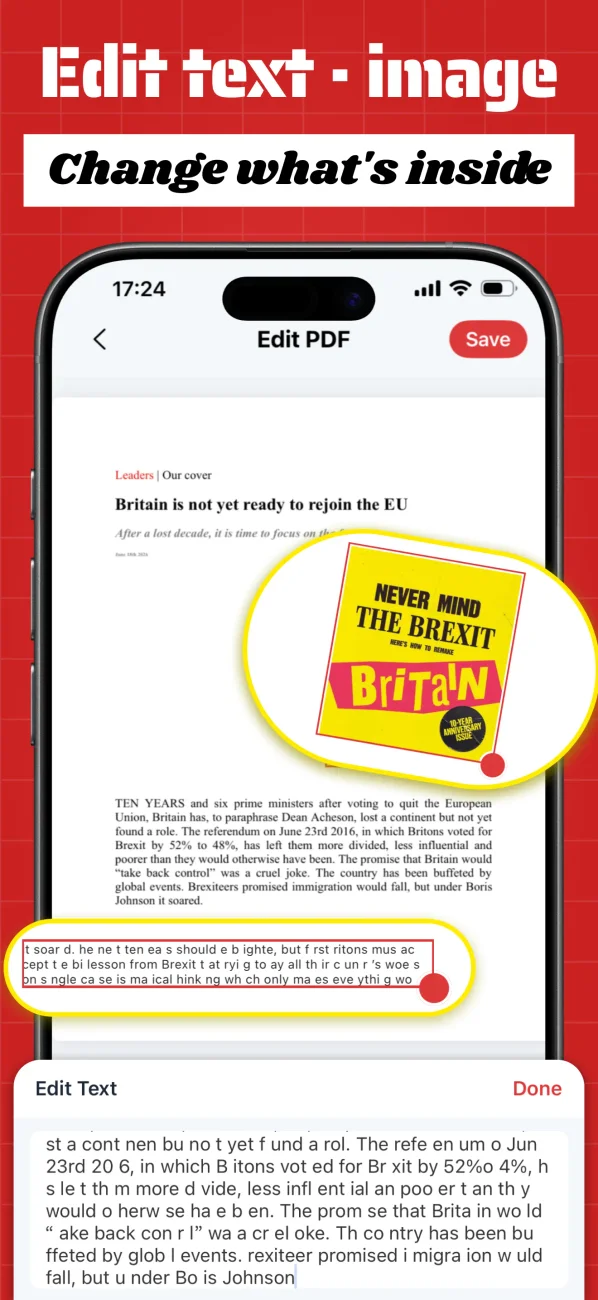
OCR Text Extraction & Editing
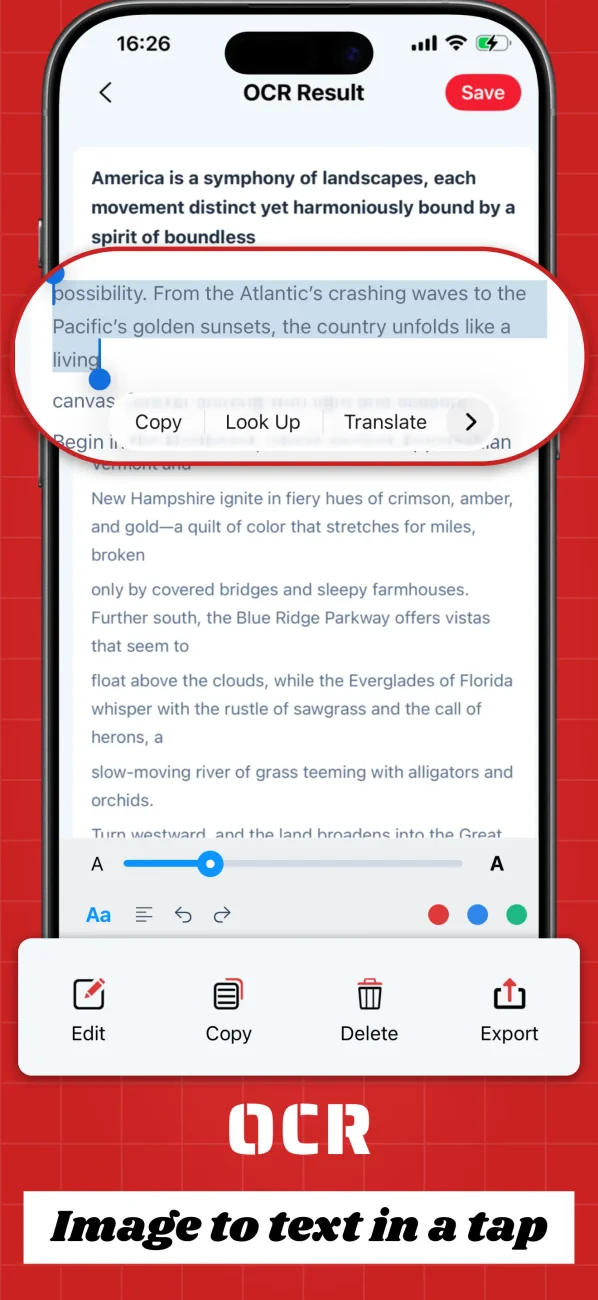
Turn scanned documents and images into editable text with powerful OCR technology. Extract text from photos, screenshots, or printed documents in seconds. Once extracted, edit, delete, or reformat the text directly in the app — as easy as editing a Word document.
Annotate, Sign & Watermark
Add highlights, freehand drawings, and text annotations to your documents. Insert your signature into contracts and forms with a single tap. Protect your work by adding custom watermarks — all without printing a single page.
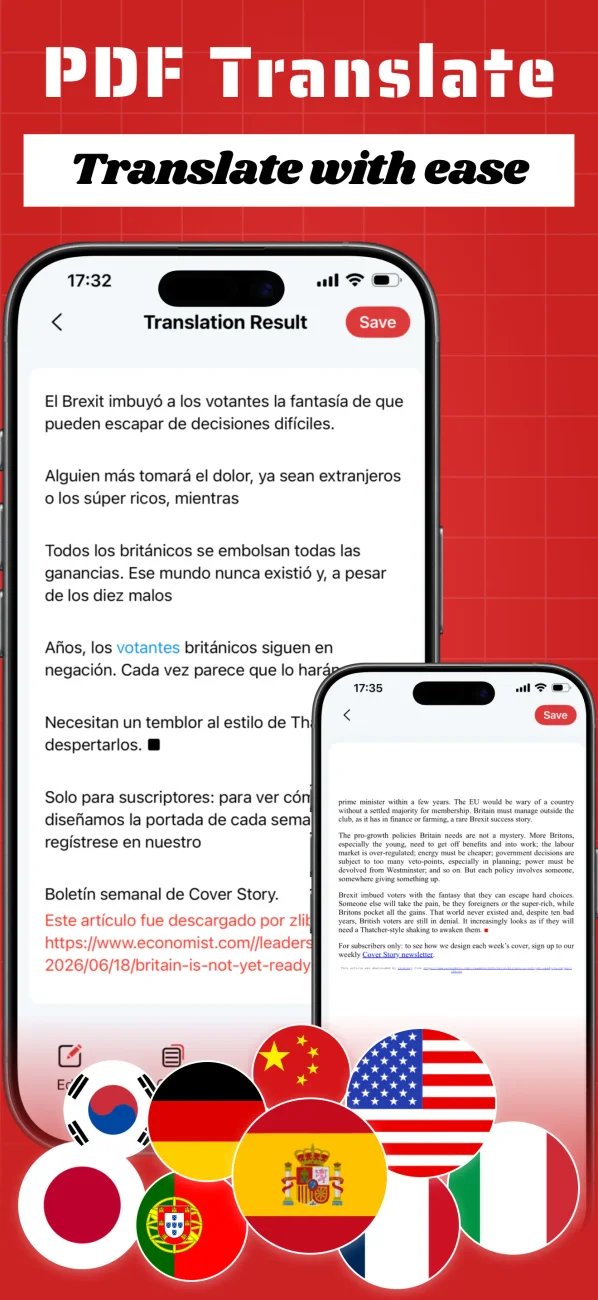
Convert Formats
Turn photos, screenshots, and document images into professional PDFs or editable Word files. Perfect for reports, contracts, and school assignments. Export in seconds and share anywhere.
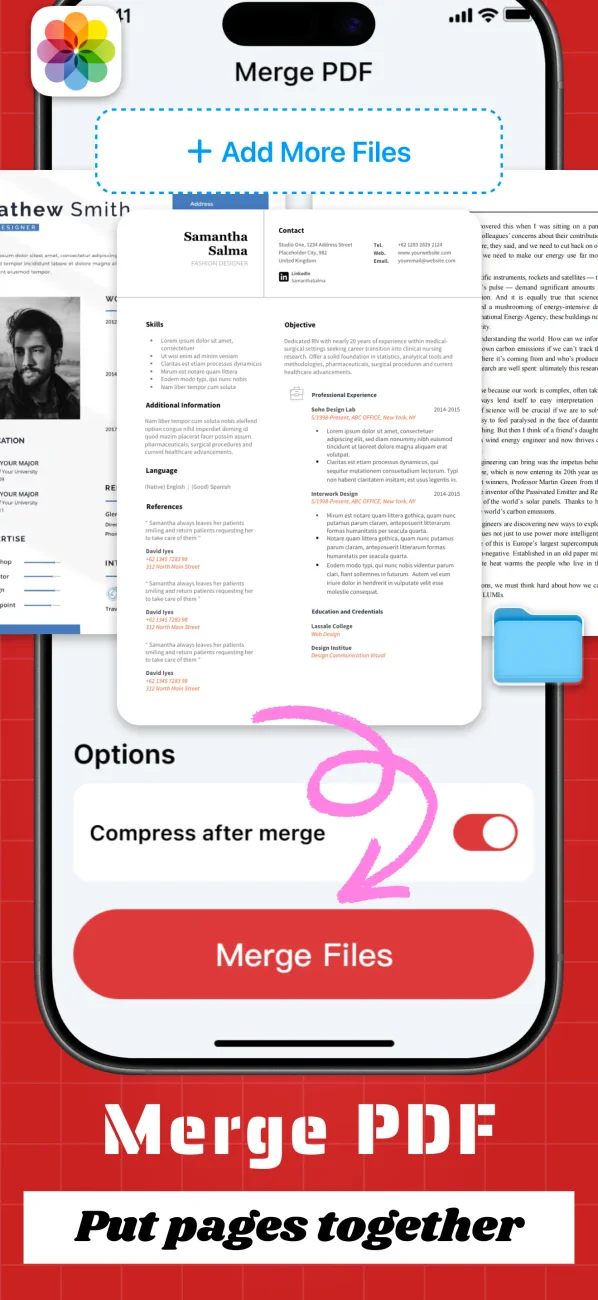
Merge & Organize PDFs
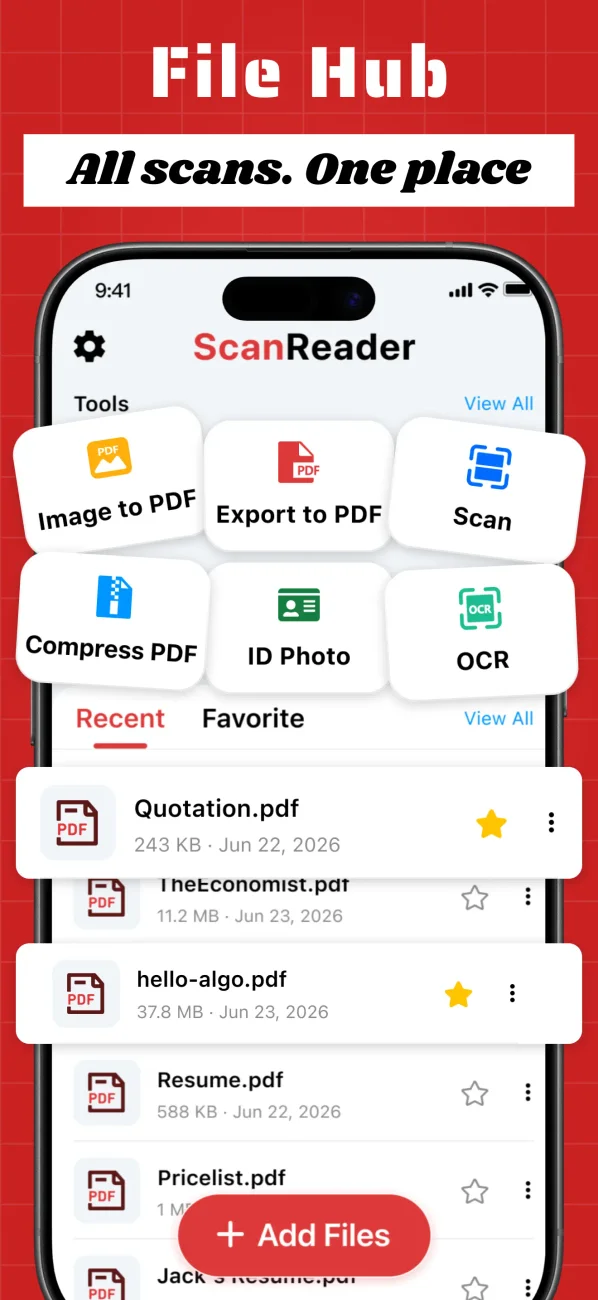
Combine multiple PDFs into one document. Reorder pages, delete unwanted pages, and keep all your documents organized — all in one place.
100% Private & Offline
Everything processes locally on your device. Your documents never leave your phone. No cloud uploads, no data collection, no third-party access. And no account required. Download and start scanning immediately.
Stop downloading separate apps for scanning, editing, signing, and converting. ScanReader puts it all in one tool — fast, private, and always available offline. Download now and get more done with less hassle.Terms of use:https://sites.google.com/view/scanreaderterms-of-use/home
Privacy Policy:https://sites.google.com/view/scanreaderprivacy-policy/home
Nouveautés
Version 1.0.5 · 11/08/2026
Better performance, new lower price. Enjoy a faster, more responsive app
Confidentialité de l’application
Ce que 杨杨 赵 déclare sur l’App Store au sujet du traitement des données par cette application.
-
Données utilisées pour vous suivre
Peuvent être utilisées pour vous suivre sur des applications et des sites web appartenant à d’autres sociétés.
- Identifiants
-
Données n’établissant aucun lien avec vous
Peuvent être collectées, mais ne sont pas liées à votre identité.
- Identifiants
Les pratiques en matière de confidentialité peuvent varier, notamment en fonction des fonctionnalités que vous utilisez ou de votre âge.
Informations
- Vendeur
- 杨杨 赵
- Catégorie
- Utilitaires
- Version
- 1.0.5
- Mis à jour
- 11/08/2026
- Publié
- 01/07/2026
- Taille
- 36,5 Mo
- Nécessite
- iOS 15.6 ou version ultérieure
- Classification d’âge
- 17+
- Prix
- Gratuit
- Achats intégrés
- Oui
- Langues
- Anglais
- Copyright
- © @zhaoyangyang
Vous aimerez peut-être aussi
-
 MediaEase: Universal ConverterUtilitaires
-
 TransVoice:AI NoteUtilitaires
-
 Vocal AI: AI Transcribe NotesUtilitaires
-
 Filexy-File ManagerUtilitaires
-
 ShareWell: Cross-Platform P2PUtilitaires
-
 Smart Notes: AI Voice NotesUtilitaires
-
 Flow Note:Smart AI NoteUtilitaires
-
 CodeIT:QR Code GeneratorUtilitaires
-
 Conver CityUtilitaires
-
 FileBeam: File TransferUtilitaires