ScanReader:OCR Text Scanner
Scan Document,Edit Image&PDF
iPhone, iPod touch向けに設計
無料 · アプリ内課金
- 対象年齢17+
- カテゴリユーティリティ
- 開発元杨杨 赵
- 言語英語
- サイズ36.5 MB
App Storeの公式ページにリンクしています
Download.orgはScanReader:OCR Text Scannerのファイルを一切ホストしていません。ボタンを押すと、杨杨 赵が公開しているApp Storeのアプリページが開きます。ページの最終確認:2026/11/17。
スクリーンショット
概要
開発元はこのテキストをお使いの言語で提供していません。
ScanReader – Scan, Edit, Sign & Convert on the Go
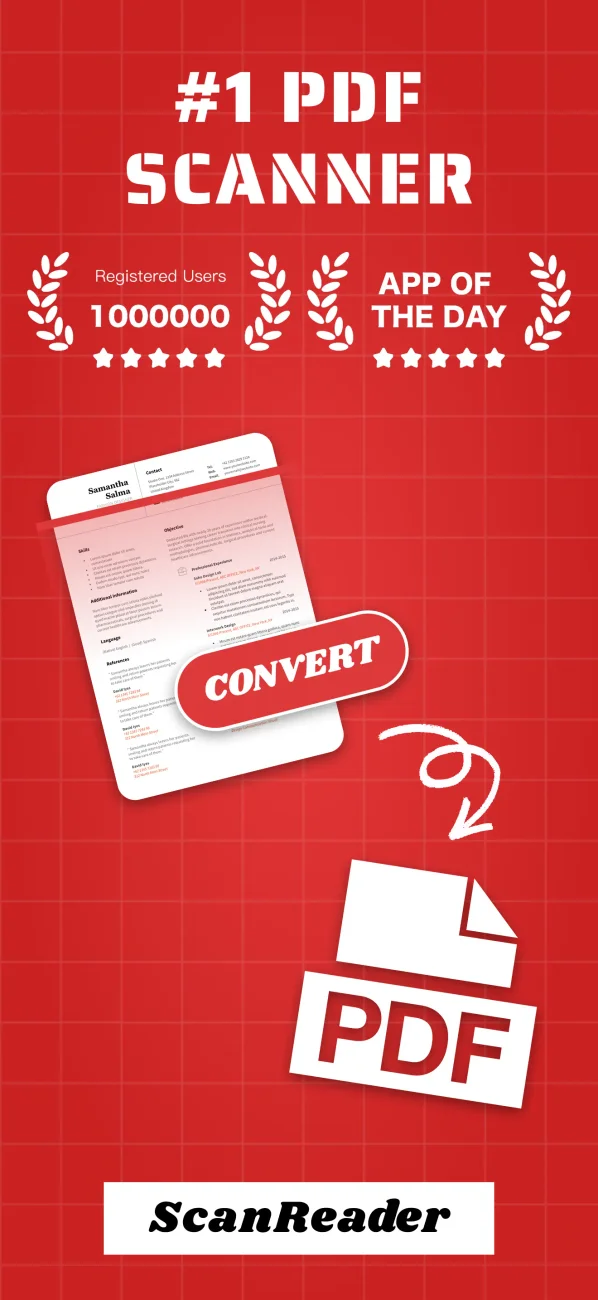
Need to scan a receipt, edit a photo, or sign a contract? ScanReader is the all-in-one document and image tool that handles it all. Scan any document or image, edit text and photos, sign PDFs, and convert formats — all offline, all private, no account needed. Stop juggling multiple apps. One tool does it all.
Scan Any Document or Image
Capture receipts, contracts, whiteboards, and photos with your camera. Automatic edge detection and image enhancement deliver crisp, clean scans every time. No more blurry or crooked images.
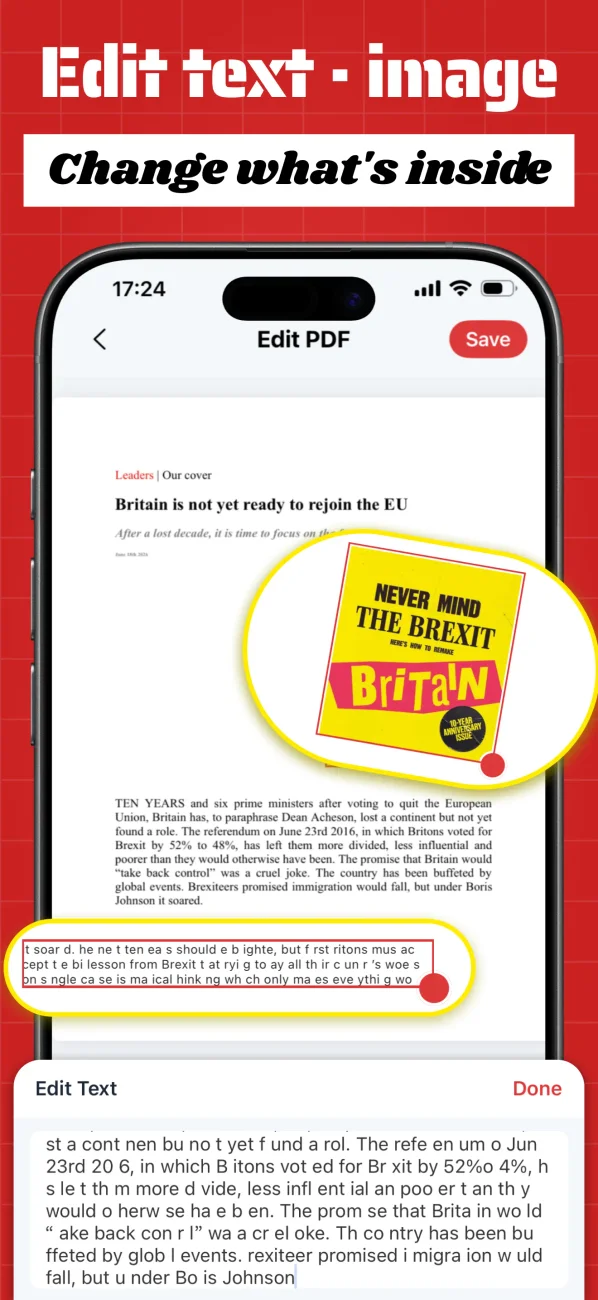
OCR Text Extraction & Editing
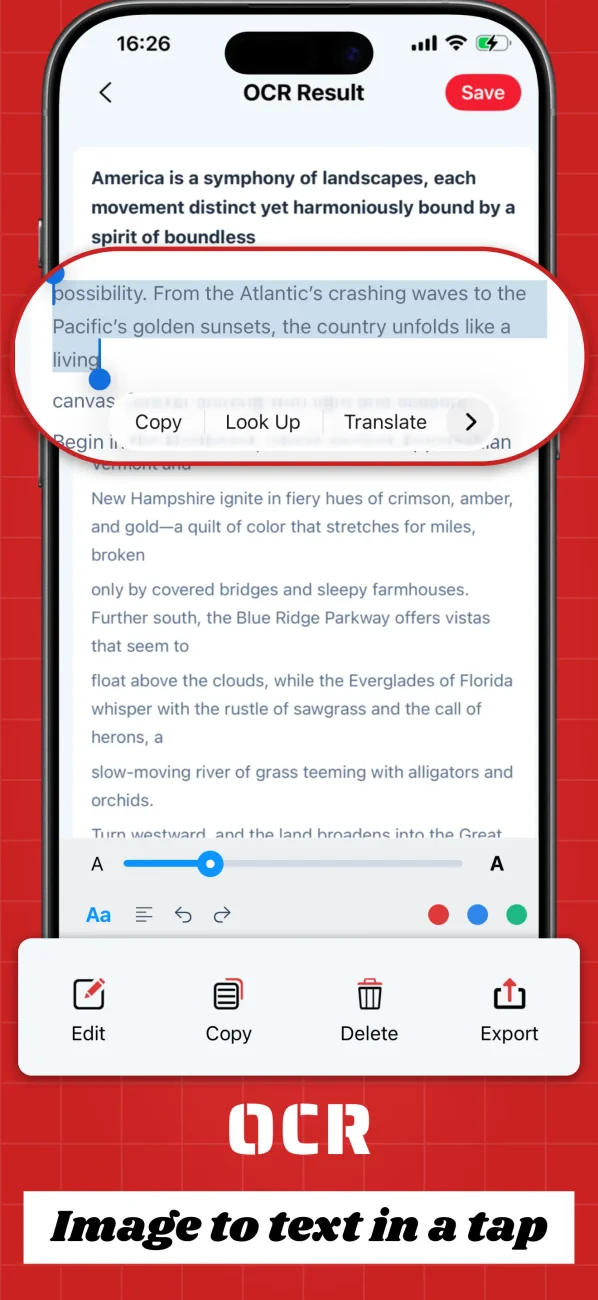
Turn scanned documents and images into editable text with powerful OCR technology. Extract text from photos, screenshots, or printed documents in seconds. Once extracted, edit, delete, or reformat the text directly in the app — as easy as editing a Word document.
Annotate, Sign & Watermark
Add highlights, freehand drawings, and text annotations to your documents. Insert your signature into contracts and forms with a single tap. Protect your work by adding custom watermarks — all without printing a single page.
Convert Formats
Turn photos, screenshots, and document images into professional PDFs or editable Word files. Perfect for reports, contracts, and school assignments. Export in seconds and share anywhere.
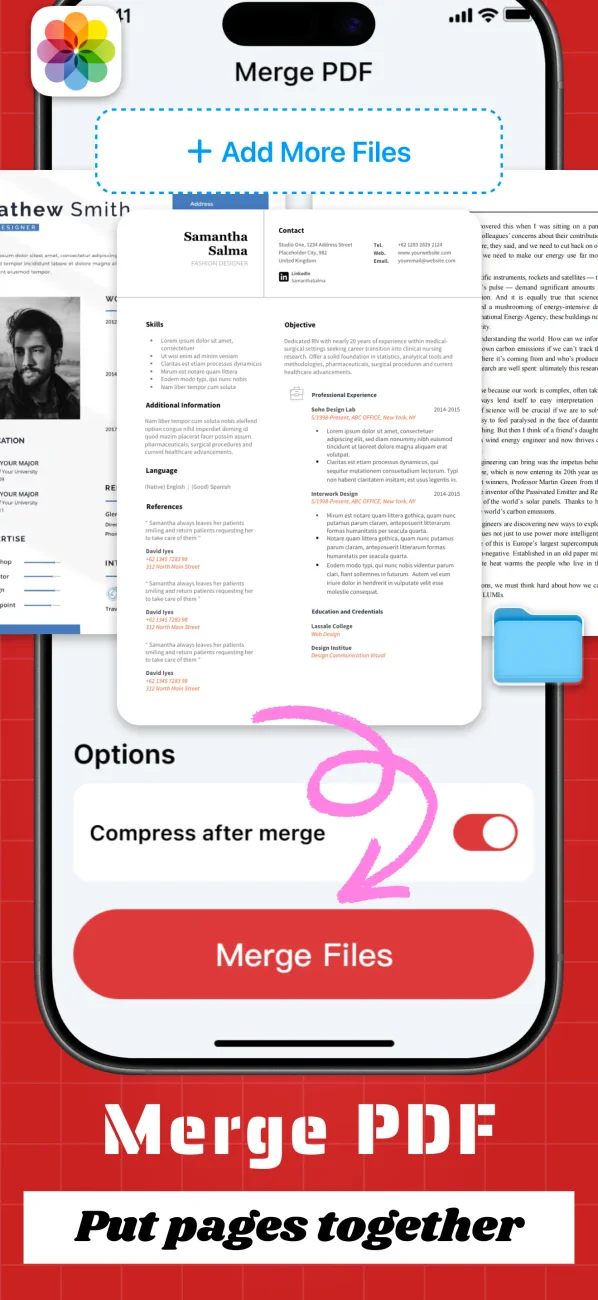
Merge & Organize PDFs
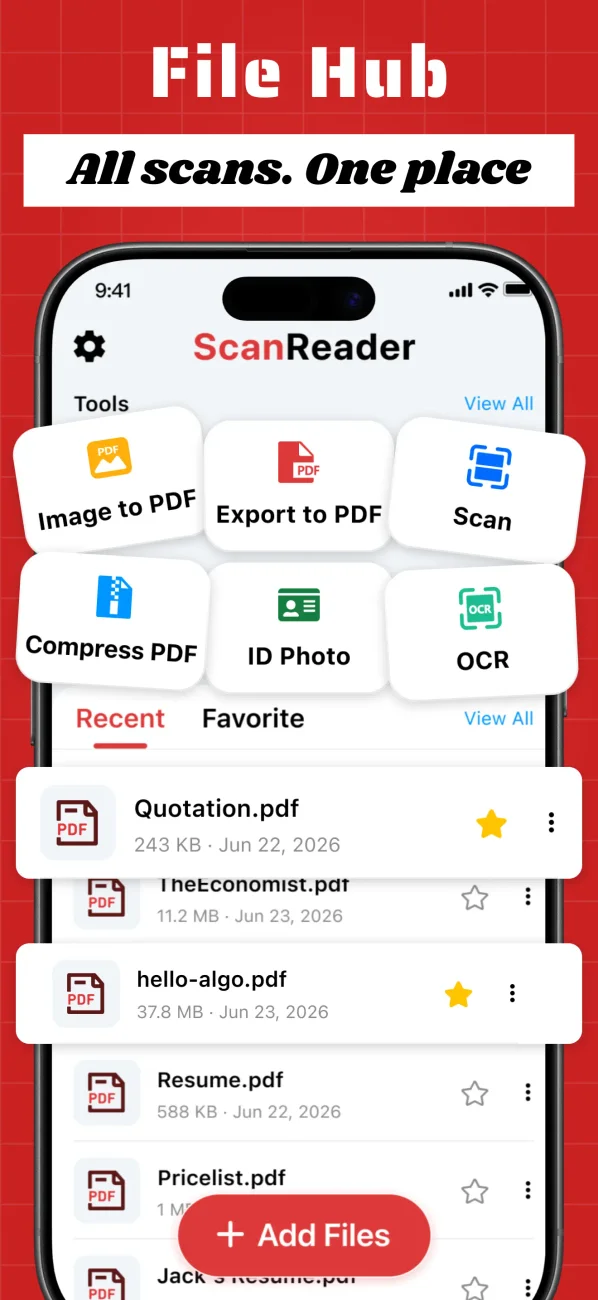
Combine multiple PDFs into one document. Reorder pages, delete unwanted pages, and keep all your documents organized — all in one place.
100% Private & Offline
Everything processes locally on your device. Your documents never leave your phone. No cloud uploads, no data collection, no third-party access. And no account required. Download and start scanning immediately.
Stop downloading separate apps for scanning, editing, signing, and converting. ScanReader puts it all in one tool — fast, private, and always available offline. Download now and get more done with less hassle.Terms of use:https://sites.google.com/view/scanreaderterms-of-use/home
Privacy Policy:https://sites.google.com/view/scanreaderprivacy-policy/home
新機能
バージョン 1.0.5 · 2026/8/11
Better performance, new lower price. Enjoy a faster, more responsive app
アプリのプライバシー
このアプリのデータの取り扱いについて、杨杨 赵がApp Storeで申告している内容です。
-
ユーザーのトラッキングに使用されるデータ
他社のアプリやウェブサイトを横断してユーザーをトラッキングする目的で使用される場合があります。
- ID
-
ユーザーに関連付けられないデータ
収集される場合がありますが、ユーザーの識別情報には関連付けられません。
- ID
プライバシーの取り扱いは、ご利用の機能やお客様の年齢などに応じて異なる場合があります。
情報
- 販売元
- 杨杨 赵
- カテゴリ
- ユーティリティ
- バージョン
- 1.0.5
- 更新日
- 2026/8/11
- リリース
- 2026/7/1
- サイズ
- 36.5 MB
- 必要条件
- iOS 15.6以降
- 対象年齢
- 17+
- 価格
- 無料
- アプリ内課金
- あり
- 言語
- 英語
- 著作権
- © @zhaoyangyang
こちらもおすすめ
-
 MediaEase: Universal Converterユーティリティ
-
 TransVoice:AI Noteユーティリティ
-
 Vocal AI: AI Transcribe Notesユーティリティ
-
 Filexy-File Managerユーティリティ
-
 ShareWell: Cross-Platform P2Pユーティリティ
-
 Smart Notes: AI Voice Notesユーティリティ
-
 Flow Note:Smart AI Noteユーティリティ
-
 CodeIT:QR Code Generatorユーティリティ
-
 Conver Cityユーティリティ
-
 FileBeam: File Transferユーティリティ