ScanReader:OCR Text Scanner
Scan Document,Edit Image&PDF
Designed for iPhone, iPod touch
Free · In-app purchases
- Age rating17+
- CategoryUtilities
- Developer杨杨 赵
- LanguagesEnglish
- Size36.5 MB
Links to the official App Store page
Download.org hosts no file of ScanReader:OCR Text Scanner. The button opens its official App Store page, published by 杨杨 赵. Listing last checked on Nov 17, 2026.
Screenshots
About
ScanReader – Scan, Edit, Sign & Convert on the Go
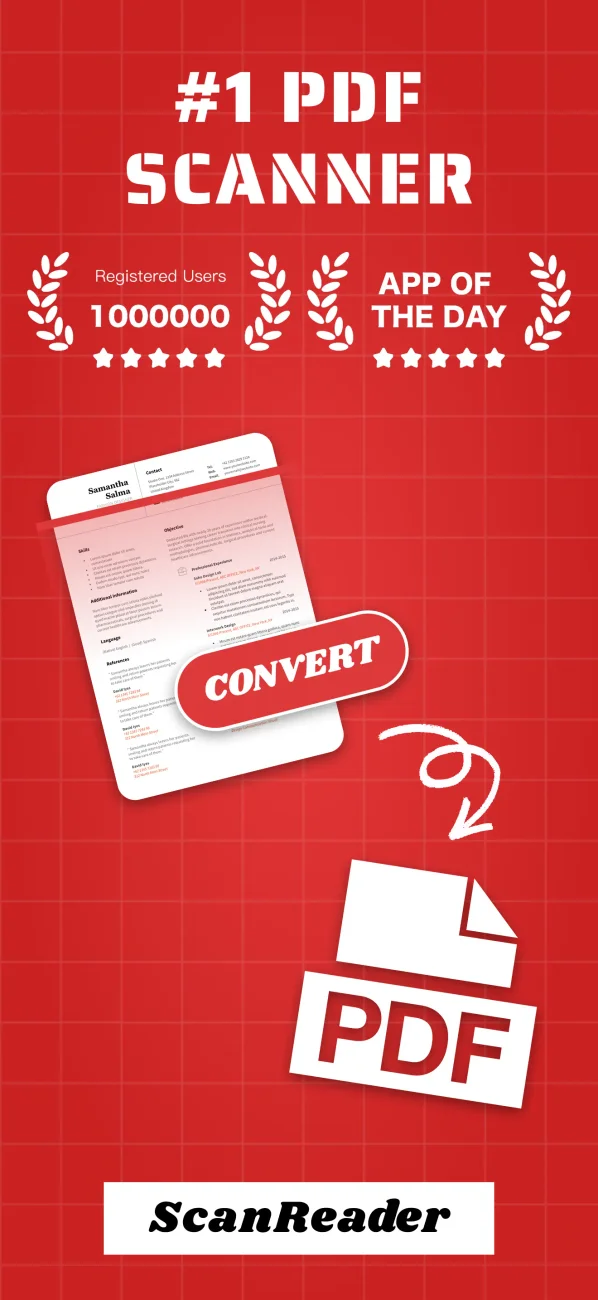
Need to scan a receipt, edit a photo, or sign a contract? ScanReader is the all-in-one document and image tool that handles it all. Scan any document or image, edit text and photos, sign PDFs, and convert formats — all offline, all private, no account needed. Stop juggling multiple apps. One tool does it all.
Scan Any Document or Image
Capture receipts, contracts, whiteboards, and photos with your camera. Automatic edge detection and image enhancement deliver crisp, clean scans every time. No more blurry or crooked images.
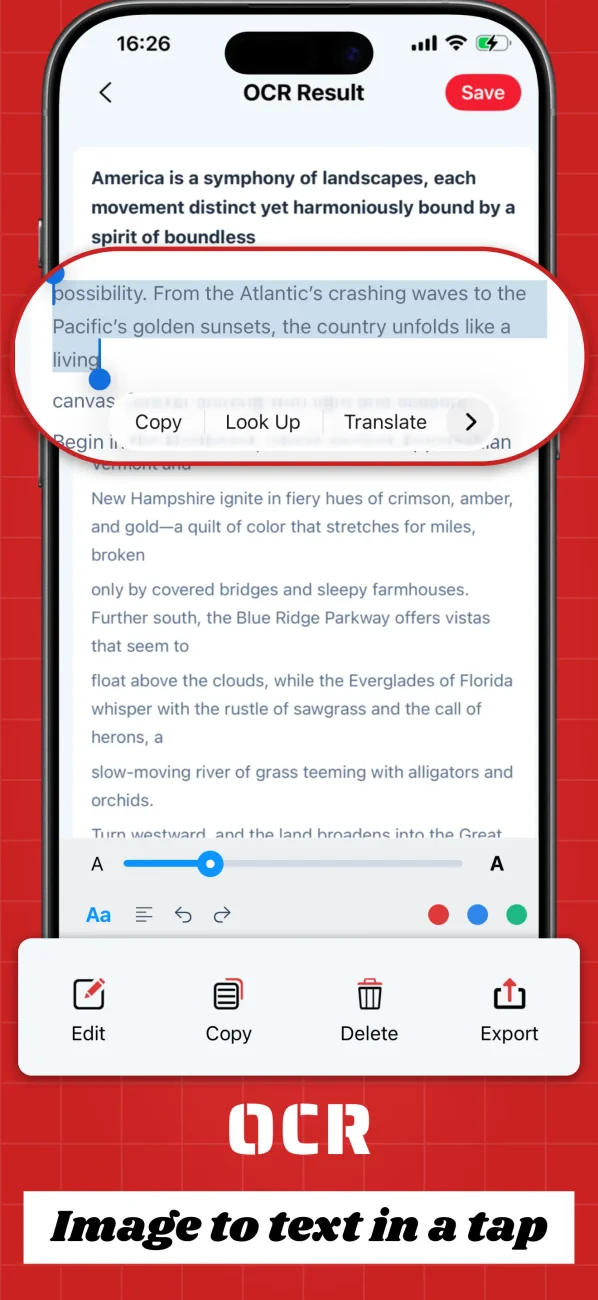
OCR Text Extraction & Editing
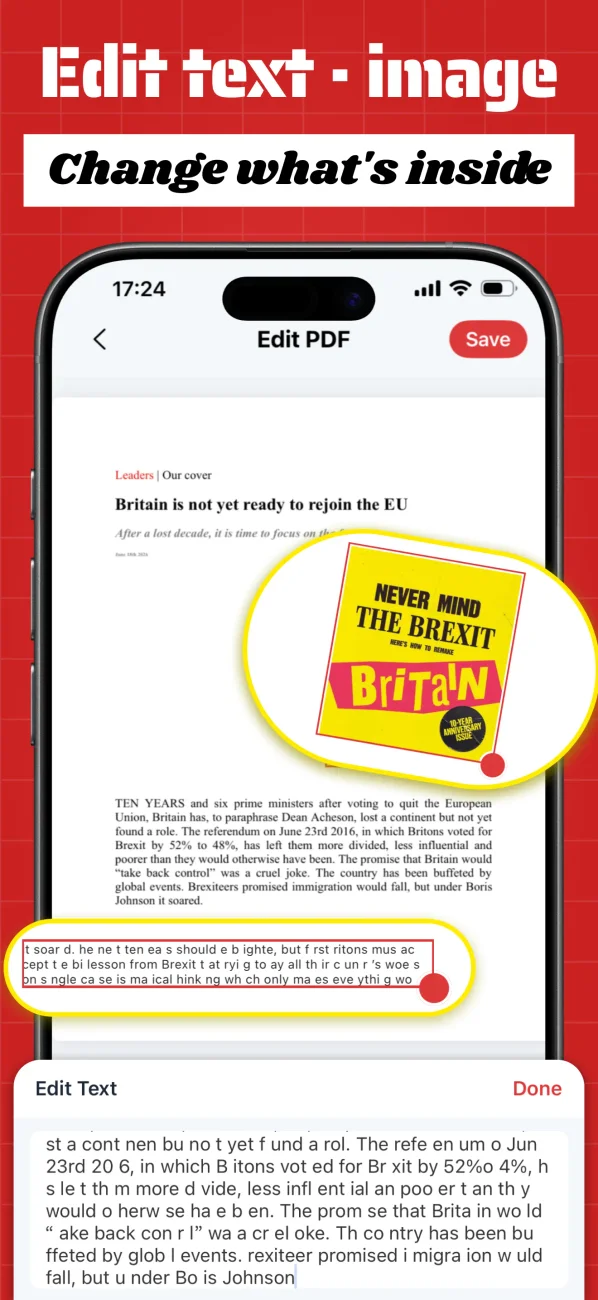
Turn scanned documents and images into editable text with powerful OCR technology. Extract text from photos, screenshots, or printed documents in seconds. Once extracted, edit, delete, or reformat the text directly in the app — as easy as editing a Word document.
Annotate, Sign & Watermark
Add highlights, freehand drawings, and text annotations to your documents. Insert your signature into contracts and forms with a single tap. Protect your work by adding custom watermarks — all without printing a single page.
Convert Formats
Turn photos, screenshots, and document images into professional PDFs or editable Word files. Perfect for reports, contracts, and school assignments. Export in seconds and share anywhere.
Merge & Organize PDFs
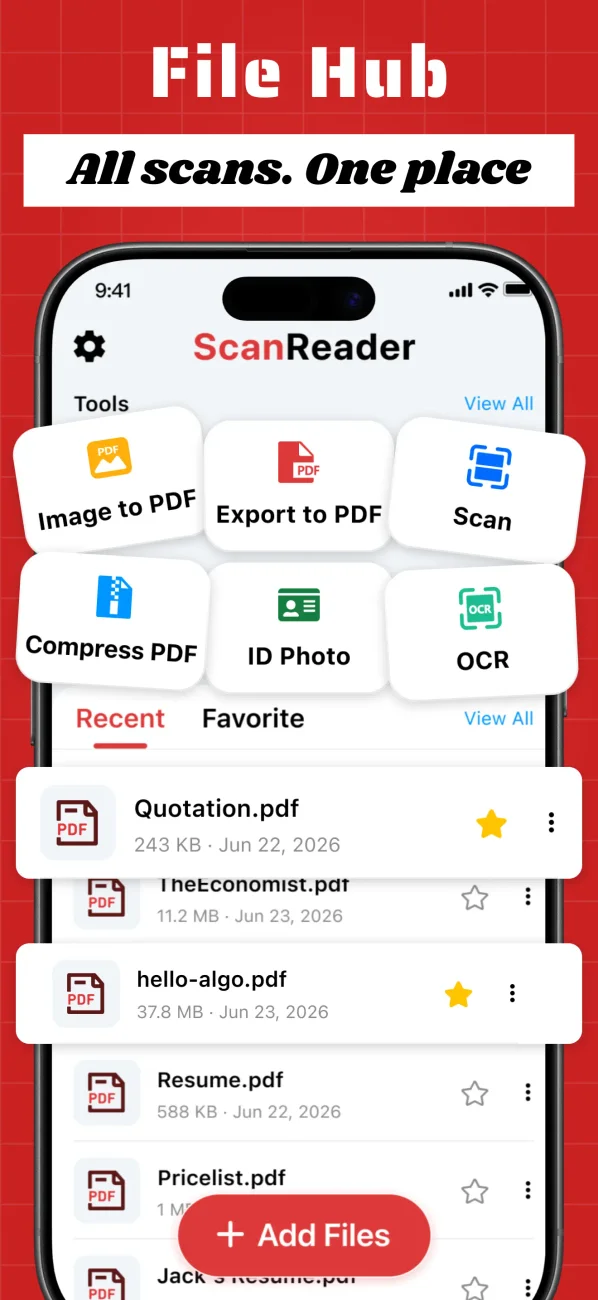
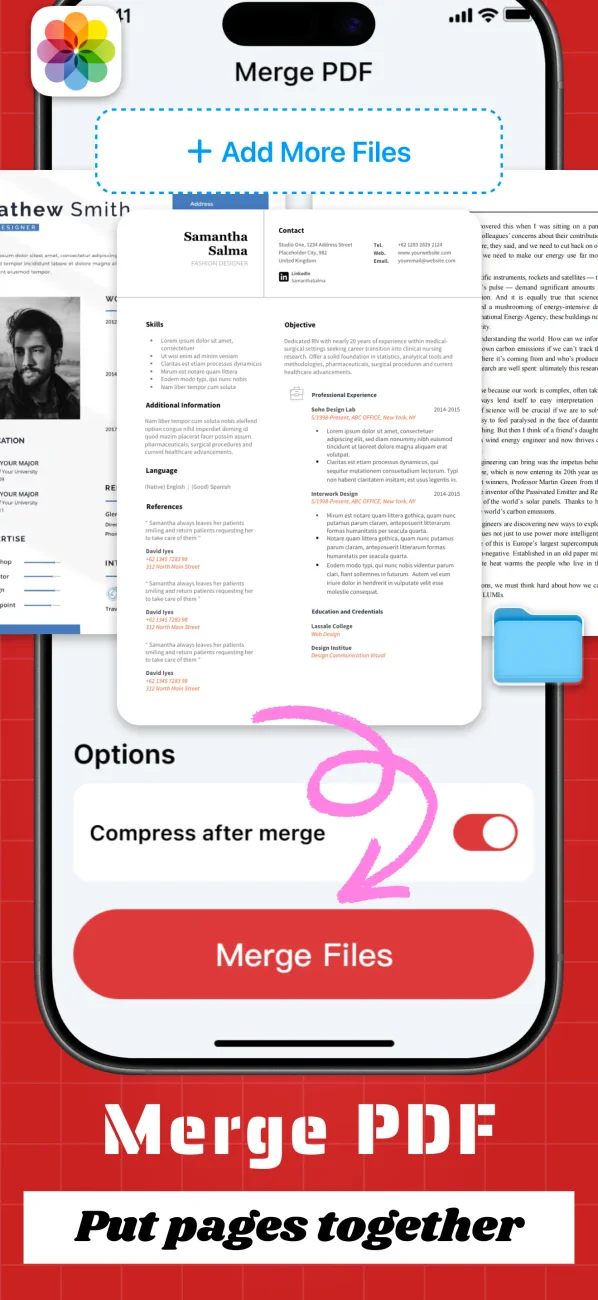
Combine multiple PDFs into one document. Reorder pages, delete unwanted pages, and keep all your documents organized — all in one place.
100% Private & Offline
Everything processes locally on your device. Your documents never leave your phone. No cloud uploads, no data collection, no third-party access. And no account required. Download and start scanning immediately.
Stop downloading separate apps for scanning, editing, signing, and converting. ScanReader puts it all in one tool — fast, private, and always available offline. Download now and get more done with less hassle.Terms of use:https://sites.google.com/view/scanreaderterms-of-use/home
Privacy Policy:https://sites.google.com/view/scanreaderprivacy-policy/home
What’s new
Version 1.0.5 · Aug 11, 2026
Better performance, new lower price. Enjoy a faster, more responsive app
App privacy
What 杨杨 赵 declares on the App Store about how this app handles data.
-
Data used to track you
May be used to track you across apps and websites owned by other companies.
- Identifiers
-
Data not linked to you
May be collected but is not linked to your identity.
- Identifiers
Privacy practices may vary, for example with the features you use or your age.
Information
- Seller
- 杨杨 赵
- Category
- Utilities
- Version
- 1.0.5
- Updated
- Aug 11, 2026
- Released
- Jul 1, 2026
- Size
- 36.5 MB
- Requires
- iOS 15.6 or later
- Age rating
- 17+
- Price
- Free
- In-app purchases
- Yes
- Languages
- English
- Copyright
- © @zhaoyangyang
You might also like
-
 MediaEase: Universal ConverterConvert to PNG, GIF, PDF+more
-
 TransVoice:AI NoteTranscribe,Translate,Summary
-
 Vocal AI: AI Transcribe NotesAI Lecture Note & Audio Editor
-
 Filexy-File ManagerManage · Transfer · Protect
-
 ShareWell: Cross-Platform P2PCross‑Platform File Transfer
-
 Smart Notes: AI Voice NotesYour AI-Powered Note Companion
-
 Flow Note:Smart AI NoteAI Note Taker
-
 CodeIT:QR Code GeneratorQR Code Reader & Maker Offline
-
 Conver CityNo Format Left Behind
-
 File Transfer: Nearby & RemoteShare Large Files Privately