ScanReader:OCR Text Scanner
Scan Document,Edit Image&PDF
Projetado para iPhone, iPod touch
Grátis · Compras no app
- Classificação etária17+
- CategoriaUtilidades
- Desenvolvedor杨杨 赵
- IdiomasInglês
- Tamanho36,5 MB
Leva à página oficial na App Store
O Download.org não hospeda nenhum arquivo de ScanReader:OCR Text Scanner. O botão abre a página do app na App Store, onde 杨杨 赵 o publica. Página verificada pela última vez em 17/11/2026.
Capturas de tela
Sobre
O desenvolvedor não forneceu este texto no seu idioma.
ScanReader – Scan, Edit, Sign & Convert on the Go
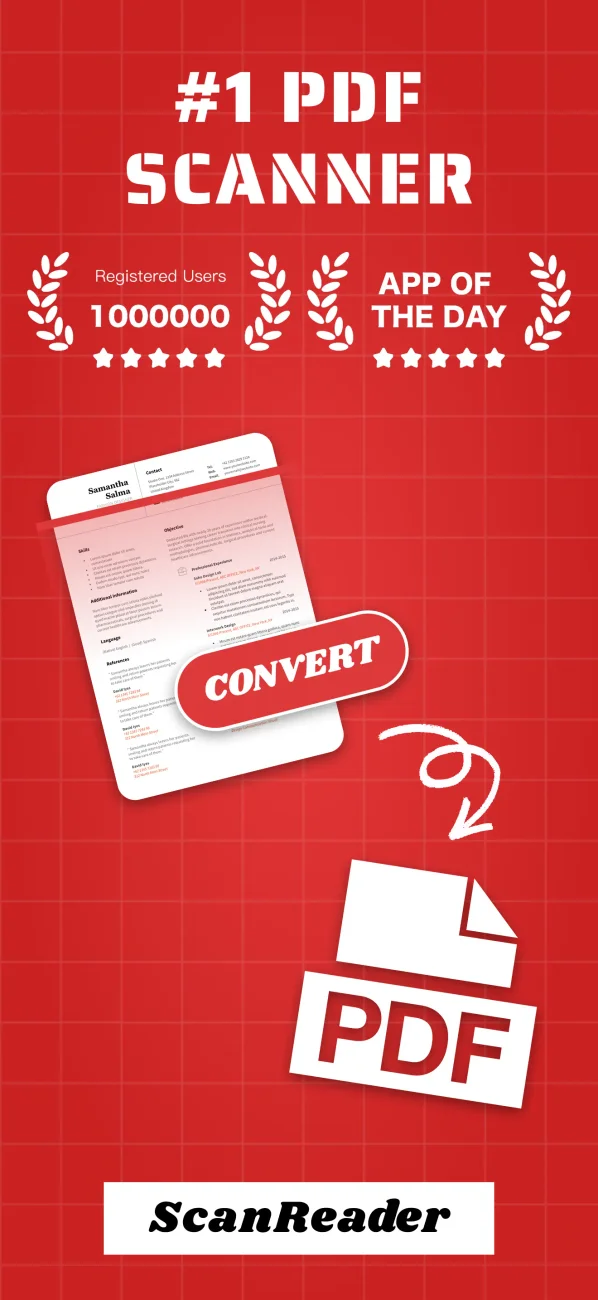
Need to scan a receipt, edit a photo, or sign a contract? ScanReader is the all-in-one document and image tool that handles it all. Scan any document or image, edit text and photos, sign PDFs, and convert formats — all offline, all private, no account needed. Stop juggling multiple apps. One tool does it all.
Scan Any Document or Image
Capture receipts, contracts, whiteboards, and photos with your camera. Automatic edge detection and image enhancement deliver crisp, clean scans every time. No more blurry or crooked images.
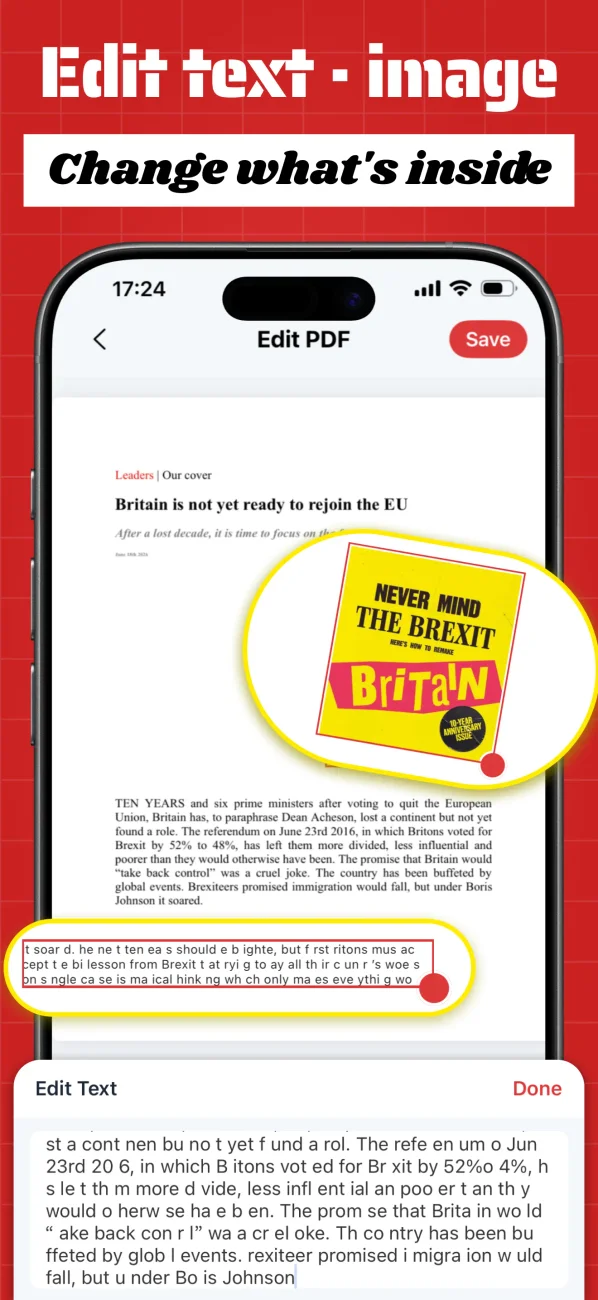
OCR Text Extraction & Editing
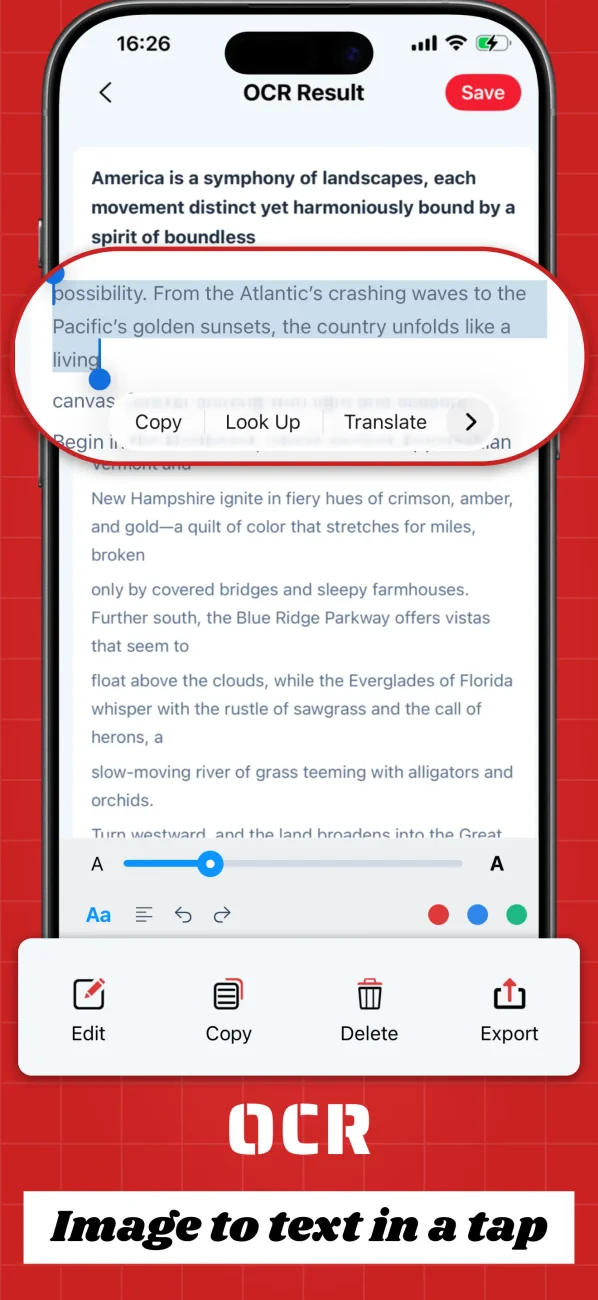
Turn scanned documents and images into editable text with powerful OCR technology. Extract text from photos, screenshots, or printed documents in seconds. Once extracted, edit, delete, or reformat the text directly in the app — as easy as editing a Word document.
Annotate, Sign & Watermark
Add highlights, freehand drawings, and text annotations to your documents. Insert your signature into contracts and forms with a single tap. Protect your work by adding custom watermarks — all without printing a single page.
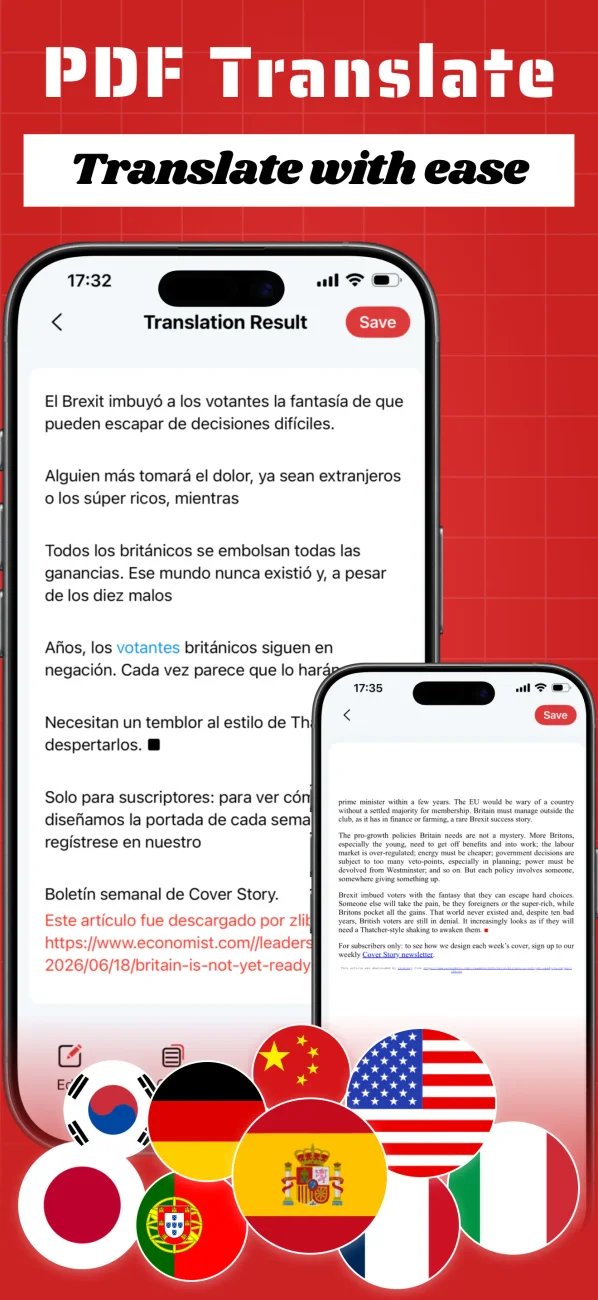
Convert Formats
Turn photos, screenshots, and document images into professional PDFs or editable Word files. Perfect for reports, contracts, and school assignments. Export in seconds and share anywhere.
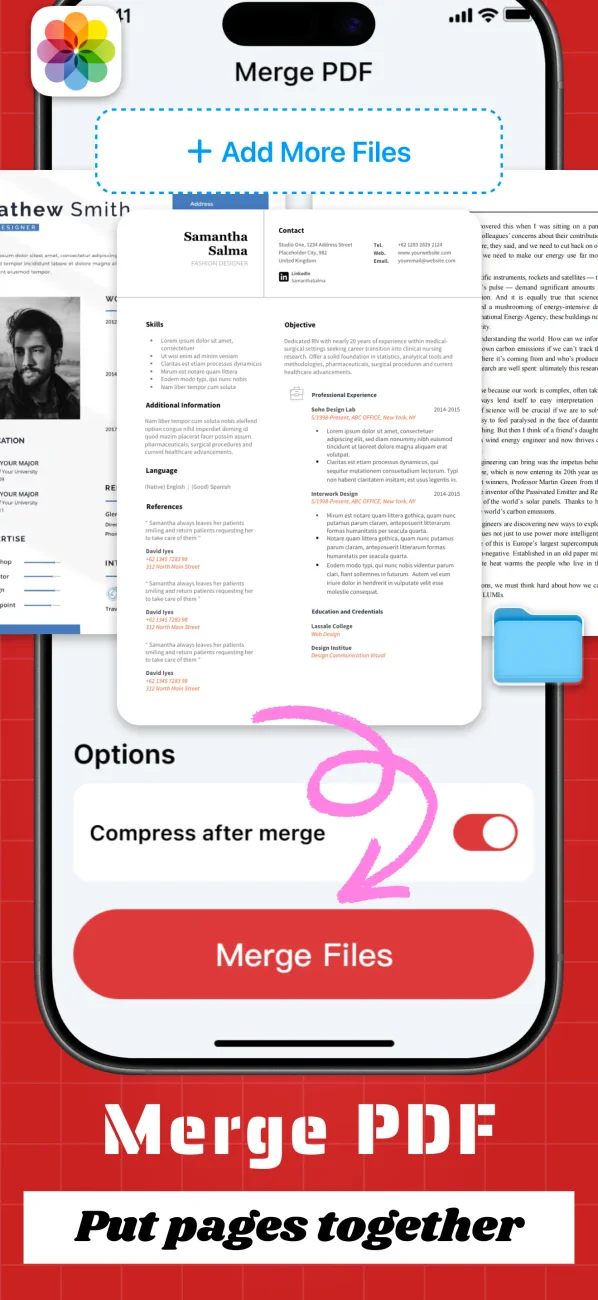
Merge & Organize PDFs
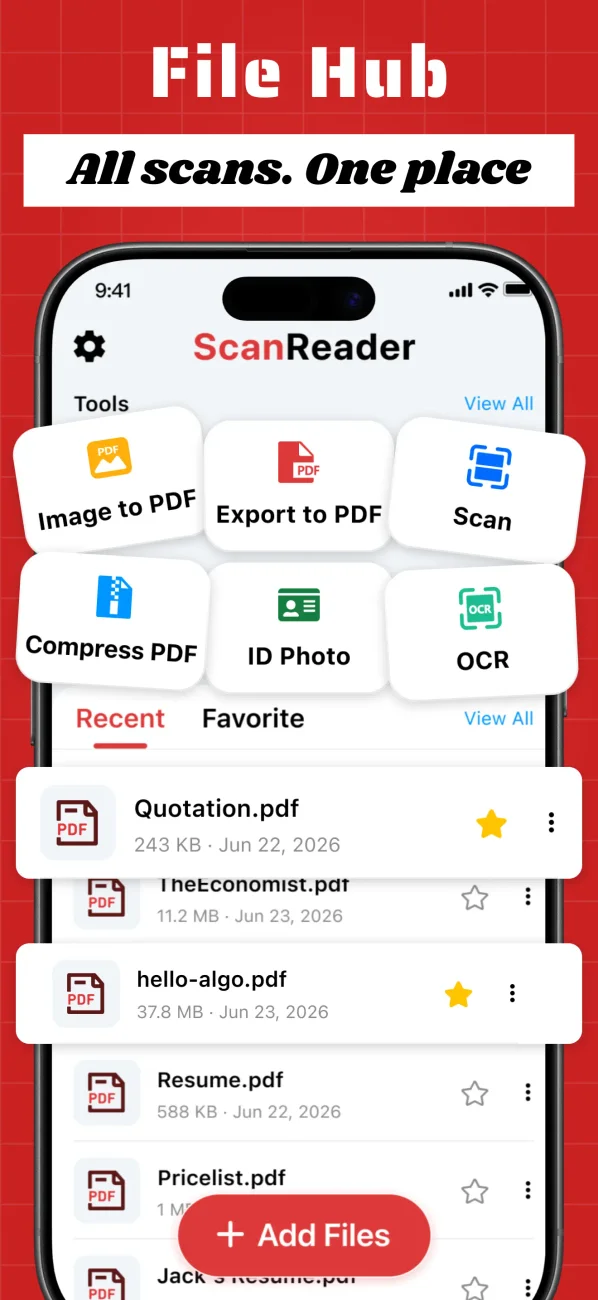
Combine multiple PDFs into one document. Reorder pages, delete unwanted pages, and keep all your documents organized — all in one place.
100% Private & Offline
Everything processes locally on your device. Your documents never leave your phone. No cloud uploads, no data collection, no third-party access. And no account required. Download and start scanning immediately.
Stop downloading separate apps for scanning, editing, signing, and converting. ScanReader puts it all in one tool — fast, private, and always available offline. Download now and get more done with less hassle.Terms of use:https://sites.google.com/view/scanreaderterms-of-use/home
Privacy Policy:https://sites.google.com/view/scanreaderprivacy-policy/home
Novidades
Versão 1.0.5 · 11/08/2026
Better performance, new lower price. Enjoy a faster, more responsive app
Privacidade do app
O que 杨杨 赵 declara na App Store sobre como este app lida com os dados.
-
Dados usados para rastrear você
Podem ser usados para rastrear você em apps e sites de outras empresas.
- Identificadores
-
Dados não vinculados a você
Podem ser coletados, mas não são vinculados à sua identidade.
- Identificadores
As práticas de privacidade podem variar, por exemplo, com base nos recursos que você usa ou na sua idade.
Informações
- Vendedor
- 杨杨 赵
- Categoria
- Utilidades
- Versão
- 1.0.5
- Atualizado
- 11/08/2026
- Lançamento
- 01/07/2026
- Tamanho
- 36,5 MB
- Requer
- iOS 15.6 ou posterior
- Classificação etária
- 17+
- Preço
- Grátis
- Compras no app
- Sim
- Idiomas
- Inglês
- Copyright
- © @zhaoyangyang
Você também pode gostar
-
 MediaEase: Universal ConverterUtilidades
-
 TransVoice:AI NoteUtilidades
-
 Vocal AI: AI Transcribe NotesUtilidades
-
 Filexy-File ManagerUtilidades
-
 ShareWell: Cross-Platform P2PUtilidades
-
 Smart Notes: AI Voice NotesUtilidades
-
 Flow Note:Smart AI NoteUtilidades
-
 CodeIT:QR Code GeneratorUtilidades
-
 Conver CityUtilidades
-
 FileBeam: File TransferUtilidades