
- Altersfreigabe4+
- KategorieFoto und Video
- EntwicklerVinh Tam Tan
- SprachenRussisch+ 33 weitere
- Größe18,5 MB
Verlinkt auf die offizielle App Store-Seite
Download.org hostet keine Datei von Tonefold. Die Schaltfläche öffnet die App-Seite bei App Store, wo Vinh Tam Tan die App veröffentlicht. Eintrag zuletzt geprüft am 12.11.2026.
Screenshots


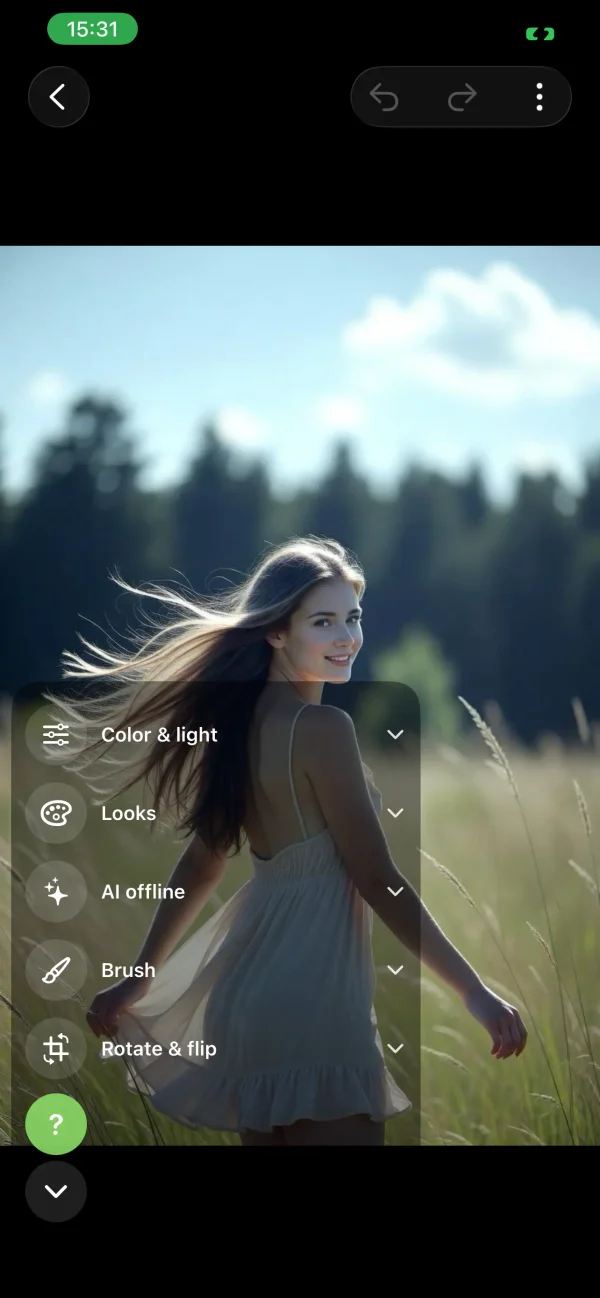
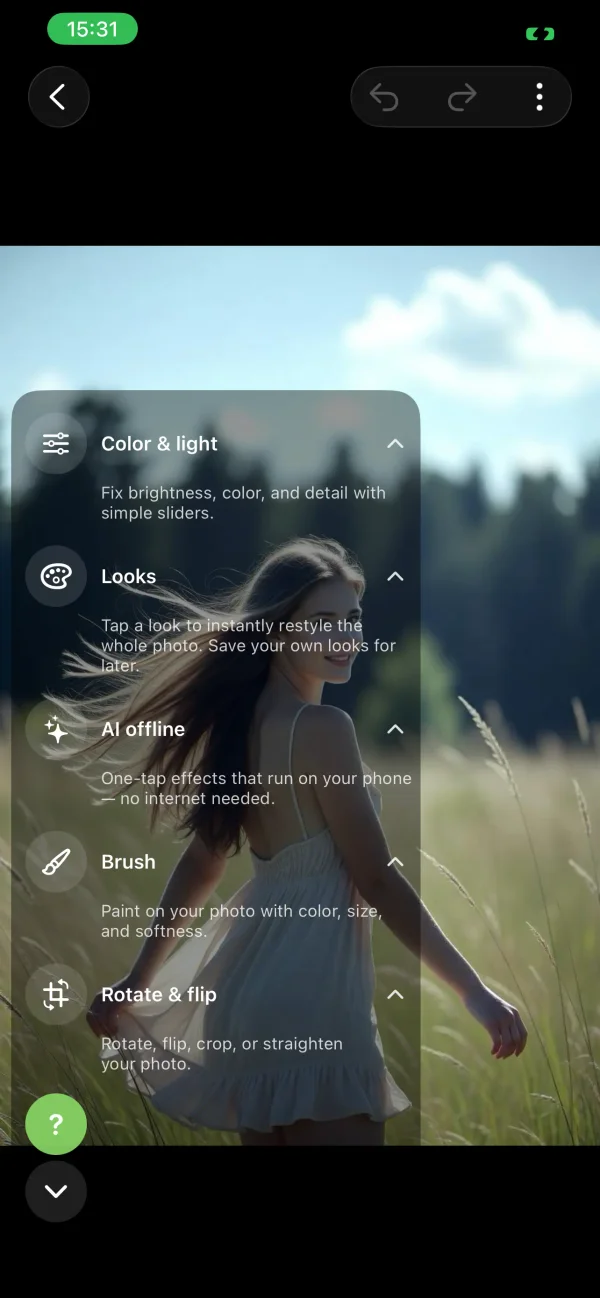
Info
Der Entwickler hat diesen Text nicht in Ihrer Sprache bereitgestellt.
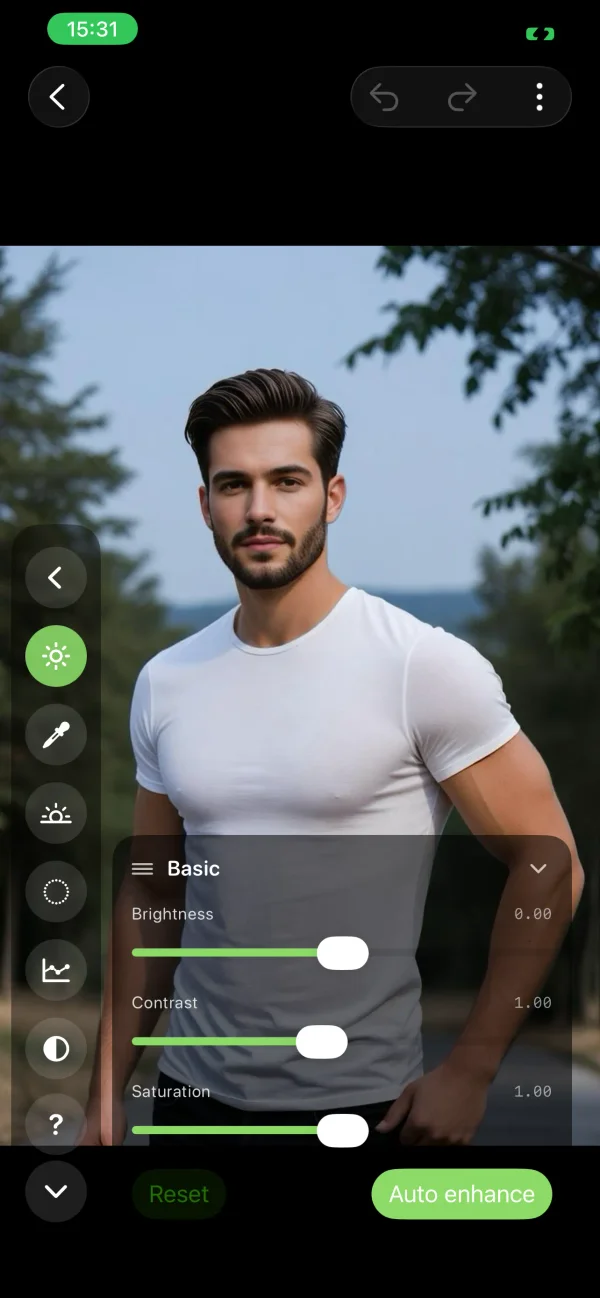
Tonefold is a fast, private photo editor that runs fully offline on your iPhone. Open a photo, restyle it with Looks, refine color and light, or start a blank canvas and stack photos as layers — all without an account or internet.
WHAT YOU CAN DO
• Blank canvas — pick a preset size or set your own, choose a white, black, gray, or transparent background, then place photos on the page
• Photo layers — add more than one photo, move, pinch to resize, rotate with two fingers, and drag a handle to resize. Reorder, hide, lock, duplicate, flip, align, and flatten
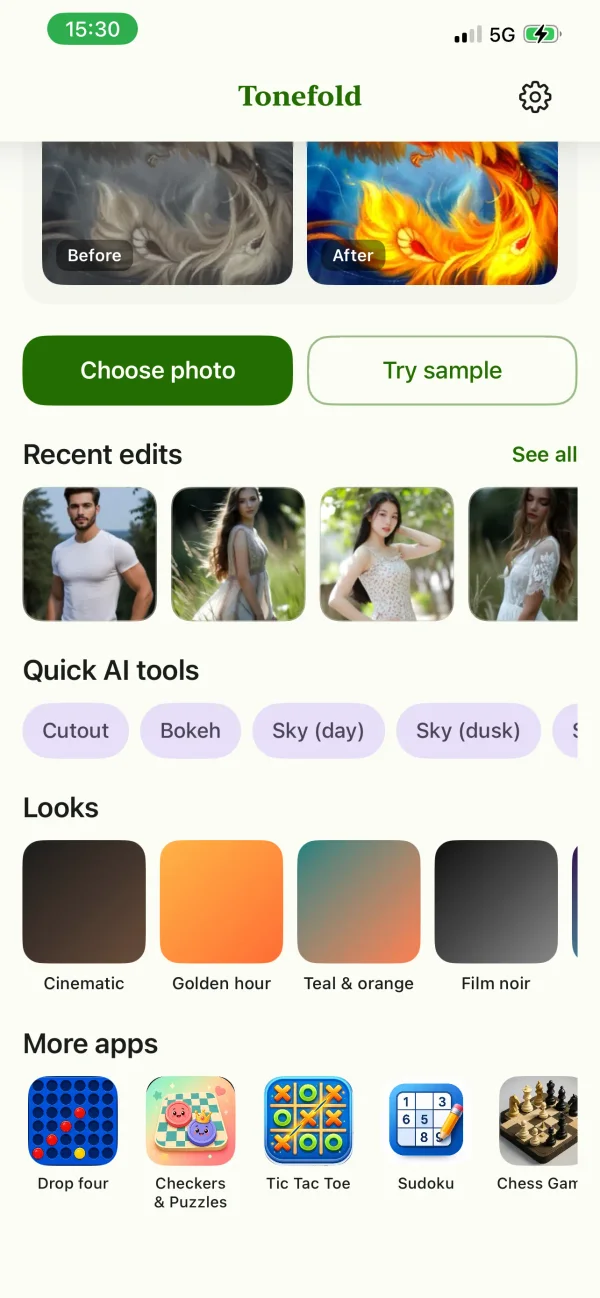
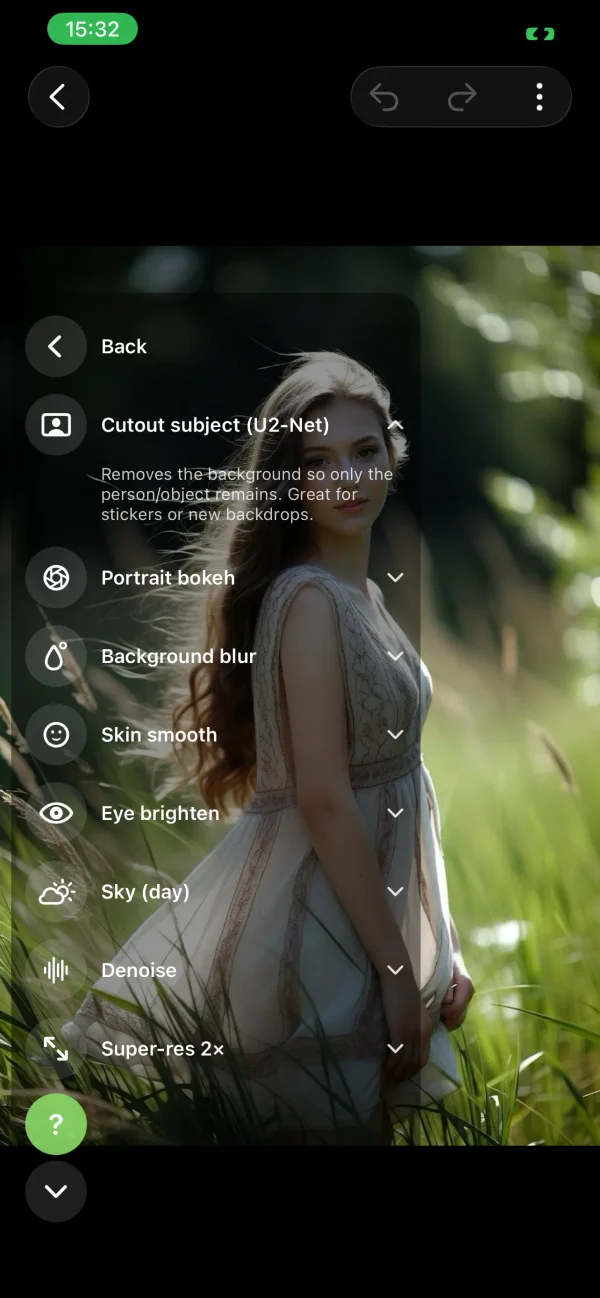
• Offline AI tools — cut out subjects, portrait bokeh, background blur, sky replace, skin smooth, denoise, and more
• Looks — cinematic, golden hour, teal & orange, film noir, neon night, soft portrait, and more one-tap styles
• Color & light — brightness, contrast, warmth, exposure, curves, HSL, sharpen, and grain
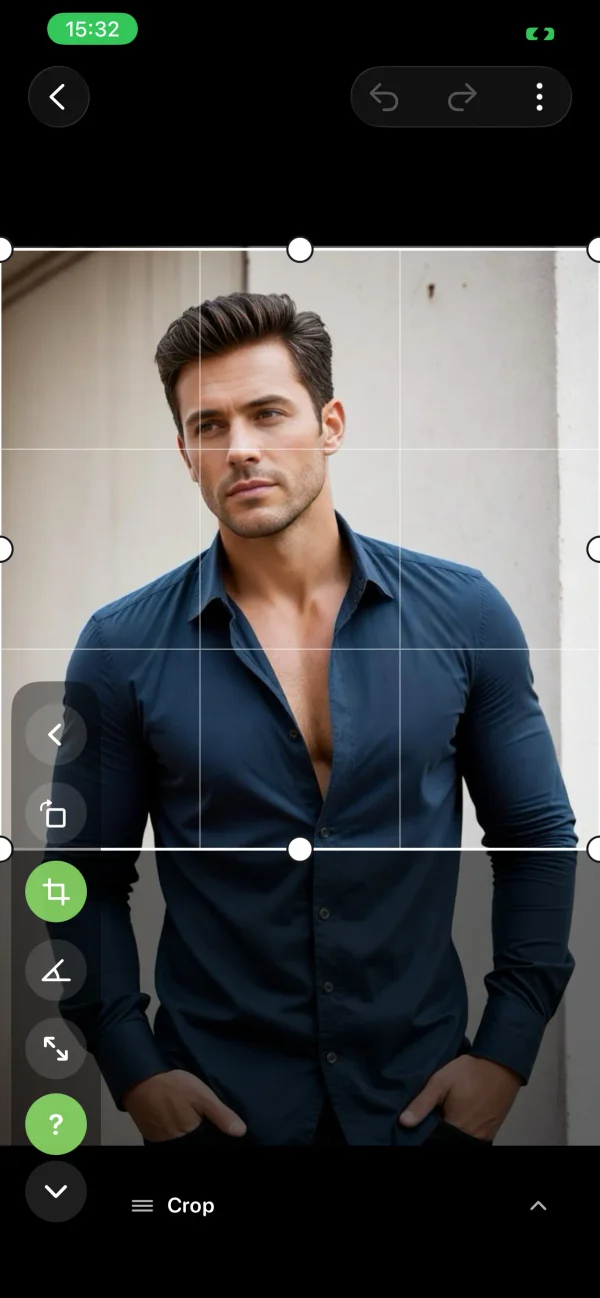
• Transform — rotate, flip, crop to social ratios, straighten, and resize
• Brush & mask refine — paint on photos or clean up cutout edges
• Export — save PNG, JPEG, or HEIC to your Tonefold album, or share instantly
WHY TONEFOLD
• Fully offline — edits stay on your device
• Built for speed — live previews while you drag sliders
• Works in portrait and landscape
• Simple tools with clear tips when you need them
• Recent edits so you can jump back in
Take a photo, pick from your library, or start a new canvas — and make it feel a little more you, with Tonefold.
Neue Funktionen
Version 2026.10.6 · 10.10.2026
This update adds a blank canvas and photo layers.
• New canvas. Pick a preset size, or set your own width and height, then start from an empty page.
• Photo layers. Add more than one photo. Each photo stays editable.
• Move a photo with one finger. Pinch to resize and rotate with two fingers. Drag a green handle to resize.
• Layers. Reorder, hide, lock, duplicate, or delete a photo. Change opacity, flip, center, and align.
• The editor now works in landscape as well as portrait.
• Editing still runs on your iPhone. No account and no internet required.
App-Datenschutz
Was Vinh Tam Tan im App Store zum Umgang dieser App mit Daten angibt.
-
Daten, die zum Tracking Ihrer Person verwendet werden
Können verwendet werden, um Sie über Apps und Websites anderer Unternehmen hinweg zu verfolgen.
- Kennungen
-
Nicht mit Ihnen verknüpfte Daten
Können erfasst werden, sind aber nicht mit Ihrer Identität verknüpft.
- Standort
- Kennungen
- Nutzungsdaten
- Diagnose
Die Datenschutzpraktiken können variieren, zum Beispiel je nach den von Ihnen verwendeten Funktionen oder Ihrem Alter.
Informationen
- Anbieter
- Vinh Tam Tan
- Kategorie
- Foto und Video
- Version
- 2026.10.6
- Aktualisiert
- 10.10.2026
- Veröffentlicht
- 13.08.2026
- Größe
- 18,5 MB
- Erfordert
- iOS 17.0 oder neuer
- Altersfreigabe
- 4+
- Preis
- Kostenlos
- Sprachen
- Russisch, Bulgarisch, Hindi, Vietnamesisch, Englisch, Arabisch, Ungarisch, Niederländisch, Griechisch, Dänisch, Hebräisch, Indonesisch + 22 weitere
- Copyright
- © 2026 Vinh Tam Tan
Das könnte Ihnen auch gefallen
-
 Editio: Photo Editor & CollageFoto und Video
-
 Grainiq - AI Photo EditorFilmfilter, KI-Art & Retusche
-
 Lichtblick - BildbearbeitungFoto-Editor, komplett offline
-
 Luneki: Foto- & Astro-EditorKI-Entrauschen, Astro, Make-up
-
 HologrammFoto und Video
-
 FADED - Film & VintageFilm & Vintage Fotofilter
-
 iSpatialAdjusterFoto und Video
-
 RawMask StudioRAW bearbeiten, Masken & Bokeh
-
 AcetateFoto und Video
-
 ShotText: Filter/Overlay/TextFoto und Video