
- Độ tuổi4+
- Danh mụcẢnh & Video
- Nhà phát triểnVinh Tam Tan
- Ngôn ngữTiếng Nga+ 33 ngôn ngữ khác
- Kích thước18,5 MB
Liên kết đến trang App Store chính thức
Download.org không lưu trữ tệp nào của Tonefold. Nút này mở trang ứng dụng trên App Store, nơi Vinh Tam Tan phát hành ứng dụng. Trang được kiểm tra lần cuối: 12/11/2026.
Ảnh chụp màn hình

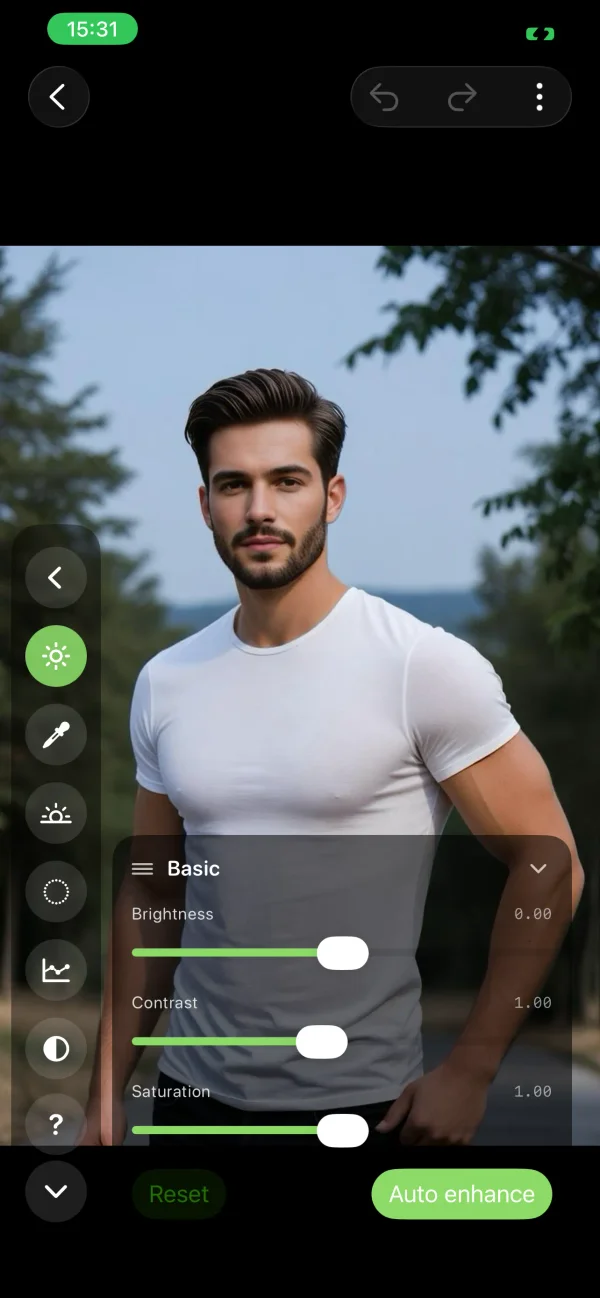
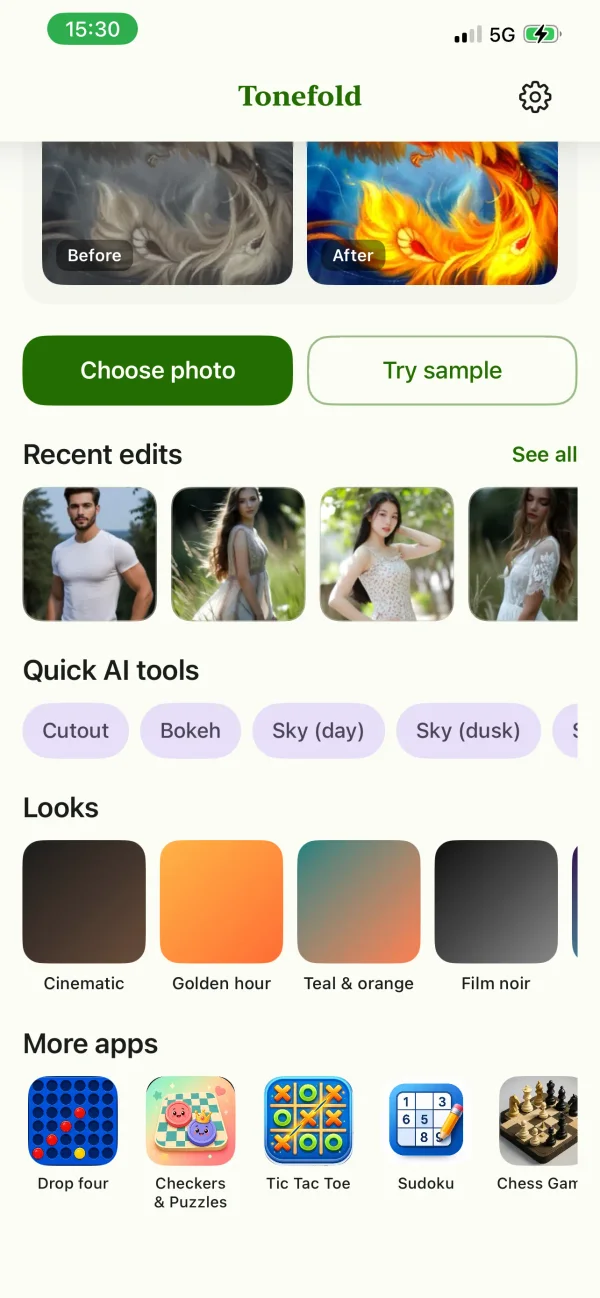
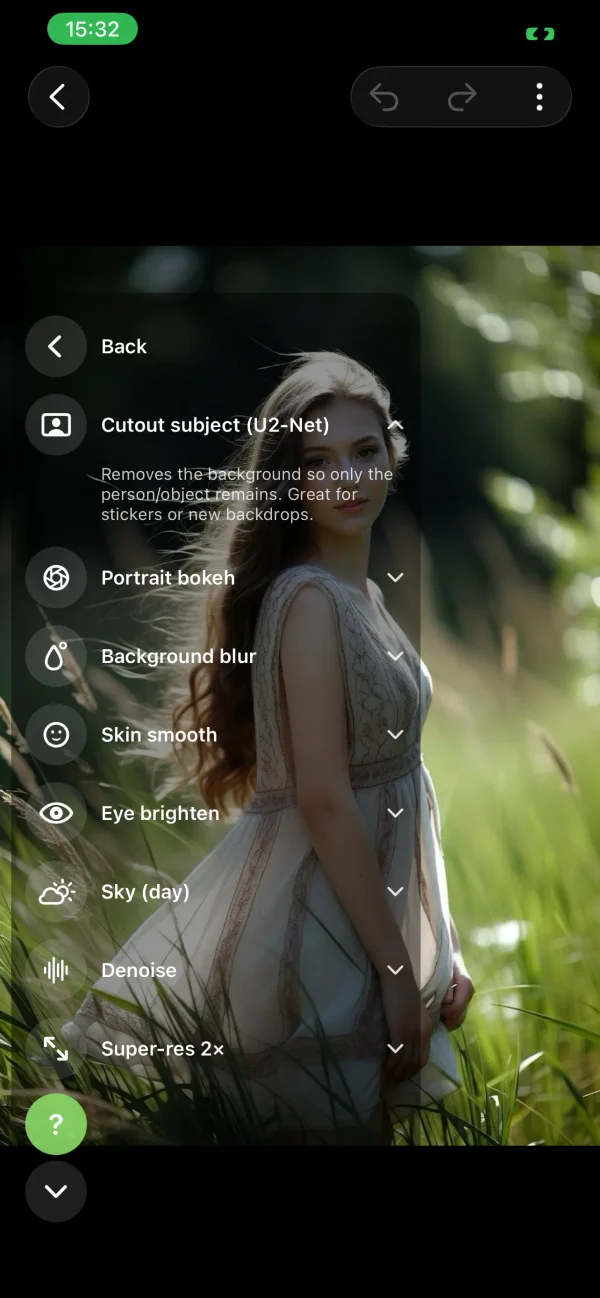
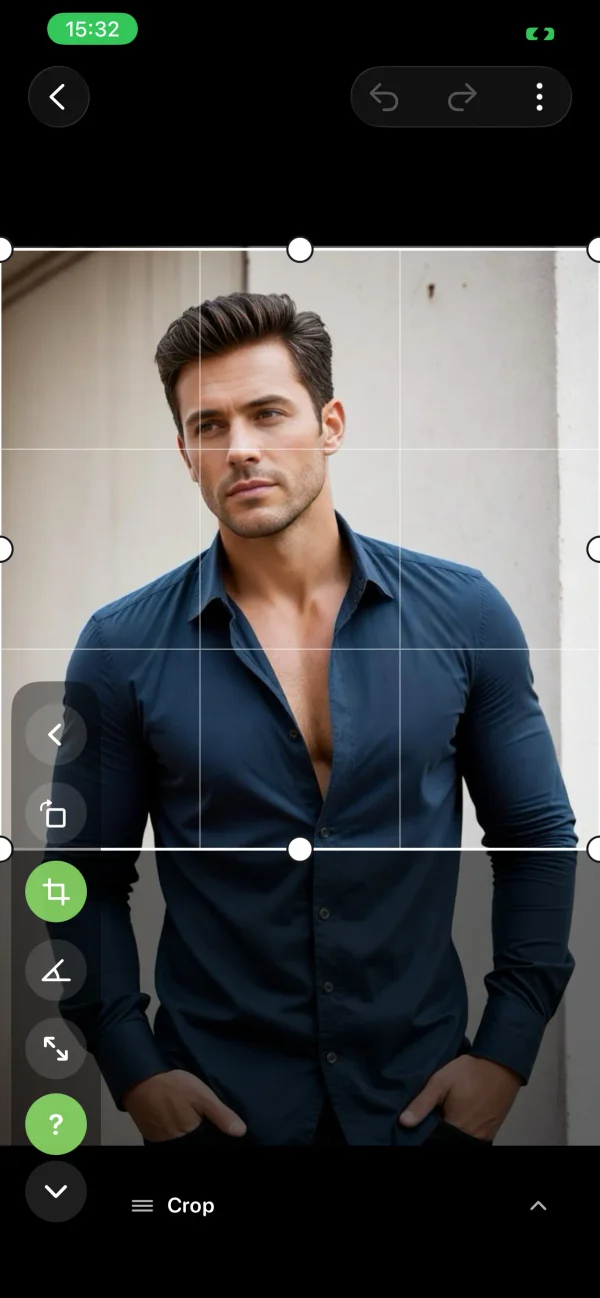

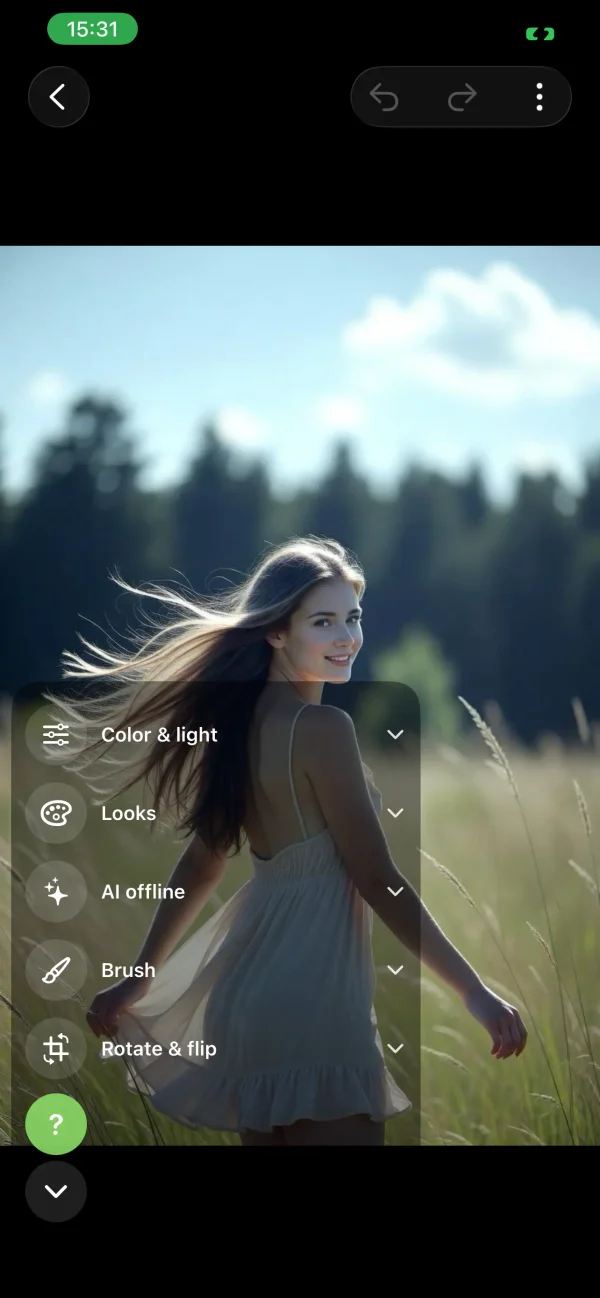
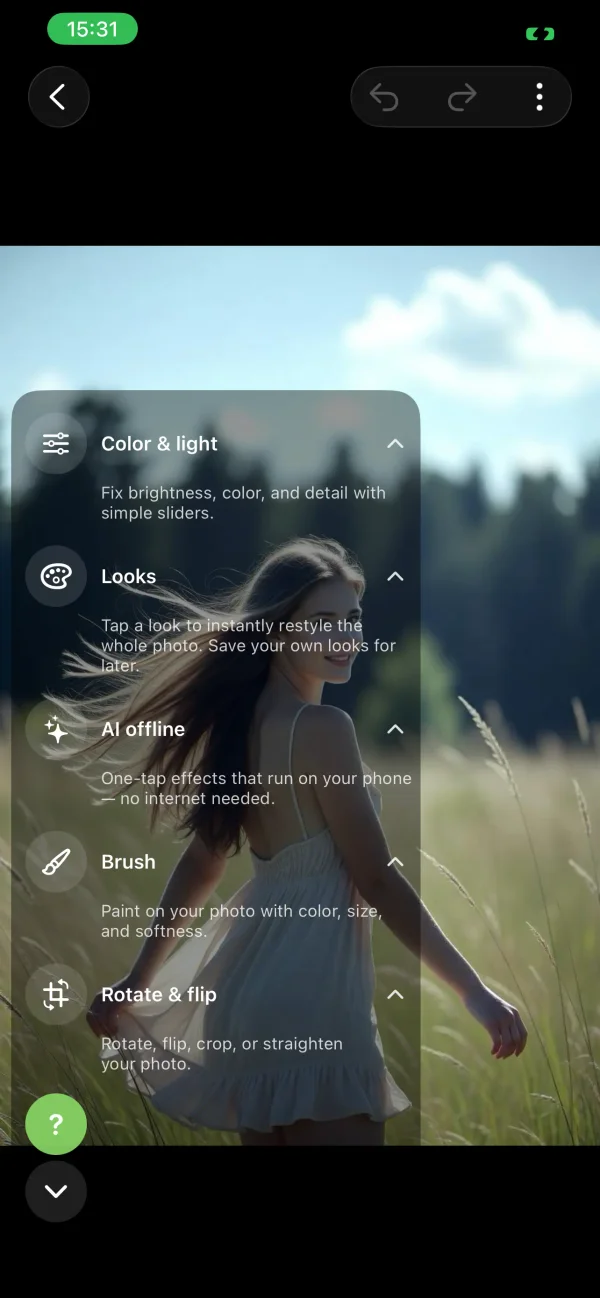
Giới thiệu
Nhà phát triển chưa cung cấp nội dung này bằng ngôn ngữ của bạn.
Tonefold is a fast, private photo editor that runs fully offline on your iPhone. Open a photo, restyle it with Looks, refine color and light, or start a blank canvas and stack photos as layers — all without an account or internet.
WHAT YOU CAN DO
• Blank canvas — pick a preset size or set your own, choose a white, black, gray, or transparent background, then place photos on the page
• Photo layers — add more than one photo, move, pinch to resize, rotate with two fingers, and drag a handle to resize. Reorder, hide, lock, duplicate, flip, align, and flatten
• Offline AI tools — cut out subjects, portrait bokeh, background blur, sky replace, skin smooth, denoise, and more
• Looks — cinematic, golden hour, teal & orange, film noir, neon night, soft portrait, and more one-tap styles
• Color & light — brightness, contrast, warmth, exposure, curves, HSL, sharpen, and grain
• Transform — rotate, flip, crop to social ratios, straighten, and resize
• Brush & mask refine — paint on photos or clean up cutout edges
• Export — save PNG, JPEG, or HEIC to your Tonefold album, or share instantly
WHY TONEFOLD
• Fully offline — edits stay on your device
• Built for speed — live previews while you drag sliders
• Works in portrait and landscape
• Simple tools with clear tips when you need them
• Recent edits so you can jump back in
Take a photo, pick from your library, or start a new canvas — and make it feel a little more you, with Tonefold.
Có gì mới
Phiên bản 2026.10.6 · 10/10/2026
This update adds a blank canvas and photo layers.
• New canvas. Pick a preset size, or set your own width and height, then start from an empty page.
• Photo layers. Add more than one photo. Each photo stays editable.
• Move a photo with one finger. Pinch to resize and rotate with two fingers. Drag a green handle to resize.
• Layers. Reorder, hide, lock, duplicate, or delete a photo. Change opacity, flip, center, and align.
• The editor now works in landscape as well as portrait.
• Editing still runs on your iPhone. No account and no internet required.
Quyền riêng tư của ứng dụng
Những gì Vinh Tam Tan khai báo trên App Store về cách ứng dụng này xử lý dữ liệu.
-
Dữ liệu được sử dụng để theo dõi bạn
Có thể được sử dụng để theo dõi bạn trên các ứng dụng và trang web do công ty khác sở hữu.
- Mã định danh
-
Dữ liệu không liên kết với bạn
Có thể được thu thập nhưng không liên kết với danh tính của bạn.
- Vị trí
- Mã định danh
- Dữ liệu sử dụng
- Chẩn đoán
Phương thức đảm bảo quyền riêng tư có thể khác nhau, chẳng hạn như tuỳ theo các tính năng bạn sử dụng hoặc độ tuổi của bạn.
Thông tin
- Người bán
- Vinh Tam Tan
- Danh mục
- Ảnh & Video
- Phiên bản
- 2026.10.6
- Cập nhật
- 10/10/2026
- Phát hành
- 13/08/2026
- Kích thước
- 18,5 MB
- Yêu cầu
- iOS 17.0 trở lên
- Độ tuổi
- 4+
- Giá
- Miễn phí
- Ngôn ngữ
- Tiếng Nga, Bulgarian, Hindi, Vietnamese, Tiếng Anh, Tiếng Ả Rập, Tiếng Hungary, Tiếng Hà Lan, Tiếng Hy Lạp, Tiếng Đan Mạch, Tiếng Do Thái, Tiếng Indonesia + 22 ngôn ngữ khác
- Bản quyền
- © 2026 Vinh Tam Tan
Có thể bạn cũng thích
-
 Editio: Photo Editor & CollageẢnh & Video
-
 Grainiq - AI Photo EditorBộ lọc Film, AI & Chỉnh ảnh
-
 Lichtblick - Photo EditorẢnh & Video
-
 Luneki: Chỉnh ảnh & thiên vănAI khử nhiễu, sao, trang điểm
-
 HologrammẢnh & Video
-
 FADED - Film & VintageẢnh & Video
-
 iSpatialAdjusterẢnh & Video
-
 RawMask StudioChỉnh ảnh RAW, mặt nạ, mờ nền
-
 AcetateẢnh & Video
-
 ShotText: Filter/Overlay/TextẢnh & Video