
- Classification d’âge4+
- CatégoriePhoto et vidéo
- DéveloppeurVinh Tam Tan
- LanguesRusse+ 33 de plus
- Taille18,5 Mo
Renvoie vers la page App Store officielle
Download.org n’héberge aucun fichier de Tonefold. Le bouton ouvre la page de l’application sur App Store, où Vinh Tam Tan la publie. Fiche vérifiée pour la dernière fois le 12/11/2026.
Captures d’écran


À propos
Le développeur n’a pas fourni ce texte dans votre langue.
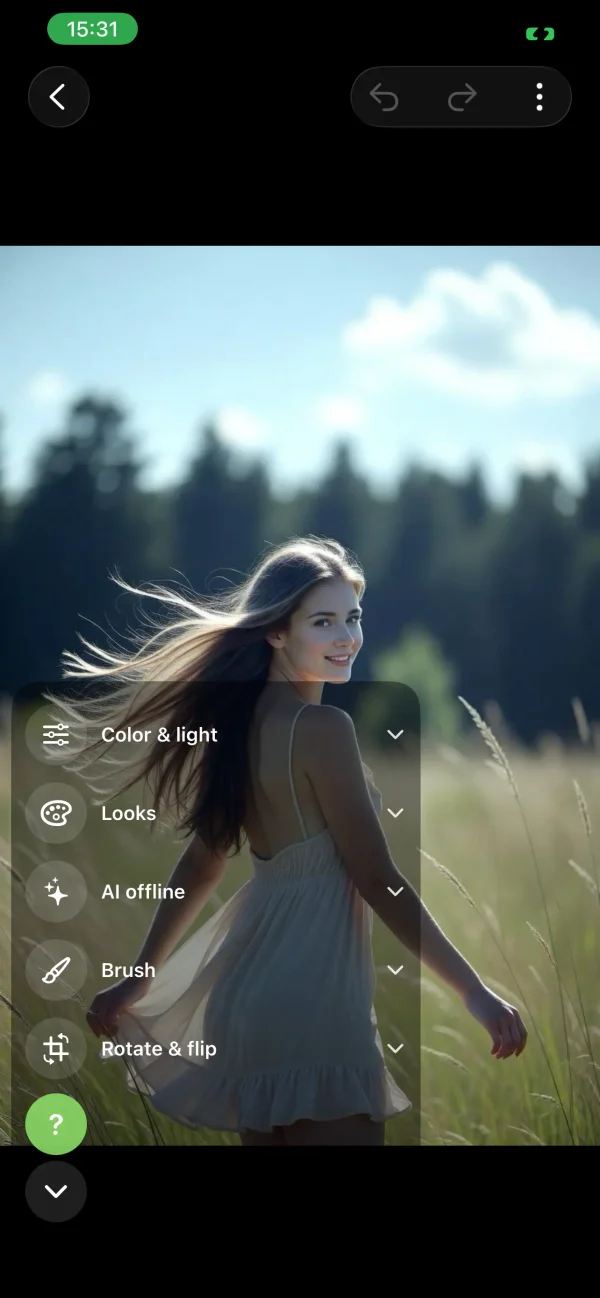
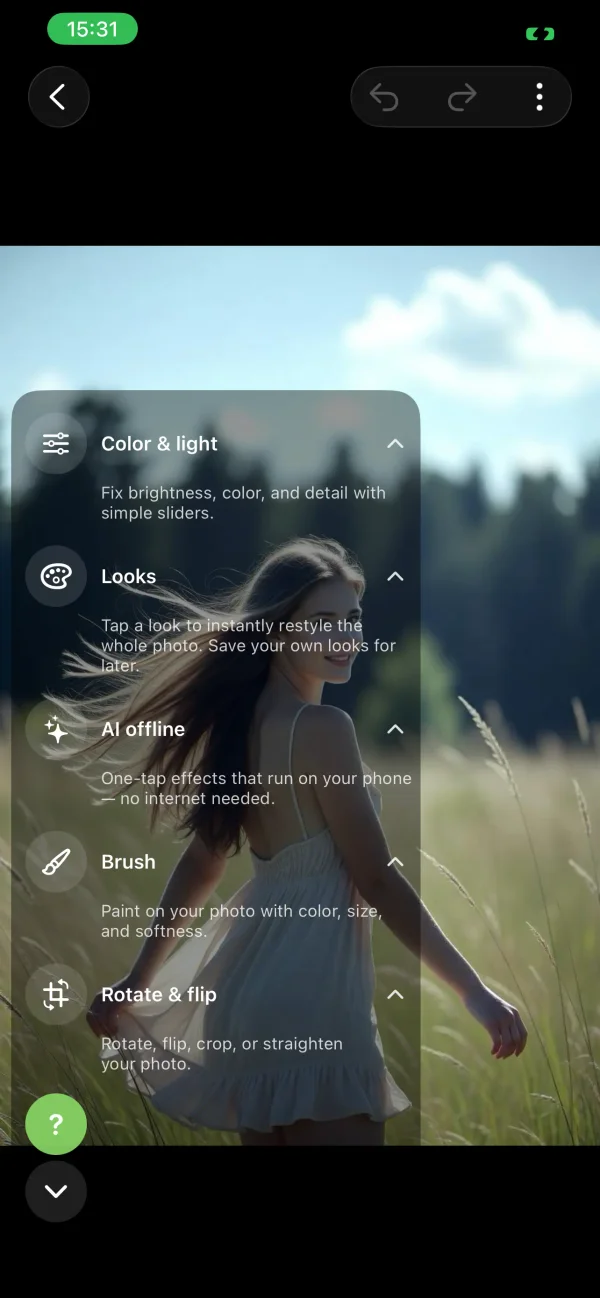
Tonefold is a fast, private photo editor that runs fully offline on your iPhone. Open a photo, restyle it with Looks, refine color and light, or start a blank canvas and stack photos as layers — all without an account or internet.
WHAT YOU CAN DO
• Blank canvas — pick a preset size or set your own, choose a white, black, gray, or transparent background, then place photos on the page
• Photo layers — add more than one photo, move, pinch to resize, rotate with two fingers, and drag a handle to resize. Reorder, hide, lock, duplicate, flip, align, and flatten
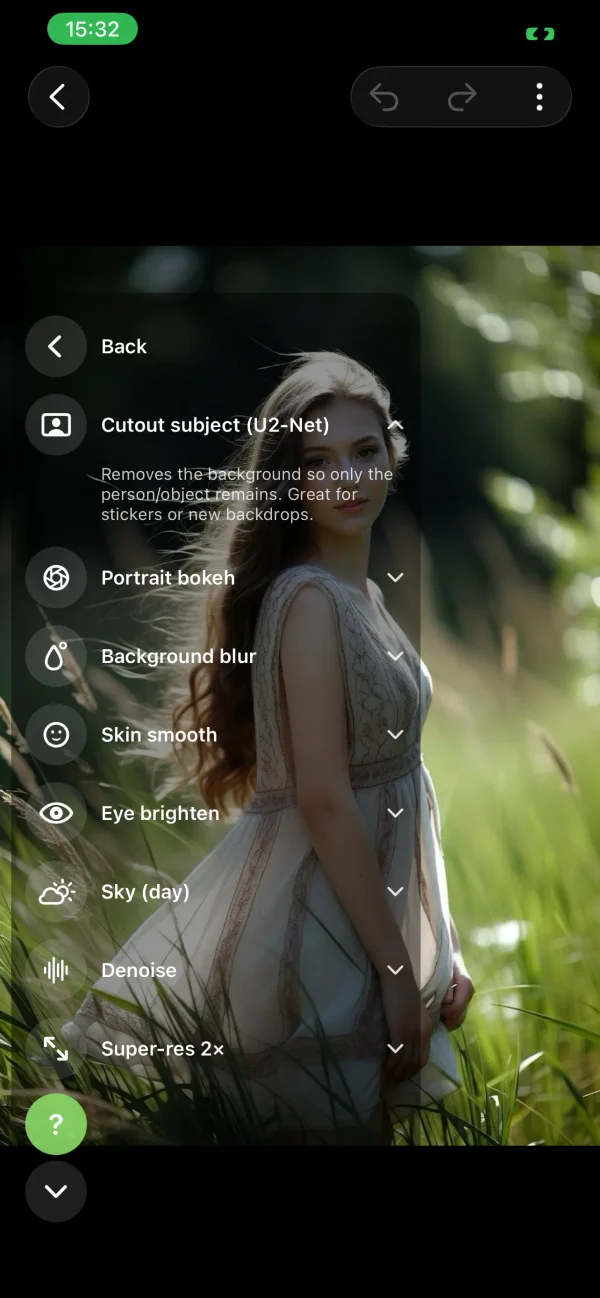
• Offline AI tools — cut out subjects, portrait bokeh, background blur, sky replace, skin smooth, denoise, and more
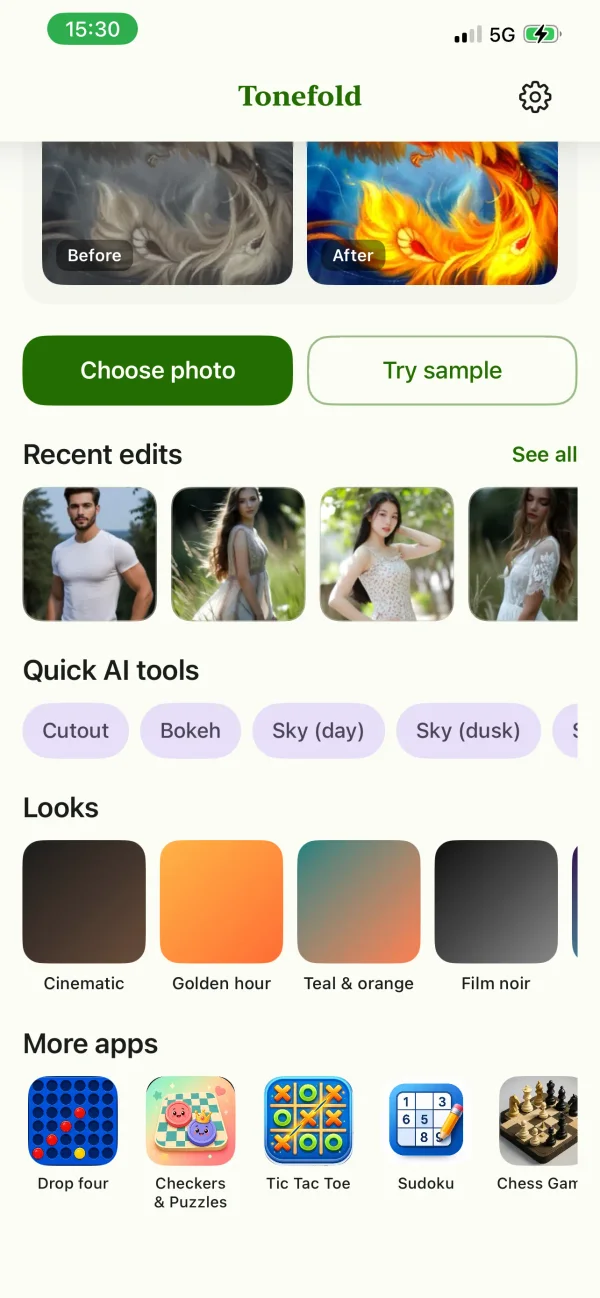
• Looks — cinematic, golden hour, teal & orange, film noir, neon night, soft portrait, and more one-tap styles
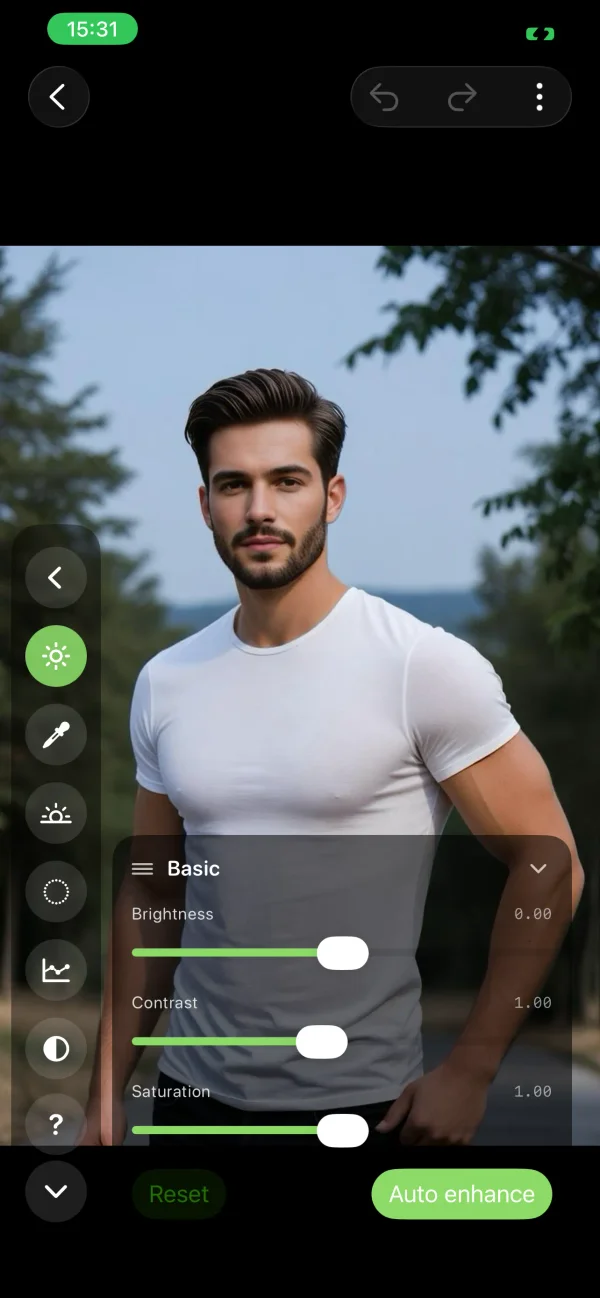
• Color & light — brightness, contrast, warmth, exposure, curves, HSL, sharpen, and grain
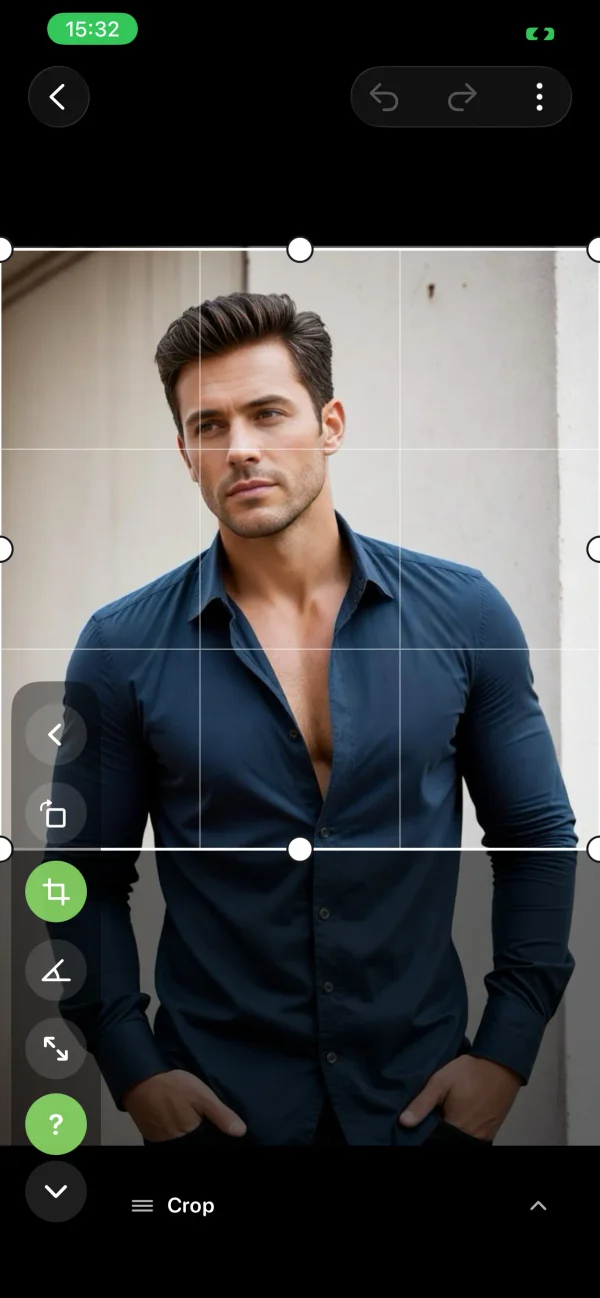
• Transform — rotate, flip, crop to social ratios, straighten, and resize
• Brush & mask refine — paint on photos or clean up cutout edges
• Export — save PNG, JPEG, or HEIC to your Tonefold album, or share instantly
WHY TONEFOLD
• Fully offline — edits stay on your device
• Built for speed — live previews while you drag sliders
• Works in portrait and landscape
• Simple tools with clear tips when you need them
• Recent edits so you can jump back in
Take a photo, pick from your library, or start a new canvas — and make it feel a little more you, with Tonefold.
Nouveautés
Version 2026.10.6 · 10/10/2026
This update adds a blank canvas and photo layers.
• New canvas. Pick a preset size, or set your own width and height, then start from an empty page.
• Photo layers. Add more than one photo. Each photo stays editable.
• Move a photo with one finger. Pinch to resize and rotate with two fingers. Drag a green handle to resize.
• Layers. Reorder, hide, lock, duplicate, or delete a photo. Change opacity, flip, center, and align.
• The editor now works in landscape as well as portrait.
• Editing still runs on your iPhone. No account and no internet required.
Confidentialité de l’application
Ce que Vinh Tam Tan déclare sur l’App Store au sujet du traitement des données par cette application.
-
Données utilisées pour vous suivre
Peuvent être utilisées pour vous suivre sur des applications et des sites web appartenant à d’autres sociétés.
- Identifiants
-
Données n’établissant aucun lien avec vous
Peuvent être collectées, mais ne sont pas liées à votre identité.
- Emplacement
- Identifiants
- Données d’utilisation
- Diagnostic
Les pratiques en matière de confidentialité peuvent varier, notamment en fonction des fonctionnalités que vous utilisez ou de votre âge.
Informations
- Vendeur
- Vinh Tam Tan
- Catégorie
- Photo et vidéo
- Version
- 2026.10.6
- Mis à jour
- 10/10/2026
- Publié
- 13/08/2026
- Taille
- 18,5 Mo
- Nécessite
- iOS 17.0 ou version ultérieure
- Classification d’âge
- 4+
- Prix
- Gratuit
- Langues
- Russe, Bulgare, Hindi, Vietnamien, Anglais, Arabe, Hongrois, Néerlandais, Grec, Danois, Hébreu, Indonésien + 22 de plus
- Copyright
- © 2026 Vinh Tam Tan
Vous aimerez peut-être aussi
-
 Editio: Photo Editor & CollagePhoto et vidéo
-
 Grainiq - AI Photo EditorFiltres Film, Art IA & Édition
-
 Lichtblick - Éditeur photoÉditeur photo 100 % hors ligne
-
 Luneki : retouche photo, astroDébruitage IA, astro, make-up
-
 HologrammPhoto et vidéo
-
 FADED - Film & VintageFiltres pellicule & vintage
-
 iSpatialAdjusterPhoto et vidéo
-
 RawMask StudioRetouche RAW : masques et flou
-
 AcetatePhoto et vidéo
-
 ShotText: Filter/Overlay/TextPhoto et vidéo