
- Yaş sınırı4+
- KategoriFotoğraf ve Video
- GeliştiriciVinh Tam Tan
- DillerRusça+ 33 dil daha
- Boyut18,5 MB
Resmi App Store sayfasına bağlanır
Download.org, Tonefold için hiçbir dosya barındırmaz. Düğme, uygulamanın App Store üzerindeki sayfasını açar; uygulamayı orada Vinh Tam Tan yayınlar. Sayfanın son kontrolü: 12.11.2026.
Ekran görüntüleri


Hakkında
Geliştirici bu metni dilinizde sunmamış.
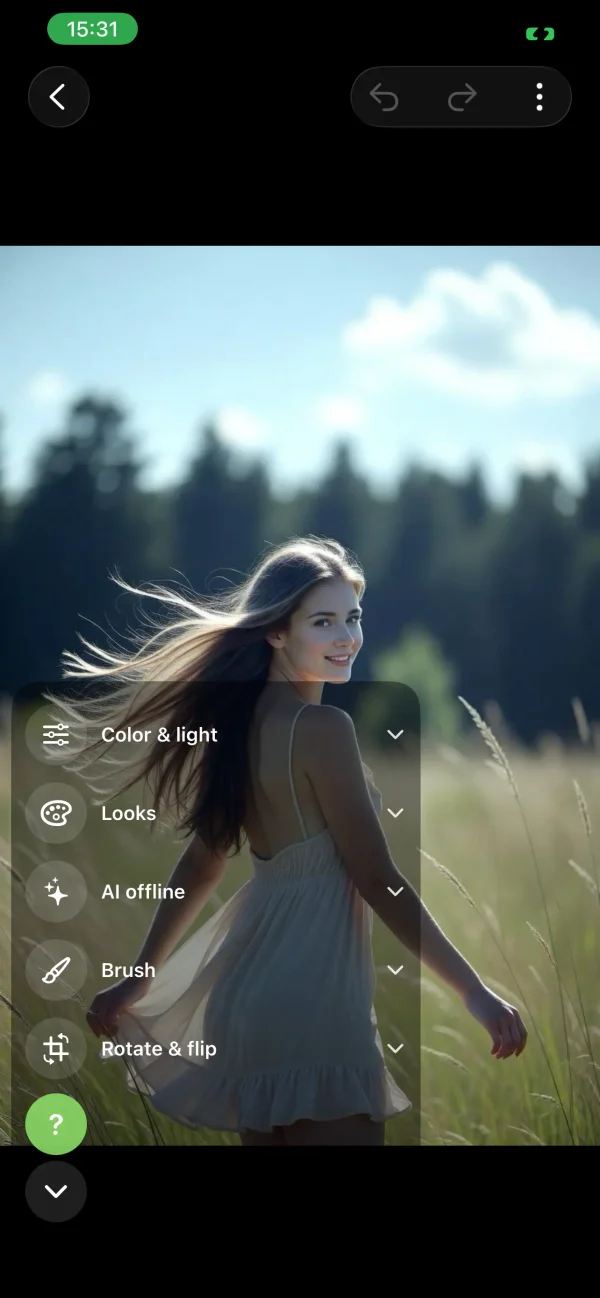
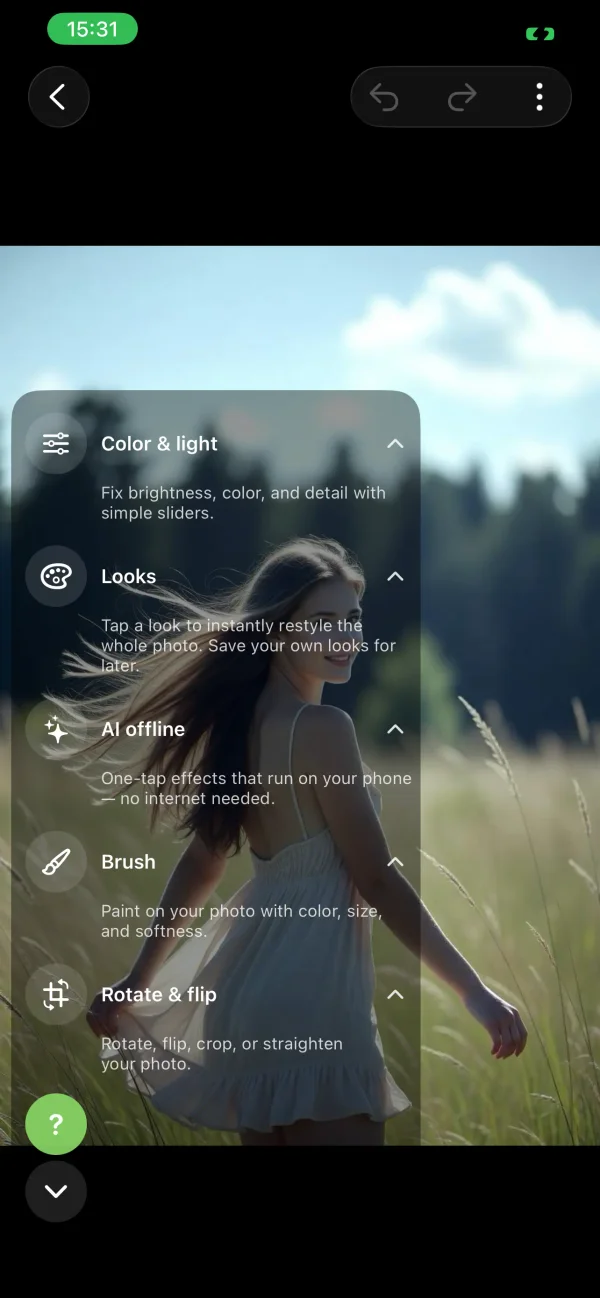
Tonefold is a fast, private photo editor that runs fully offline on your iPhone. Open a photo, restyle it with Looks, refine color and light, or start a blank canvas and stack photos as layers — all without an account or internet.
WHAT YOU CAN DO
• Blank canvas — pick a preset size or set your own, choose a white, black, gray, or transparent background, then place photos on the page
• Photo layers — add more than one photo, move, pinch to resize, rotate with two fingers, and drag a handle to resize. Reorder, hide, lock, duplicate, flip, align, and flatten
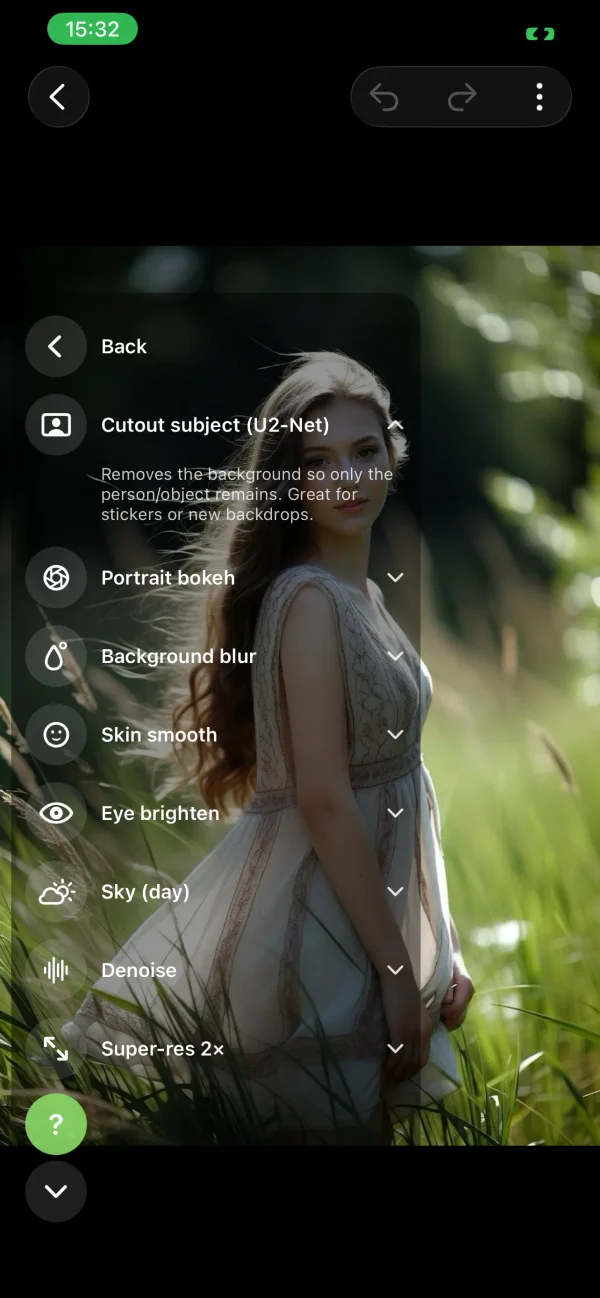
• Offline AI tools — cut out subjects, portrait bokeh, background blur, sky replace, skin smooth, denoise, and more
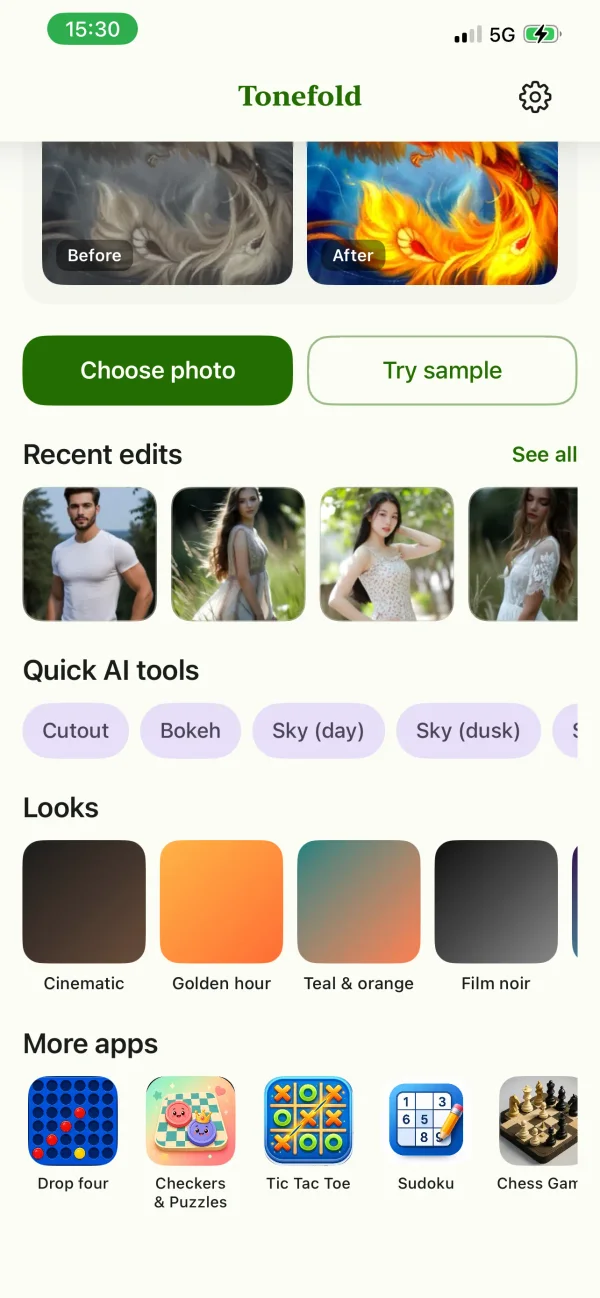
• Looks — cinematic, golden hour, teal & orange, film noir, neon night, soft portrait, and more one-tap styles
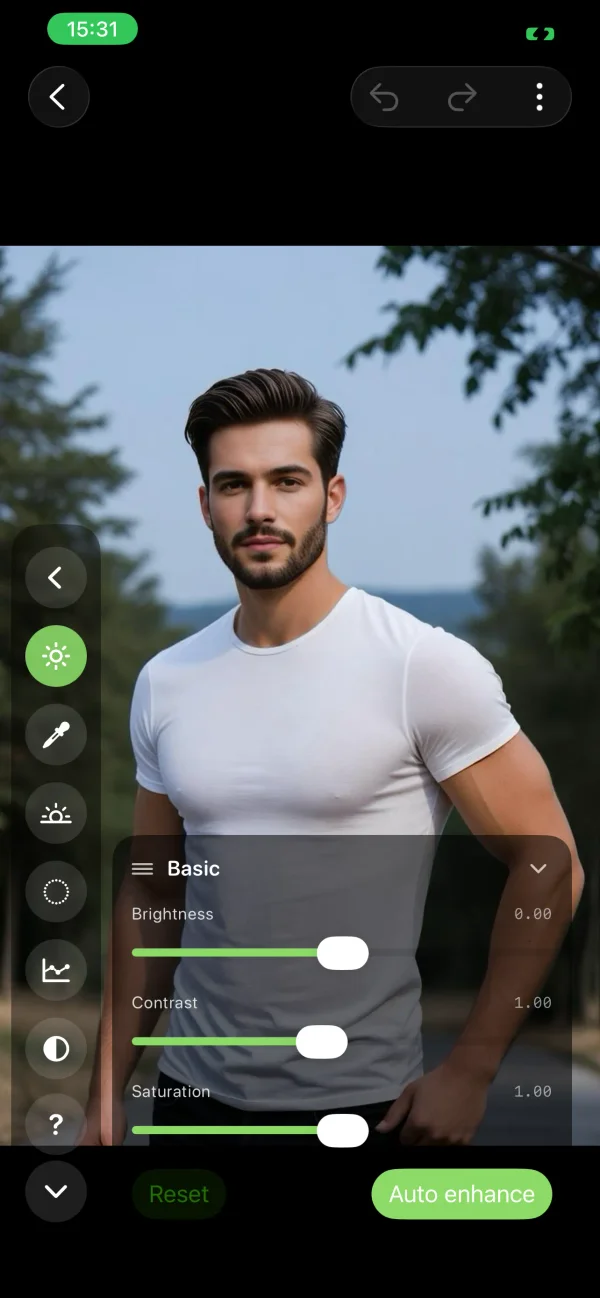
• Color & light — brightness, contrast, warmth, exposure, curves, HSL, sharpen, and grain
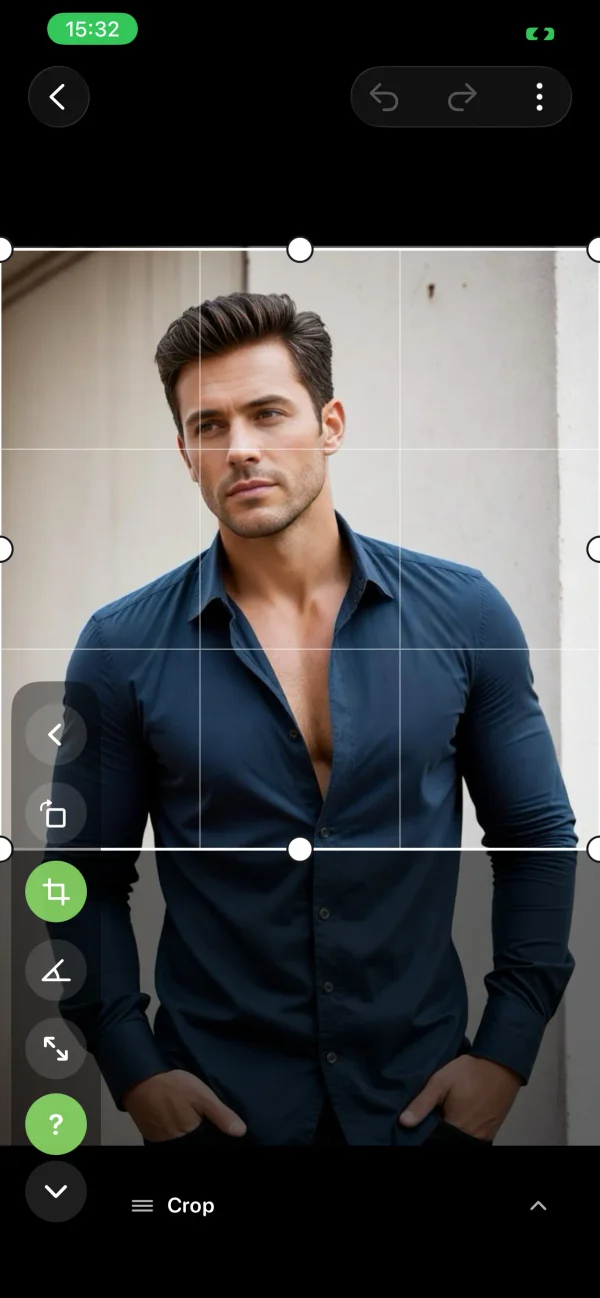
• Transform — rotate, flip, crop to social ratios, straighten, and resize
• Brush & mask refine — paint on photos or clean up cutout edges
• Export — save PNG, JPEG, or HEIC to your Tonefold album, or share instantly
WHY TONEFOLD
• Fully offline — edits stay on your device
• Built for speed — live previews while you drag sliders
• Works in portrait and landscape
• Simple tools with clear tips when you need them
• Recent edits so you can jump back in
Take a photo, pick from your library, or start a new canvas — and make it feel a little more you, with Tonefold.
Yenilikler
Sürüm 2026.10.6 · 10.10.2026
This update adds a blank canvas and photo layers.
• New canvas. Pick a preset size, or set your own width and height, then start from an empty page.
• Photo layers. Add more than one photo. Each photo stays editable.
• Move a photo with one finger. Pinch to resize and rotate with two fingers. Drag a green handle to resize.
• Layers. Reorder, hide, lock, duplicate, or delete a photo. Change opacity, flip, center, and align.
• The editor now works in landscape as well as portrait.
• Editing still runs on your iPhone. No account and no internet required.
Uygulama gizliliği
Bu uygulamanın verileri nasıl işlediği hakkında Vinh Tam Tan tarafından App Store üzerinde yapılan beyan.
-
Sizi izlemek için kullanılan veriler
Başka şirketlere ait uygulamalarda ve web sitelerinde sizi izlemek için kullanılabilir.
- Tanımlayıcılar
-
Sizinle ilişkilendirilmeyen veriler
Toplanabilir ancak kimliğinizle ilişkilendirilmez.
- Konum
- Tanımlayıcılar
- Kullanım verileri
- Tanılama
Gizlilik uygulamaları, örneğin kullandığınız özelliklere veya yaşınıza göre değişiklik gösterebilir.
Bilgiler
- Satıcı
- Vinh Tam Tan
- Kategori
- Fotoğraf ve Video
- Sürüm
- 2026.10.6
- Güncellendi
- 10.10.2026
- Yayın tarihi
- 13.08.2026
- Boyut
- 18,5 MB
- Gereksinim
- iOS 17.0 veya sonrası
- Yaş sınırı
- 4+
- Fiyat
- Ücretsiz
- Diller
- Rusça, Bulgarian, Hindi, Vietnamese, İngilizce, Arapça, Macarca, Hollandaca, Yunanca, Danca, İbranice, Endonezce + 22 dil daha
- Telif hakkı
- © 2026 Vinh Tam Tan
Bunları da beğenebilirsiniz
-
 Editio: Photo Editor & CollageFotoğraf ve Video
-
 Grainiq - AI Photo EditorFilm Filtre, AI Sanat & Rötuş
-
 Lichtblick - Photo EditorFotoğraf ve Video
-
 Luneki: Fotoğraf ve AstroYZ gürültü giderme ve makyaj
-
 HologrammFotoğraf ve Video
-
 FADED - Film & VintageFotoğraf ve Video
-
 iSpatialAdjusterFotoğraf ve Video
-
 RawMask StudioRAW Fotoğraf Düzenleme & Maske
-
 AcetateFotoğraf ve Video
-
 ShotText: Filter/Overlay/TextFotoğraf ve Video