
- 対象年齢4+
- カテゴリ写真/ビデオ
- 開発元Vinh Tam Tan
- 言語ロシア語ほか33言語
- サイズ18.5 MB
App Storeの公式ページにリンクしています
Download.orgはTonefoldのファイルを一切ホストしていません。ボタンを押すと、Vinh Tam Tanが公開しているApp Storeのアプリページが開きます。ページの最終確認:2026/11/12。
スクリーンショット


概要
開発元はこのテキストをお使いの言語で提供していません。
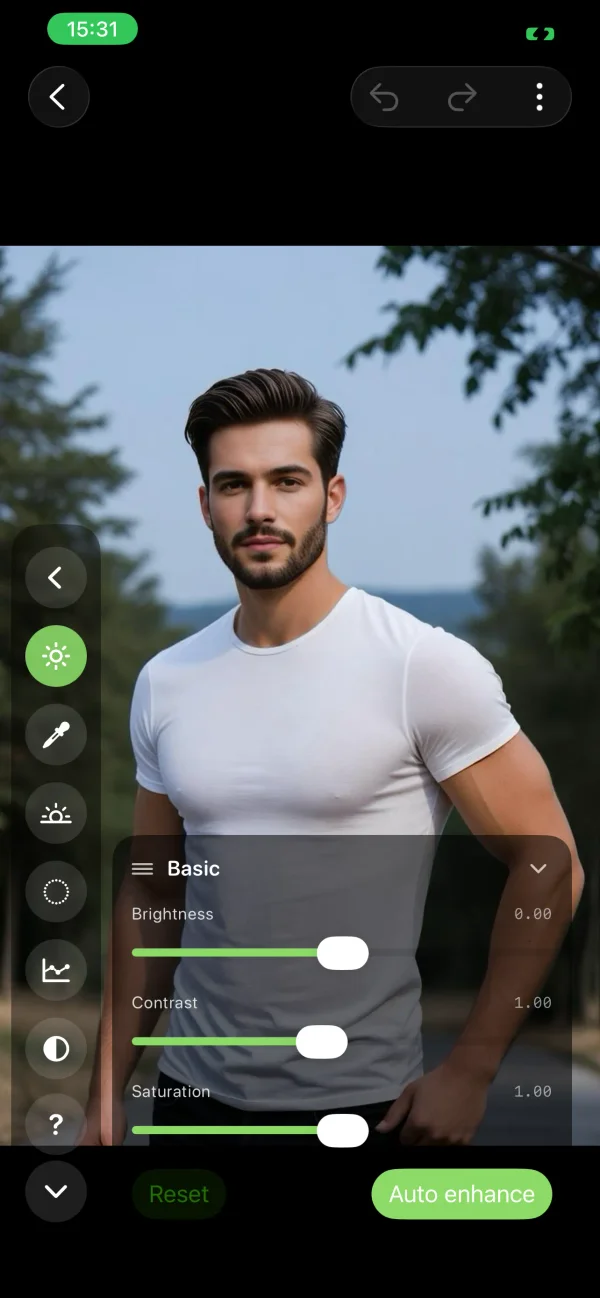
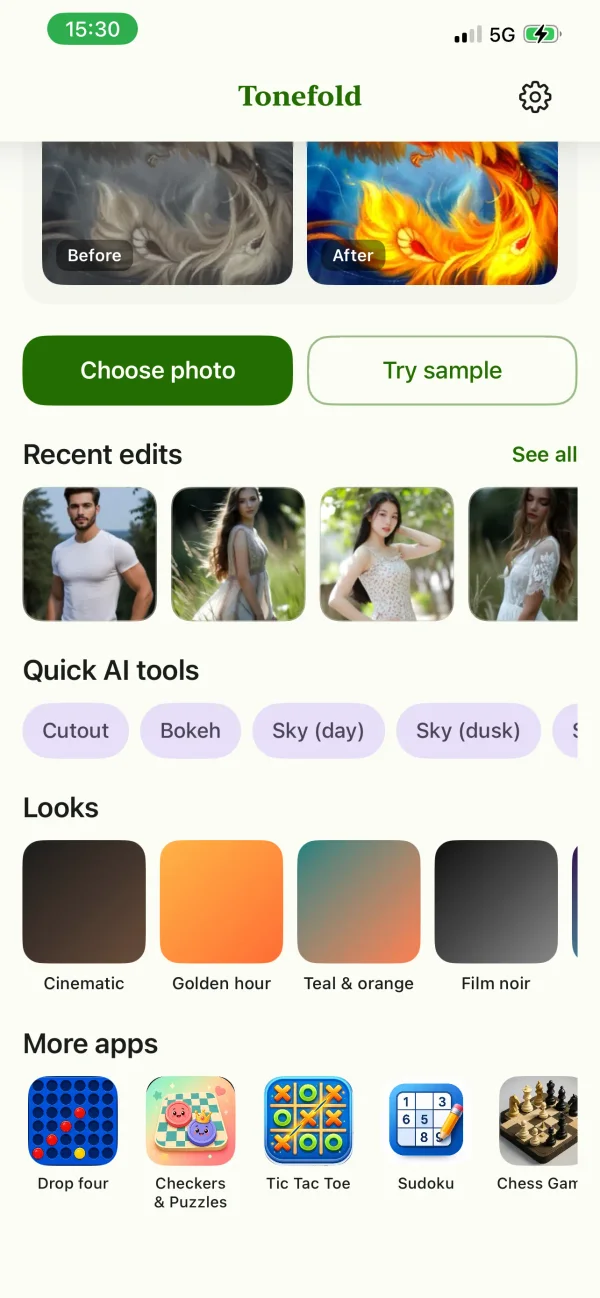
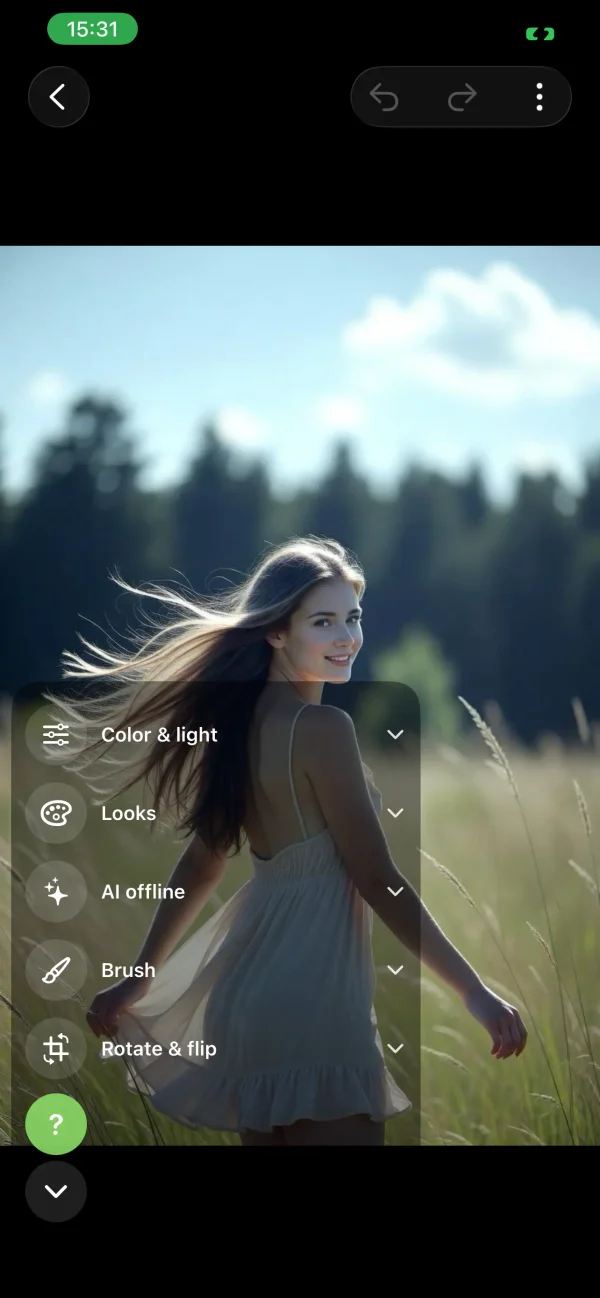
Tonefold is a fast, private photo editor that runs fully offline on your iPhone. Open a photo, restyle it with Looks, refine color and light, or start a blank canvas and stack photos as layers — all without an account or internet.
WHAT YOU CAN DO
• Blank canvas — pick a preset size or set your own, choose a white, black, gray, or transparent background, then place photos on the page
• Photo layers — add more than one photo, move, pinch to resize, rotate with two fingers, and drag a handle to resize. Reorder, hide, lock, duplicate, flip, align, and flatten
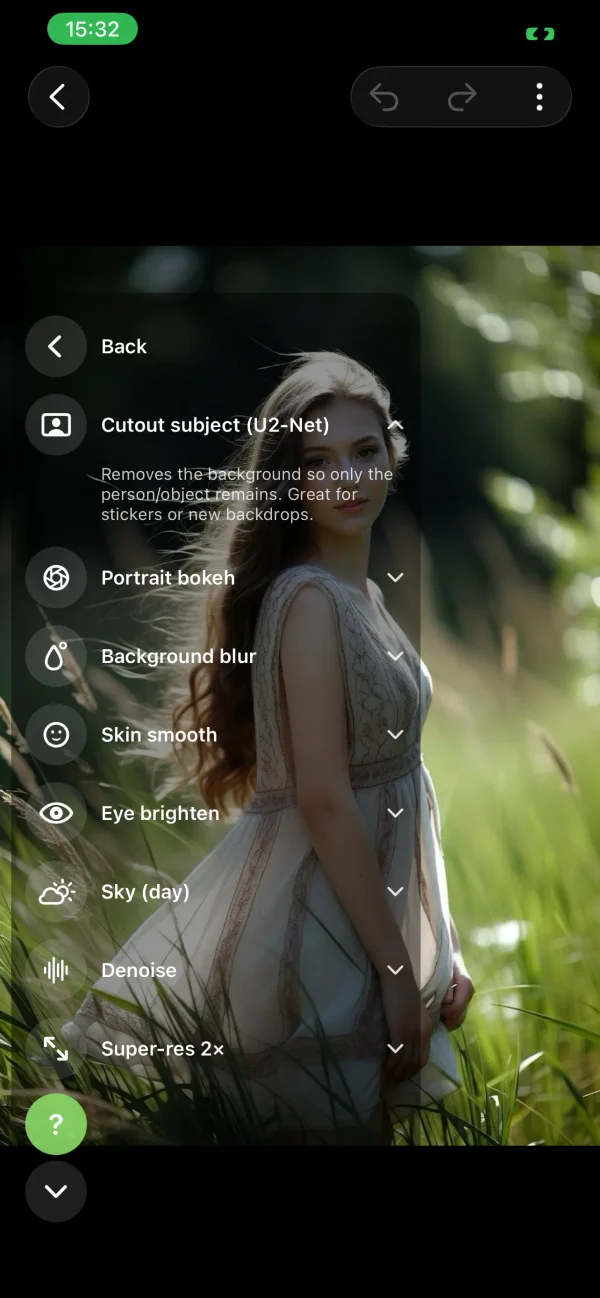
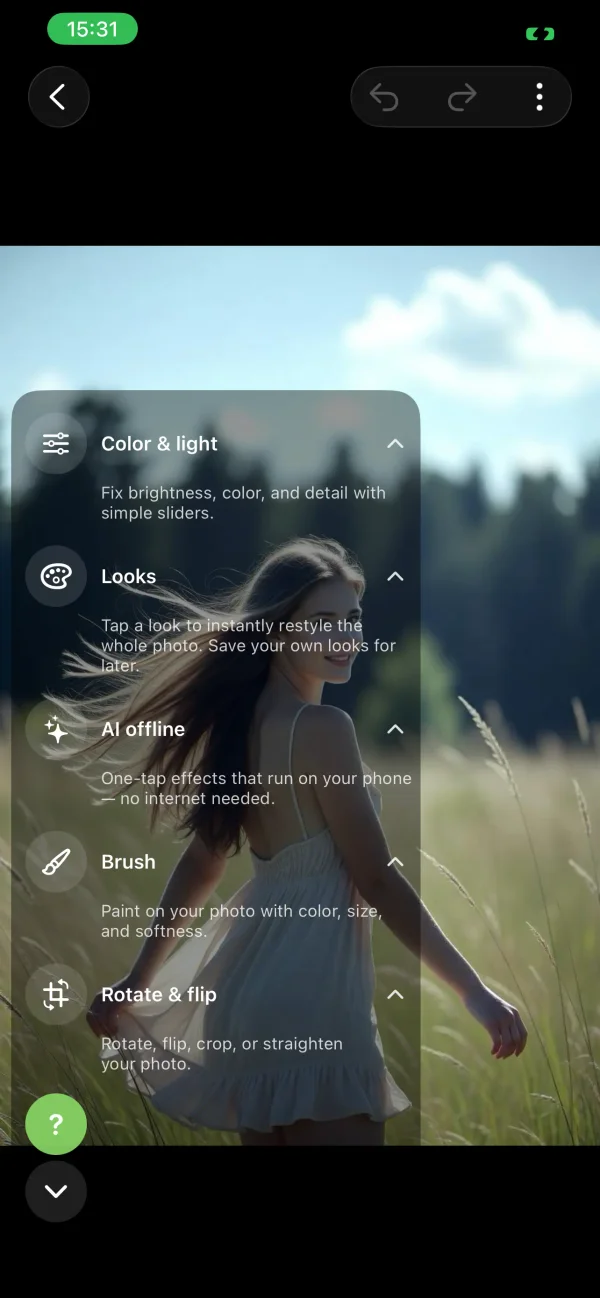
• Offline AI tools — cut out subjects, portrait bokeh, background blur, sky replace, skin smooth, denoise, and more
• Looks — cinematic, golden hour, teal & orange, film noir, neon night, soft portrait, and more one-tap styles
• Color & light — brightness, contrast, warmth, exposure, curves, HSL, sharpen, and grain
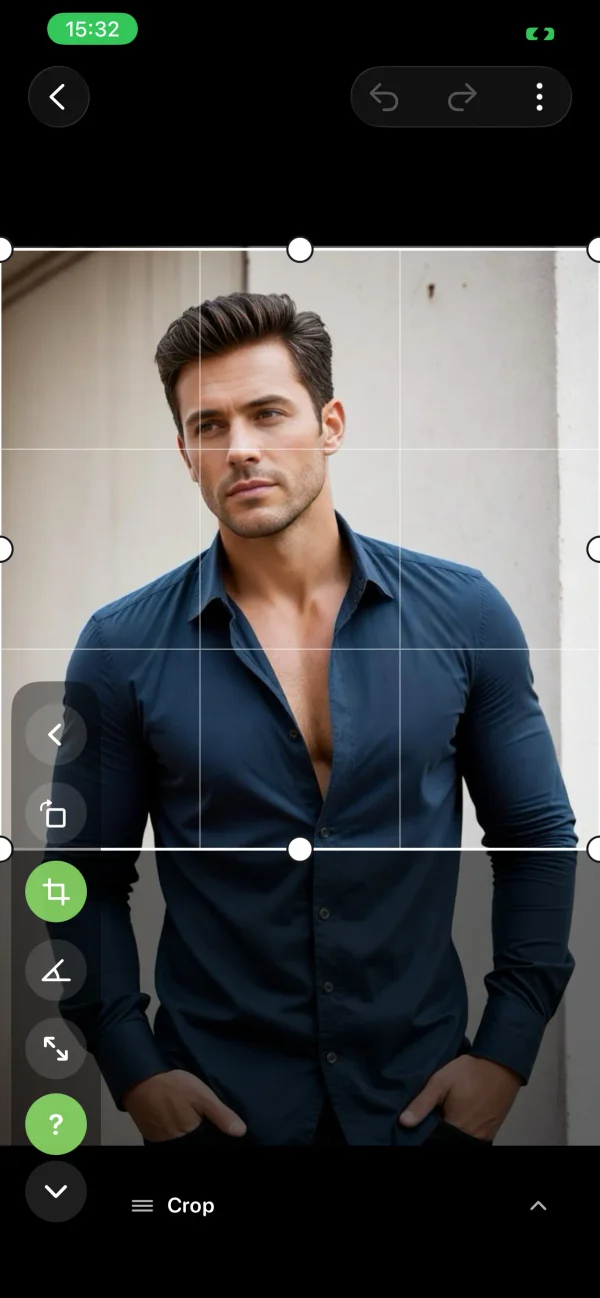
• Transform — rotate, flip, crop to social ratios, straighten, and resize
• Brush & mask refine — paint on photos or clean up cutout edges
• Export — save PNG, JPEG, or HEIC to your Tonefold album, or share instantly
WHY TONEFOLD
• Fully offline — edits stay on your device
• Built for speed — live previews while you drag sliders
• Works in portrait and landscape
• Simple tools with clear tips when you need them
• Recent edits so you can jump back in
Take a photo, pick from your library, or start a new canvas — and make it feel a little more you, with Tonefold.
新機能
バージョン 2026.10.6 · 2026/10/10
This update adds a blank canvas and photo layers.
• New canvas. Pick a preset size, or set your own width and height, then start from an empty page.
• Photo layers. Add more than one photo. Each photo stays editable.
• Move a photo with one finger. Pinch to resize and rotate with two fingers. Drag a green handle to resize.
• Layers. Reorder, hide, lock, duplicate, or delete a photo. Change opacity, flip, center, and align.
• The editor now works in landscape as well as portrait.
• Editing still runs on your iPhone. No account and no internet required.
アプリのプライバシー
このアプリのデータの取り扱いについて、Vinh Tam TanがApp Storeで申告している内容です。
-
ユーザーのトラッキングに使用されるデータ
他社のアプリやウェブサイトを横断してユーザーをトラッキングする目的で使用される場合があります。
- ID
-
ユーザーに関連付けられないデータ
収集される場合がありますが、ユーザーの識別情報には関連付けられません。
- 位置情報
- ID
- 使用状況データ
- 診断
プライバシーの取り扱いは、ご利用の機能やお客様の年齢などに応じて異なる場合があります。
情報
- 販売元
- Vinh Tam Tan
- カテゴリ
- 写真/ビデオ
- バージョン
- 2026.10.6
- 更新日
- 2026/10/10
- リリース
- 2026/8/13
- サイズ
- 18.5 MB
- 必要条件
- iOS 17.0以降
- 対象年齢
- 4+
- 価格
- 無料
- 言語
- ロシア語, ブルガリア語, ヒンディー語, ベトナム語, 英語, アラビア語, ハンガリー語, オランダ語, ギリシャ語, デンマーク語, ヘブライ, インドネシア語 ほか22言語
- 著作権
- © 2026 Vinh Tam Tan
こちらもおすすめ
-
 Editio: Photo Editor & Collage写真/ビデオ
-
 Grainiq - AI Photo Editorフィルムフィルター、AIアートと修正
-
 Lichtblick - Photo Editor写真/ビデオ
-
 月輝 Luneki - 風景・人物写真編集AIノイズ除去・星空合成・メイク
-
 Hologramm写真/ビデオ
-
 FADED - Film & Vintageフィルム風フェードフィルター
-
 iSpatialAdjuster写真/ビデオ
-
 RawMask StudioRAW現像・写真加工・被写体マスク・部分補正・背景ぼかし
-
 Acetate写真/ビデオ
-
 ShotText: Filter/Overlay/Text写真/ビデオ