
TruGrid Authenticator
Simple & Secure Workspaces
Entwickelt für iPhone, iPad, iPod touch
Kostenlos
- Altersfreigabe4+
- KategorieDienstprogramme
- EntwicklerN.E. Desktop Software, Inc. ("TruGrid")
- SprachenEnglisch
- Größe32,6 MB
Verlinkt auf die offizielle App Store-Seite
Download.org hostet keine Datei von TruGrid Authenticator. Die Schaltfläche öffnet die App-Seite bei App Store, wo N.E. Desktop Software, Inc. ("TruGrid") die App veröffentlicht. Eintrag zuletzt geprüft am 25.11.2026.
Screenshots
Info
Der Entwickler hat diesen Text nicht in Ihrer Sprache bereitgestellt.
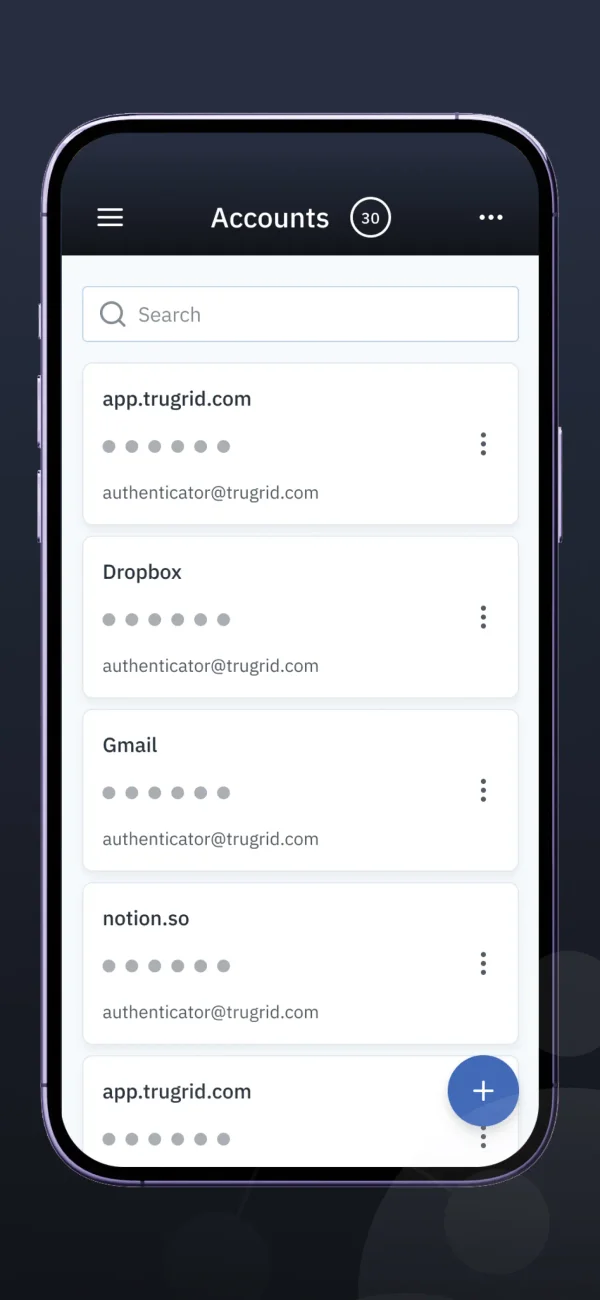
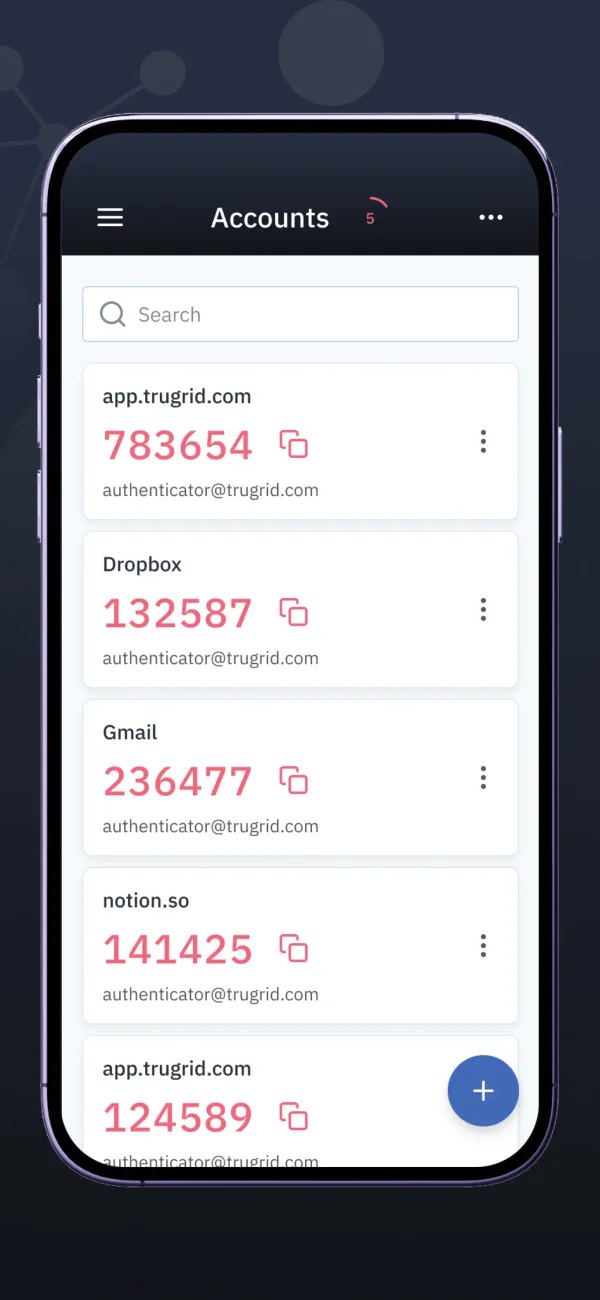
TruGrid Authenticator works with TruGrid.com and any site that supports Google Authenticator or TOTP-based two-factor authentication.
Improve your account security with an easy to use multi-factor authentication application. Provides an additional layer of security when signing in to accounts, so that even if someone had your password, they could not access your account.
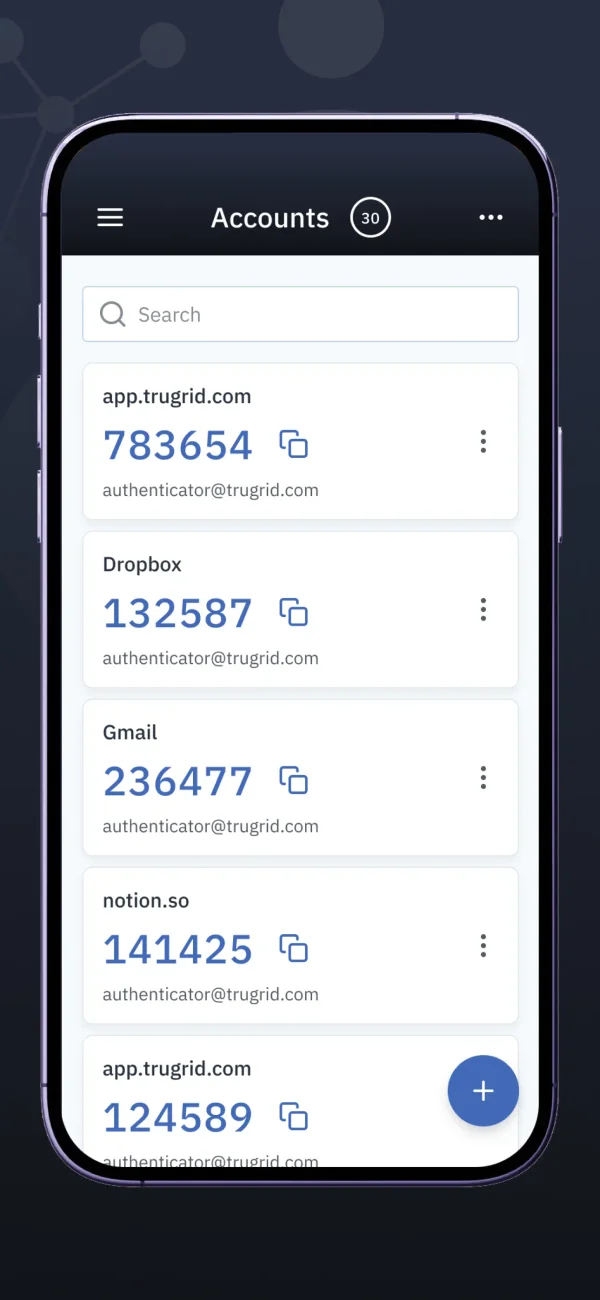
Once setup, when you sign into your account, you will use your login and password PLUS a one-time, rotating passcode generated from the TruGrid Authenticator. This will work even if you are temporarily offline.
FEATURES:
- Supports any TOTP-compatible sites that already supports Google Authenticator
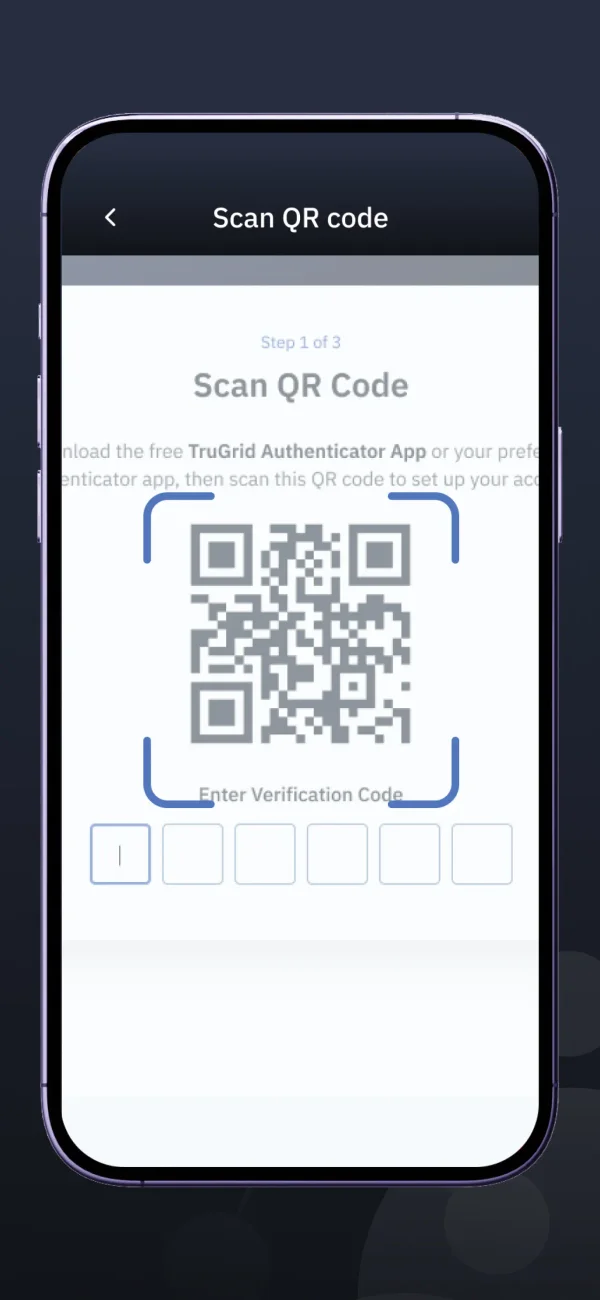
- Quick setup via QR code scan
- Add as many accounts as you would like
- Edit account nicknames
- Search for accounts
- Setup PIN code
When using the TruGrid Authenticator on TruGrid.com or any other website that supports MFA, just scan the QR code when prompted.
HOW TO USE IT
1. Download the TruGrid Authenticator to your mobile device
2. Enable MFA (or sometimes called 2FA) on your account. Note: This is enabled by default when logging into TruGrid.com accounts
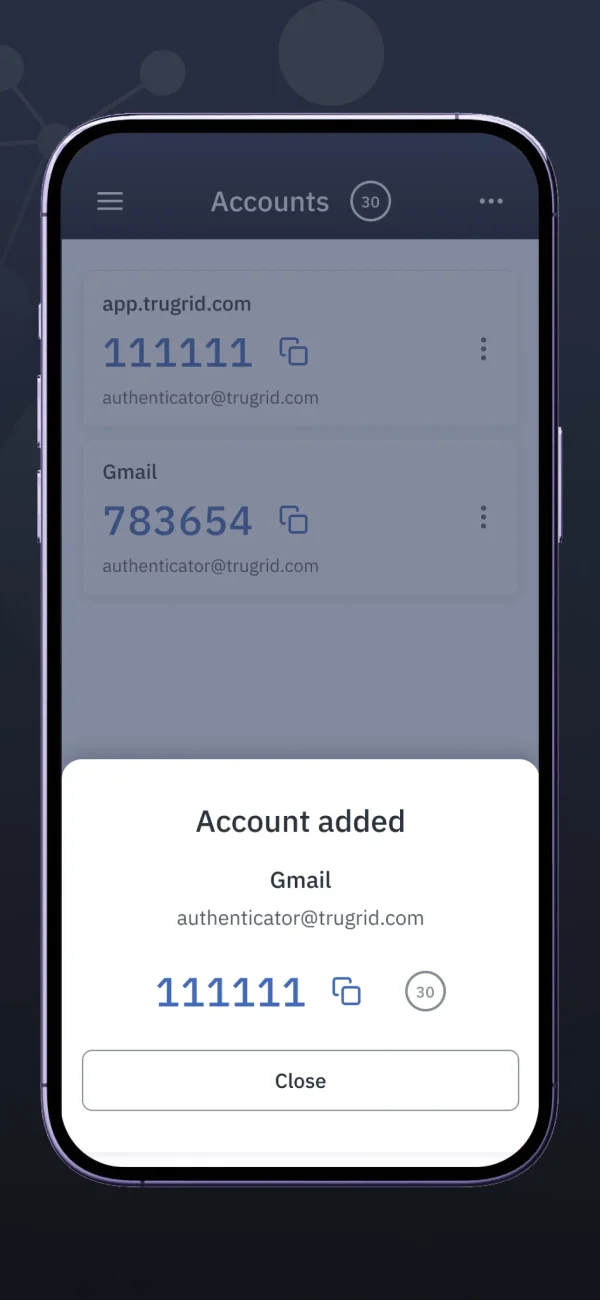
3. When prompted with a QR code, select Add in TruGrid Authenticator to scan and add the new account
4. Select the new account row added in TruGrid Authenticator
5. Enter code from TruGrid Authenticator into your site, app or service
Neue Funktionen
Version 2.0.6 · 16.10.2026
Improvements and bug fixes
App-Datenschutz
Was N.E. Desktop Software, Inc. ("TruGrid") im App Store zum Umgang dieser App mit Daten angibt.
-
Nicht mit Ihnen verknüpfte Daten
Können erfasst werden, sind aber nicht mit Ihrer Identität verknüpft.
- Kennungen
- Diagnose
Die Datenschutzpraktiken können variieren, zum Beispiel je nach den von Ihnen verwendeten Funktionen oder Ihrem Alter.
Informationen
- Anbieter
- N.E. Desktop Software, Inc.
- Kategorie
- Dienstprogramme
- Version
- 2.0.6
- Aktualisiert
- 16.10.2026
- Veröffentlicht
- 01.08.2018
- Größe
- 32,6 MB
- Erfordert
- iOS 15.6 oder neuer
- Altersfreigabe
- 4+
- Preis
- Kostenlos
- Sprachen
- Englisch
- Copyright
- © N.E. Desktop Software, Inc.
Das könnte Ihnen auch gefallen
-
 Evo AuthenticatorDienstprogramme
-
 QTL SceneDienstprogramme
-
 MyPhoneMobileDienstprogramme
-
 Wolters Kluwer AuthenticatorDienstprogramme
-
 ThreatLocker AdminDienstprogramme
-
 Thomson Reuters AuthenticatorDienstprogramme
-
 vMobileConnectDienstprogramme
-
 GO! MobileDienstprogramme
-
 Hytrol Toolbox 2.0Dienstprogramme
-
 OneCause Event AdminDienstprogramme