TruGrid Authenticator
Simple & Secure Workspaces
Conçue pour iPhone, iPad, iPod touch
Gratuit
- Classification d’âge4+
- CatégorieUtilitaires
- DéveloppeurN.E. Desktop Software, Inc. ("TruGrid")
- LanguesAnglais
- Taille32,6 Mo
Renvoie vers la page App Store officielle
Download.org n’héberge aucun fichier de TruGrid Authenticator. Le bouton ouvre la page de l’application sur App Store, où N.E. Desktop Software, Inc. ("TruGrid") la publie. Fiche vérifiée pour la dernière fois le 25/11/2026.
Captures d’écran
À propos
Le développeur n’a pas fourni ce texte dans votre langue.
TruGrid Authenticator works with TruGrid.com and any site that supports Google Authenticator or TOTP-based two-factor authentication.
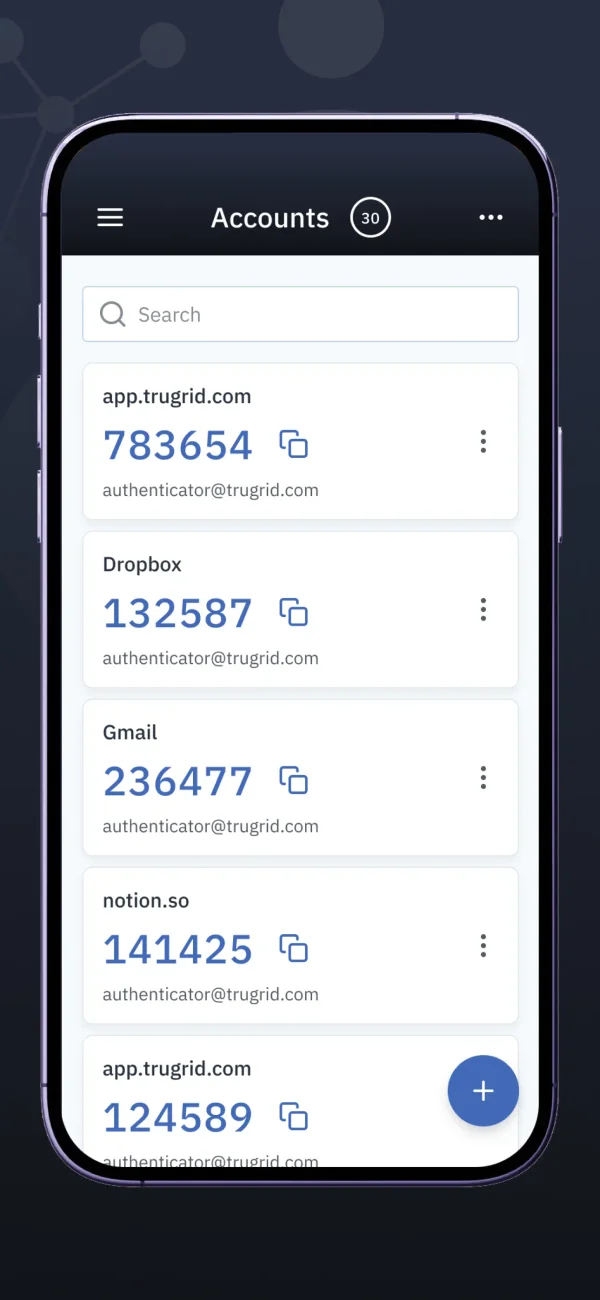
Improve your account security with an easy to use multi-factor authentication application. Provides an additional layer of security when signing in to accounts, so that even if someone had your password, they could not access your account.
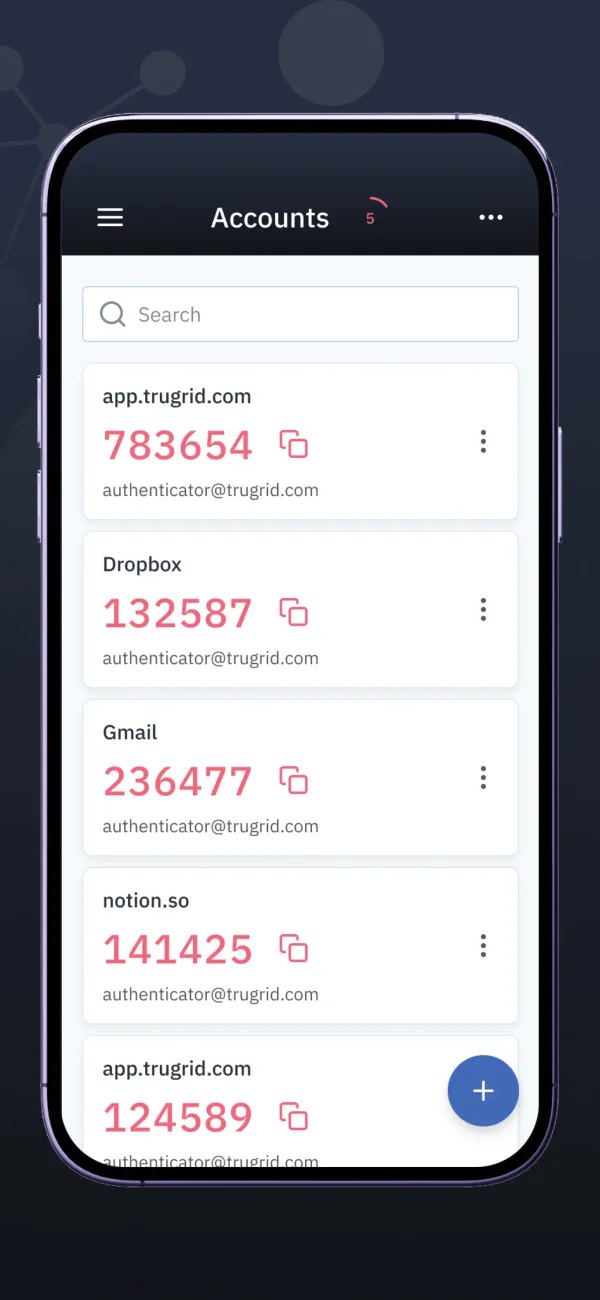
Once setup, when you sign into your account, you will use your login and password PLUS a one-time, rotating passcode generated from the TruGrid Authenticator. This will work even if you are temporarily offline.
FEATURES:
- Supports any TOTP-compatible sites that already supports Google Authenticator
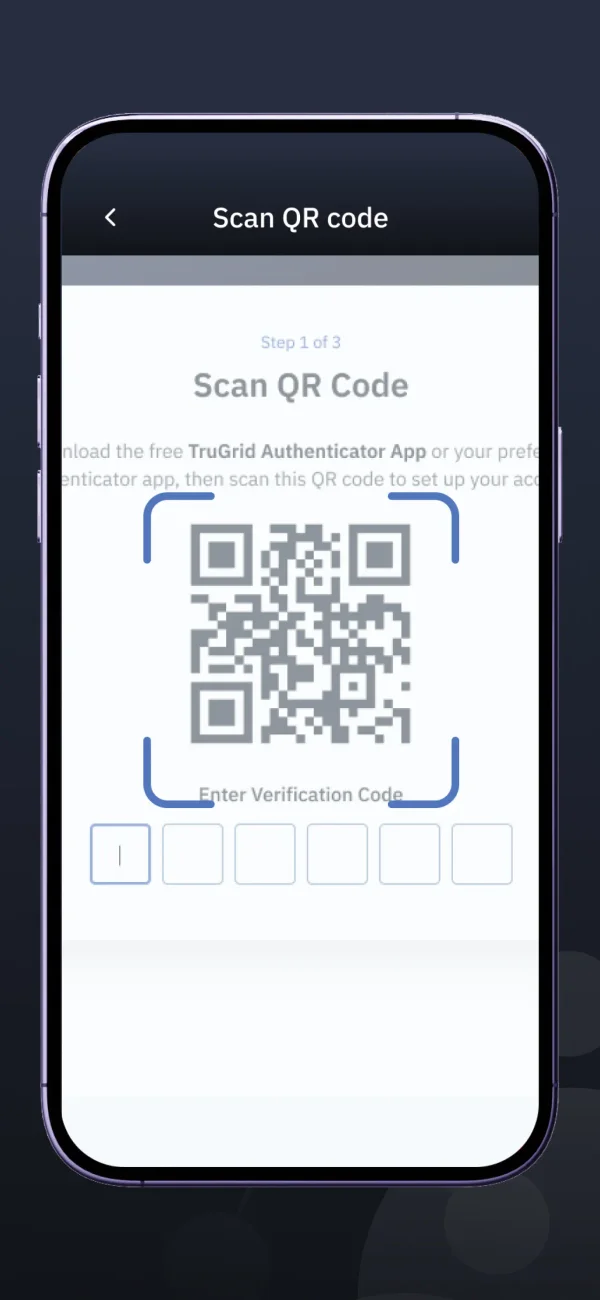
- Quick setup via QR code scan
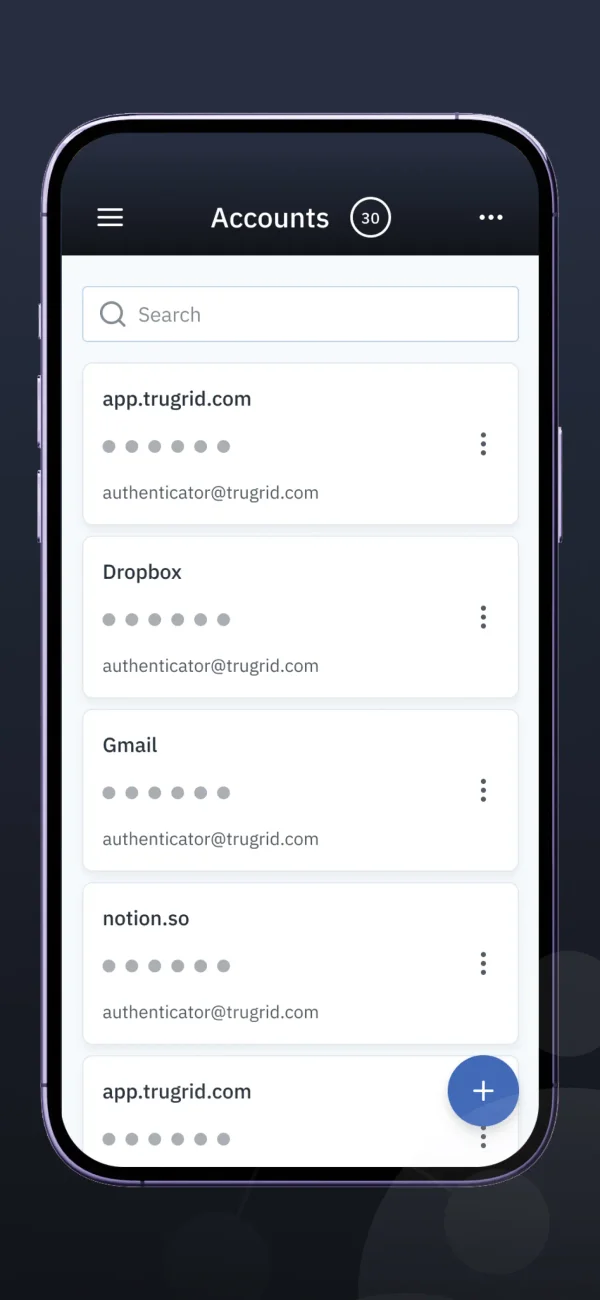
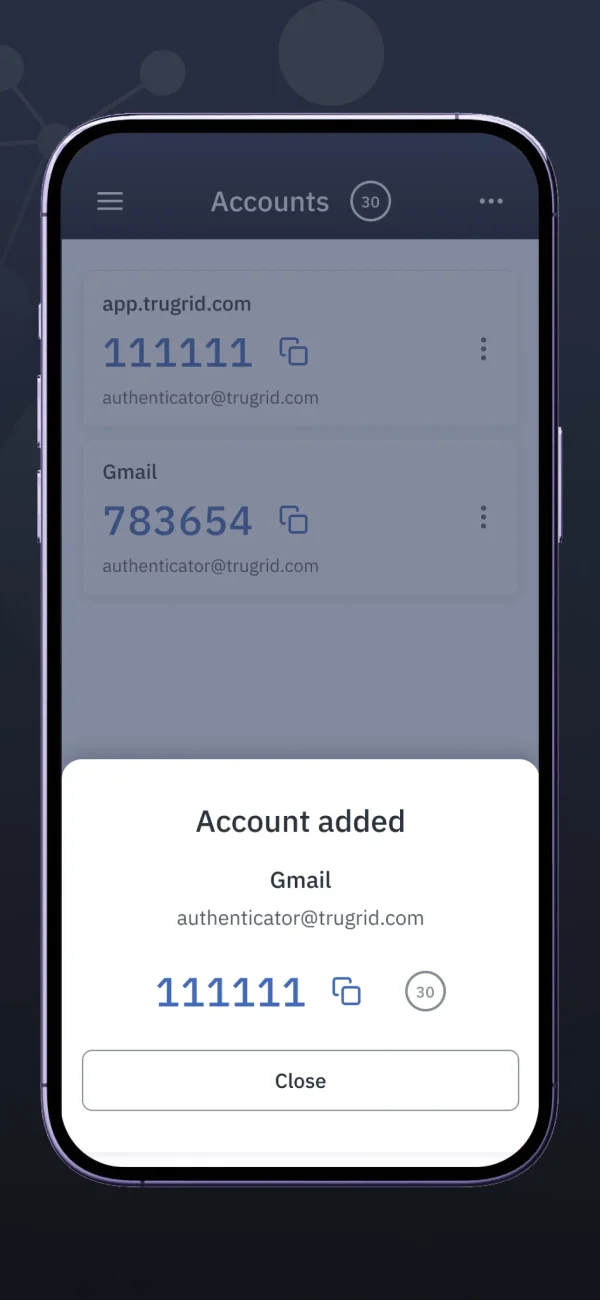
- Add as many accounts as you would like
- Edit account nicknames
- Search for accounts
- Setup PIN code
When using the TruGrid Authenticator on TruGrid.com or any other website that supports MFA, just scan the QR code when prompted.
HOW TO USE IT
1. Download the TruGrid Authenticator to your mobile device
2. Enable MFA (or sometimes called 2FA) on your account. Note: This is enabled by default when logging into TruGrid.com accounts
3. When prompted with a QR code, select Add in TruGrid Authenticator to scan and add the new account
4. Select the new account row added in TruGrid Authenticator
5. Enter code from TruGrid Authenticator into your site, app or service
Nouveautés
Version 2.0.6 · 16/10/2026
Improvements and bug fixes
Confidentialité de l’application
Ce que N.E. Desktop Software, Inc. ("TruGrid") déclare sur l’App Store au sujet du traitement des données par cette application.
-
Données n’établissant aucun lien avec vous
Peuvent être collectées, mais ne sont pas liées à votre identité.
- Identifiants
- Diagnostic
Les pratiques en matière de confidentialité peuvent varier, notamment en fonction des fonctionnalités que vous utilisez ou de votre âge.
Informations
- Vendeur
- N.E. Desktop Software, Inc.
- Catégorie
- Utilitaires
- Version
- 2.0.6
- Mis à jour
- 16/10/2026
- Publié
- 01/08/2018
- Taille
- 32,6 Mo
- Nécessite
- iOS 15.6 ou version ultérieure
- Classification d’âge
- 4+
- Prix
- Gratuit
- Langues
- Anglais
- Copyright
- © N.E. Desktop Software, Inc.