TruGrid Authenticator
Simple & Secure Workspaces
Được thiết kế cho iPhone, iPad, iPod touch
Miễn phí
- Độ tuổi4+
- Danh mụcTiện Ích
- Nhà phát triểnN.E. Desktop Software, Inc. ("TruGrid")
- Ngôn ngữTiếng Anh
- Kích thước32,6 MB
Liên kết đến trang App Store chính thức
Download.org không lưu trữ tệp nào của TruGrid Authenticator. Nút này mở trang ứng dụng trên App Store, nơi N.E. Desktop Software, Inc. ("TruGrid") phát hành ứng dụng. Trang được kiểm tra lần cuối: 25/11/2026.
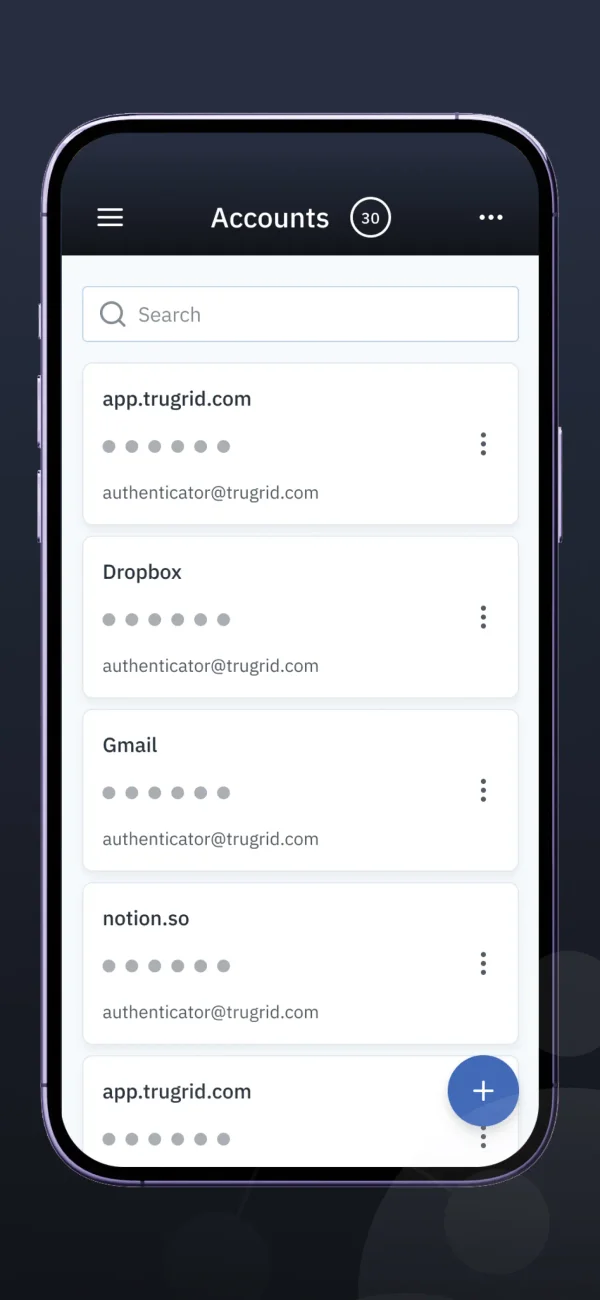
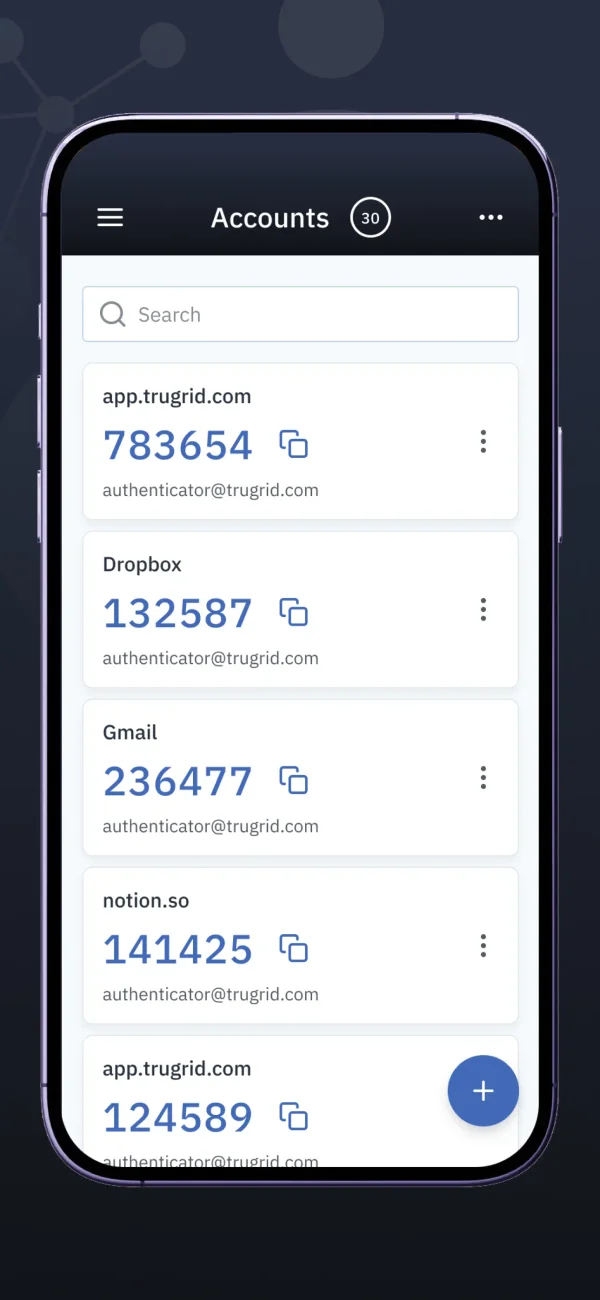
Ảnh chụp màn hình
Giới thiệu
Nhà phát triển chưa cung cấp nội dung này bằng ngôn ngữ của bạn.
TruGrid Authenticator works with TruGrid.com and any site that supports Google Authenticator or TOTP-based two-factor authentication.
Improve your account security with an easy to use multi-factor authentication application. Provides an additional layer of security when signing in to accounts, so that even if someone had your password, they could not access your account.
Once setup, when you sign into your account, you will use your login and password PLUS a one-time, rotating passcode generated from the TruGrid Authenticator. This will work even if you are temporarily offline.
FEATURES:
- Supports any TOTP-compatible sites that already supports Google Authenticator
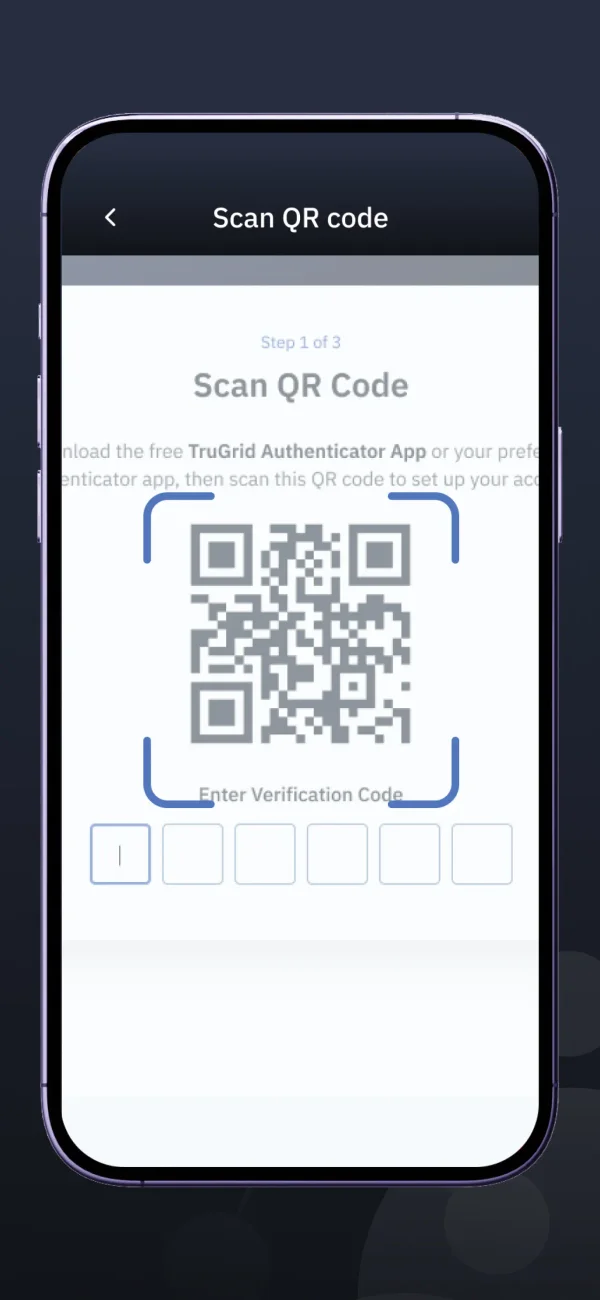
- Quick setup via QR code scan
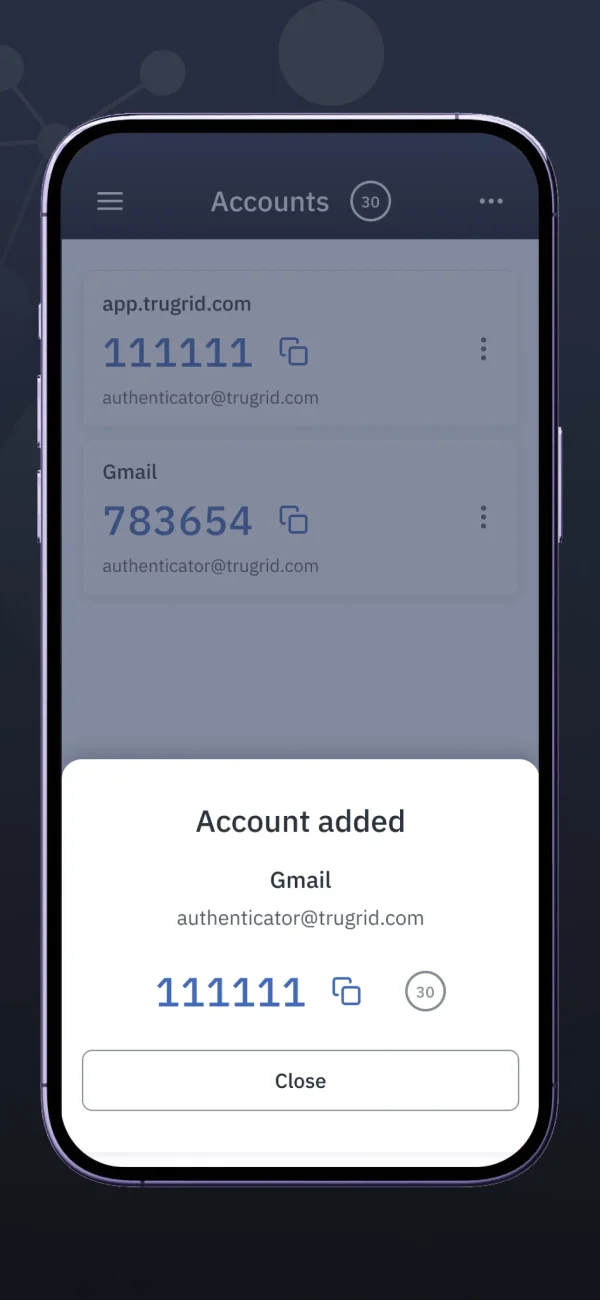
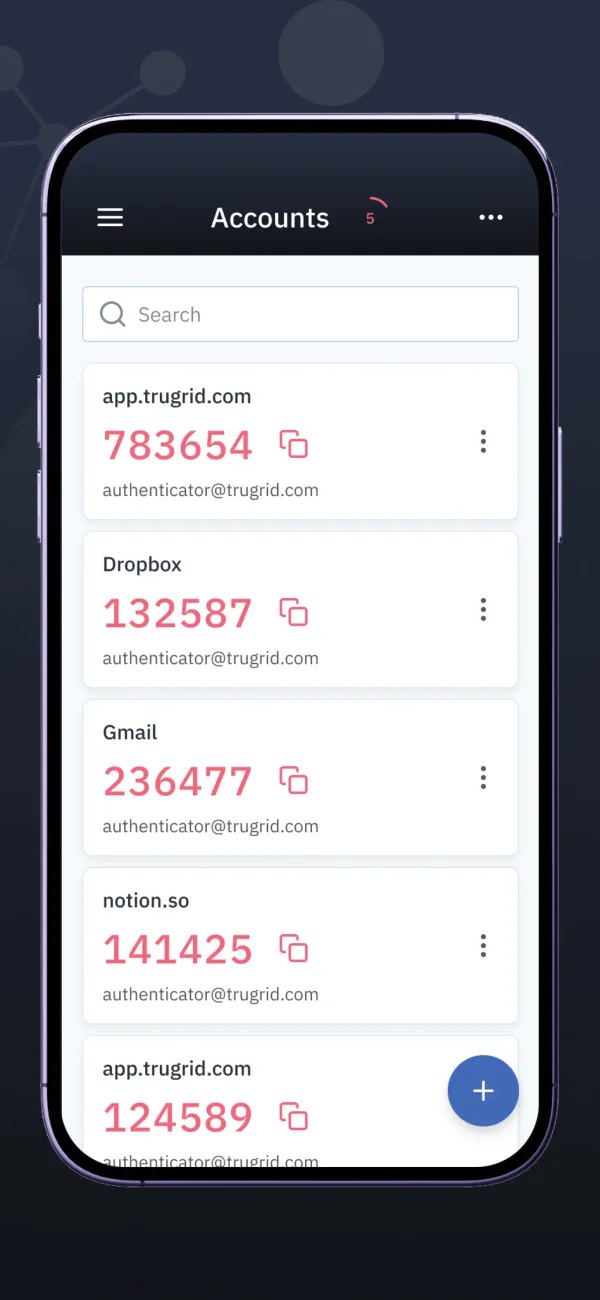
- Add as many accounts as you would like
- Edit account nicknames
- Search for accounts
- Setup PIN code
When using the TruGrid Authenticator on TruGrid.com or any other website that supports MFA, just scan the QR code when prompted.
HOW TO USE IT
1. Download the TruGrid Authenticator to your mobile device
2. Enable MFA (or sometimes called 2FA) on your account. Note: This is enabled by default when logging into TruGrid.com accounts
3. When prompted with a QR code, select Add in TruGrid Authenticator to scan and add the new account
4. Select the new account row added in TruGrid Authenticator
5. Enter code from TruGrid Authenticator into your site, app or service
Có gì mới
Phiên bản 2.0.6 · 16/10/2026
Improvements and bug fixes
Quyền riêng tư của ứng dụng
Những gì N.E. Desktop Software, Inc. ("TruGrid") khai báo trên App Store về cách ứng dụng này xử lý dữ liệu.
-
Dữ liệu không liên kết với bạn
Có thể được thu thập nhưng không liên kết với danh tính của bạn.
- Mã định danh
- Chẩn đoán
Phương thức đảm bảo quyền riêng tư có thể khác nhau, chẳng hạn như tuỳ theo các tính năng bạn sử dụng hoặc độ tuổi của bạn.
Thông tin
- Người bán
- N.E. Desktop Software, Inc.
- Danh mục
- Tiện Ích
- Phiên bản
- 2.0.6
- Cập nhật
- 16/10/2026
- Phát hành
- 01/08/2018
- Kích thước
- 32,6 MB
- Yêu cầu
- iOS 15.6 trở lên
- Độ tuổi
- 4+
- Giá
- Miễn phí
- Ngôn ngữ
- Tiếng Anh
- Bản quyền
- © N.E. Desktop Software, Inc.