TruGrid Authenticator
Simple & Secure Workspaces
Dirancang untuk iPhone, iPad, iPod touch
Gratis
- Batasan usia4+
- KategoriKegunaan
- PengembangN.E. Desktop Software, Inc. ("TruGrid")
- BahasaInggris
- Ukuran32,6 MB
Tertaut ke halaman resmi App Store
Download.org tidak menyimpan file TruGrid Authenticator apa pun. Tombol ini membuka halaman aplikasi di App Store, tempat N.E. Desktop Software, Inc. ("TruGrid") menerbitkannya. Halaman terakhir diperiksa pada 25/11/2026.
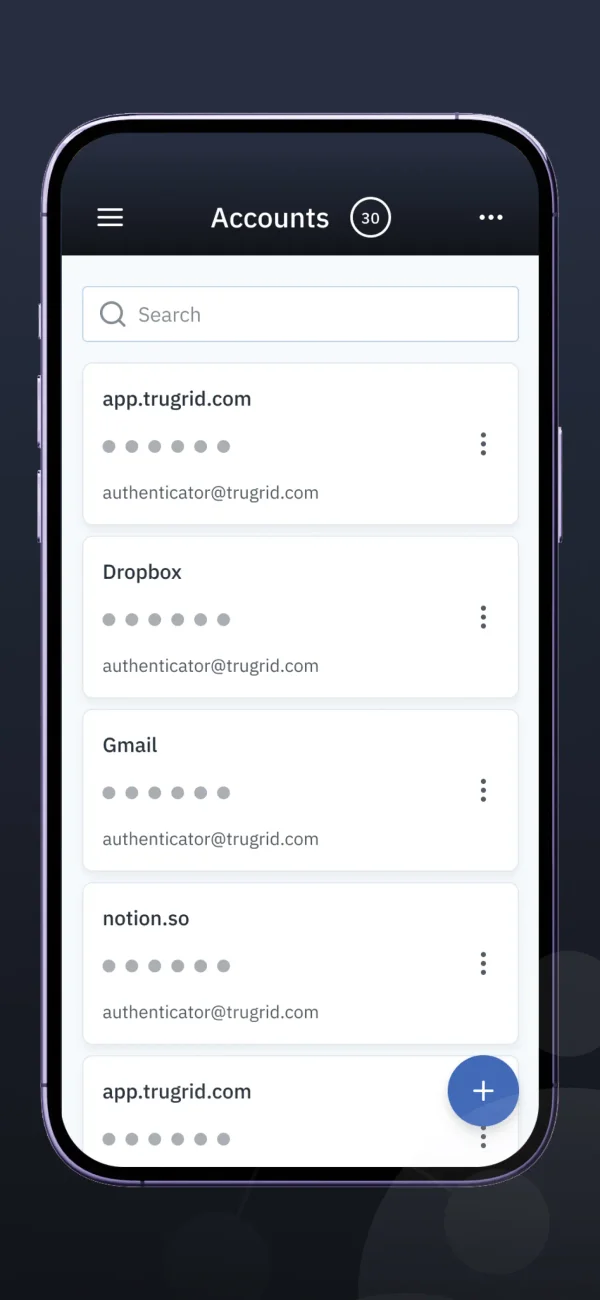
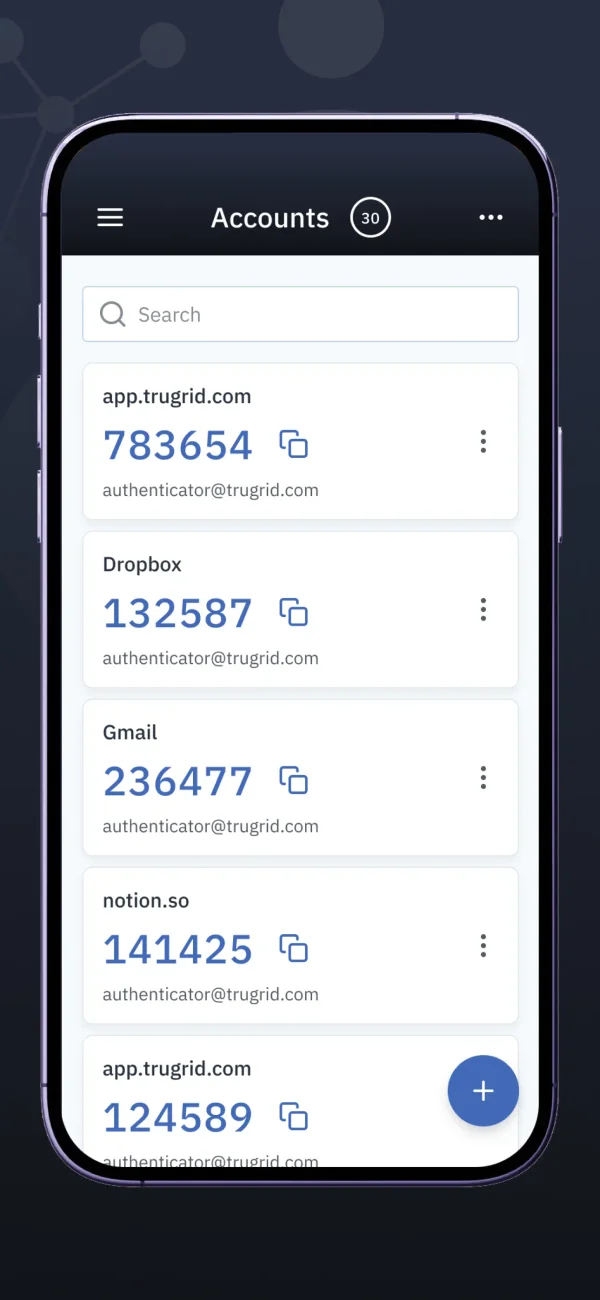
Tangkapan layar
Tentang
Pengembang belum menyediakan teks ini dalam bahasa Anda.
TruGrid Authenticator works with TruGrid.com and any site that supports Google Authenticator or TOTP-based two-factor authentication.
Improve your account security with an easy to use multi-factor authentication application. Provides an additional layer of security when signing in to accounts, so that even if someone had your password, they could not access your account.
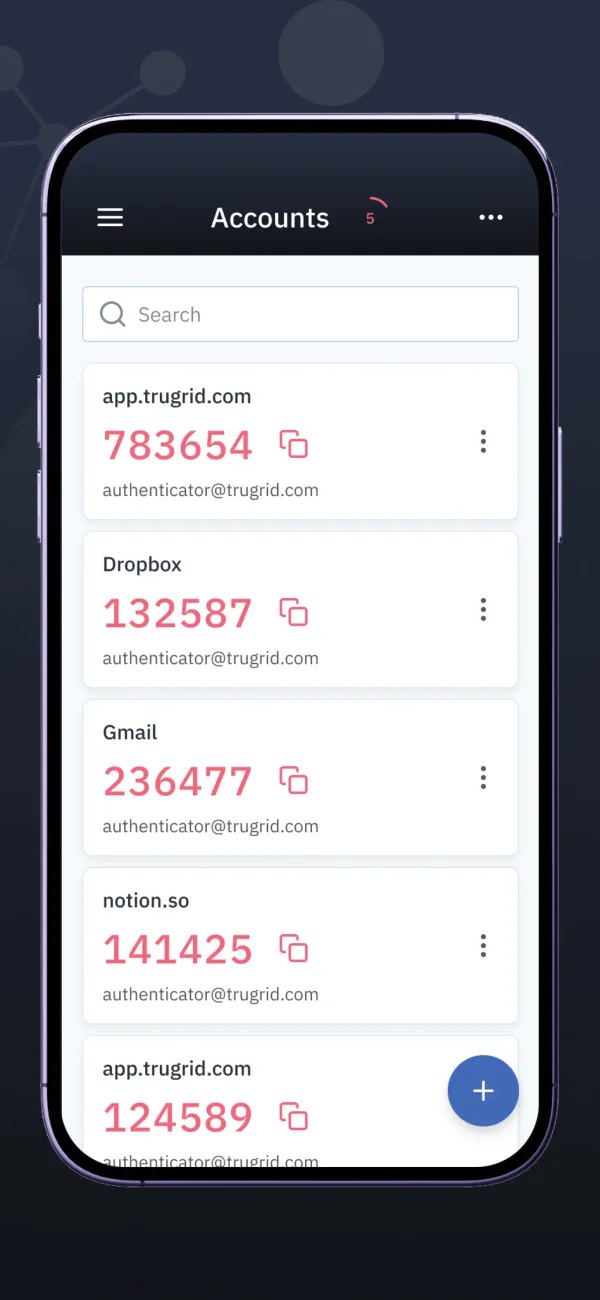
Once setup, when you sign into your account, you will use your login and password PLUS a one-time, rotating passcode generated from the TruGrid Authenticator. This will work even if you are temporarily offline.
FEATURES:
- Supports any TOTP-compatible sites that already supports Google Authenticator
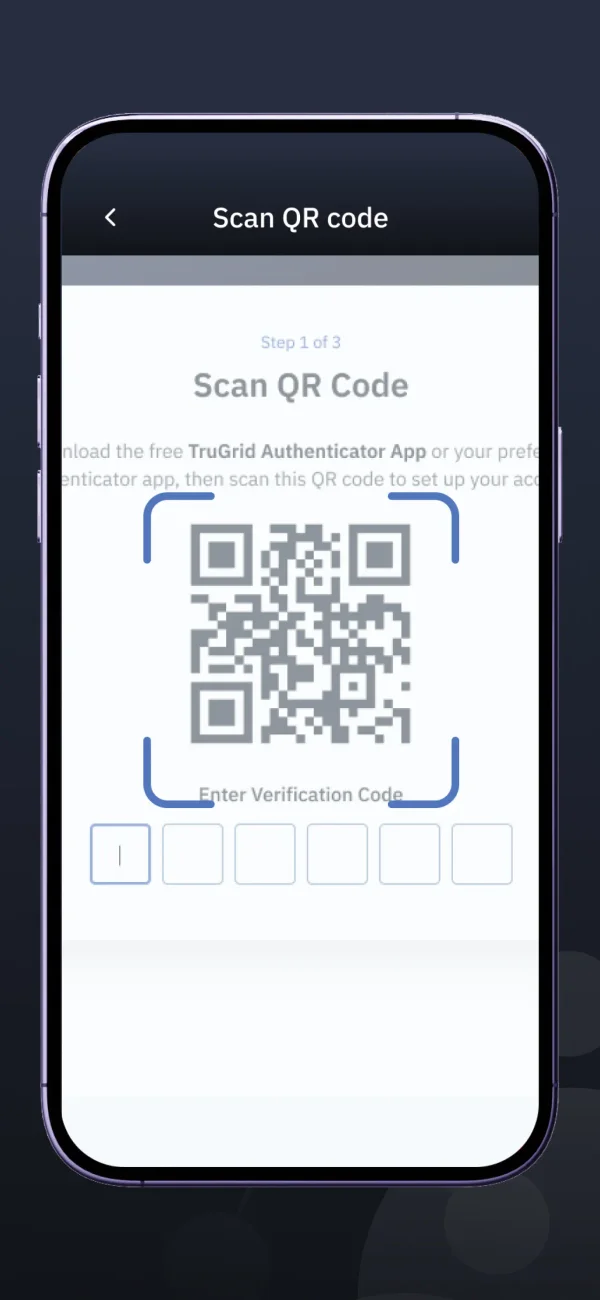
- Quick setup via QR code scan
- Add as many accounts as you would like
- Edit account nicknames
- Search for accounts
- Setup PIN code
When using the TruGrid Authenticator on TruGrid.com or any other website that supports MFA, just scan the QR code when prompted.
HOW TO USE IT
1. Download the TruGrid Authenticator to your mobile device
2. Enable MFA (or sometimes called 2FA) on your account. Note: This is enabled by default when logging into TruGrid.com accounts
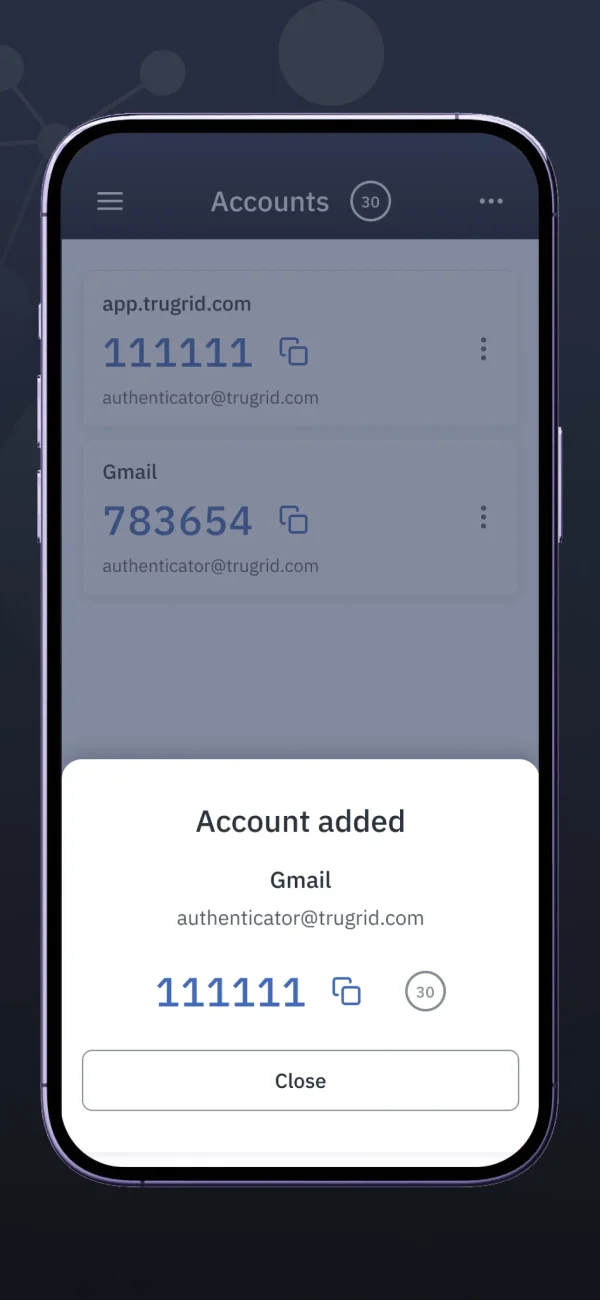
3. When prompted with a QR code, select Add in TruGrid Authenticator to scan and add the new account
4. Select the new account row added in TruGrid Authenticator
5. Enter code from TruGrid Authenticator into your site, app or service
Yang baru
Versi 2.0.6 · 16/10/2026
Improvements and bug fixes
Privasi aplikasi
Yang dinyatakan N.E. Desktop Software, Inc. ("TruGrid") di App Store tentang cara aplikasi ini menangani data.
-
Data yang tidak ditautkan dengan Anda
Dapat dikumpulkan, tetapi tidak ditautkan dengan identitas Anda.
- Pengenal
- Diagnostik
Praktik privasi dapat bervariasi, misalnya berdasarkan fitur yang Anda gunakan atau usia Anda.
Informasi
- Penjual
- N.E. Desktop Software, Inc.
- Kategori
- Kegunaan
- Versi
- 2.0.6
- Diperbarui
- 16/10/2026
- Dirilis
- 1/8/2018
- Ukuran
- 32,6 MB
- Memerlukan
- iOS 15.6 atau yang lebih baru
- Batasan usia
- 4+
- Harga
- Gratis
- Bahasa
- Inggris
- Hak cipta
- © N.E. Desktop Software, Inc.