TruGrid Authenticator
Simple & Secure Workspaces
iPhone, iPad, iPod touch için tasarlandı
Ücretsiz
- Yaş sınırı4+
- KategoriYardımcılar
- GeliştiriciN.E. Desktop Software, Inc. ("TruGrid")
- Dillerİngilizce
- Boyut32,6 MB
Resmi App Store sayfasına bağlanır
Download.org, TruGrid Authenticator için hiçbir dosya barındırmaz. Düğme, uygulamanın App Store üzerindeki sayfasını açar; uygulamayı orada N.E. Desktop Software, Inc. ("TruGrid") yayınlar. Sayfanın son kontrolü: 25.11.2026.
Ekran görüntüleri
Hakkında
Geliştirici bu metni dilinizde sunmamış.
TruGrid Authenticator works with TruGrid.com and any site that supports Google Authenticator or TOTP-based two-factor authentication.
Improve your account security with an easy to use multi-factor authentication application. Provides an additional layer of security when signing in to accounts, so that even if someone had your password, they could not access your account.
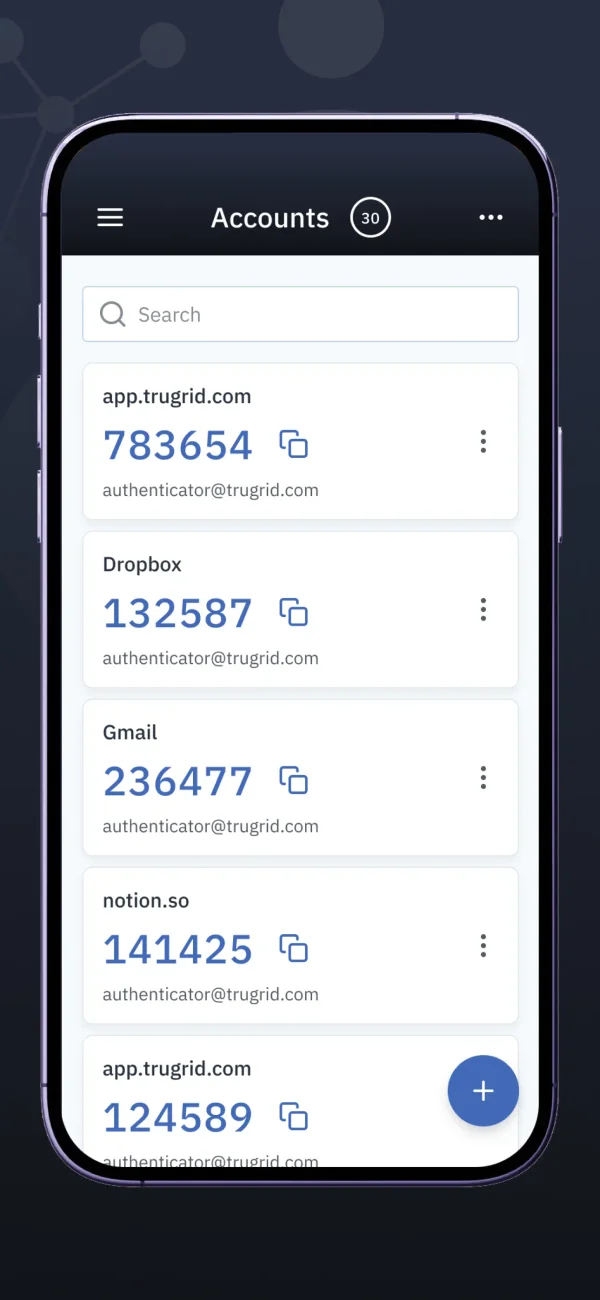
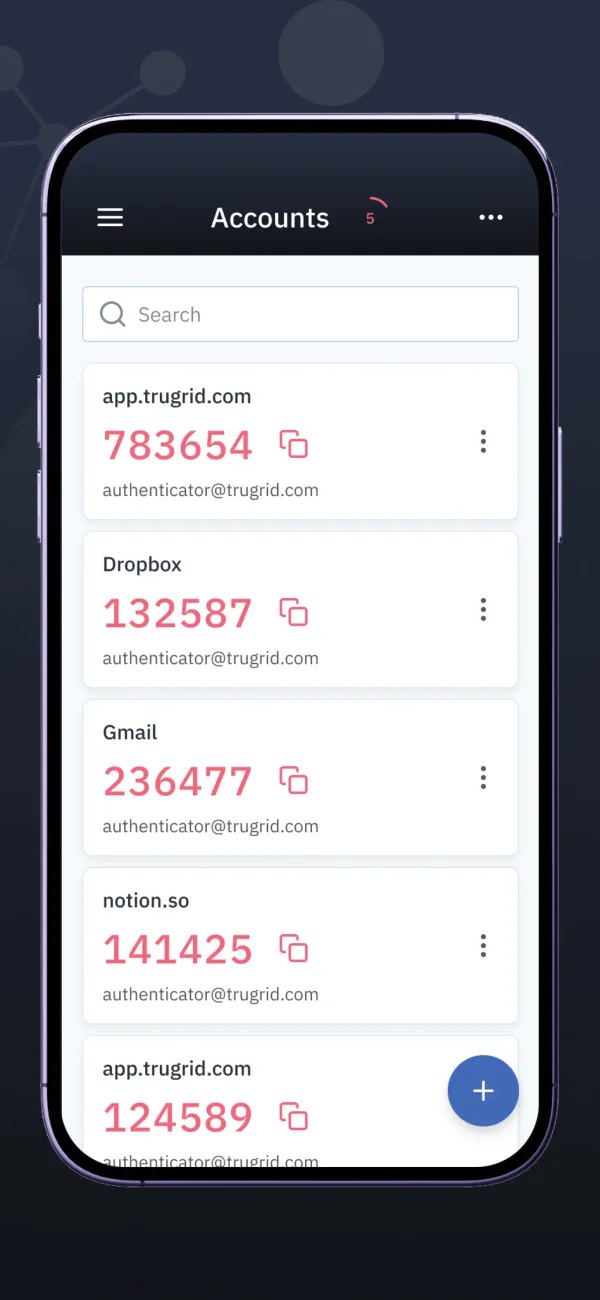
Once setup, when you sign into your account, you will use your login and password PLUS a one-time, rotating passcode generated from the TruGrid Authenticator. This will work even if you are temporarily offline.
FEATURES:
- Supports any TOTP-compatible sites that already supports Google Authenticator
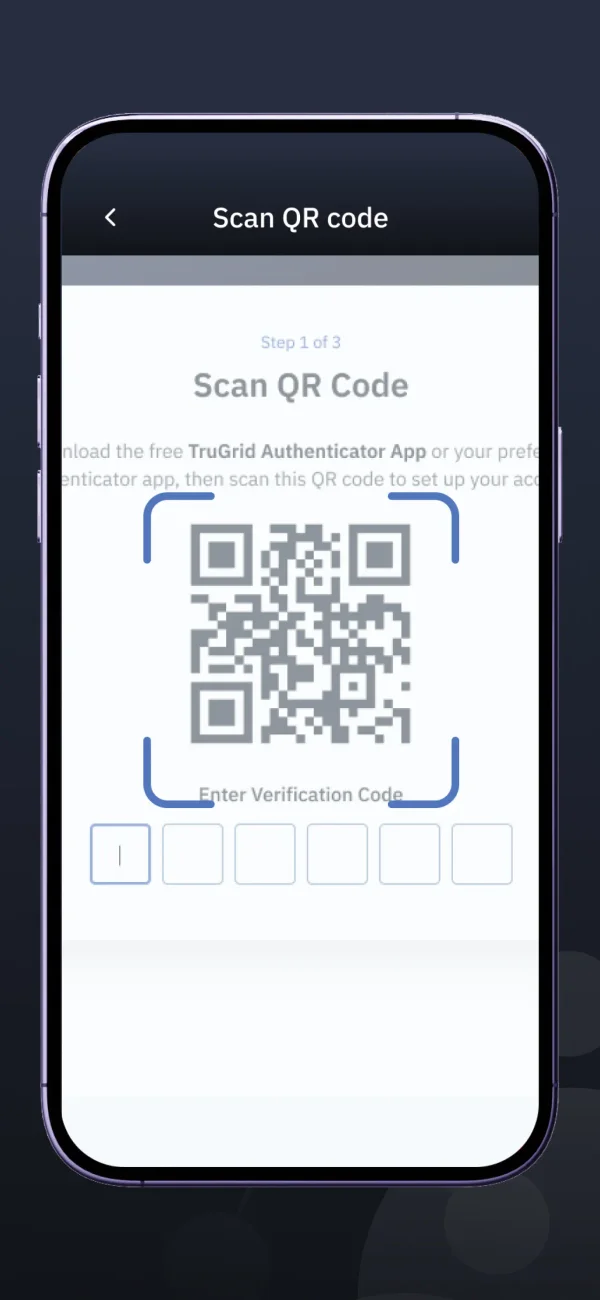
- Quick setup via QR code scan
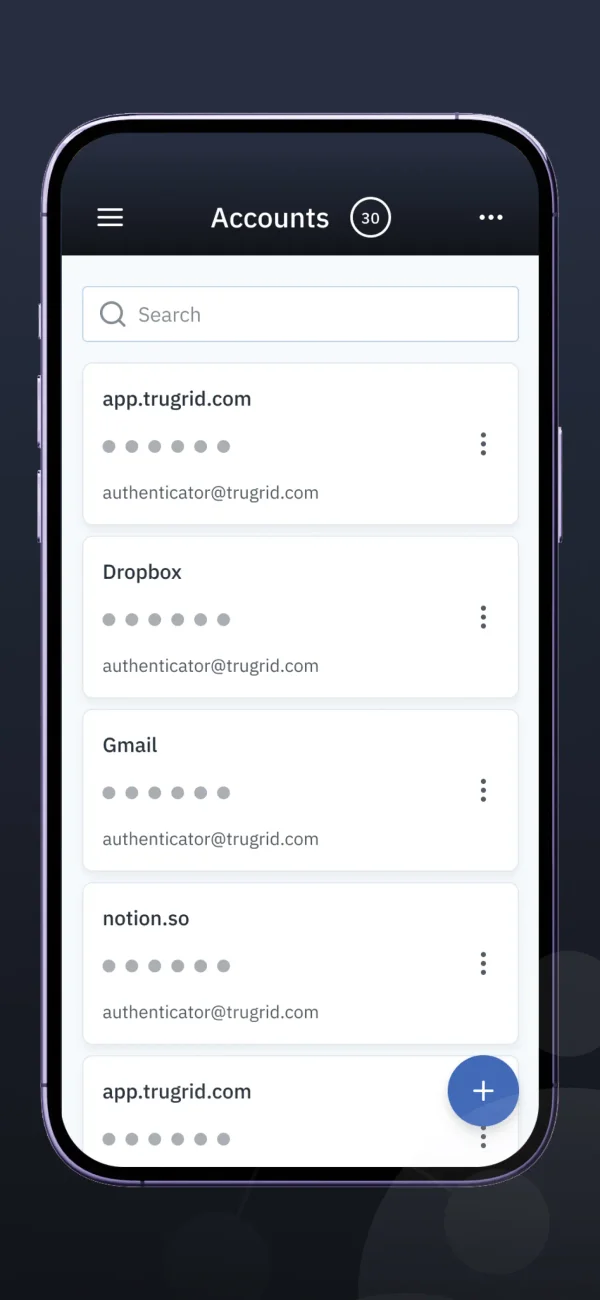
- Add as many accounts as you would like
- Edit account nicknames
- Search for accounts
- Setup PIN code
When using the TruGrid Authenticator on TruGrid.com or any other website that supports MFA, just scan the QR code when prompted.
HOW TO USE IT
1. Download the TruGrid Authenticator to your mobile device
2. Enable MFA (or sometimes called 2FA) on your account. Note: This is enabled by default when logging into TruGrid.com accounts
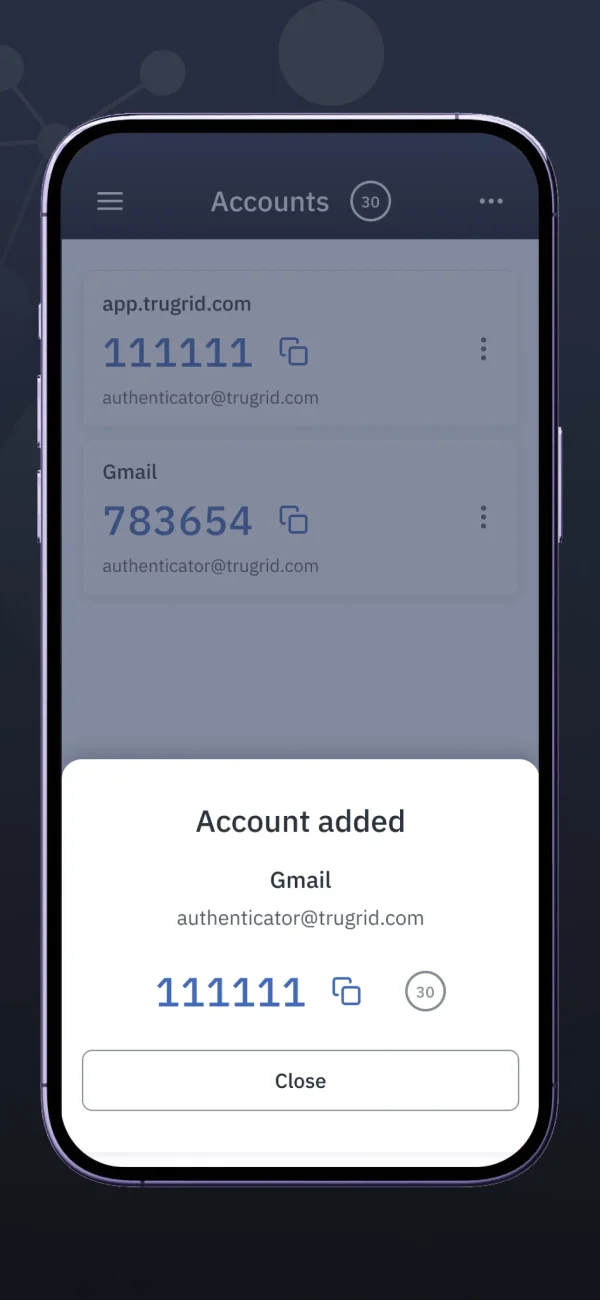
3. When prompted with a QR code, select Add in TruGrid Authenticator to scan and add the new account
4. Select the new account row added in TruGrid Authenticator
5. Enter code from TruGrid Authenticator into your site, app or service
Yenilikler
Sürüm 2.0.6 · 16.10.2026
Improvements and bug fixes
Uygulama gizliliği
Bu uygulamanın verileri nasıl işlediği hakkında N.E. Desktop Software, Inc. ("TruGrid") tarafından App Store üzerinde yapılan beyan.
-
Sizinle ilişkilendirilmeyen veriler
Toplanabilir ancak kimliğinizle ilişkilendirilmez.
- Tanımlayıcılar
- Tanılama
Gizlilik uygulamaları, örneğin kullandığınız özelliklere veya yaşınıza göre değişiklik gösterebilir.
Bilgiler
- Satıcı
- N.E. Desktop Software, Inc.
- Kategori
- Yardımcılar
- Sürüm
- 2.0.6
- Güncellendi
- 16.10.2026
- Yayın tarihi
- 01.08.2018
- Boyut
- 32,6 MB
- Gereksinim
- iOS 15.6 veya sonrası
- Yaş sınırı
- 4+
- Fiyat
- Ücretsiz
- Diller
- İngilizce
- Telif hakkı
- © N.E. Desktop Software, Inc.