
TruGrid Authenticator
Simple & Secure Workspaces
Designed for iPhone, iPad, iPod touch
Free
- Age rating4+
- CategoryUtilities
- DeveloperN.E. Desktop Software, Inc. ("TruGrid")
- LanguagesEnglish
- Size32.6 MB
Links to the official App Store page
Download.org hosts no file of TruGrid Authenticator. The button opens its official App Store page, published by N.E. Desktop Software, Inc. ("TruGrid"). Listing last checked on Nov 25, 2026.
Screenshots
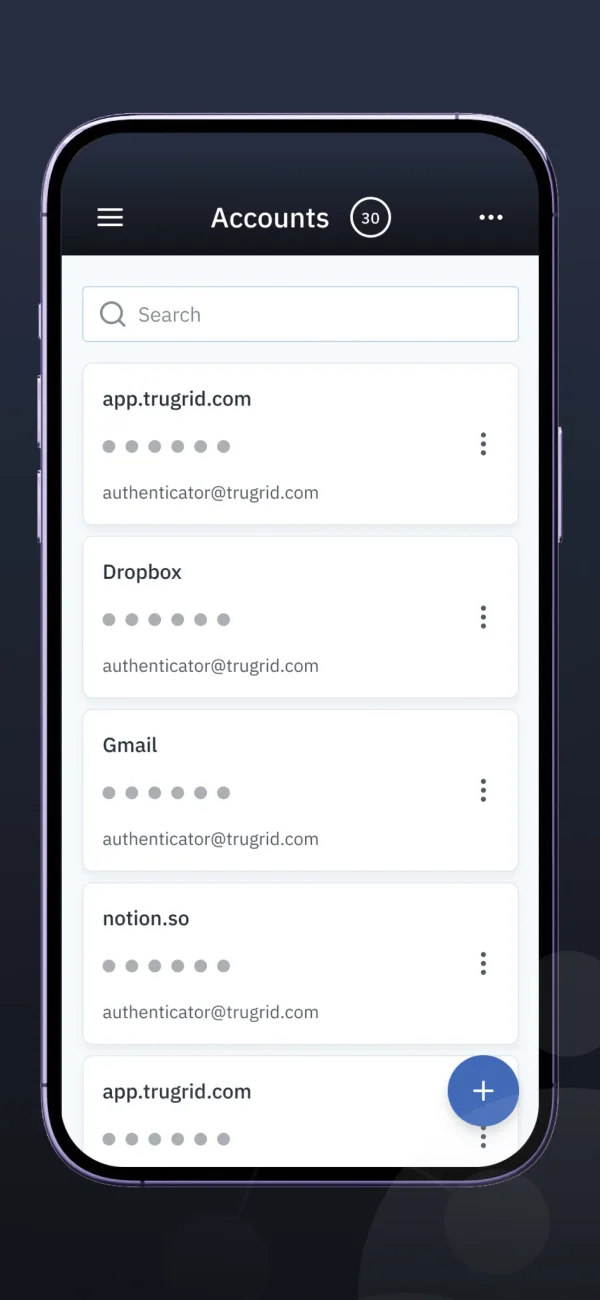
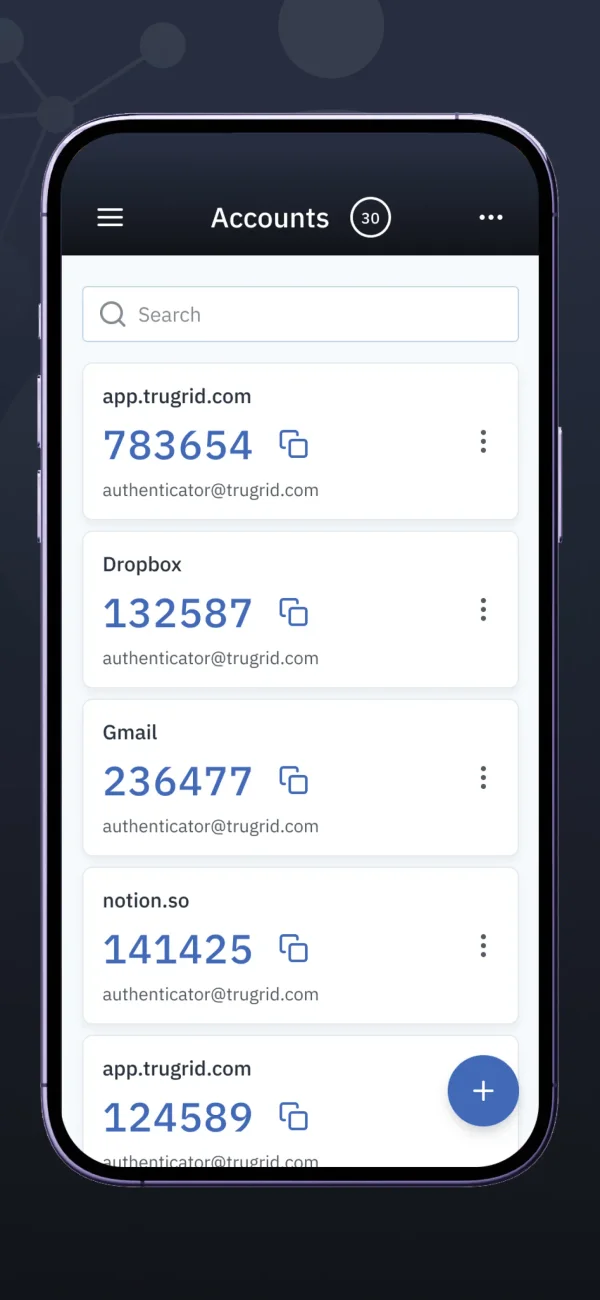

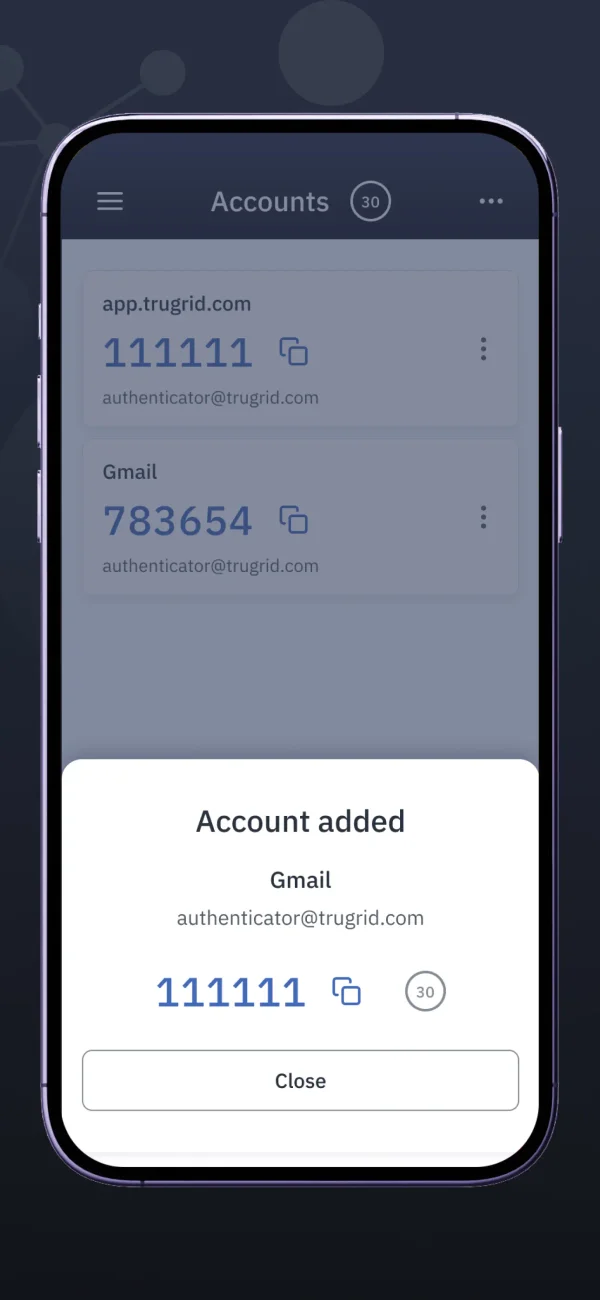
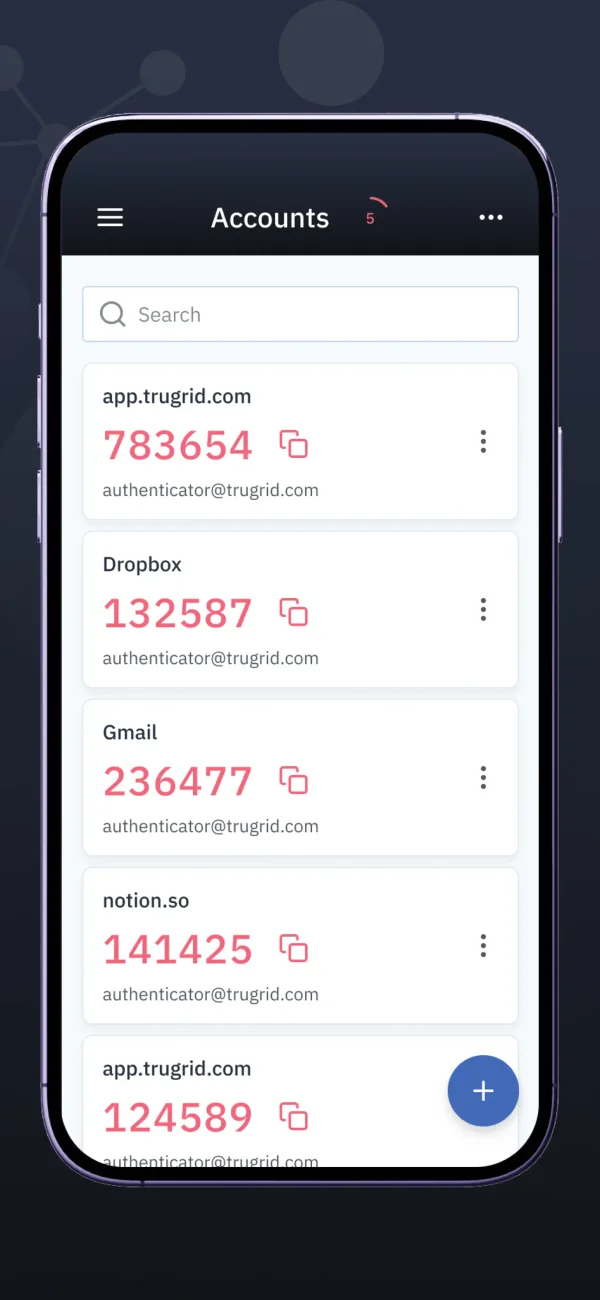
About
TruGrid Authenticator works with TruGrid.com and any site that supports Google Authenticator or TOTP-based two-factor authentication.
Improve your account security with an easy to use multi-factor authentication application. Provides an additional layer of security when signing in to accounts, so that even if someone had your password, they could not access your account.
Once setup, when you sign into your account, you will use your login and password PLUS a one-time, rotating passcode generated from the TruGrid Authenticator. This will work even if you are temporarily offline.
FEATURES:
- Supports any TOTP-compatible sites that already supports Google Authenticator
- Quick setup via QR code scan
- Add as many accounts as you would like
- Edit account nicknames
- Search for accounts
- Setup PIN code
When using the TruGrid Authenticator on TruGrid.com or any other website that supports MFA, just scan the QR code when prompted.
HOW TO USE IT
1. Download the TruGrid Authenticator to your mobile device
2. Enable MFA (or sometimes called 2FA) on your account. Note: This is enabled by default when logging into TruGrid.com accounts
3. When prompted with a QR code, select Add in TruGrid Authenticator to scan and add the new account
4. Select the new account row added in TruGrid Authenticator
5. Enter code from TruGrid Authenticator into your site, app or service
What’s new
Version 2.0.6 · Oct 16, 2026
Improvements and bug fixes
App privacy
What N.E. Desktop Software, Inc. ("TruGrid") declares on the App Store about how this app handles data.
-
Data not linked to you
May be collected but is not linked to your identity.
- Identifiers
- Diagnostics
Privacy practices may vary, for example with the features you use or your age.
Information
- Seller
- N.E. Desktop Software, Inc.
- Category
- Utilities
- Version
- 2.0.6
- Updated
- Oct 16, 2026
- Released
- Aug 1, 2018
- Size
- 32.6 MB
- Requires
- iOS 15.6 or later
- Age rating
- 4+
- Price
- Free
- Languages
- English
- Copyright
- © N.E. Desktop Software, Inc.
You might also like
-
 Evo AuthenticatorMulti-Factor Authentication
-
 QTL SceneUtilities
-
 MyPhoneMobileUtilities
-
 Wolters Kluwer AuthenticatorUtilities
-
 ThreatLocker AdminUtilities
-
 Thomson Reuters AuthenticatorUtilities
-
 vMobileConnectUtilities
-
 GO! MobileVotacall Voice-Messaging
-
 Hytrol Toolbox 2.0Utilities
-
 OneCause Event AdminUtilities