Coding Cubroid AI
Code robots with AI & camera
Diseñada para iPhone, iPad, iPod touch
Gratis
- Clasificación por edad4+
- CategoríaEducación
- DesarrolladorJAE KWANG SHIN
- IdiomasInglés+ 13 más
- Tamaño27,5 MB
Enlaza a la página oficial de App Store
Download.org no aloja ningún archivo de Coding Cubroid AI. El botón abre la página de la aplicación en App Store, donde la publica JAE KWANG SHIN. Ficha comprobada por última vez el 21/11/2026.
Capturas de pantalla



Acerca de
El desarrollador no ha proporcionado este texto en tu idioma.
Coding Cubroid AI — Where coding meets Physical AI
Meet Coding Cubroid AI, the easiest way for children to step into the world of coding, robotics, and artificial intelligence.
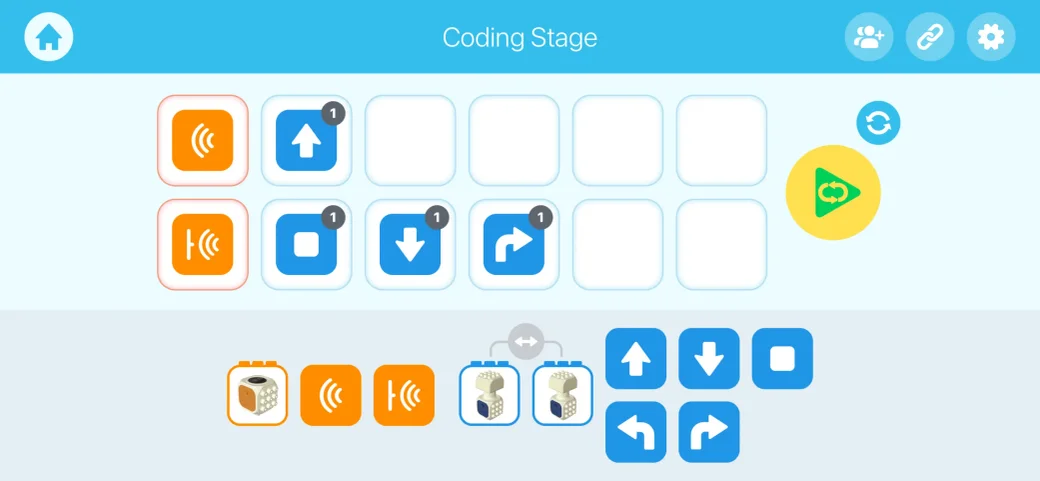
With magnetic, snap-together Cubroid blocks and a simple visual coding interface, kids build real robots and bring them to life — no prior experience needed.
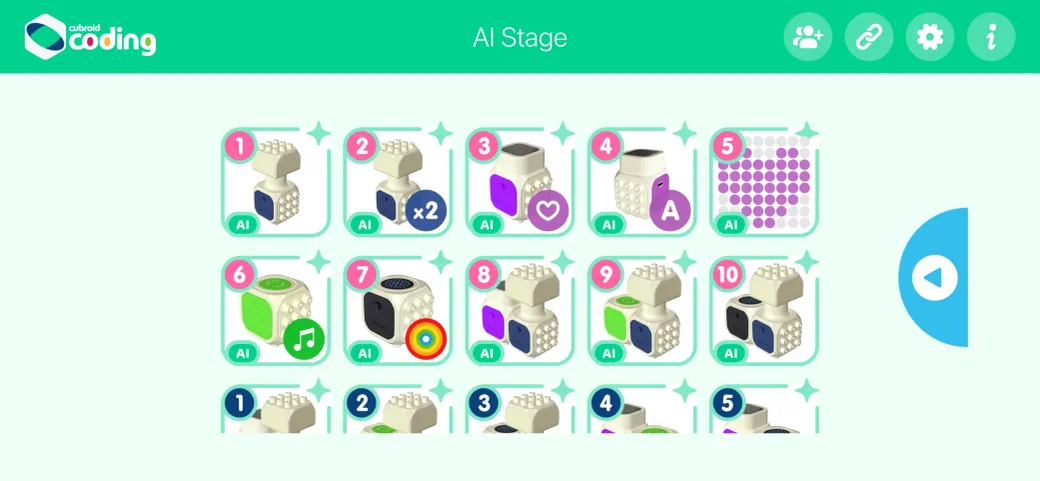
What's New: AI Stage
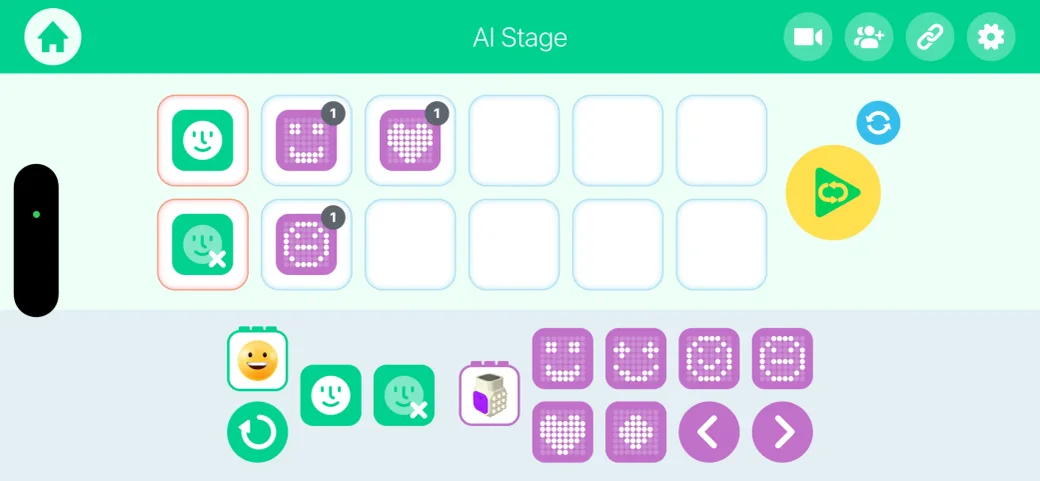
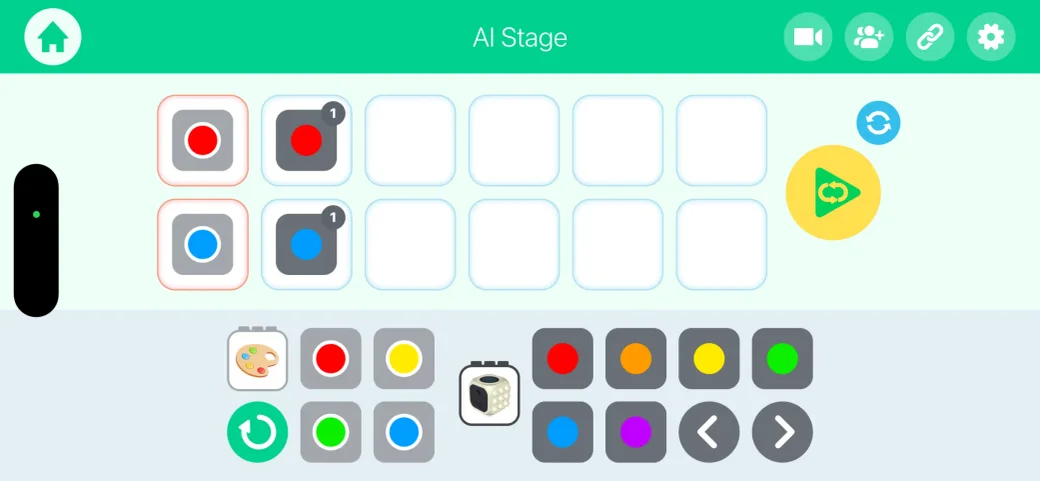
Now your robot can see and respond to the real world. Using just your device's camera, children can code with:
- Face Recognition — Detect faces and trigger robot actions
- Hand Recognition — Control robots with hand gestures and fingers
- Pose Recognition — Use body movements as coding commands
- Color Recognition — Make robots that react to colors around them
A perfect first step into Physical AI for ages 5 and up.
Why Teachers and Parents Choose Cubroid
- Used in 10,000+ schools across 46 countries
- Hands-on STEAM learning — coding, robotics, and AI in one app
- Safe, screen-balanced play with real, tangible blocks
- Curriculum-ready content for classrooms and homes
How to Use Coding Cubroid AI
1. Turn on Bluetooth on your device.
2. Launch the Coding Cubroid AI app.
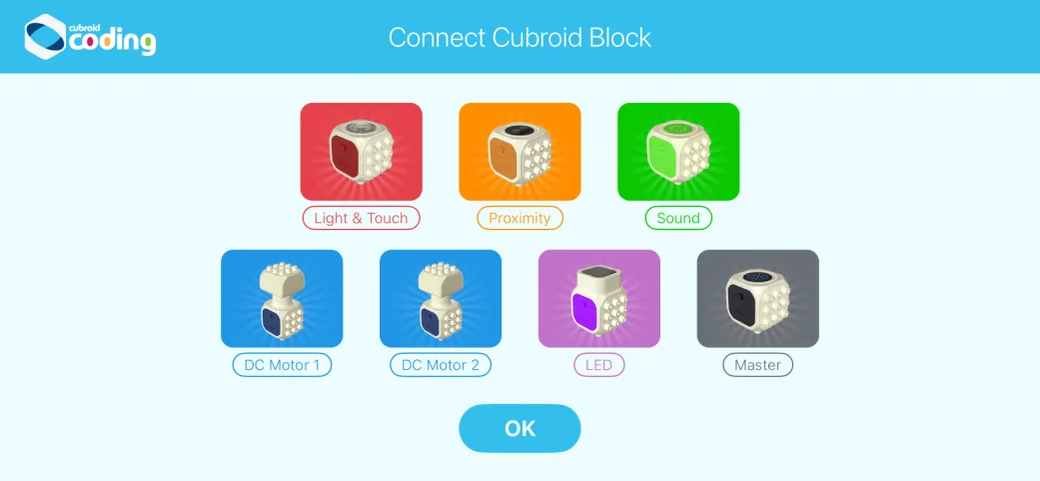
3. Connect your Cubroid blocks:
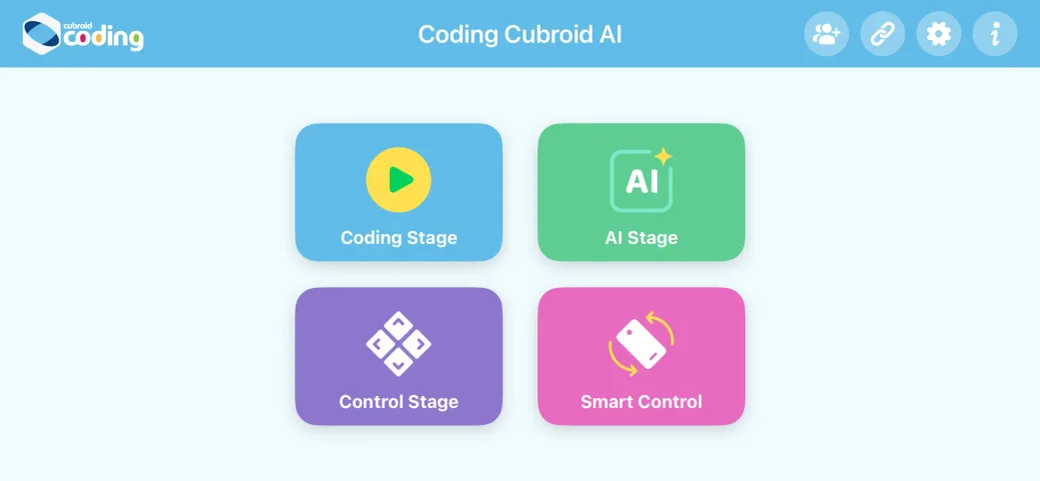
- Tap the link button — block icons will appear on screen.
- Power on the blocks you want to use, and wait a moment for them to connect.
- Connected blocks light up in color.
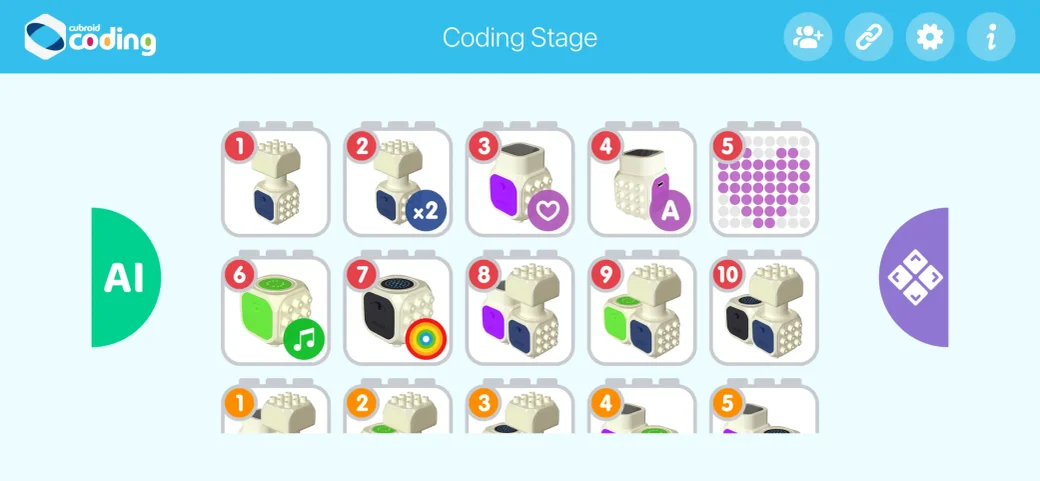
4. Once connected, return to Home and open a project.
5. Add a new project and start coding with Cubroid!
Have questions? Visit hub.cubroid.com or contact us anytime.
Cubroid Co., Ltd. — Smart Toy for Coding Education
Novedades
Versión 2.0.9 · 17/11/2026
- Point to Move: left/right now keep turning while you show the finger, just like forward/backward. Lower your hand or make a fist to stop.
- Stability improvements
Privacidad de la aplicación
Lo que JAE KWANG SHIN declara en App Store sobre cómo esta aplicación gestiona los datos.
-
No se recopilan datos
El desarrollador no recopila ningún dato de esta aplicación.
Las prácticas de privacidad pueden variar, por ejemplo, según las funciones que uses o tu edad.
Información
- Vendedor
- JAE KWANG SHIN
- Categoría
- Educación
- Versión
- 2.0.9
- Actualizado
- 17/11/2026
- Publicado
- 6/9/2018
- Tamaño
- 27,5 MB
- Requiere
- iOS 14.0 o posterior
- Clasificación por edad
- 4+
- Precio
- Gratis
- Idiomas
- Inglés, Francés, Alemán, Griego, Hindi, Italiano, Japonés, Coreano, Polaco, Ruso, Serbio, Chino simplificado + 2 más
- Copyright
- © Cubroid Co., Ltd.
Quizá también te guste
-
 Delightex EduEducación
-
 ChatterPix KidsEducación
-
 mBlock - Learn CodingEducación
-
 Merge ExplorerAR/VR STEM learning
-
 Code Land - Código para niñosJuegos, programación y lógica
-
 ScratchJrEducación
-
 Spike™ LEGO® EducationEngage every learner in STEAM
-
 Kodable BasicsProgramación para niños 4-10
-
 TinkercadDe tu idea a diseño en minutos
-
 MIT App InventorEducación