Coding Cubroid AI
Code robots with AI & camera
Designed for iPhone, iPad, iPod touch
Free
- Age rating4+
- CategoryEducation
- DeveloperJAE KWANG SHIN
- LanguagesEnglish+ 13 more
- Size27.5 MB
Links to the official App Store page
Download.org hosts no file of Coding Cubroid AI. The button opens its official App Store page, published by JAE KWANG SHIN. Listing last checked on Nov 21, 2026.
Screenshots

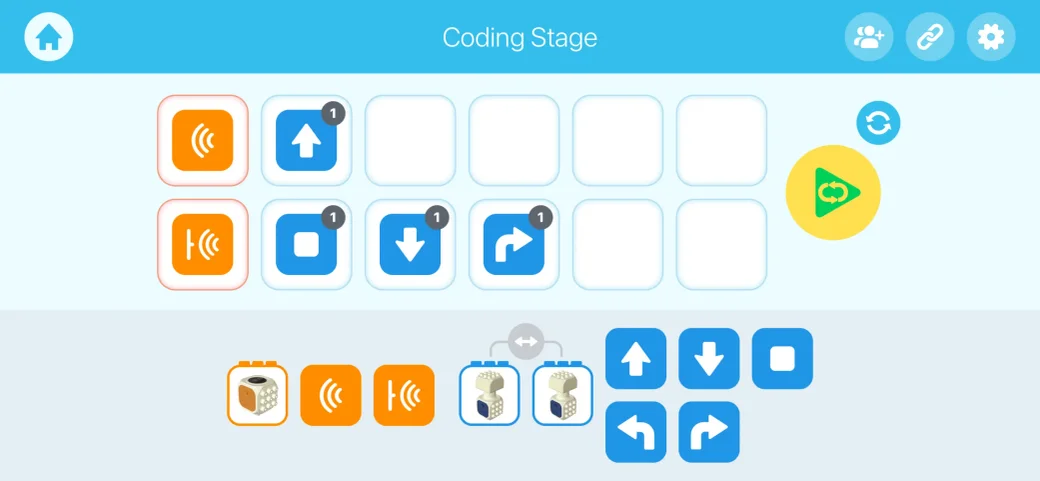
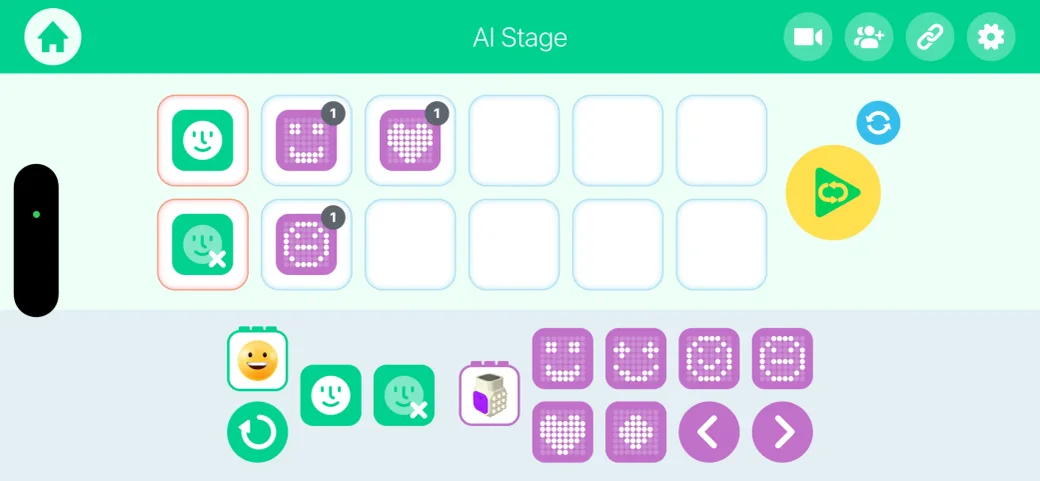

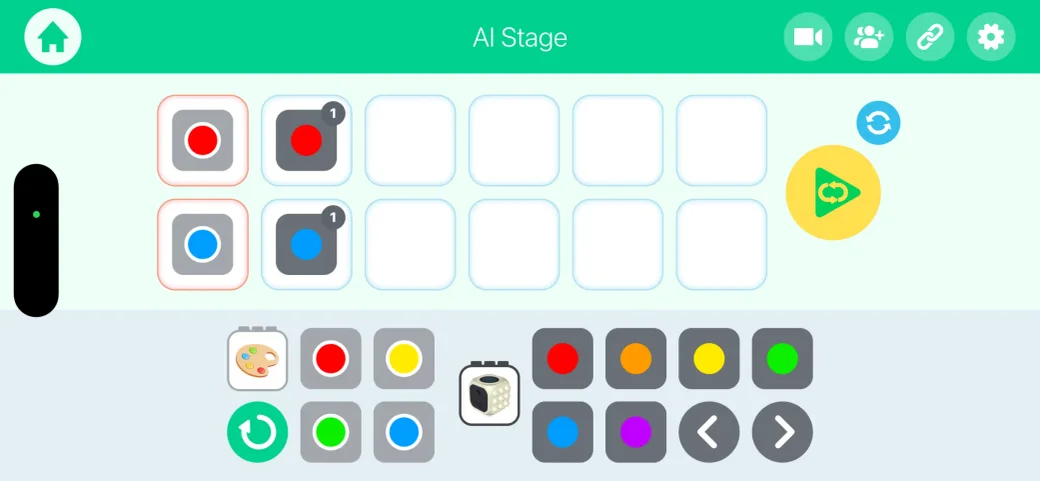

About
Coding Cubroid AI — Where coding meets Physical AI
Meet Coding Cubroid AI, the easiest way for children to step into the world of coding, robotics, and artificial intelligence.
With magnetic, snap-together Cubroid blocks and a simple visual coding interface, kids build real robots and bring them to life — no prior experience needed.
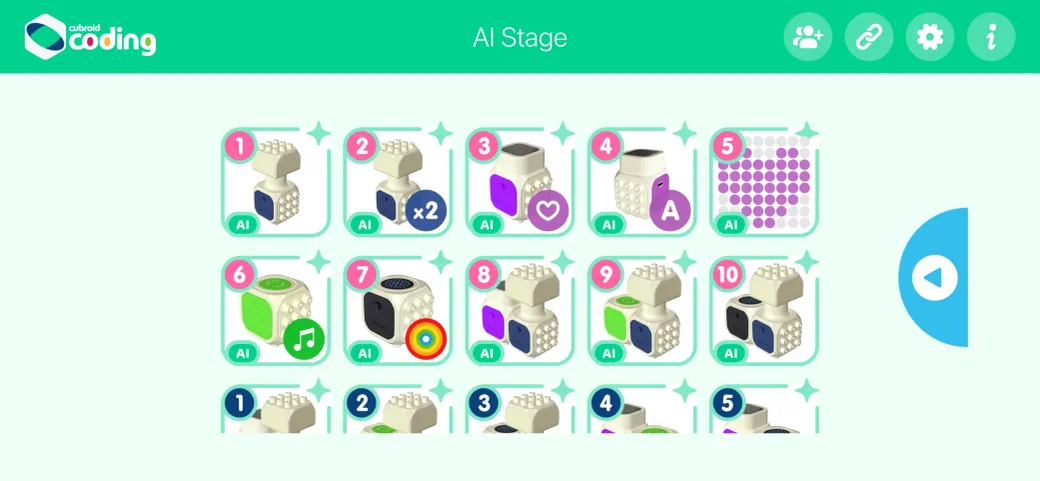
What's New: AI Stage
Now your robot can see and respond to the real world. Using just your device's camera, children can code with:
- Face Recognition — Detect faces and trigger robot actions
- Hand Recognition — Control robots with hand gestures and fingers
- Pose Recognition — Use body movements as coding commands
- Color Recognition — Make robots that react to colors around them
A perfect first step into Physical AI for ages 5 and up.
Why Teachers and Parents Choose Cubroid
- Used in 10,000+ schools across 46 countries
- Hands-on STEAM learning — coding, robotics, and AI in one app
- Safe, screen-balanced play with real, tangible blocks
- Curriculum-ready content for classrooms and homes
How to Use Coding Cubroid AI
1. Turn on Bluetooth on your device.
2. Launch the Coding Cubroid AI app.
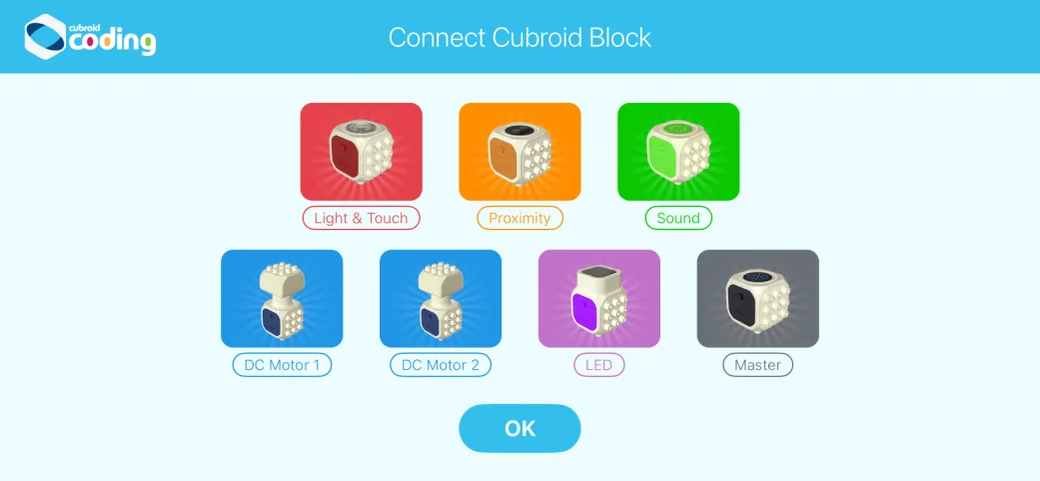
3. Connect your Cubroid blocks:
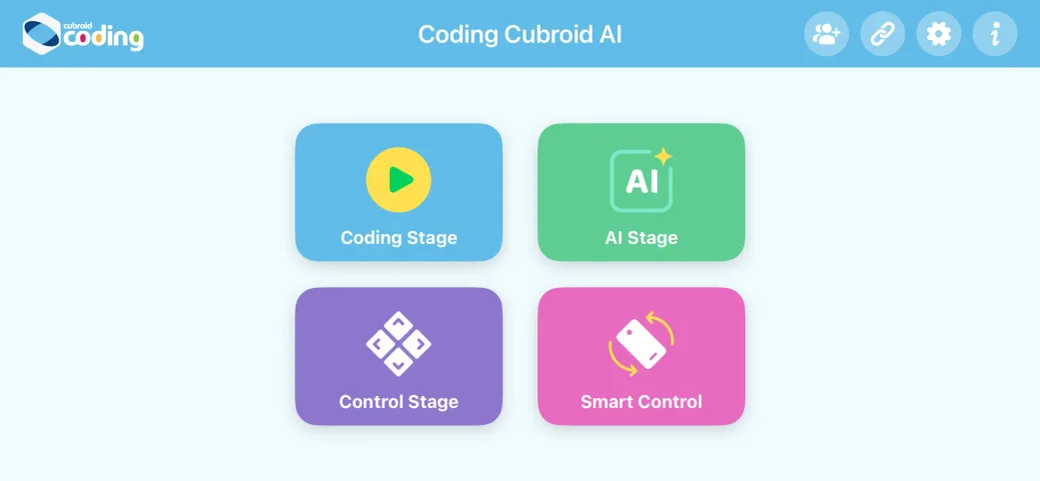
- Tap the link button — block icons will appear on screen.
- Power on the blocks you want to use, and wait a moment for them to connect.
- Connected blocks light up in color.
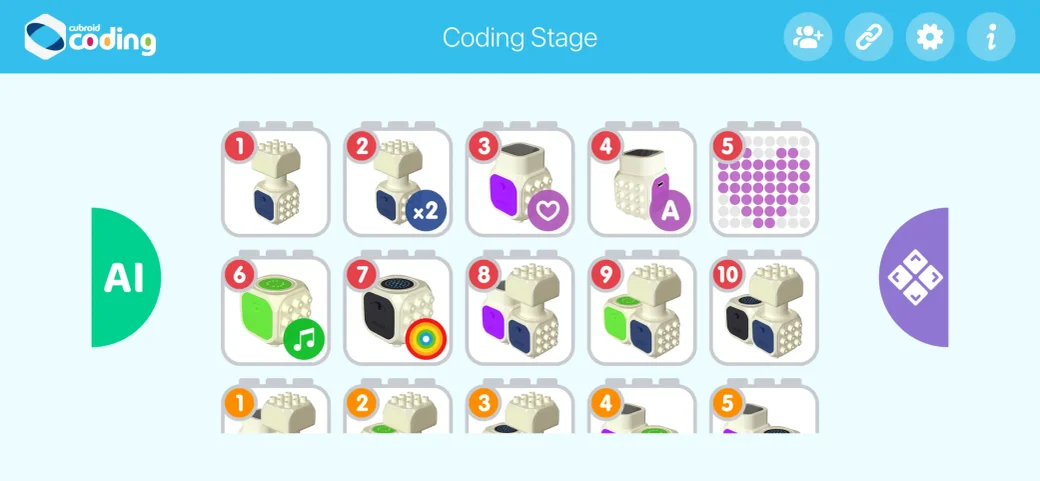
4. Once connected, return to Home and open a project.
5. Add a new project and start coding with Cubroid!
Have questions? Visit hub.cubroid.com or contact us anytime.
Cubroid Co., Ltd. — Smart Toy for Coding Education
What’s new
Version 2.0.9 · Nov 17, 2026
- Point to Move: left/right now keep turning while you show the finger, just like forward/backward. Lower your hand or make a fist to stop.
- Stability improvements
App privacy
What JAE KWANG SHIN declares on the App Store about how this app handles data.
-
Data not collected
The developer does not collect any data from this app.
Privacy practices may vary, for example with the features you use or your age.
Information
- Seller
- JAE KWANG SHIN
- Category
- Education
- Version
- 2.0.9
- Updated
- Nov 17, 2026
- Released
- Sep 6, 2018
- Size
- 27.5 MB
- Requires
- iOS 14.0 or later
- Age rating
- 4+
- Price
- Free
- Languages
- English, French, German, Greek, Hindi, Italian, Japanese, Korean, Polish, Russian, Serbian, Simplified Chinese + 2 more
- Copyright
- © Cubroid Co., Ltd.
You might also like
-
 Delightex EduContent creation for Education
-
 ChatterPix KidsBring your pictures to life!
-
 mBlock - Learn CodingCoding for beginners
-
 Merge ExplorerHands-on science simulations
-
 Code Land: Coding for KidsLearning games, scratch junior
-
 ScratchJrEducation
-
 Spike™ LEGO® EducationEngage every learner in STEAM
-
 Kodable BasicsCoding Games for Kids 4-10
-
 TinkercadFrom mind to design in minutes
-
 MIT App InventorEducation