- 対象年齢4+
- カテゴリ教育
- 開発元JAE KWANG SHIN
- 言語英語ほか13言語
- サイズ27.5 MB
App Storeの公式ページにリンクしています
Download.orgはCoding Cubroid AIのファイルを一切ホストしていません。ボタンを押すと、JAE KWANG SHINが公開しているApp Storeのアプリページが開きます。ページの最終確認:2026/11/21。
スクリーンショット
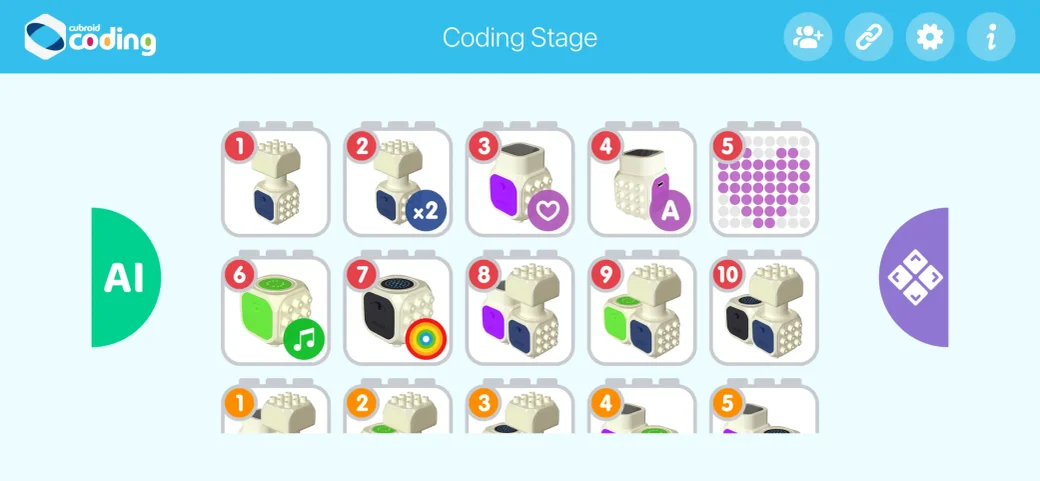

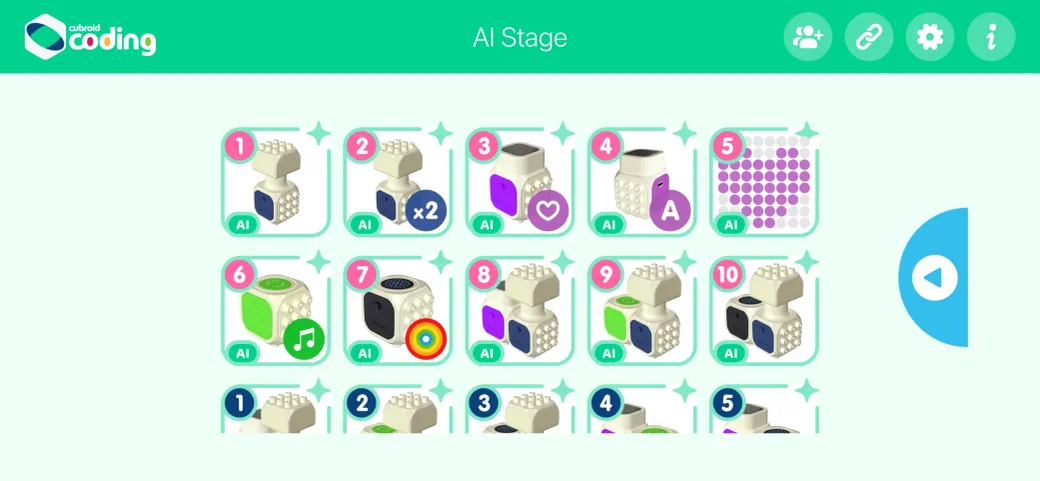
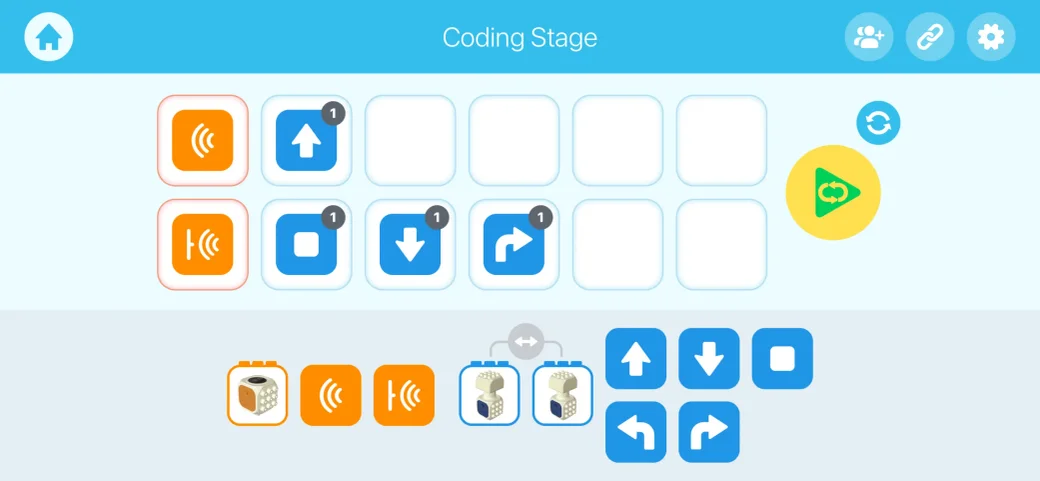
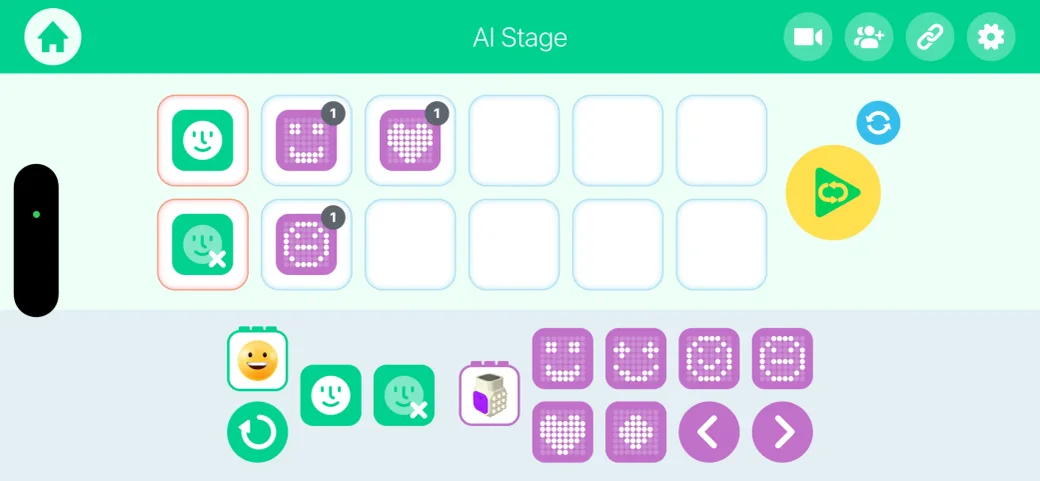


概要
開発元はこのテキストをお使いの言語で提供していません。
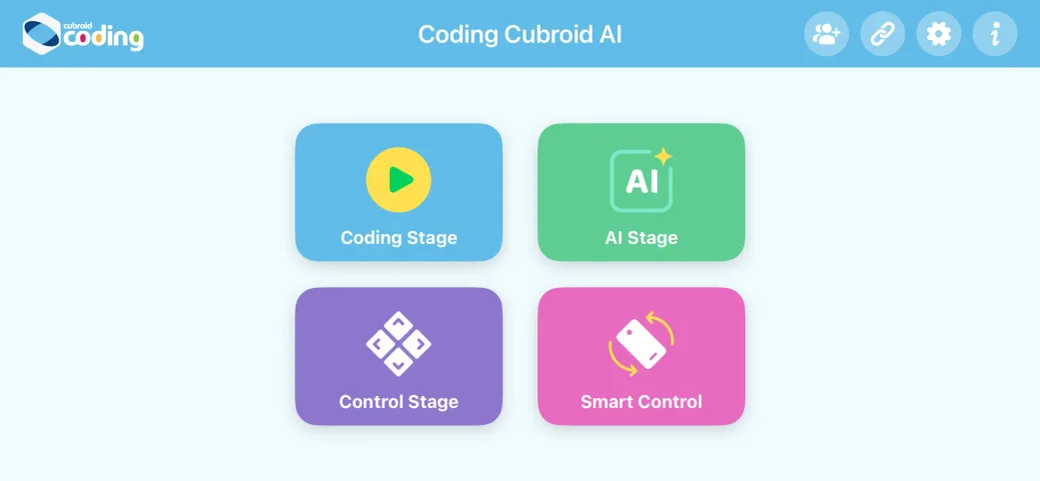
Coding Cubroid AI — Where coding meets Physical AI
Meet Coding Cubroid AI, the easiest way for children to step into the world of coding, robotics, and artificial intelligence.
With magnetic, snap-together Cubroid blocks and a simple visual coding interface, kids build real robots and bring them to life — no prior experience needed.
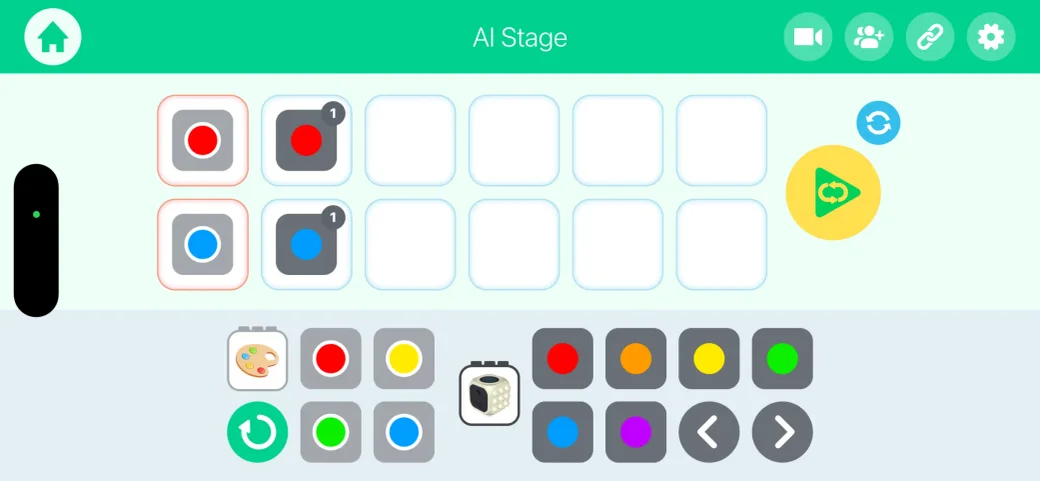
What's New: AI Stage
Now your robot can see and respond to the real world. Using just your device's camera, children can code with:
- Face Recognition — Detect faces and trigger robot actions
- Hand Recognition — Control robots with hand gestures and fingers
- Pose Recognition — Use body movements as coding commands
- Color Recognition — Make robots that react to colors around them
A perfect first step into Physical AI for ages 5 and up.
Why Teachers and Parents Choose Cubroid
- Used in 10,000+ schools across 46 countries
- Hands-on STEAM learning — coding, robotics, and AI in one app
- Safe, screen-balanced play with real, tangible blocks
- Curriculum-ready content for classrooms and homes
How to Use Coding Cubroid AI
1. Turn on Bluetooth on your device.
2. Launch the Coding Cubroid AI app.
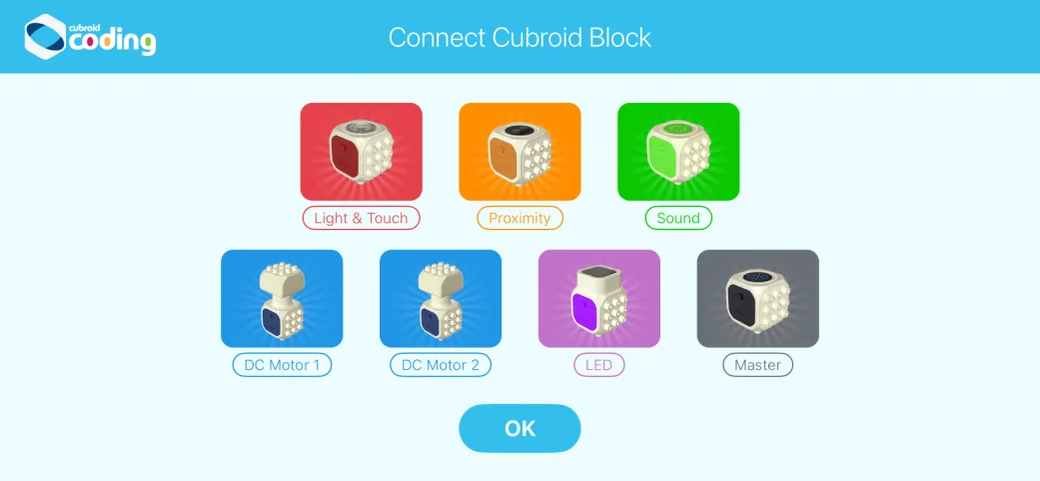
3. Connect your Cubroid blocks:
- Tap the link button — block icons will appear on screen.
- Power on the blocks you want to use, and wait a moment for them to connect.
- Connected blocks light up in color.
4. Once connected, return to Home and open a project.
5. Add a new project and start coding with Cubroid!
Have questions? Visit hub.cubroid.com or contact us anytime.
Cubroid Co., Ltd. — Smart Toy for Coding Education
新機能
バージョン 2.0.9 · 2026/11/17
- Point to Move: left/right now keep turning while you show the finger, just like forward/backward. Lower your hand or make a fist to stop.
- Stability improvements
アプリのプライバシー
このアプリのデータの取り扱いについて、JAE KWANG SHINがApp Storeで申告している内容です。
-
データの収集なし
開発元はこのアプリからデータを収集しません。
プライバシーの取り扱いは、ご利用の機能やお客様の年齢などに応じて異なる場合があります。
情報
- 販売元
- JAE KWANG SHIN
- カテゴリ
- 教育
- バージョン
- 2.0.9
- 更新日
- 2026/11/17
- リリース
- 2018/9/6
- サイズ
- 27.5 MB
- 必要条件
- iOS 14.0以降
- 対象年齢
- 4+
- 価格
- 無料
- 言語
- 英語, フランス語, ドイツ語, ギリシャ語, ヒンディー語, イタリア語, 日本語, 韓国語, ポーランド語, ロシア語, セルビア語, 簡体字中国語 ほか2言語
- 著作権
- © Cubroid Co., Ltd.