Coding Cubroid AI
Code robots with AI & camera
Projetado para iPhone, iPad, iPod touch
Grátis
- Classificação etária4+
- CategoriaEducação
- DesenvolvedorJAE KWANG SHIN
- IdiomasInglêse mais 13
- Tamanho27,6 MB
Leva à página oficial na App Store
O Download.org não hospeda nenhum arquivo de Coding Cubroid AI. O botão abre a página do app na App Store, onde JAE KWANG SHIN o publica. Página verificada pela última vez em 27/11/2026.
Capturas de tela
Sobre
O desenvolvedor não forneceu este texto no seu idioma.
Coding Cubroid AI — Where coding meets Physical AI
Meet Coding Cubroid AI, the easiest way for children to step into the world of coding, robotics, and artificial intelligence.
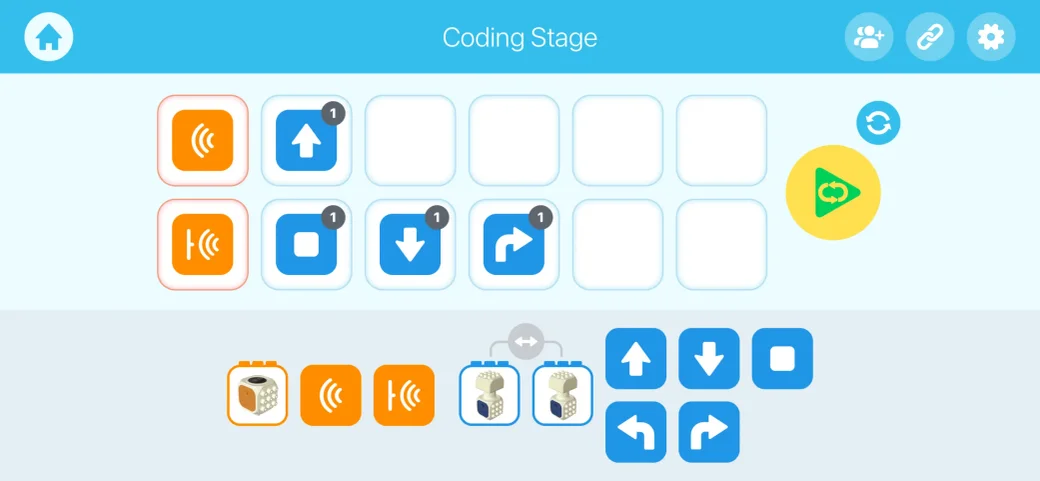
With magnetic, snap-together Cubroid blocks and a simple visual coding interface, kids build real robots and bring them to life — no prior experience needed.
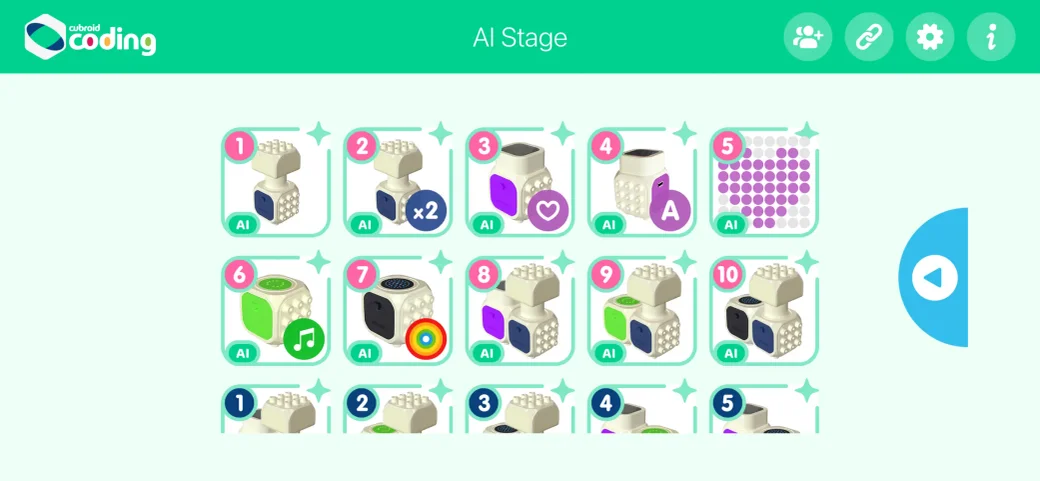
What's New: AI Stage
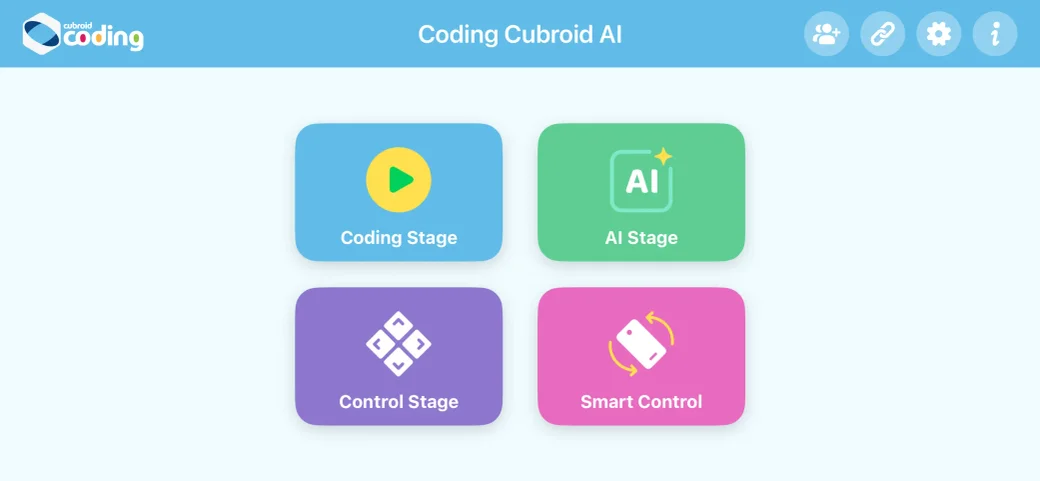
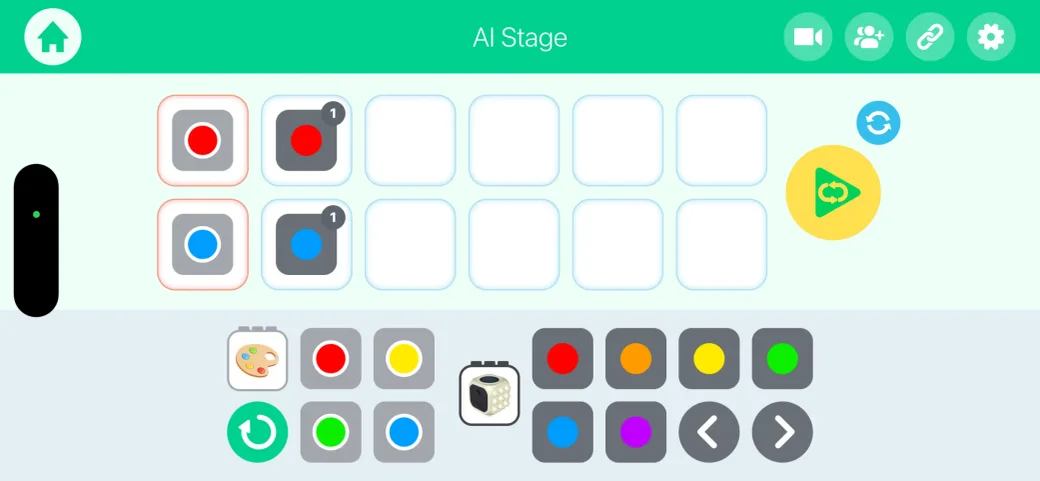
Now your robot can see and respond to the real world. Using just your device's camera, children can code with:
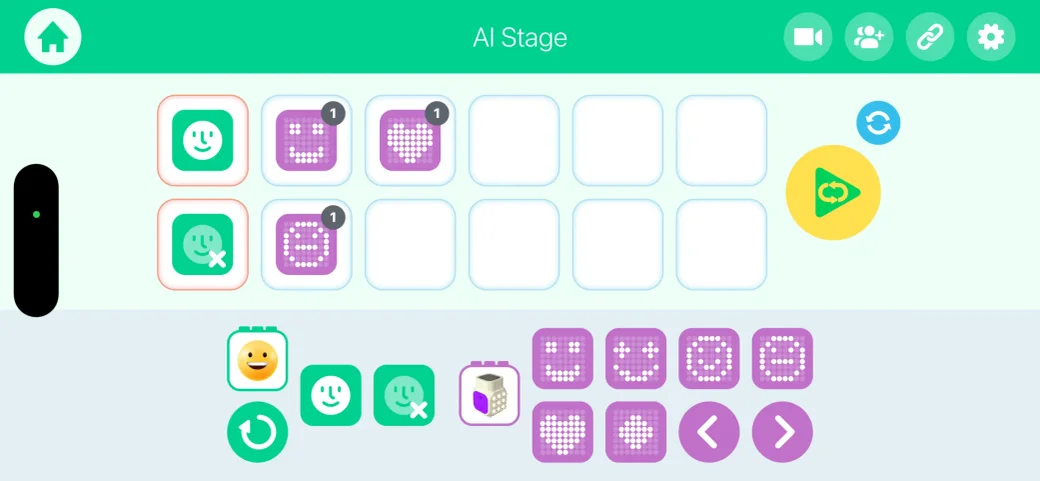
- Face Recognition — Detect faces and trigger robot actions
- Hand Recognition — Control robots with hand gestures and fingers
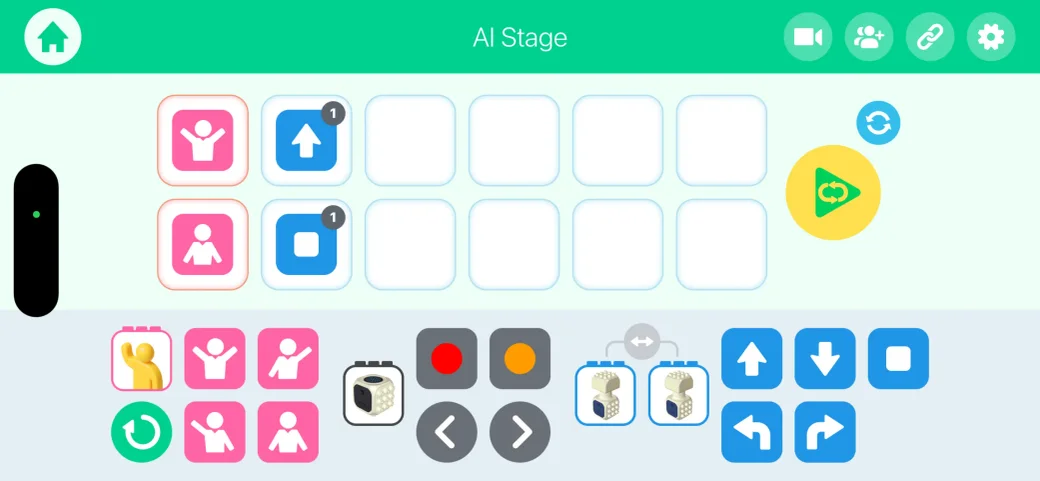
- Pose Recognition — Use body movements as coding commands
- Color Recognition — Make robots that react to colors around them
A perfect first step into Physical AI for ages 5 and up.
Why Teachers and Parents Choose Cubroid
- Used in 10,000+ schools across 46 countries
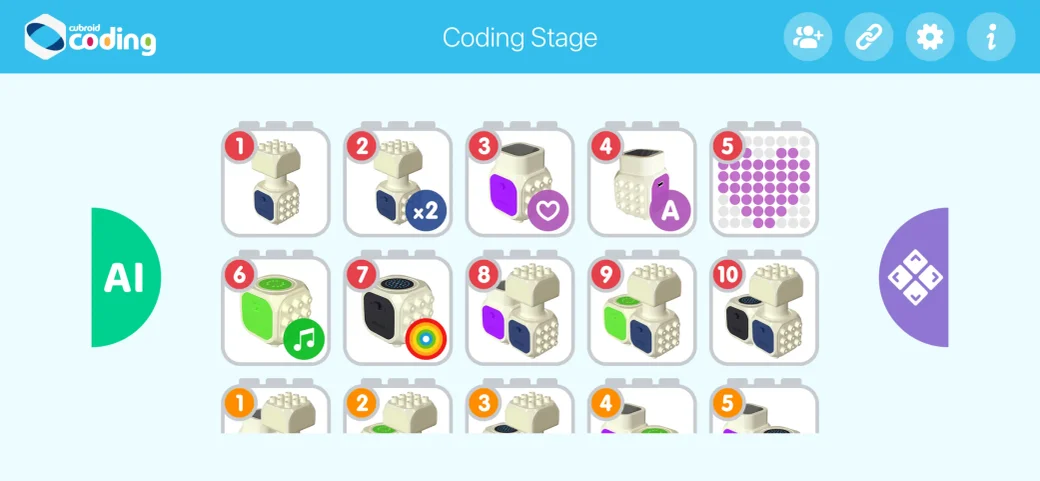
- Hands-on STEAM learning — coding, robotics, and AI in one app
- Safe, screen-balanced play with real, tangible blocks
- Curriculum-ready content for classrooms and homes
How to Use Coding Cubroid AI
1. Turn on Bluetooth on your device.
2. Launch the Coding Cubroid AI app.
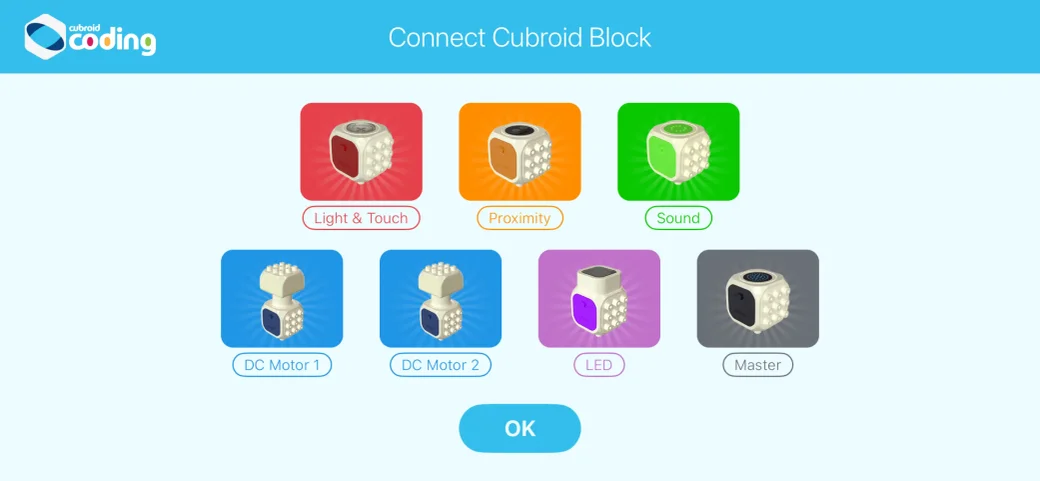
3. Connect your Cubroid blocks:
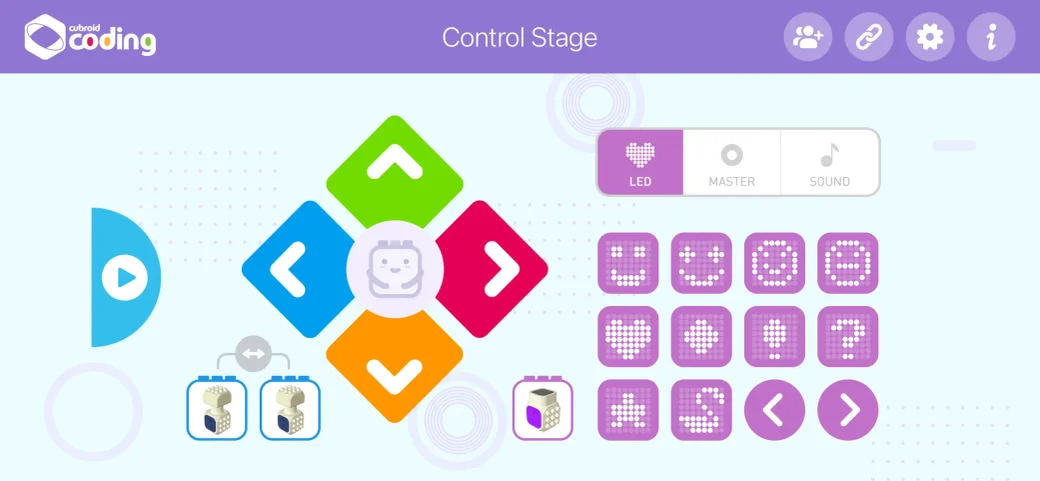
- Tap the link button — block icons will appear on screen.
- Power on the blocks you want to use, and wait a moment for them to connect.
- Connected blocks light up in color.
4. Once connected, return to Home and open a project.
5. Add a new project and start coding with Cubroid!
Have questions? Visit hub.cubroid.com or contact us anytime.
Cubroid Co., Ltd. — Smart Toy for Coding Education
Novidades
Versão 2.0.10 · 26/11/2026
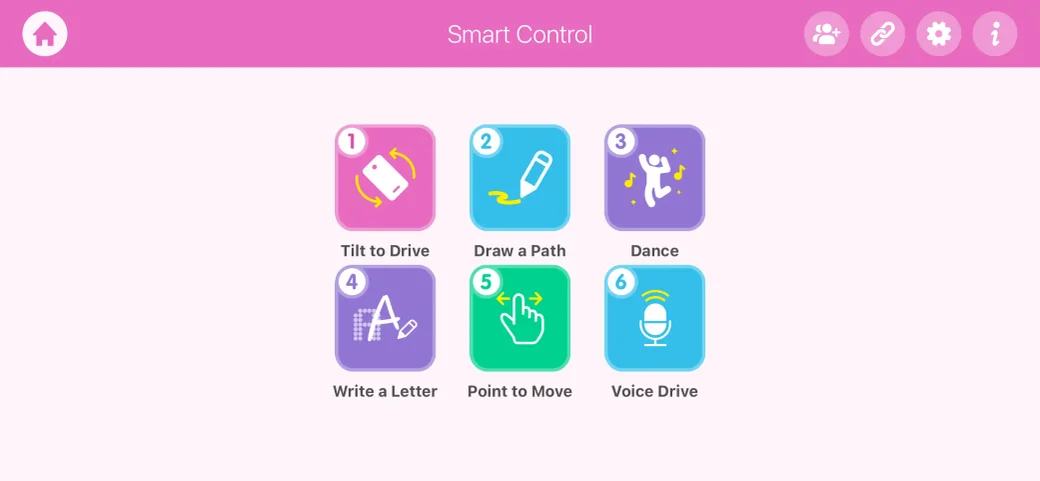
• Fixed an issue that could ask you to reconnect motors that were already connected when switching from tilt or dance to another Smart Control activity.
• Other motor and LED blocks can now reconnect even when one block is slow to respond.
Privacidade do app
O que JAE KWANG SHIN declara na App Store sobre como este app lida com os dados.
-
Dados não coletados
O desenvolvedor não coleta nenhum dado deste app.
As práticas de privacidade podem variar, por exemplo, com base nos recursos que você usa ou na sua idade.
Informações
- Vendedor
- JAE KWANG SHIN
- Categoria
- Educação
- Versão
- 2.0.10
- Atualizado
- 26/11/2026
- Lançamento
- 06/09/2018
- Tamanho
- 27,6 MB
- Requer
- iOS 14.0 ou posterior
- Classificação etária
- 4+
- Preço
- Grátis
- Idiomas
- Inglês, Francês, Alemão, Grego, Hindi, Italiano, Japonês, Coreano, Polonês, Russo, Serbian, Chinês simplificado e mais 2
- Copyright
- © Cubroid Co., Ltd.
Você também pode gostar
-
 Delightex EduEducação
-
 ChatterPix KidsEducação
-
 mBlock - Learn CodingEducação
-
 Merge ExplorerHands-on science simulations
-
 CodeLand: Programação e lógicaCodificação para crianças
-
 ScratchJrEducação
-
 Spike™ LEGO® EducationEngage every learner in STEAM
-
 Kodable Basicscodificação para crianças
-
 TinkercadDa mente ao projeto em minutos
-
 MIT App InventorEducação