Coding Cubroid AI
Code robots with AI & camera
Dirancang untuk iPhone, iPad, iPod touch
Gratis
- Batasan usia4+
- KategoriPendidikan
- PengembangJAE KWANG SHIN
- BahasaInggris+ 13 lainnya
- Ukuran27,5 MB
Tertaut ke halaman resmi App Store
Download.org tidak menyimpan file Coding Cubroid AI apa pun. Tombol ini membuka halaman aplikasi di App Store, tempat JAE KWANG SHIN menerbitkannya. Halaman terakhir diperiksa pada 21/11/2026.
Tangkapan layar
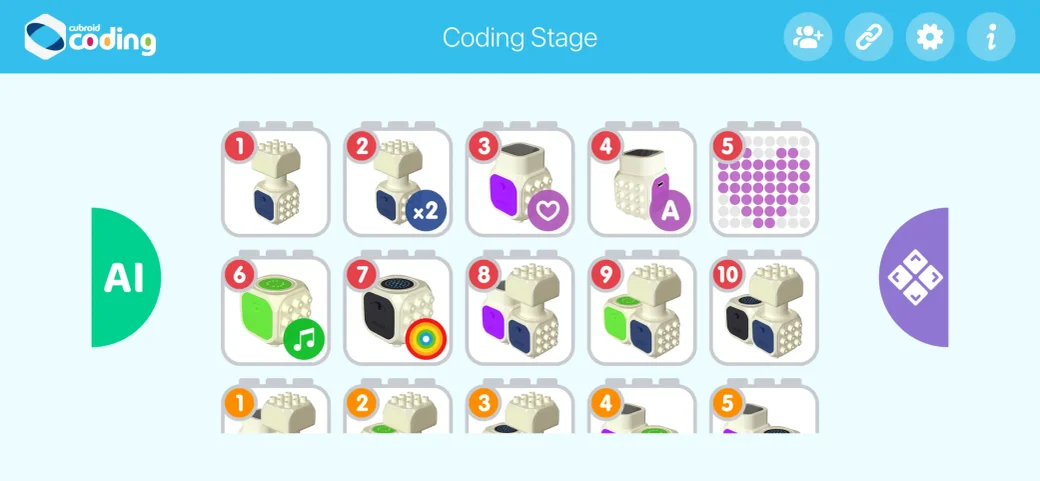

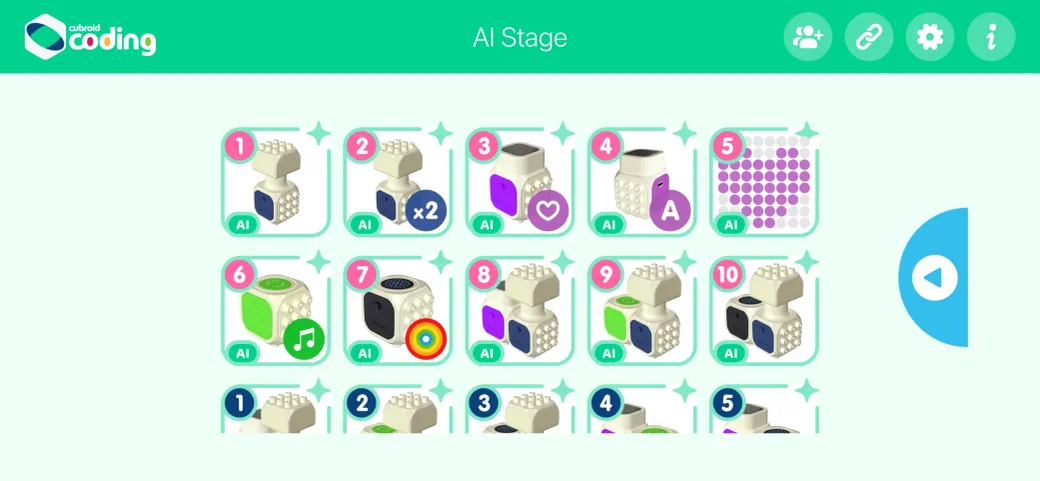
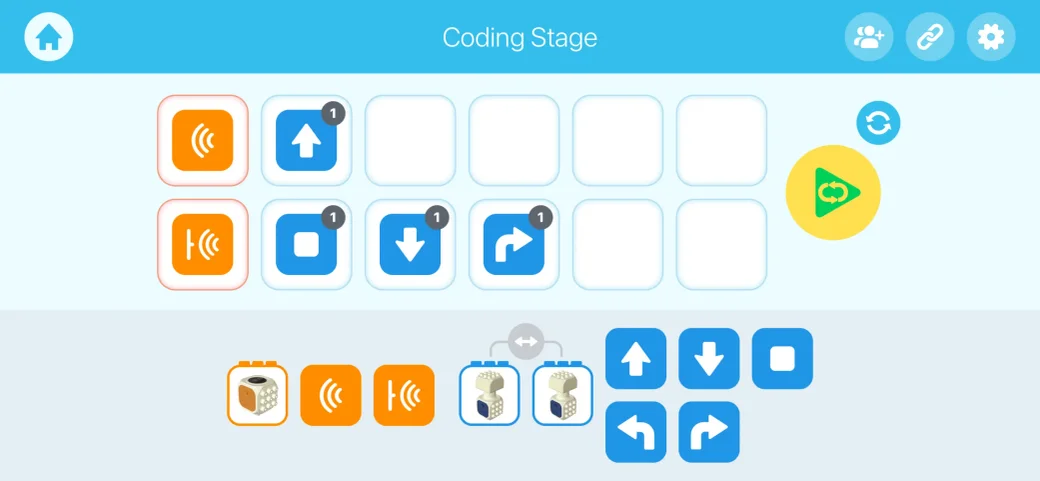
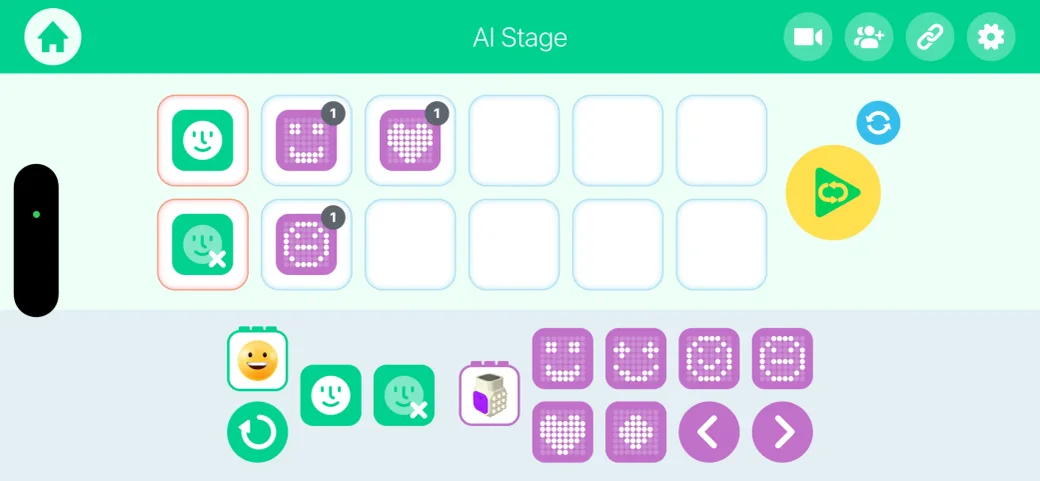


Tentang
Pengembang belum menyediakan teks ini dalam bahasa Anda.
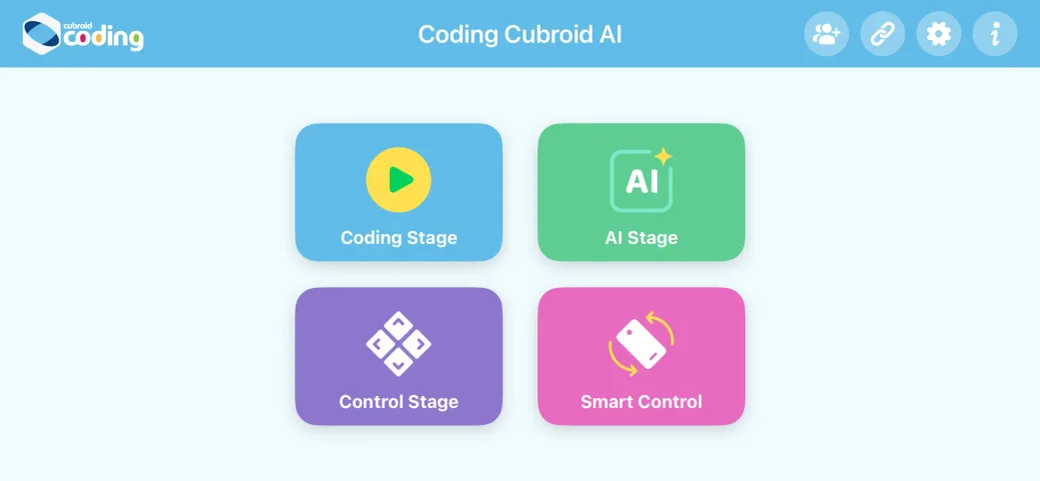
Coding Cubroid AI — Where coding meets Physical AI
Meet Coding Cubroid AI, the easiest way for children to step into the world of coding, robotics, and artificial intelligence.
With magnetic, snap-together Cubroid blocks and a simple visual coding interface, kids build real robots and bring them to life — no prior experience needed.
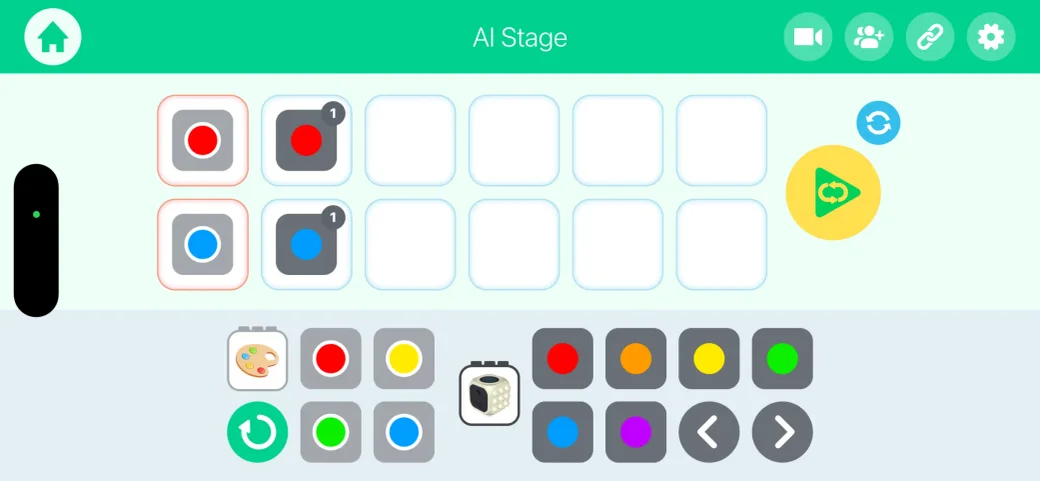
What's New: AI Stage
Now your robot can see and respond to the real world. Using just your device's camera, children can code with:
- Face Recognition — Detect faces and trigger robot actions
- Hand Recognition — Control robots with hand gestures and fingers
- Pose Recognition — Use body movements as coding commands
- Color Recognition — Make robots that react to colors around them
A perfect first step into Physical AI for ages 5 and up.
Why Teachers and Parents Choose Cubroid
- Used in 10,000+ schools across 46 countries
- Hands-on STEAM learning — coding, robotics, and AI in one app
- Safe, screen-balanced play with real, tangible blocks
- Curriculum-ready content for classrooms and homes
How to Use Coding Cubroid AI
1. Turn on Bluetooth on your device.
2. Launch the Coding Cubroid AI app.
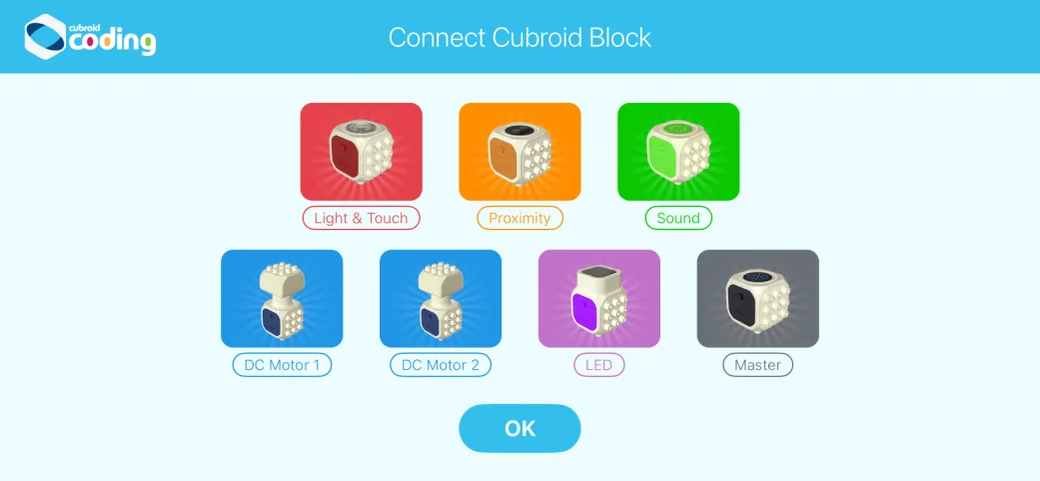
3. Connect your Cubroid blocks:
- Tap the link button — block icons will appear on screen.
- Power on the blocks you want to use, and wait a moment for them to connect.
- Connected blocks light up in color.
4. Once connected, return to Home and open a project.
5. Add a new project and start coding with Cubroid!
Have questions? Visit hub.cubroid.com or contact us anytime.
Cubroid Co., Ltd. — Smart Toy for Coding Education
Yang baru
Versi 2.0.9 · 17/11/2026
- Point to Move: left/right now keep turning while you show the finger, just like forward/backward. Lower your hand or make a fist to stop.
- Stability improvements
Privasi aplikasi
Yang dinyatakan JAE KWANG SHIN di App Store tentang cara aplikasi ini menangani data.
-
Data tidak dikumpulkan
Pengembang tidak mengumpulkan data apa pun dari aplikasi ini.
Praktik privasi dapat bervariasi, misalnya berdasarkan fitur yang Anda gunakan atau usia Anda.
Informasi
- Penjual
- JAE KWANG SHIN
- Kategori
- Pendidikan
- Versi
- 2.0.9
- Diperbarui
- 17/11/2026
- Dirilis
- 6/9/2018
- Ukuran
- 27,5 MB
- Memerlukan
- iOS 14.0 atau yang lebih baru
- Batasan usia
- 4+
- Harga
- Gratis
- Bahasa
- Inggris, Prancis, Jerman, Yunani, Hindi, Italia, Jepang, Korea, Polski (Polandia), Rusia, Serbian, Tionghoa Sederhana + 2 lainnya
- Hak cipta
- © Cubroid Co., Ltd.