Device mockup - ScreenFrame
Frame screenshots & recordings
Diseñada para iPhone
Gratis · Compras en la aplicación
- Clasificación por edad4+
- CategoríaFoto y vídeo
- DesarrolladorGaddafi Rusli
- IdiomasInglés
- Tamaño25,0 MB
Enlaza a la página oficial de App Store
Download.org no aloja ningún archivo de Device mockup - ScreenFrame. El botón abre la página de la aplicación en App Store, donde la publica Gaddafi Rusli. Ficha comprobada por última vez el 12/11/2026.
Capturas de pantalla
Acerca de
El desarrollador no ha proporcionado este texto en tu idioma.
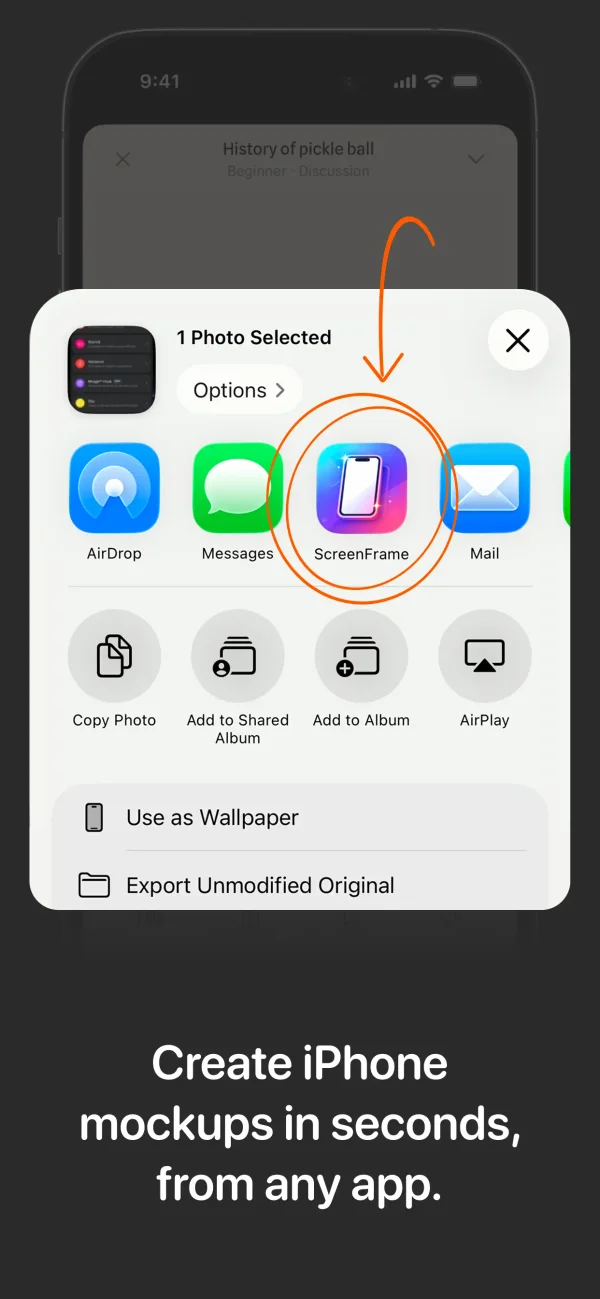
ScreenFrame turns iPhone screenshots and screen recordings into clean, professional mockups. Frame a screenshot or screen recording, angle the device in 3D, animate it into view, and export a high-quality image or video in seconds.
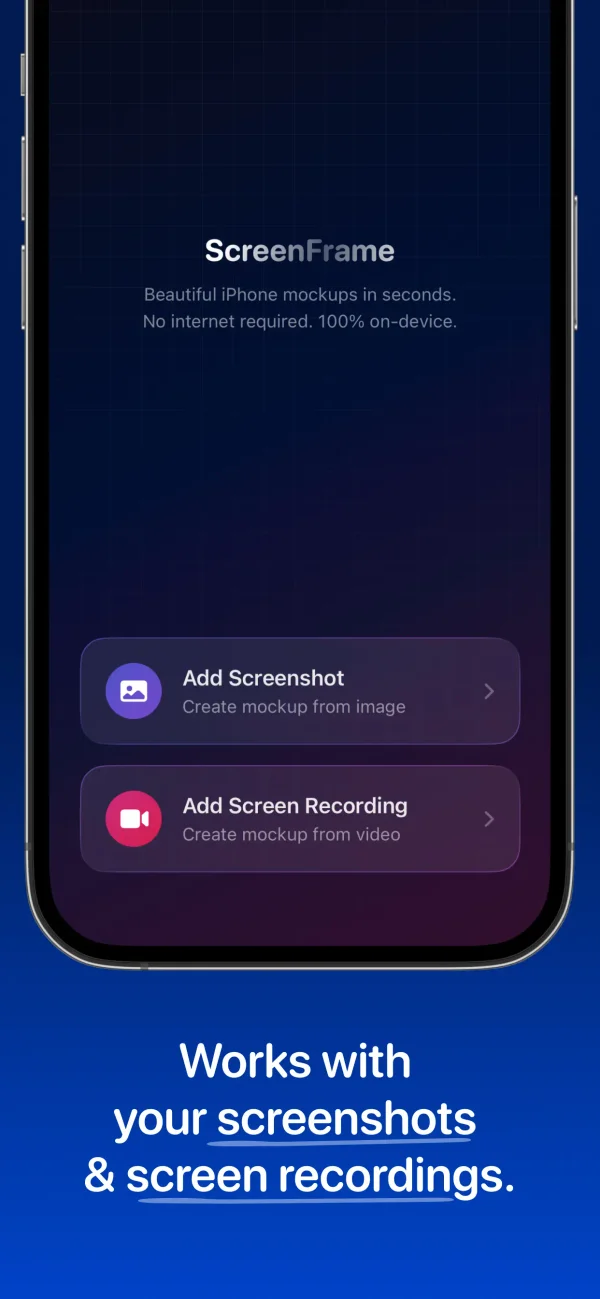
FRAME ANY SCREENSHOT
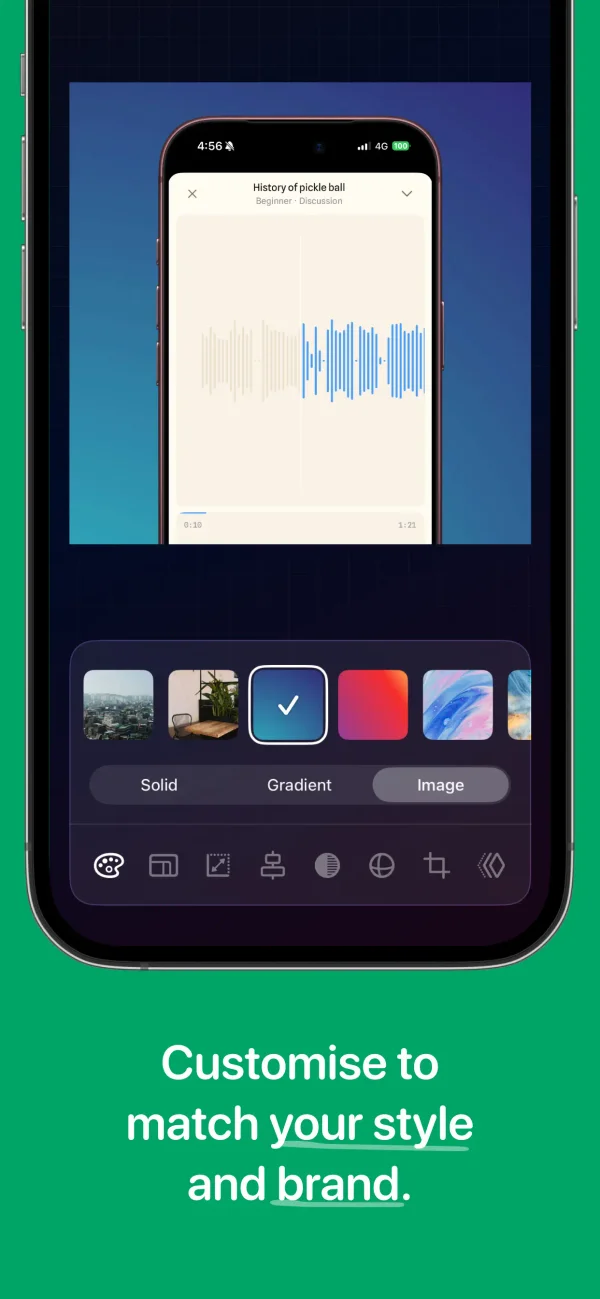
Import any iPhone screenshot and place it inside a realistic iPhone device frame. Adjust the screen with drag, pinch, Fit or Fill. Then set the background and a soft device shadow, pick your canvas size and export a polished mockup. No templates, no design skills needed.
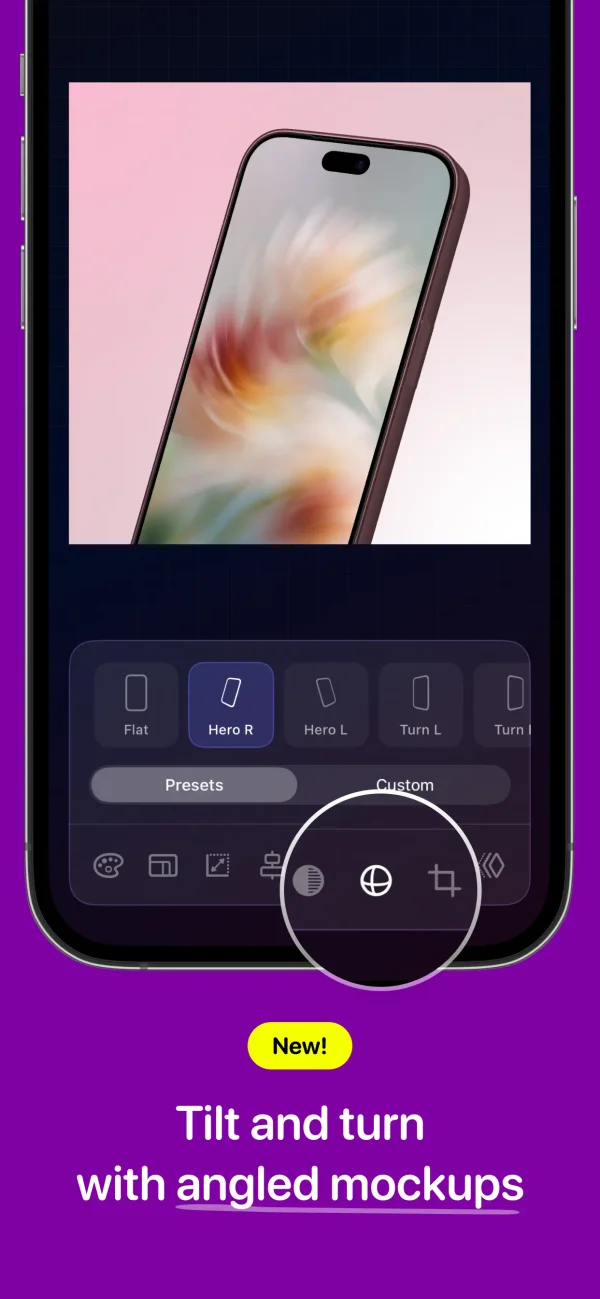
ANGLED MOCKUPS
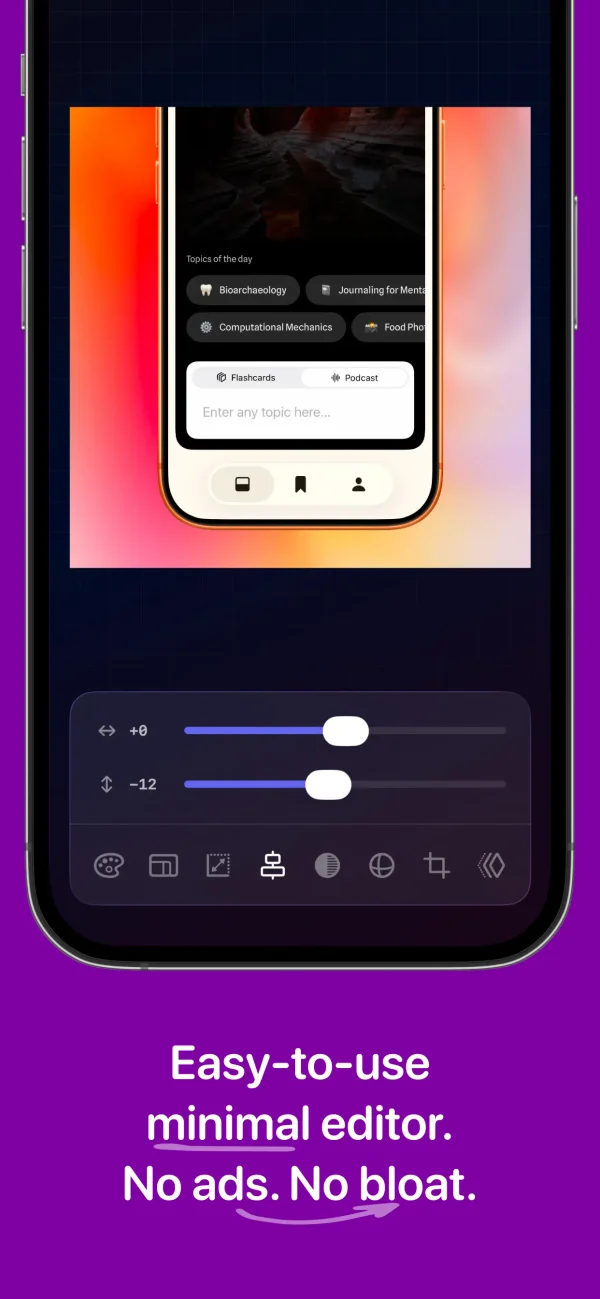
Turn your device in 3D for a more dynamic shot. Pick a ready-made angle like Hero, Turn, Lean or Isometric, or set your own Turn, Tilt and Spin. The device keeps its real thickness and its shadow follows the angle. Angles work for screenshots, animations and screen recordings alike.
BRING SCREEN RECORDINGS TO LIFE
Turn iPhone screen recordings into clean mockup videos with device frames. They're great for app demos, walkthroughs, product previews and launch posts. Videos export smoothly at 60fps.
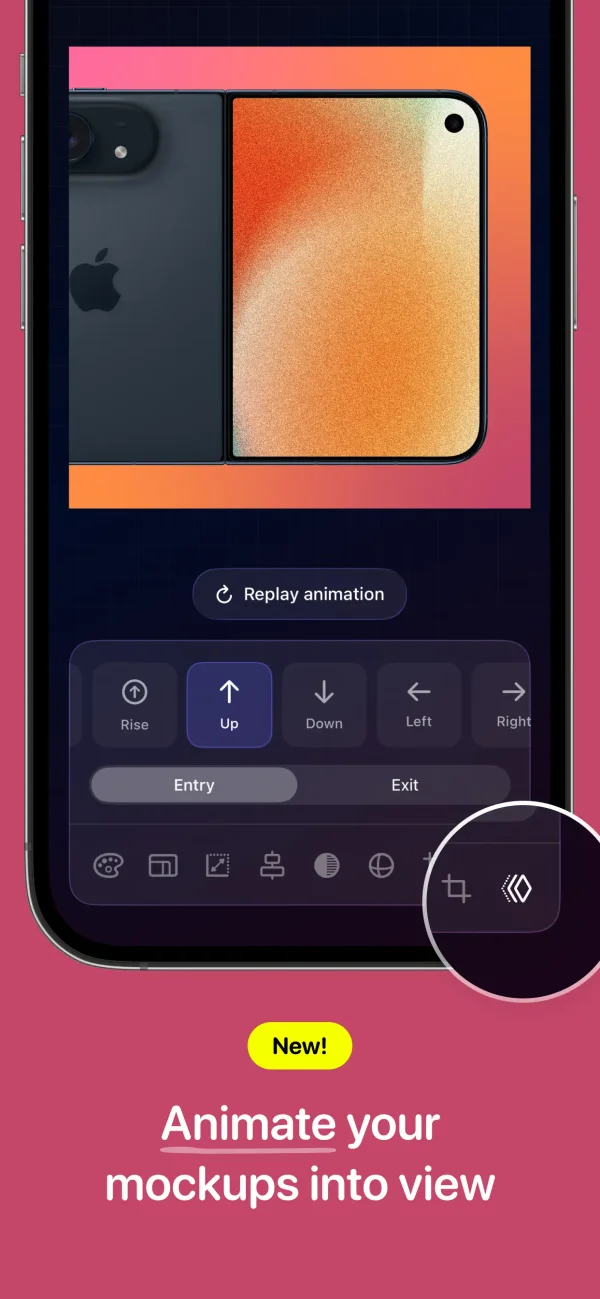
ENTRY AND EXIT ANIMATIONS
Animate your device into view, out of it, or both: Fade, Rise, Slide, Scale or Pop. Even a single screenshot can export as a short video clip, ready for a social feed.
REALISTIC DEVICE FRAMES
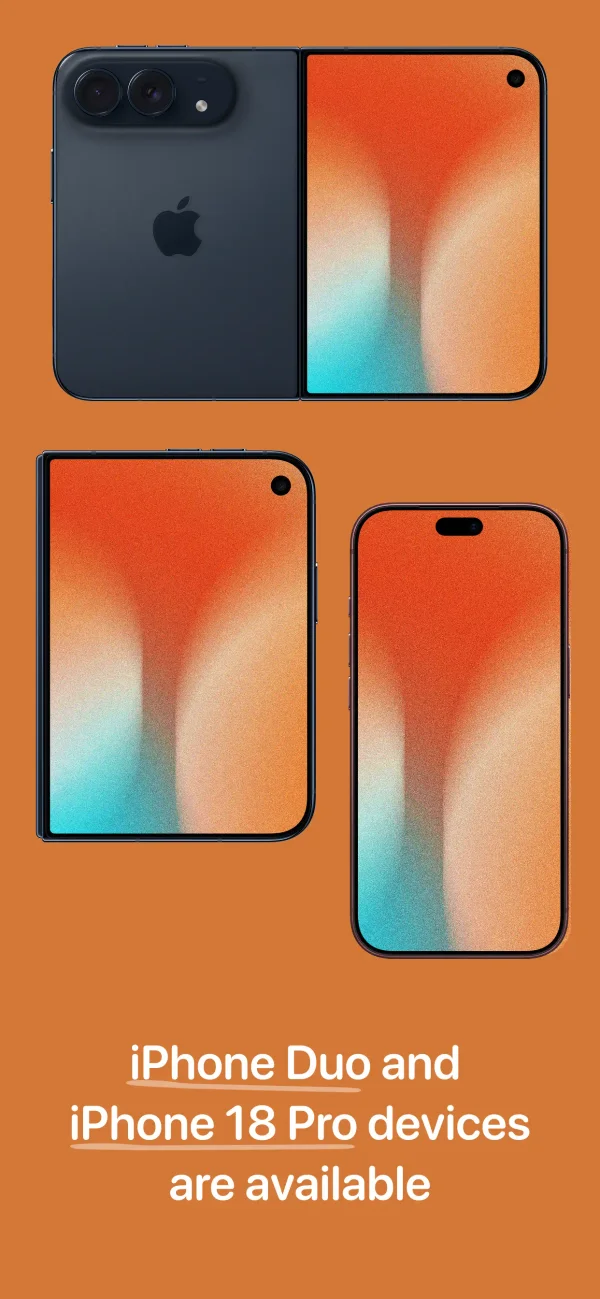
Choose from a range of modern iPhone frames, including iPhone 18 Pro in Burgundy, Glacier and Black, and the foldable iPhone Duo with all three of its displays. Your current device is always one tap away in the editor header.
MADE FOR SHARING
Pick the canvas shape for where your mockup is going: 9:16 for Stories and Reels, 1:1, 3:4 and 4:3 for feeds, and 16:9 for websites and presentations. Every shape exports at the same high quality. ScreenFrame works with Photos and the iOS share sheet, so you can frame a screenshot or recording from anywhere on your iPhone.
PRIVATE BY DESIGN
Everything happens on your device. There are no accounts, no cloud processing and no tracking. Your screenshots and recordings never leave your phone.
Simple on purpose: open a screenshot or screen recording, frame it, angle it, animate it if you like, export and share.
Terms of Use: https://www.apple.com/legal/internet-services/itunes/dev/stdeula/
Privacy Policy: https://screenframe.fun/privacy
Novedades
Versión 1.3.0 · 18/10/2026
New
• Angled mockups: Turn your device in 3D for a more dynamic shot. Pick a ready-made angle (Hero, Turn, Lean or Isometric) or set your own Turn, Tilt and Spin. Works for images, animations and video exports.
Improved
• Move your device anywhere: Position now goes all the way until the device leaves the canvas, even when it's zoomed in.
Privacidad de la aplicación
Lo que Gaddafi Rusli declara en App Store sobre cómo esta aplicación gestiona los datos.
-
Datos no vinculados a ti
Pueden recopilarse, pero no se vinculan a tu identidad.
- Compras
- Ubicación
- Datos de uso
Las prácticas de privacidad pueden variar, por ejemplo, según las funciones que uses o tu edad.
Información
- Vendedor
- Gaddafi Rusli
- Categoría
- Foto y vídeo
- Versión
- 1.3.0
- Actualizado
- 18/10/2026
- Publicado
- 18/2/2026
- Tamaño
- 25,0 MB
- Requiere
- iOS 26.0 o posterior
- Clasificación por edad
- 4+
- Precio
- Gratis
- Compras en la aplicación
- Sí
- Idiomas
- Inglés
- Copyright
- © 2026 Instance Design
Quizá también te guste
-
 Mockify App Photo Video MockupFoto y vídeo
-
 AR COPY & PASTE IN MOTION 2Foto y vídeo
-
 Framy - Creador de CollagesCrea hermosos fotocollages
-
 ShotEdit: Gradiente capturaMarcos de captura
-
 Simple Mockup VideoFoto y vídeo
-
 Cámara Intervalo: AutomáticaFotos sin manos cada 1s–5 min
-
 EZPhotos: Organizador de fotosOrganiza tus fotos fácilmente
-
 Editioz: Editor de vídeoCrea vídeos sin internet
-
 Movyra: Offline AI Video MakerFoto y vídeo
-
 Shutternote: Marco Foto EXIFFotos con marco y datos EXIF