- 対象年齢4+
- カテゴリ写真/ビデオ
- 開発元Gaddafi Rusli
- 言語英語
- サイズ25.0 MB
App Storeの公式ページにリンクしています
Download.orgはDevice mockup - ScreenFrameのファイルを一切ホストしていません。ボタンを押すと、Gaddafi Rusliが公開しているApp Storeのアプリページが開きます。ページの最終確認:2026/11/12。
スクリーンショット
概要
開発元はこのテキストをお使いの言語で提供していません。
ScreenFrame turns iPhone screenshots and screen recordings into clean, professional mockups. Frame a screenshot or screen recording, angle the device in 3D, animate it into view, and export a high-quality image or video in seconds.
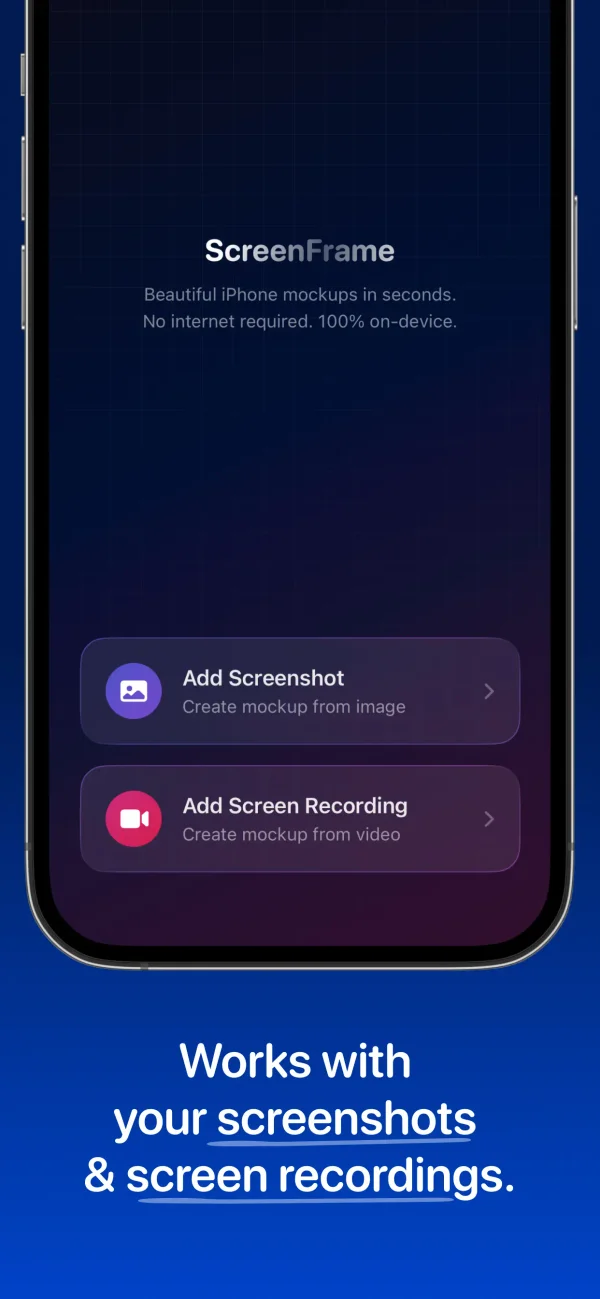
FRAME ANY SCREENSHOT
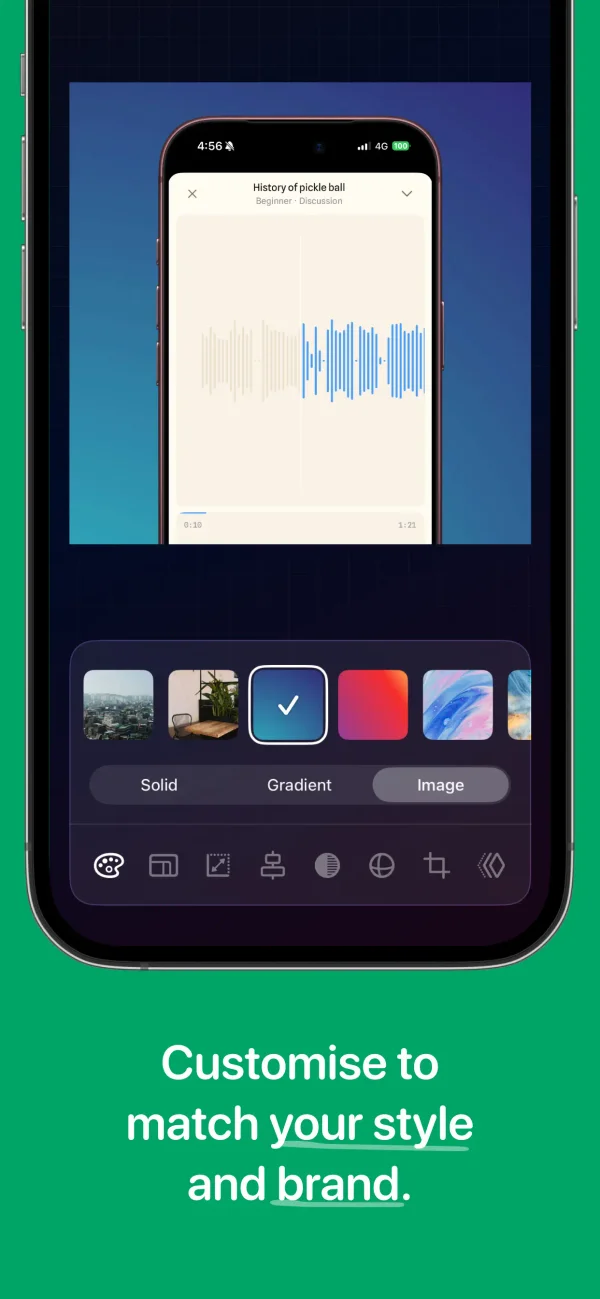
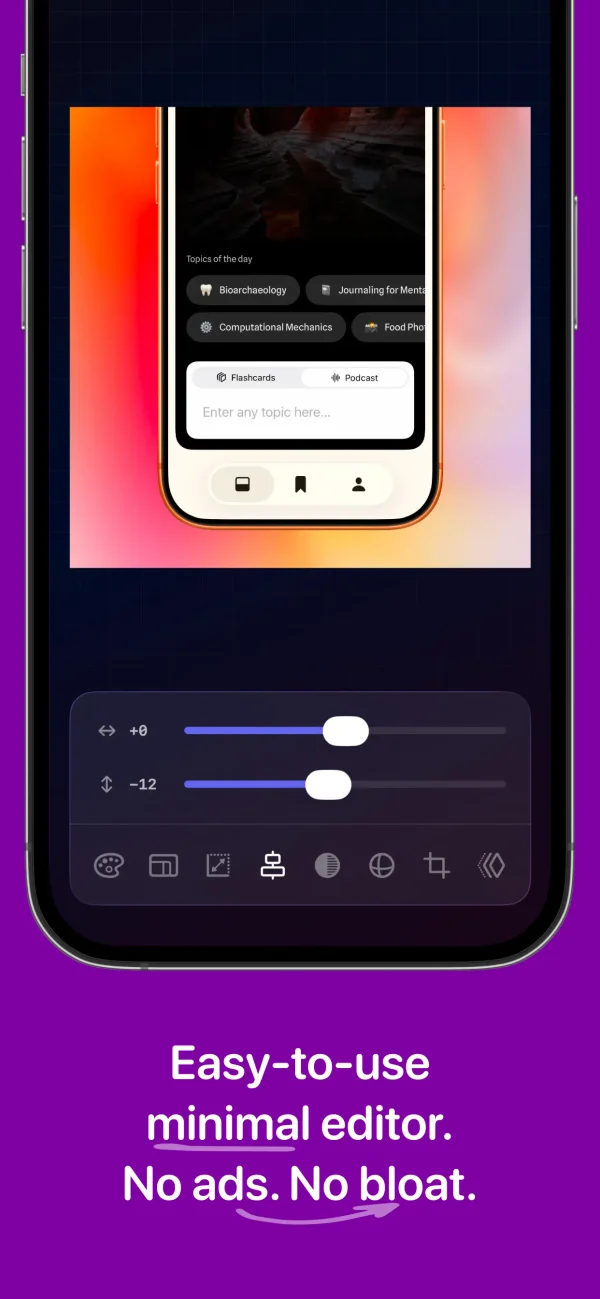
Import any iPhone screenshot and place it inside a realistic iPhone device frame. Adjust the screen with drag, pinch, Fit or Fill. Then set the background and a soft device shadow, pick your canvas size and export a polished mockup. No templates, no design skills needed.
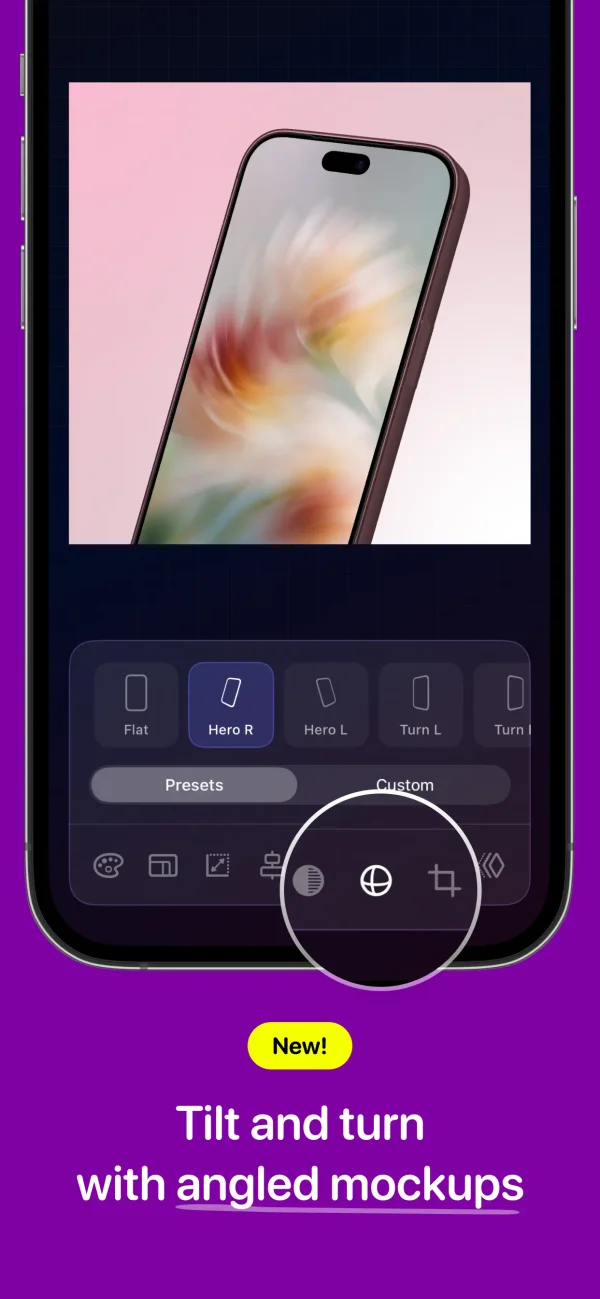
ANGLED MOCKUPS
Turn your device in 3D for a more dynamic shot. Pick a ready-made angle like Hero, Turn, Lean or Isometric, or set your own Turn, Tilt and Spin. The device keeps its real thickness and its shadow follows the angle. Angles work for screenshots, animations and screen recordings alike.
BRING SCREEN RECORDINGS TO LIFE
Turn iPhone screen recordings into clean mockup videos with device frames. They're great for app demos, walkthroughs, product previews and launch posts. Videos export smoothly at 60fps.
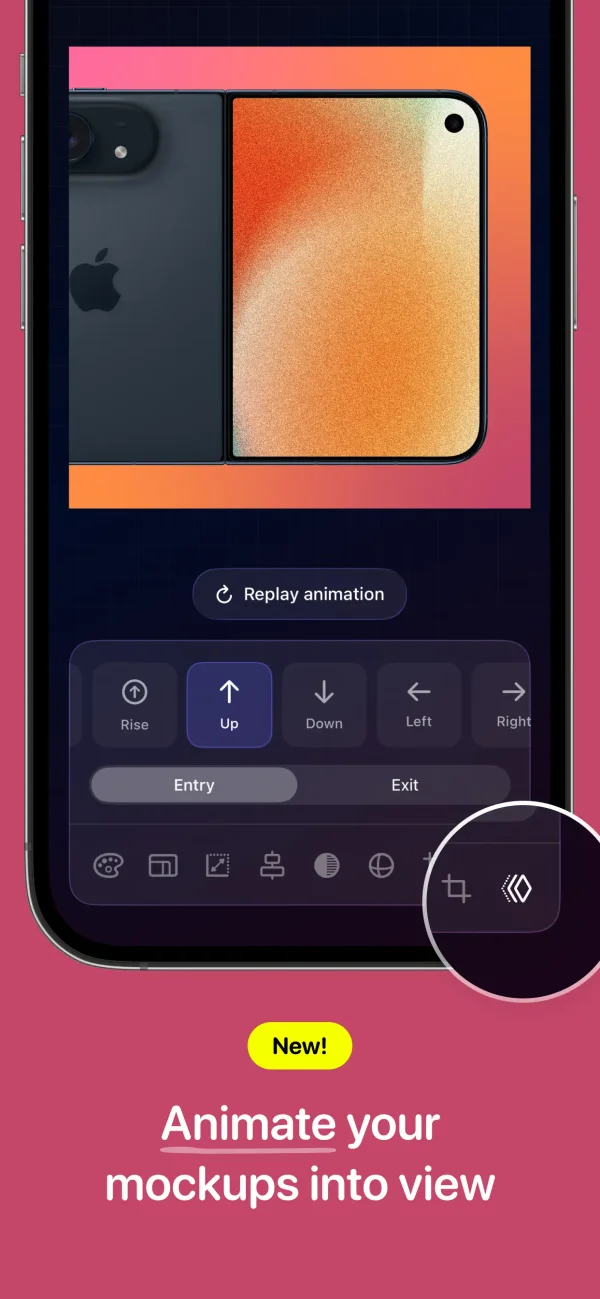
ENTRY AND EXIT ANIMATIONS
Animate your device into view, out of it, or both: Fade, Rise, Slide, Scale or Pop. Even a single screenshot can export as a short video clip, ready for a social feed.
REALISTIC DEVICE FRAMES
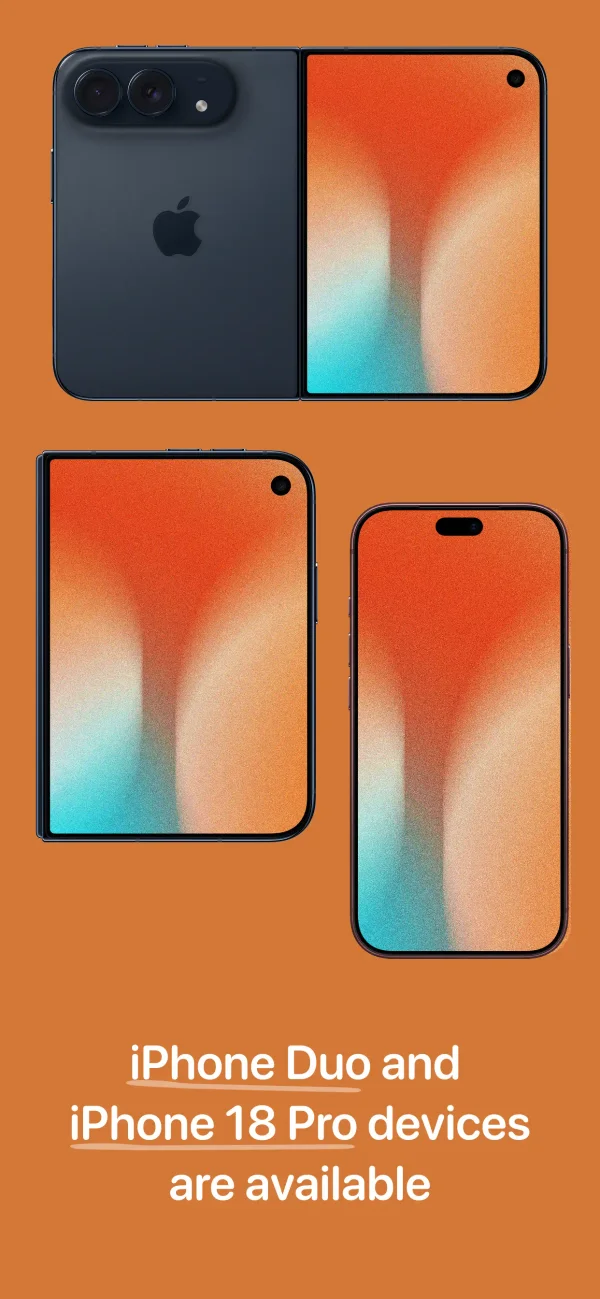
Choose from a range of modern iPhone frames, including iPhone 18 Pro in Burgundy, Glacier and Black, and the foldable iPhone Duo with all three of its displays. Your current device is always one tap away in the editor header.
MADE FOR SHARING
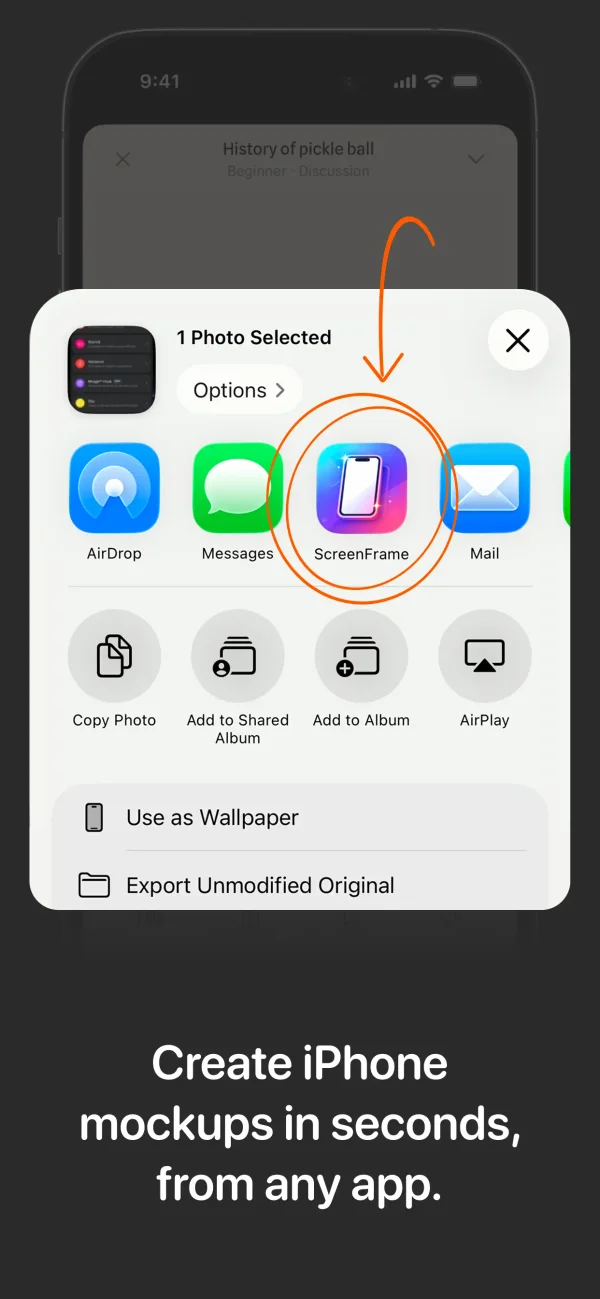
Pick the canvas shape for where your mockup is going: 9:16 for Stories and Reels, 1:1, 3:4 and 4:3 for feeds, and 16:9 for websites and presentations. Every shape exports at the same high quality. ScreenFrame works with Photos and the iOS share sheet, so you can frame a screenshot or recording from anywhere on your iPhone.
PRIVATE BY DESIGN
Everything happens on your device. There are no accounts, no cloud processing and no tracking. Your screenshots and recordings never leave your phone.
Simple on purpose: open a screenshot or screen recording, frame it, angle it, animate it if you like, export and share.
Terms of Use: https://www.apple.com/legal/internet-services/itunes/dev/stdeula/
Privacy Policy: https://screenframe.fun/privacy
新機能
バージョン 1.3.0 · 2026/10/18
New
• Angled mockups: Turn your device in 3D for a more dynamic shot. Pick a ready-made angle (Hero, Turn, Lean or Isometric) or set your own Turn, Tilt and Spin. Works for images, animations and video exports.
Improved
• Move your device anywhere: Position now goes all the way until the device leaves the canvas, even when it's zoomed in.
アプリのプライバシー
このアプリのデータの取り扱いについて、Gaddafi RusliがApp Storeで申告している内容です。
-
ユーザーに関連付けられないデータ
収集される場合がありますが、ユーザーの識別情報には関連付けられません。
- 購入
- 位置情報
- 使用状況データ
プライバシーの取り扱いは、ご利用の機能やお客様の年齢などに応じて異なる場合があります。
情報
- 販売元
- Gaddafi Rusli
- カテゴリ
- 写真/ビデオ
- バージョン
- 1.3.0
- 更新日
- 2026/10/18
- リリース
- 2026/2/18
- サイズ
- 25.0 MB
- 必要条件
- iOS 26.0以降
- 対象年齢
- 4+
- 価格
- 無料
- アプリ内課金
- あり
- 言語
- 英語
- 著作権
- © 2026 Instance Design
こちらもおすすめ
-
 Mockify App Photo Video Mockup写真/ビデオ
-
 AR COPY & PASTE IN MOTION 2写真/ビデオ
-
 Framy - フォトコラージュ写真をかわいくコラージュしよう
-
 ShotEdit: グラデスクショスクリーンショットフレーム
-
 Simple Mockup Video写真/ビデオ
-
 インターバルカメラ - 定点撮影・自動連写タイマー指定した間隔で自動撮影。自撮りや集合写真、フォーム確認に
-
 EZPhotos: 写真整理写真も動画も、かんたん整理
-
 Editioz: 動画編集オフラインで動画作成
-
 Movyra: Offline AI Video Maker写真/ビデオ
-
 Shutternote: EXIF写真フレームEXIF付き写真フレーム