
Device mockup - ScreenFrame
Frame screenshots & recordings
Được thiết kế cho iPhone
Miễn phí · Mua hàng trong ứng dụng
- Độ tuổi4+
- Danh mụcẢnh & Video
- Nhà phát triểnGaddafi Rusli
- Ngôn ngữTiếng Anh
- Kích thước25,0 MB
Liên kết đến trang App Store chính thức
Download.org không lưu trữ tệp nào của Device mockup - ScreenFrame. Nút này mở trang ứng dụng trên App Store, nơi Gaddafi Rusli phát hành ứng dụng. Trang được kiểm tra lần cuối: 12/11/2026.
Ảnh chụp màn hình
Giới thiệu
Nhà phát triển chưa cung cấp nội dung này bằng ngôn ngữ của bạn.
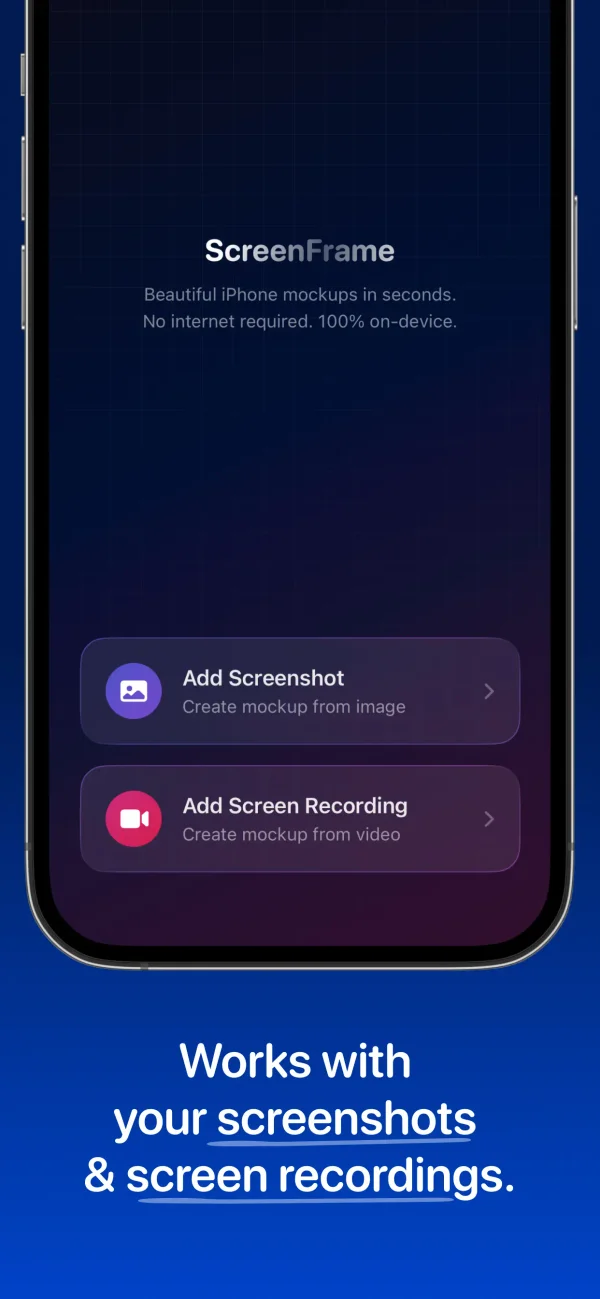
ScreenFrame turns iPhone screenshots and screen recordings into clean, professional mockups. Frame a screenshot or screen recording, angle the device in 3D, animate it into view, and export a high-quality image or video in seconds.
FRAME ANY SCREENSHOT
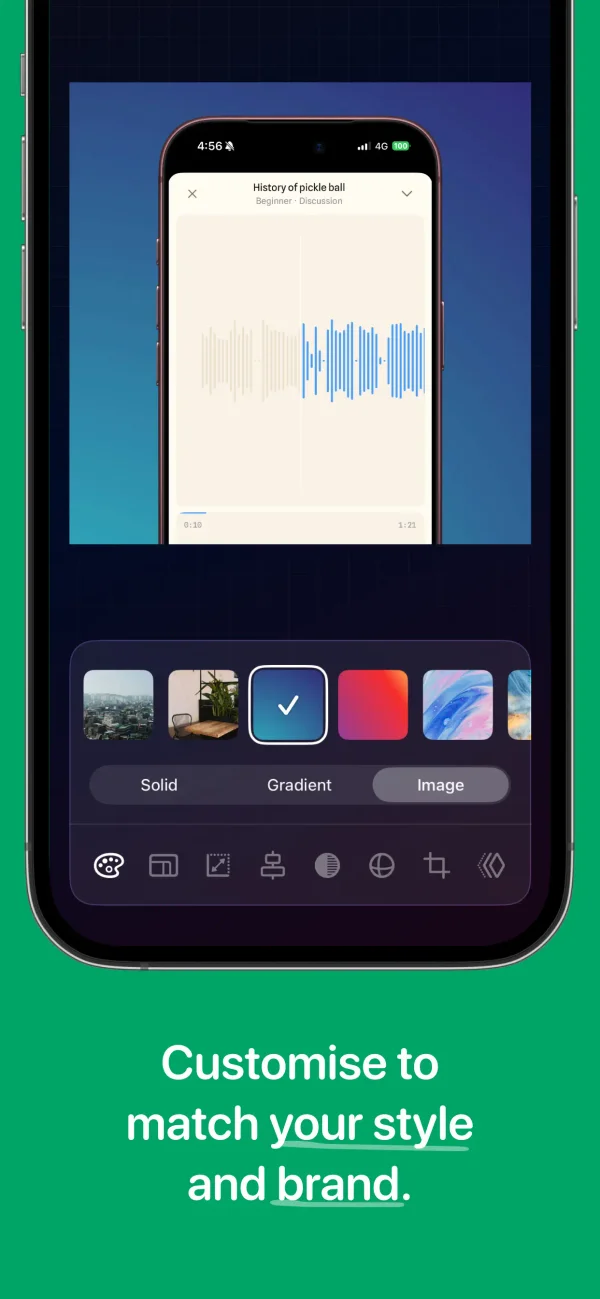
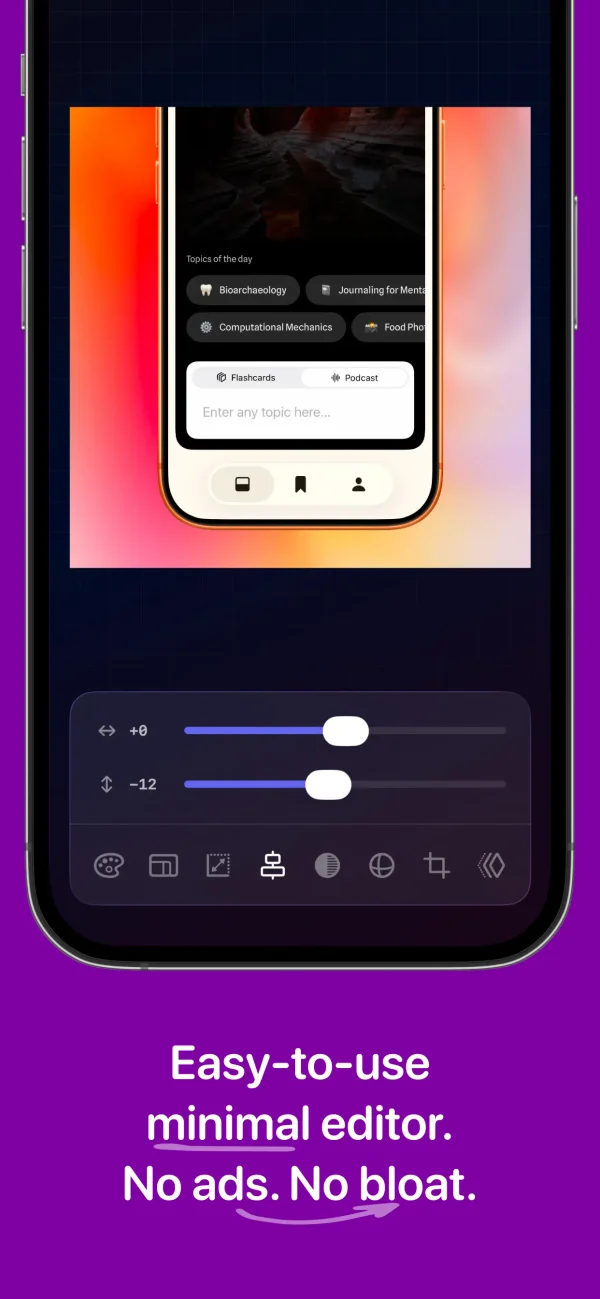
Import any iPhone screenshot and place it inside a realistic iPhone device frame. Adjust the screen with drag, pinch, Fit or Fill. Then set the background and a soft device shadow, pick your canvas size and export a polished mockup. No templates, no design skills needed.
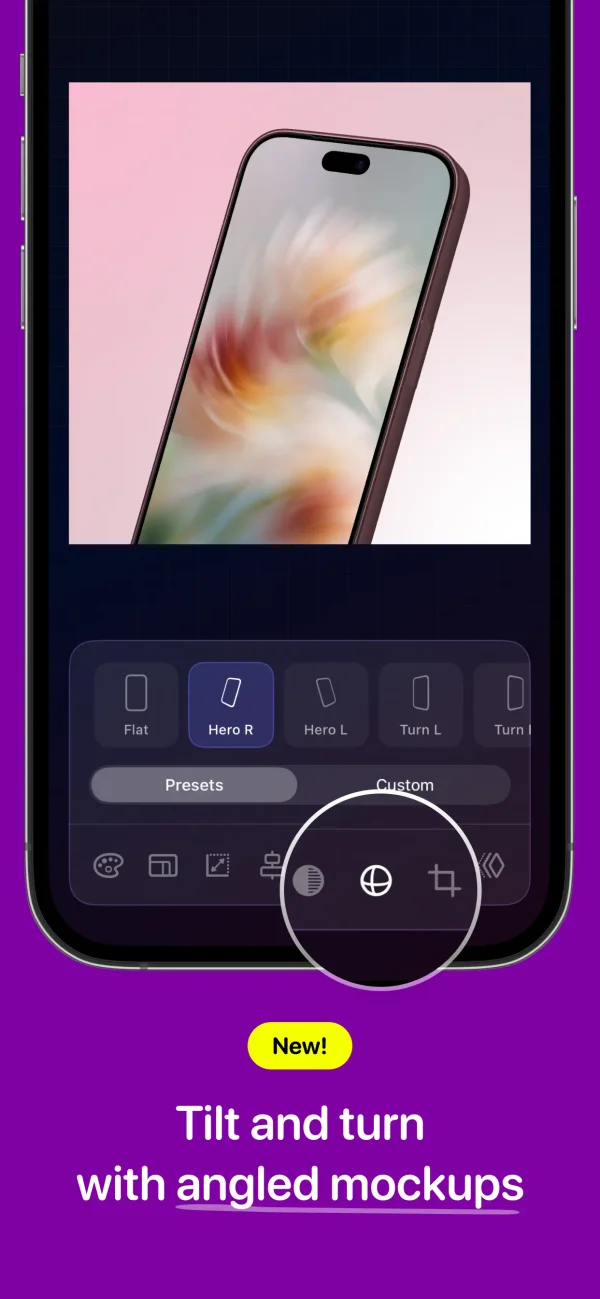
ANGLED MOCKUPS
Turn your device in 3D for a more dynamic shot. Pick a ready-made angle like Hero, Turn, Lean or Isometric, or set your own Turn, Tilt and Spin. The device keeps its real thickness and its shadow follows the angle. Angles work for screenshots, animations and screen recordings alike.
BRING SCREEN RECORDINGS TO LIFE
Turn iPhone screen recordings into clean mockup videos with device frames. They're great for app demos, walkthroughs, product previews and launch posts. Videos export smoothly at 60fps.
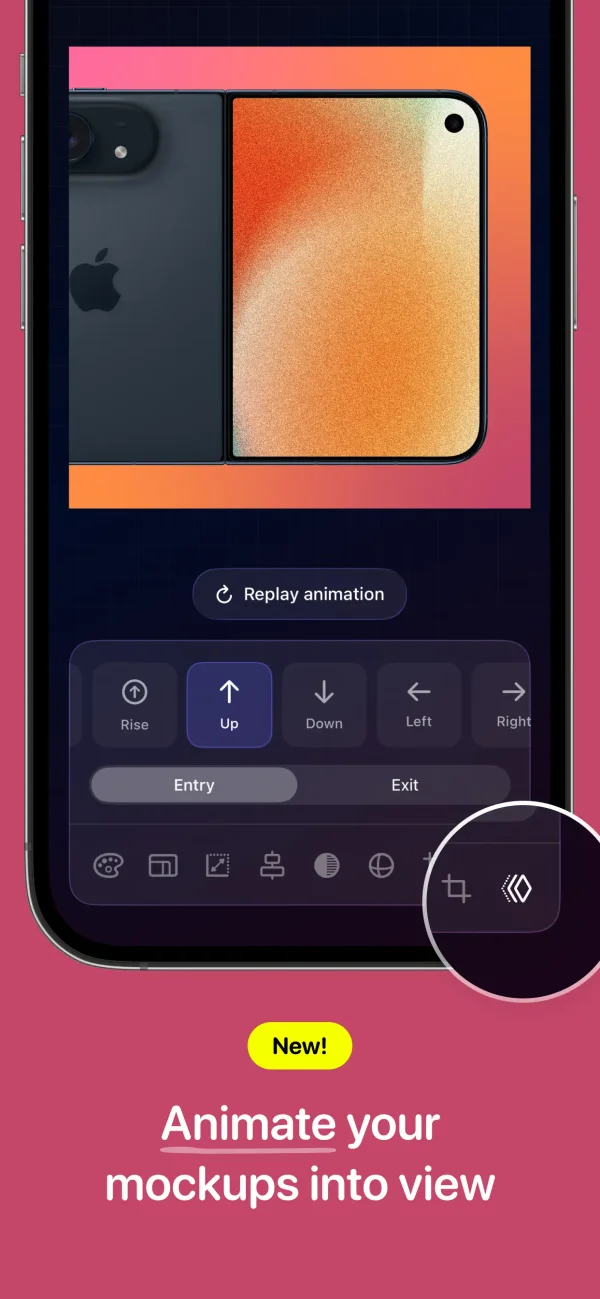
ENTRY AND EXIT ANIMATIONS
Animate your device into view, out of it, or both: Fade, Rise, Slide, Scale or Pop. Even a single screenshot can export as a short video clip, ready for a social feed.
REALISTIC DEVICE FRAMES
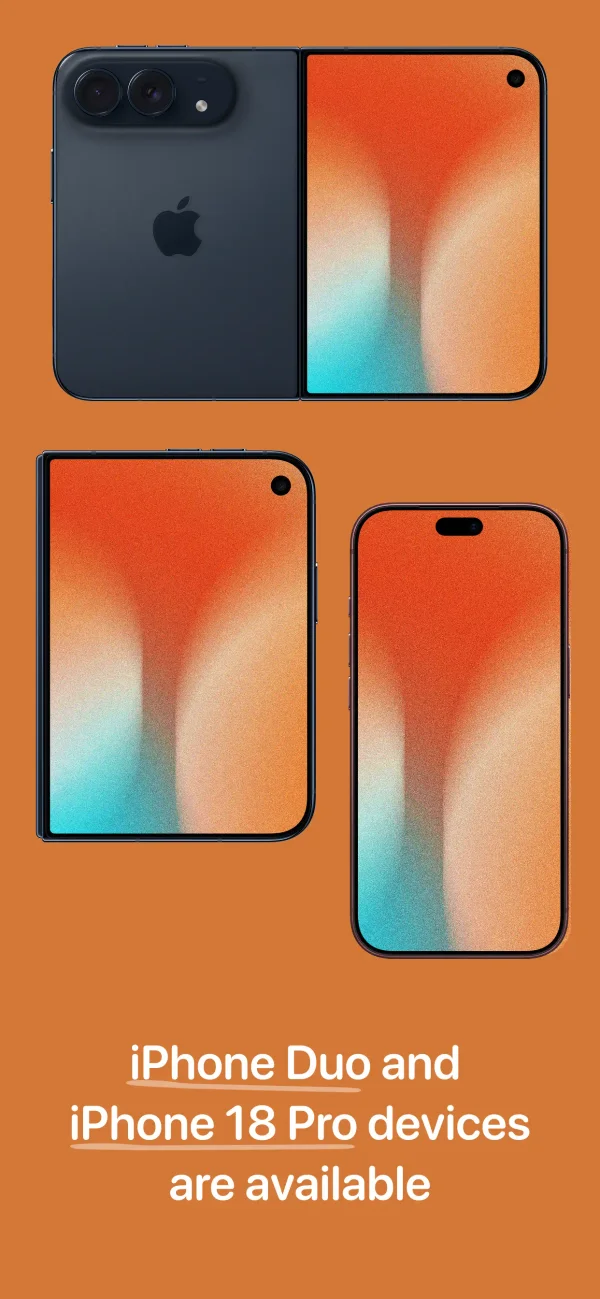
Choose from a range of modern iPhone frames, including iPhone 18 Pro in Burgundy, Glacier and Black, and the foldable iPhone Duo with all three of its displays. Your current device is always one tap away in the editor header.
MADE FOR SHARING
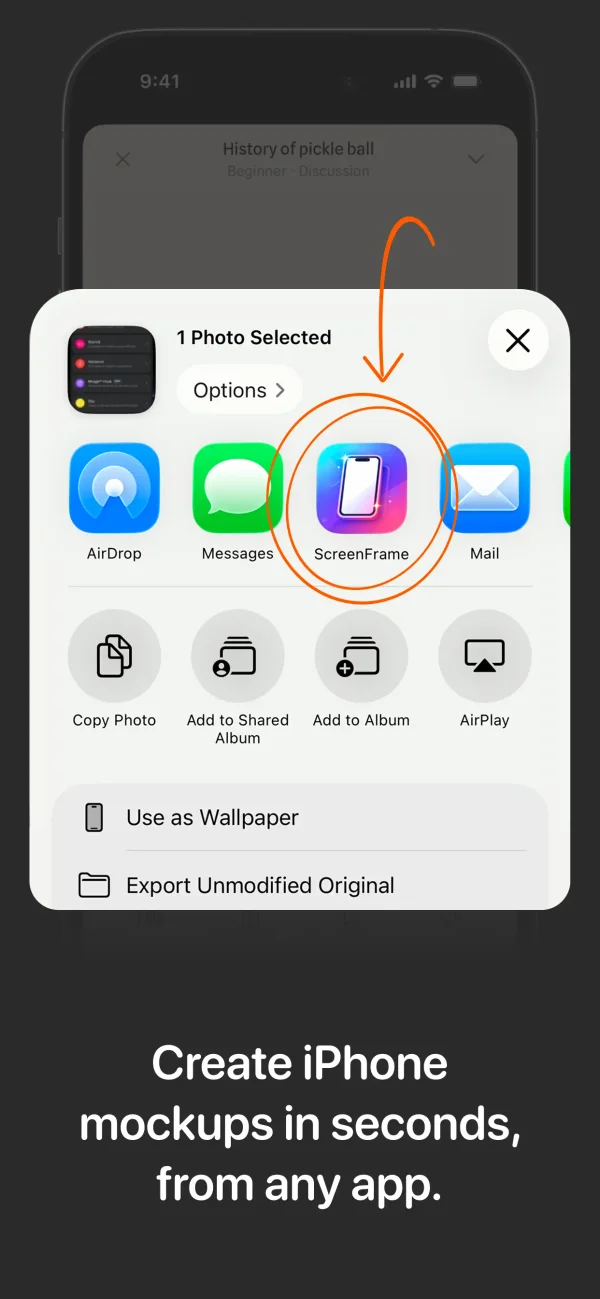
Pick the canvas shape for where your mockup is going: 9:16 for Stories and Reels, 1:1, 3:4 and 4:3 for feeds, and 16:9 for websites and presentations. Every shape exports at the same high quality. ScreenFrame works with Photos and the iOS share sheet, so you can frame a screenshot or recording from anywhere on your iPhone.
PRIVATE BY DESIGN
Everything happens on your device. There are no accounts, no cloud processing and no tracking. Your screenshots and recordings never leave your phone.
Simple on purpose: open a screenshot or screen recording, frame it, angle it, animate it if you like, export and share.
Terms of Use: https://www.apple.com/legal/internet-services/itunes/dev/stdeula/
Privacy Policy: https://screenframe.fun/privacy
Có gì mới
Phiên bản 1.3.0 · 18/10/2026
New
• Angled mockups: Turn your device in 3D for a more dynamic shot. Pick a ready-made angle (Hero, Turn, Lean or Isometric) or set your own Turn, Tilt and Spin. Works for images, animations and video exports.
Improved
• Move your device anywhere: Position now goes all the way until the device leaves the canvas, even when it's zoomed in.
Quyền riêng tư của ứng dụng
Những gì Gaddafi Rusli khai báo trên App Store về cách ứng dụng này xử lý dữ liệu.
-
Dữ liệu không liên kết với bạn
Có thể được thu thập nhưng không liên kết với danh tính của bạn.
- Mục mua
- Vị trí
- Dữ liệu sử dụng
Phương thức đảm bảo quyền riêng tư có thể khác nhau, chẳng hạn như tuỳ theo các tính năng bạn sử dụng hoặc độ tuổi của bạn.
Thông tin
- Người bán
- Gaddafi Rusli
- Danh mục
- Ảnh & Video
- Phiên bản
- 1.3.0
- Cập nhật
- 18/10/2026
- Phát hành
- 18/02/2026
- Kích thước
- 25,0 MB
- Yêu cầu
- iOS 26.0 trở lên
- Độ tuổi
- 4+
- Giá
- Miễn phí
- Mua hàng trong ứng dụng
- Có
- Ngôn ngữ
- Tiếng Anh
- Bản quyền
- © 2026 Instance Design
Có thể bạn cũng thích
-
 Mockify App Photo Video MockupẢnh & Video
-
 AR COPY & PASTE IN MOTION 2Ảnh & Video
-
 Framy - Photo Collage MakerẢnh & Video
-
 ShotEdit: Gradient ảnh chụpKhung ảnh chụp màn hình
-
 Simple Mockup VideoẢnh & Video
-
 Camera Hẹn Giờ: Chụp Tự ĐộngẢnh rảnh tay mỗi 1s–5m, selfie
-
 EZPhotos: Sắp xếp ảnhSắp xếp ảnh thật dễ dàng
-
 Editioz: Chỉnh sửa videoTạo video ngoại tuyến
-
 Movyra: Offline AI Video MakerẢnh & Video
-
 Shutternote: Khung ảnh EXIFẢnh khung kèm dữ liệu EXIF