Device mockup - ScreenFrame
Frame screenshots & recordings
Conçue pour iPhone
Gratuit · Achats intégrés
- Classification d’âge4+
- CatégoriePhoto et vidéo
- DéveloppeurGaddafi Rusli
- LanguesAnglais
- Taille25,0 Mo
Renvoie vers la page App Store officielle
Download.org n’héberge aucun fichier de Device mockup - ScreenFrame. Le bouton ouvre la page de l’application sur App Store, où Gaddafi Rusli la publie. Fiche vérifiée pour la dernière fois le 12/11/2026.
Captures d’écran
À propos
Le développeur n’a pas fourni ce texte dans votre langue.
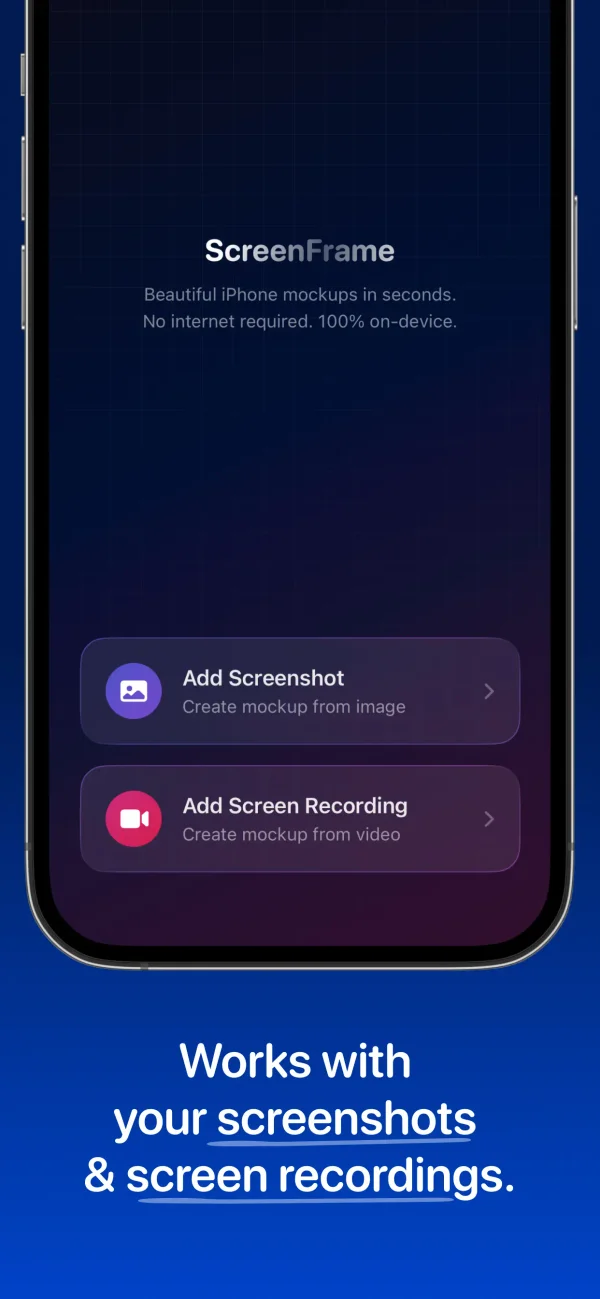
ScreenFrame turns iPhone screenshots and screen recordings into clean, professional mockups. Frame a screenshot or screen recording, angle the device in 3D, animate it into view, and export a high-quality image or video in seconds.
FRAME ANY SCREENSHOT
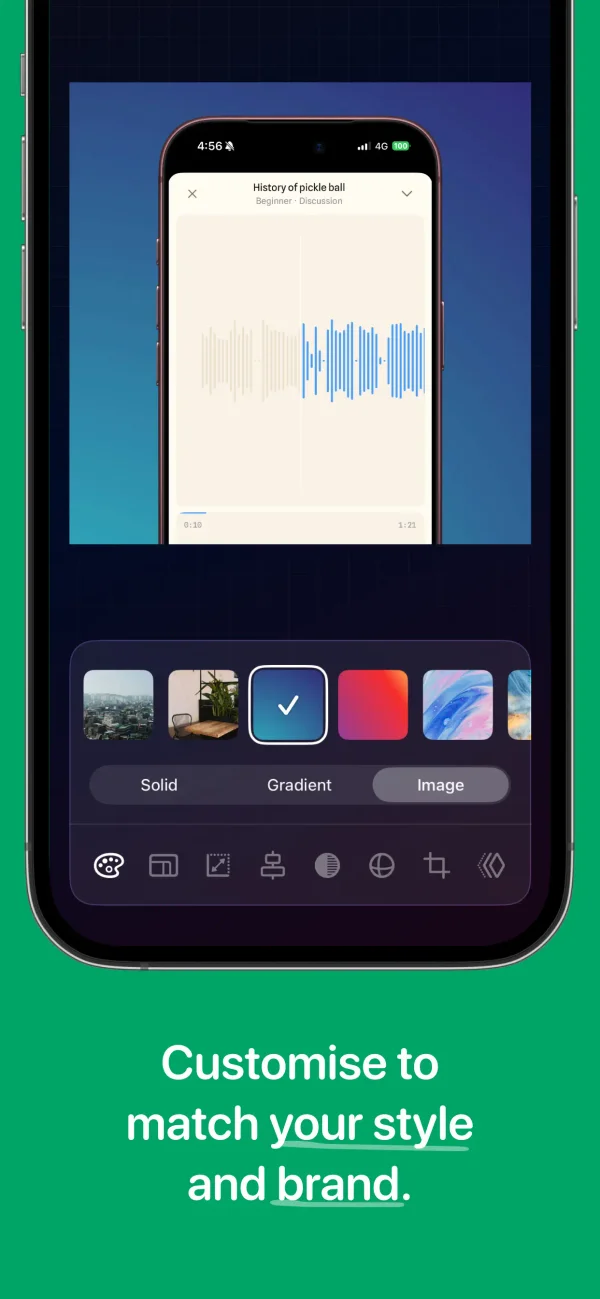
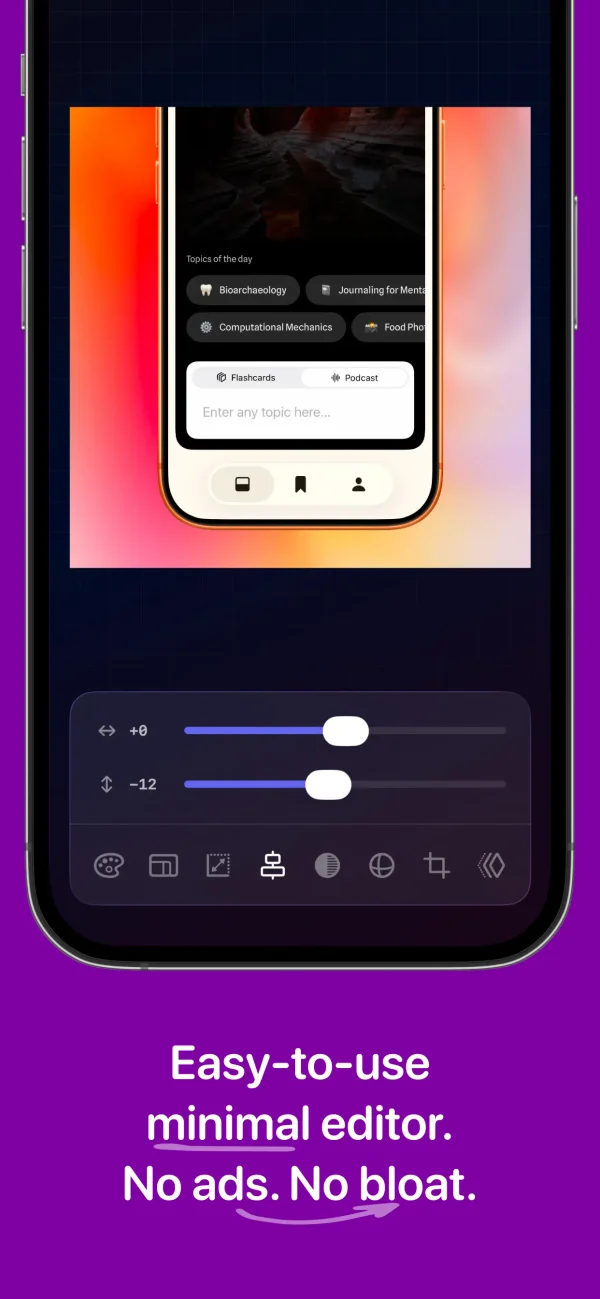
Import any iPhone screenshot and place it inside a realistic iPhone device frame. Adjust the screen with drag, pinch, Fit or Fill. Then set the background and a soft device shadow, pick your canvas size and export a polished mockup. No templates, no design skills needed.
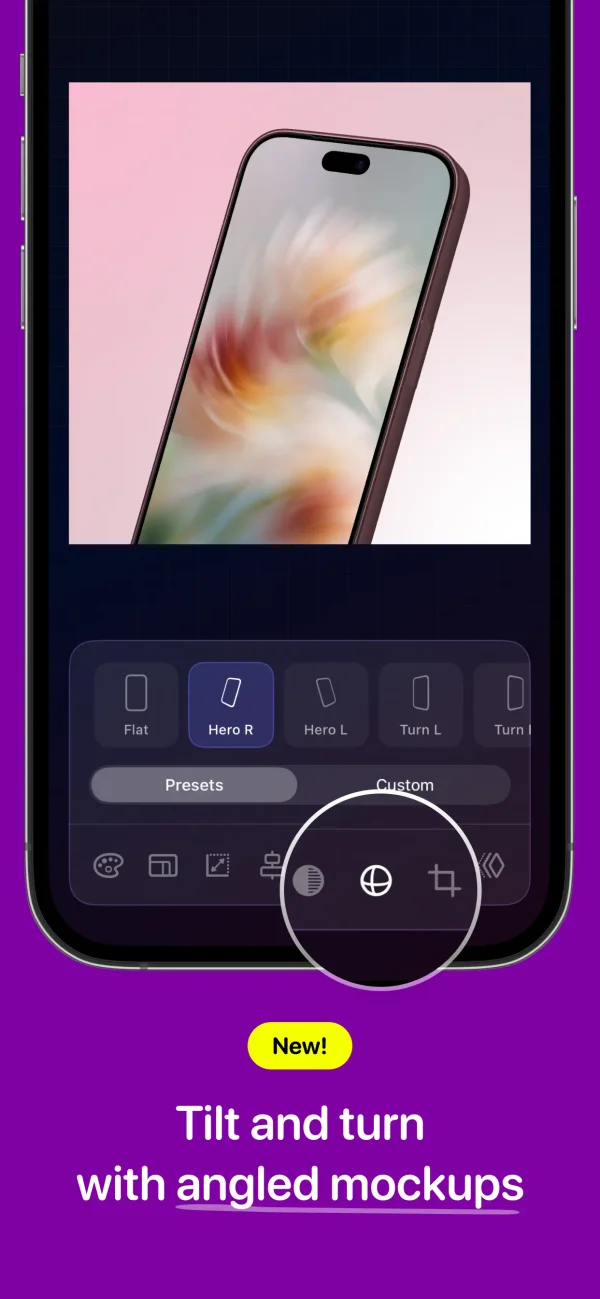
ANGLED MOCKUPS
Turn your device in 3D for a more dynamic shot. Pick a ready-made angle like Hero, Turn, Lean or Isometric, or set your own Turn, Tilt and Spin. The device keeps its real thickness and its shadow follows the angle. Angles work for screenshots, animations and screen recordings alike.
BRING SCREEN RECORDINGS TO LIFE
Turn iPhone screen recordings into clean mockup videos with device frames. They're great for app demos, walkthroughs, product previews and launch posts. Videos export smoothly at 60fps.
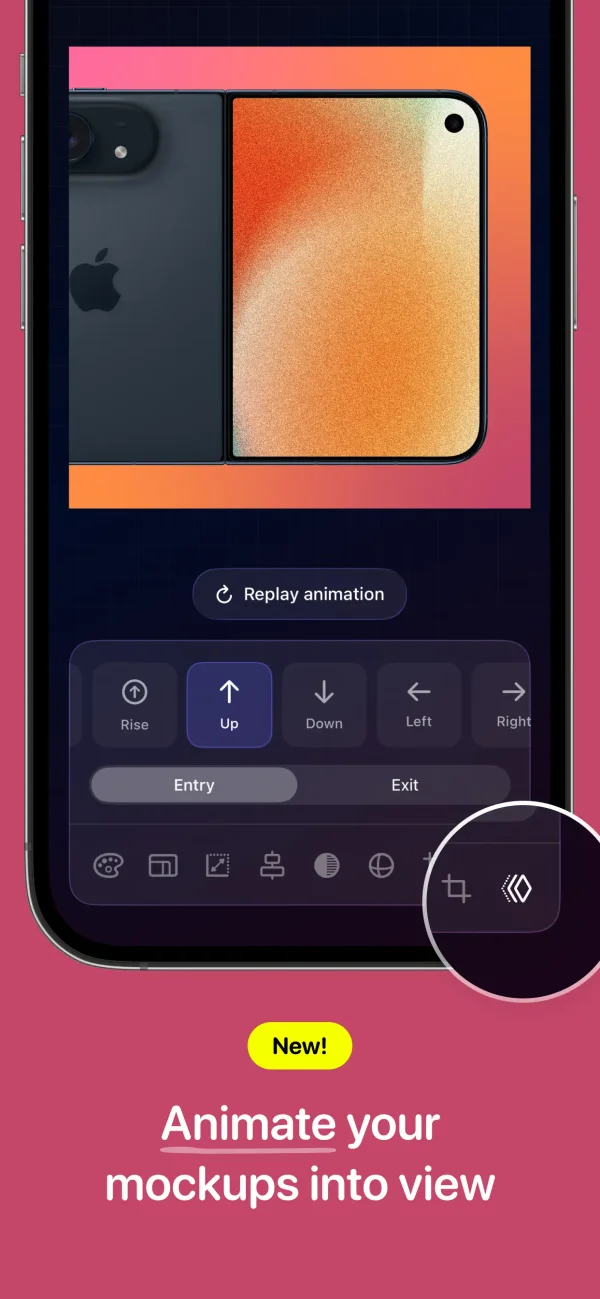
ENTRY AND EXIT ANIMATIONS
Animate your device into view, out of it, or both: Fade, Rise, Slide, Scale or Pop. Even a single screenshot can export as a short video clip, ready for a social feed.
REALISTIC DEVICE FRAMES
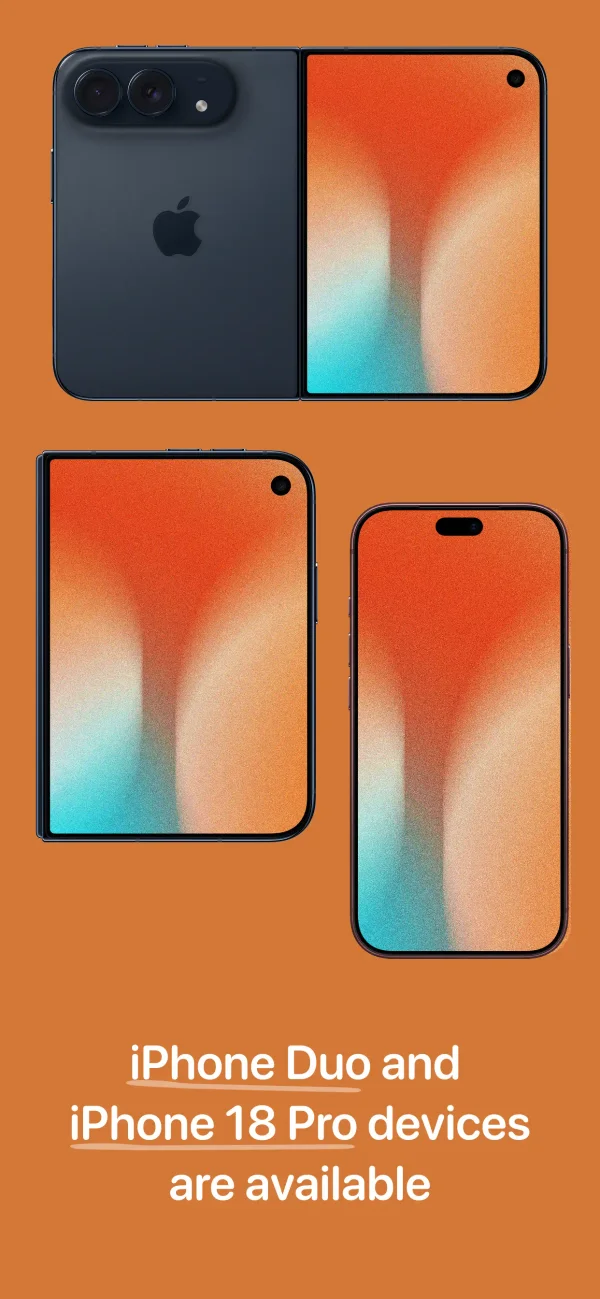
Choose from a range of modern iPhone frames, including iPhone 18 Pro in Burgundy, Glacier and Black, and the foldable iPhone Duo with all three of its displays. Your current device is always one tap away in the editor header.
MADE FOR SHARING
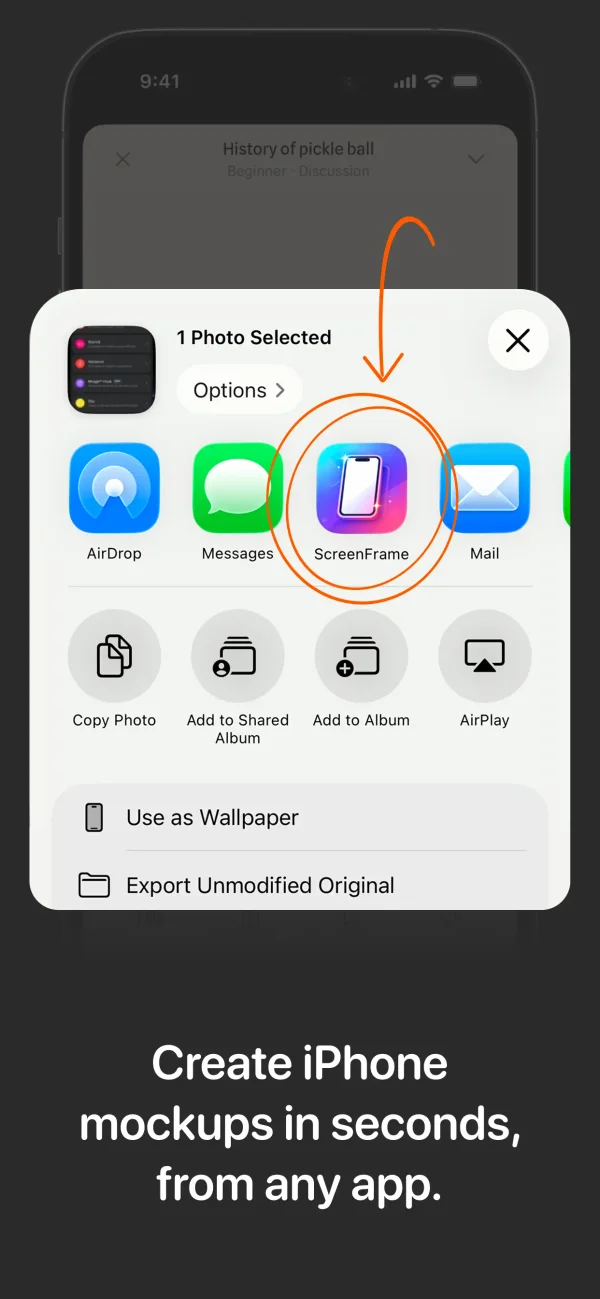
Pick the canvas shape for where your mockup is going: 9:16 for Stories and Reels, 1:1, 3:4 and 4:3 for feeds, and 16:9 for websites and presentations. Every shape exports at the same high quality. ScreenFrame works with Photos and the iOS share sheet, so you can frame a screenshot or recording from anywhere on your iPhone.
PRIVATE BY DESIGN
Everything happens on your device. There are no accounts, no cloud processing and no tracking. Your screenshots and recordings never leave your phone.
Simple on purpose: open a screenshot or screen recording, frame it, angle it, animate it if you like, export and share.
Terms of Use: https://www.apple.com/legal/internet-services/itunes/dev/stdeula/
Privacy Policy: https://screenframe.fun/privacy
Nouveautés
Version 1.3.0 · 18/10/2026
New
• Angled mockups: Turn your device in 3D for a more dynamic shot. Pick a ready-made angle (Hero, Turn, Lean or Isometric) or set your own Turn, Tilt and Spin. Works for images, animations and video exports.
Improved
• Move your device anywhere: Position now goes all the way until the device leaves the canvas, even when it's zoomed in.
Confidentialité de l’application
Ce que Gaddafi Rusli déclare sur l’App Store au sujet du traitement des données par cette application.
-
Données n’établissant aucun lien avec vous
Peuvent être collectées, mais ne sont pas liées à votre identité.
- Achats
- Emplacement
- Données d’utilisation
Les pratiques en matière de confidentialité peuvent varier, notamment en fonction des fonctionnalités que vous utilisez ou de votre âge.
Informations
- Vendeur
- Gaddafi Rusli
- Catégorie
- Photo et vidéo
- Version
- 1.3.0
- Mis à jour
- 18/10/2026
- Publié
- 18/02/2026
- Taille
- 25,0 Mo
- Nécessite
- iOS 26.0 ou version ultérieure
- Classification d’âge
- 4+
- Prix
- Gratuit
- Achats intégrés
- Oui
- Langues
- Anglais
- Copyright
- © 2026 Instance Design
Vous aimerez peut-être aussi
-
 Mockify App Photo Video MockupPhoto et vidéo
-
 AR COPY & PASTE IN MOTION 2Photo et vidéo
-
 Framy - Créateur de CollagesCréez de beaux photocollages
-
 ShotEdit: Gradient captureCadres de capture
-
 Simple Mockup VideoPhoto et vidéo
-
 Photo Intervalle : AutoPrise de vue mains libres
-
 EZPhotos: Organiseur de photosVos photos, tout simplement
-
 Editioz: Éditeur vidéoCréez des vidéos hors ligne
-
 Movyra : Vidéo IA hors ligneAnimation, montage et pub
-
 Shutternote : Cadre EXIFPhotos encadrées avec EXIF