
Device mockup - ScreenFrame
Frame screenshots & recordings
Designed for iPhone
Free · In-app purchases
- Age rating4+
- CategoryPhoto & Video
- DeveloperGaddafi Rusli
- LanguagesEnglish
- Size25.0 MB
Links to the official App Store page
Download.org hosts no file of Device mockup - ScreenFrame. The button opens its official App Store page, published by Gaddafi Rusli. Listing last checked on Nov 12, 2026.
Screenshots


About
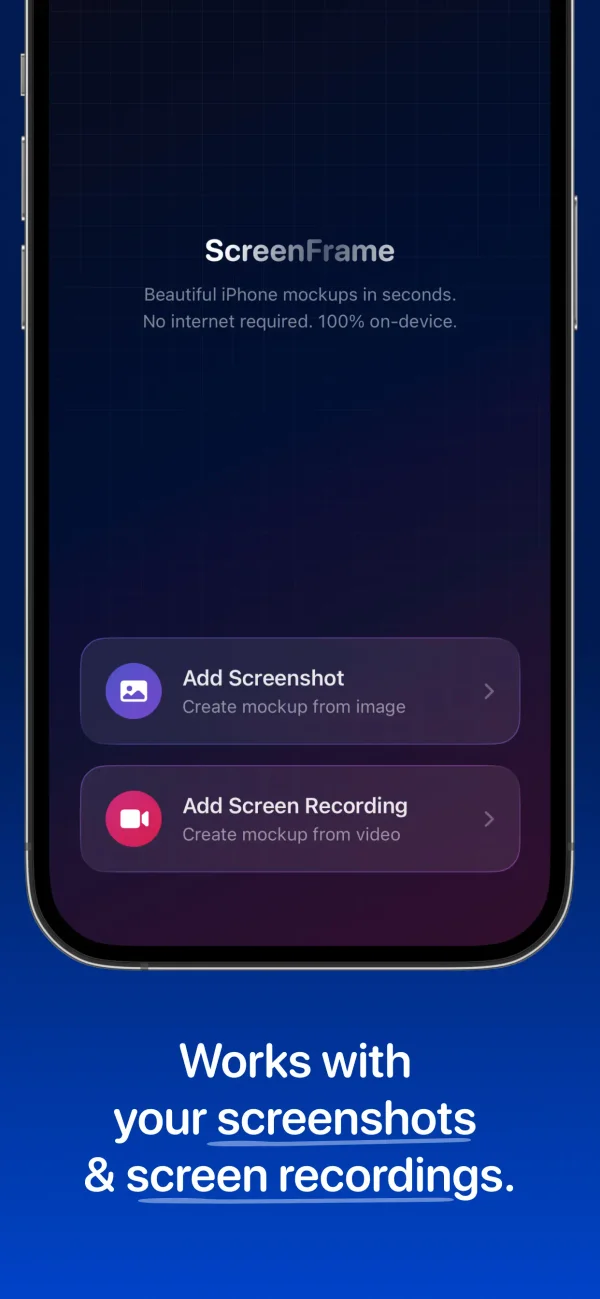
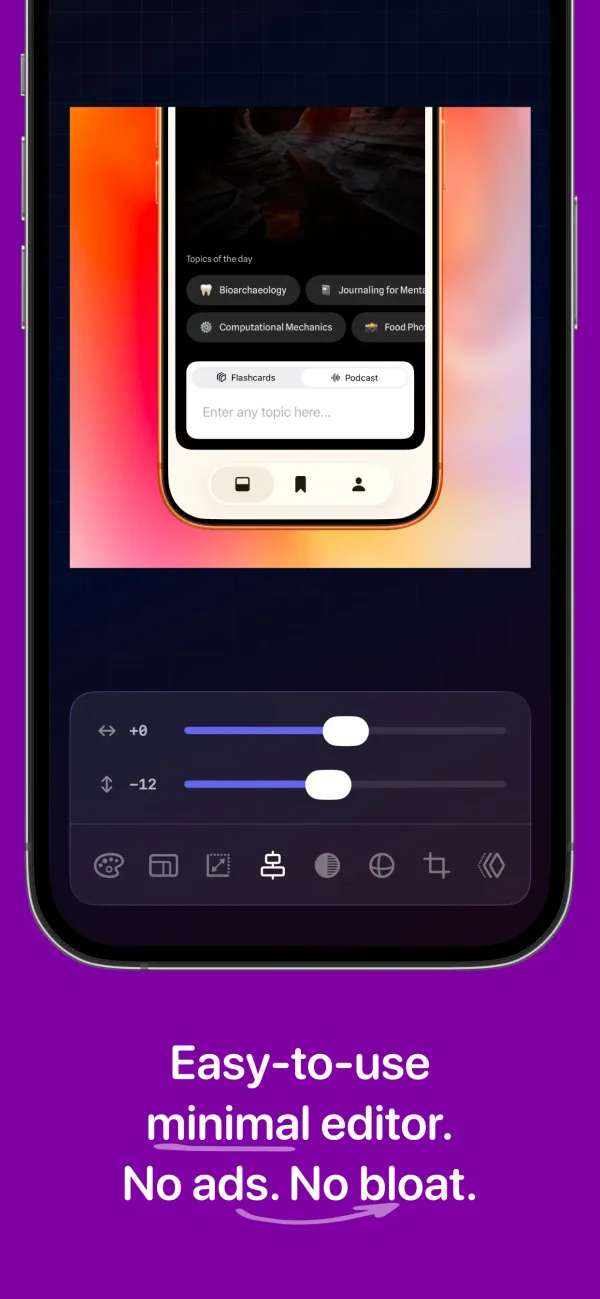
ScreenFrame turns iPhone screenshots and screen recordings into clean, professional mockups. Frame a screenshot or screen recording, angle the device in 3D, animate it into view, and export a high-quality image or video in seconds.
FRAME ANY SCREENSHOT
Import any iPhone screenshot and place it inside a realistic iPhone device frame. Adjust the screen with drag, pinch, Fit or Fill. Then set the background and a soft device shadow, pick your canvas size and export a polished mockup. No templates, no design skills needed.
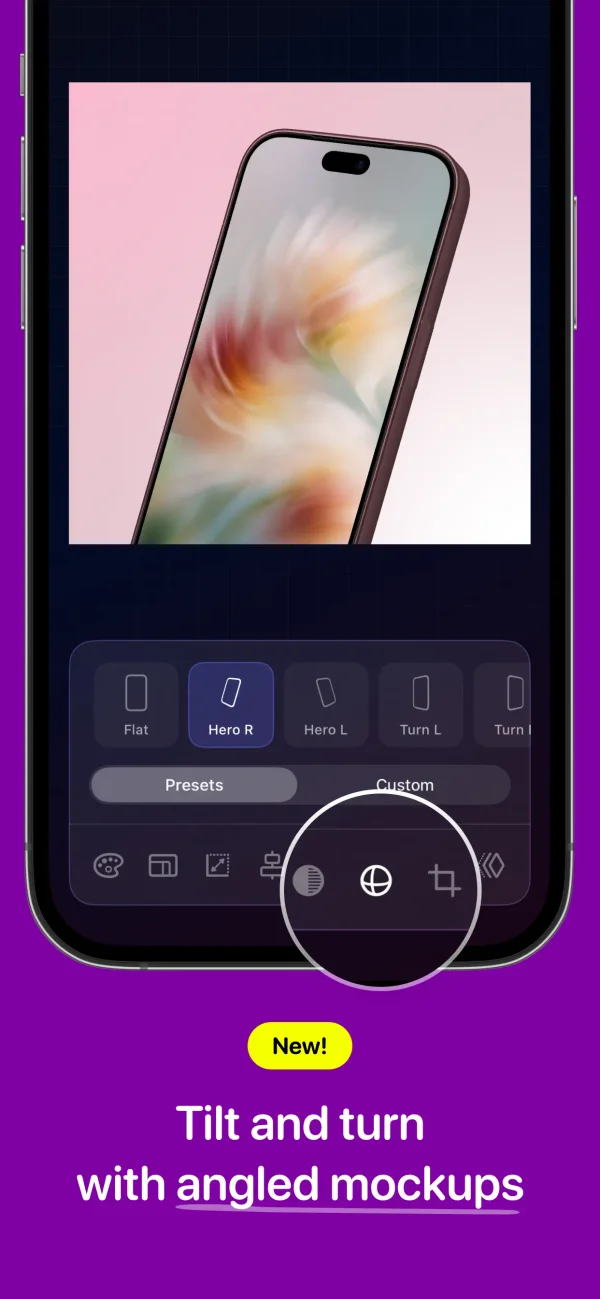
ANGLED MOCKUPS
Turn your device in 3D for a more dynamic shot. Pick a ready-made angle like Hero, Turn, Lean or Isometric, or set your own Turn, Tilt and Spin. The device keeps its real thickness and its shadow follows the angle. Angles work for screenshots, animations and screen recordings alike.
BRING SCREEN RECORDINGS TO LIFE
Turn iPhone screen recordings into clean mockup videos with device frames. They're great for app demos, walkthroughs, product previews and launch posts. Videos export smoothly at 60fps.
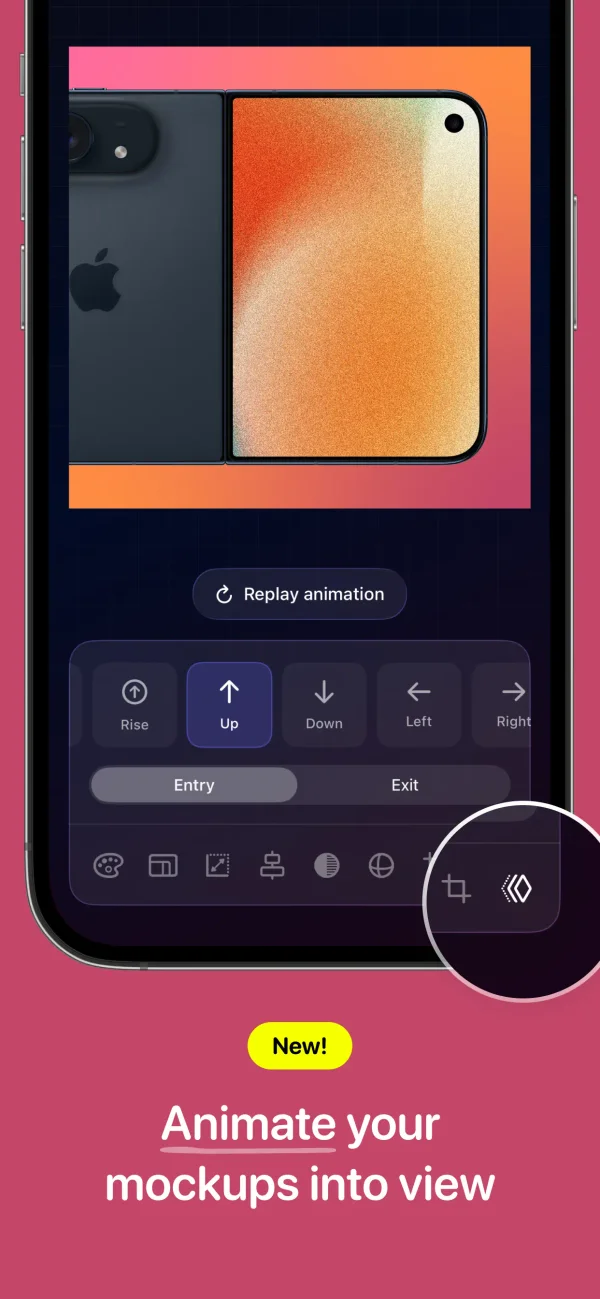
ENTRY AND EXIT ANIMATIONS
Animate your device into view, out of it, or both: Fade, Rise, Slide, Scale or Pop. Even a single screenshot can export as a short video clip, ready for a social feed.
REALISTIC DEVICE FRAMES
Choose from a range of modern iPhone frames, including iPhone 18 Pro in Burgundy, Glacier and Black, and the foldable iPhone Duo with all three of its displays. Your current device is always one tap away in the editor header.
MADE FOR SHARING
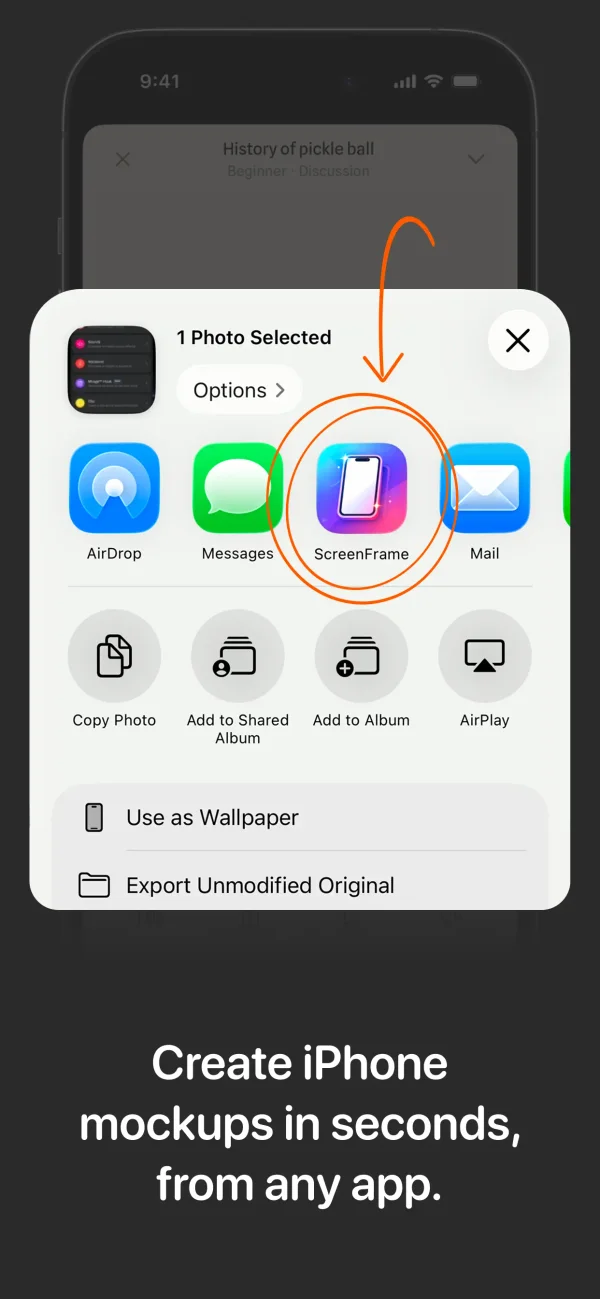
Pick the canvas shape for where your mockup is going: 9:16 for Stories and Reels, 1:1, 3:4 and 4:3 for feeds, and 16:9 for websites and presentations. Every shape exports at the same high quality. ScreenFrame works with Photos and the iOS share sheet, so you can frame a screenshot or recording from anywhere on your iPhone.
PRIVATE BY DESIGN
Everything happens on your device. There are no accounts, no cloud processing and no tracking. Your screenshots and recordings never leave your phone.
Simple on purpose: open a screenshot or screen recording, frame it, angle it, animate it if you like, export and share.
Terms of Use: https://www.apple.com/legal/internet-services/itunes/dev/stdeula/
Privacy Policy: https://screenframe.fun/privacy
What’s new
Version 1.3.0 · Oct 18, 2026
New
• Angled mockups: Turn your device in 3D for a more dynamic shot. Pick a ready-made angle (Hero, Turn, Lean or Isometric) or set your own Turn, Tilt and Spin. Works for images, animations and video exports.
Improved
• Move your device anywhere: Position now goes all the way until the device leaves the canvas, even when it's zoomed in.
App privacy
What Gaddafi Rusli declares on the App Store about how this app handles data.
-
Data not linked to you
May be collected but is not linked to your identity.
- Purchases
- Location
- Usage data
Privacy practices may vary, for example with the features you use or your age.
Information
- Seller
- Gaddafi Rusli
- Category
- Photo & Video
- Version
- 1.3.0
- Updated
- Oct 18, 2026
- Released
- Feb 18, 2026
- Size
- 25.0 MB
- Requires
- iOS 26.0 or later
- Age rating
- 4+
- Price
- Free
- In-app purchases
- Yes
- Languages
- English
- Copyright
- © 2026 Instance Design
You might also like
-
 Mockify App Photo Video MockupRealistic app & video mockups
-
 AR COPY & PASTE IN MOTION 2COPY and PASTE motions in AR
-
 Framy - Photo Collage MakerMake beautiful photo collages
-
 ShotEdit: Screenshot Frame ProScreenshot Editor & Tools
-
 Simple Mockup VideoEasy screen video beautifier
-
 Interval Camera: Auto CaptureSelf Timer & Hands-Free Photos
-
 EZPhotos: Photo OrganizerOrganize photos with ease
-
 Editioz: Video EditorOffline video maker
-
 Movyra: Offline AI Video MakerMotion Graphics & Animation
-
 Shutternote: EXIF Photo FrameFramed photos with EXIF data