Device mockup - ScreenFrame
Frame screenshots & recordings
iPhone için tasarlandı
Ücretsiz · Uygulama içi satın alma
- Yaş sınırı4+
- KategoriFotoğraf ve Video
- GeliştiriciGaddafi Rusli
- Dillerİngilizce
- Boyut25,0 MB
Resmi App Store sayfasına bağlanır
Download.org, Device mockup - ScreenFrame için hiçbir dosya barındırmaz. Düğme, uygulamanın App Store üzerindeki sayfasını açar; uygulamayı orada Gaddafi Rusli yayınlar. Sayfanın son kontrolü: 12.11.2026.
Ekran görüntüleri
Hakkında
Geliştirici bu metni dilinizde sunmamış.
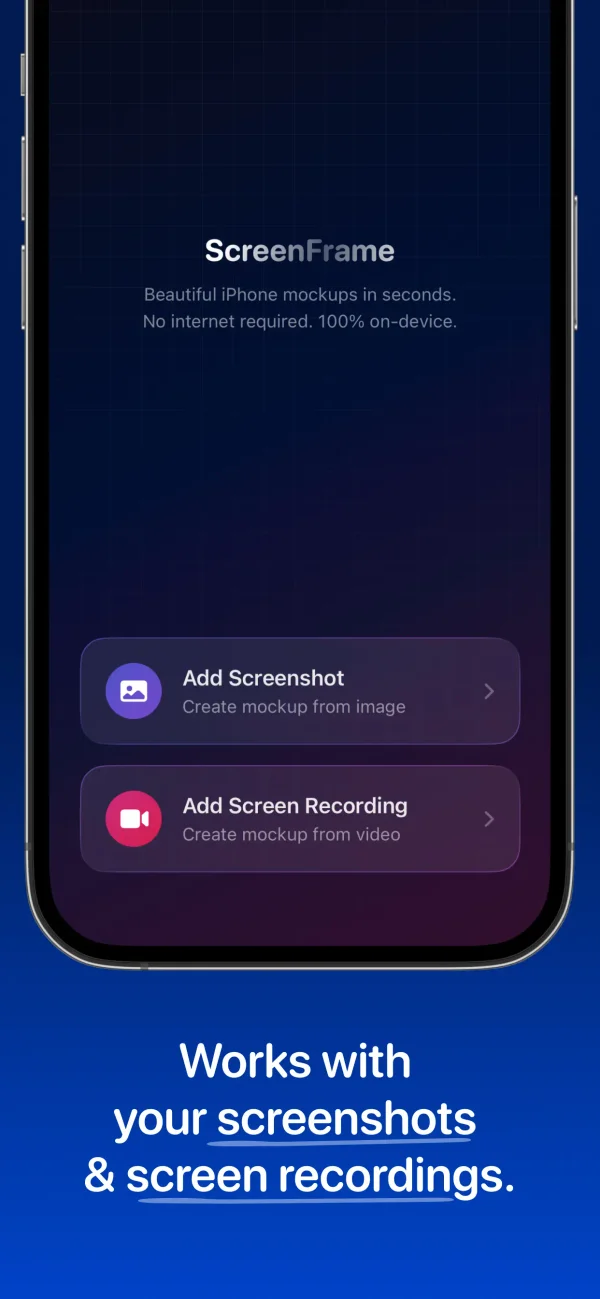
ScreenFrame turns iPhone screenshots and screen recordings into clean, professional mockups. Frame a screenshot or screen recording, angle the device in 3D, animate it into view, and export a high-quality image or video in seconds.
FRAME ANY SCREENSHOT
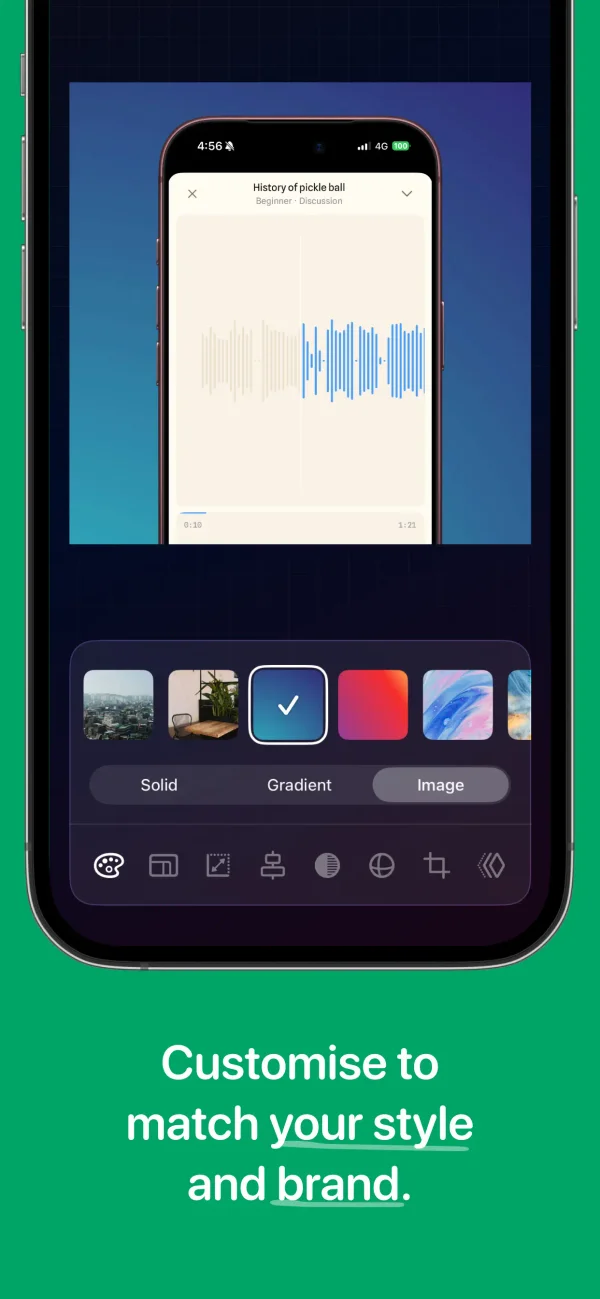
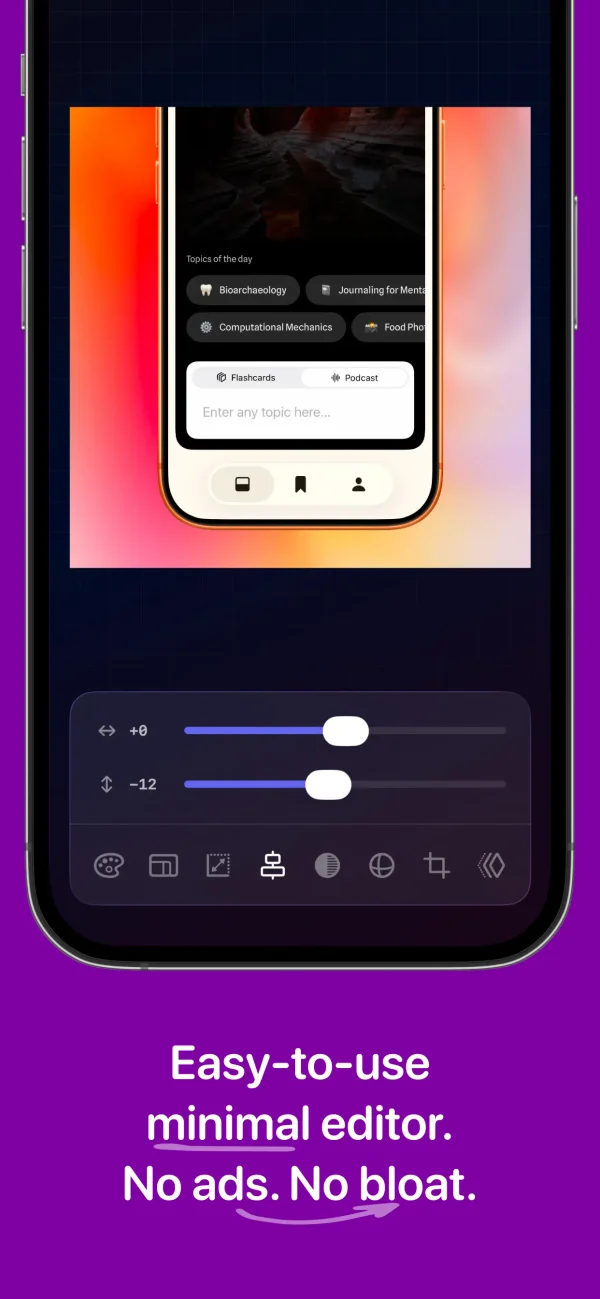
Import any iPhone screenshot and place it inside a realistic iPhone device frame. Adjust the screen with drag, pinch, Fit or Fill. Then set the background and a soft device shadow, pick your canvas size and export a polished mockup. No templates, no design skills needed.
ANGLED MOCKUPS
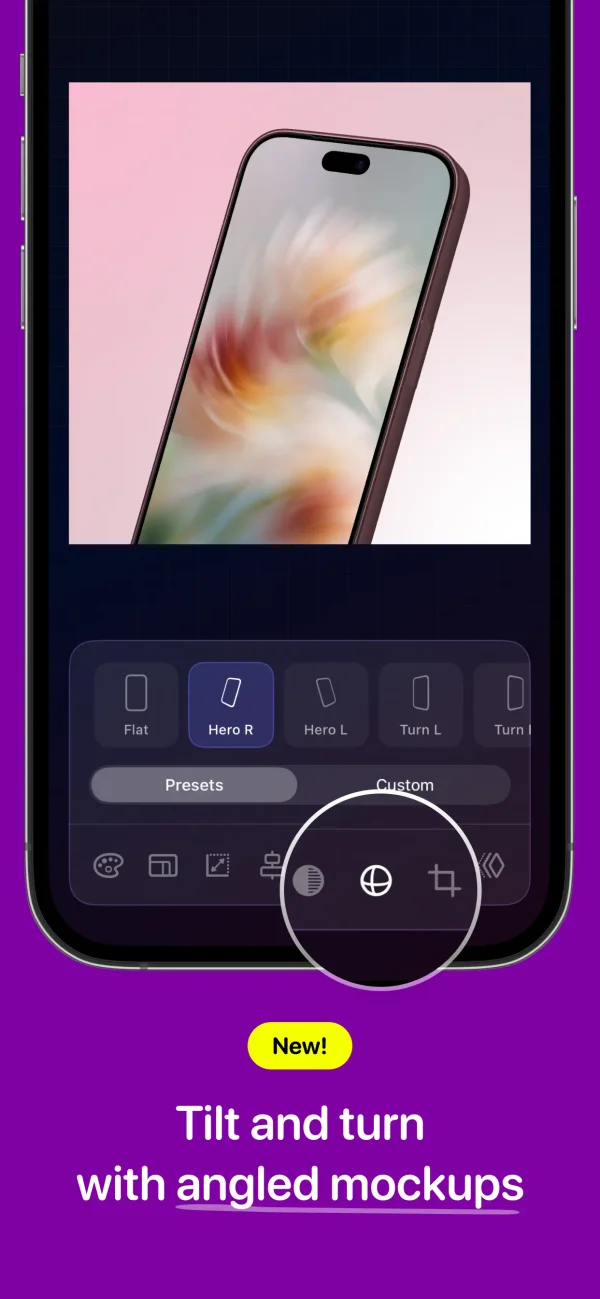
Turn your device in 3D for a more dynamic shot. Pick a ready-made angle like Hero, Turn, Lean or Isometric, or set your own Turn, Tilt and Spin. The device keeps its real thickness and its shadow follows the angle. Angles work for screenshots, animations and screen recordings alike.
BRING SCREEN RECORDINGS TO LIFE
Turn iPhone screen recordings into clean mockup videos with device frames. They're great for app demos, walkthroughs, product previews and launch posts. Videos export smoothly at 60fps.
ENTRY AND EXIT ANIMATIONS
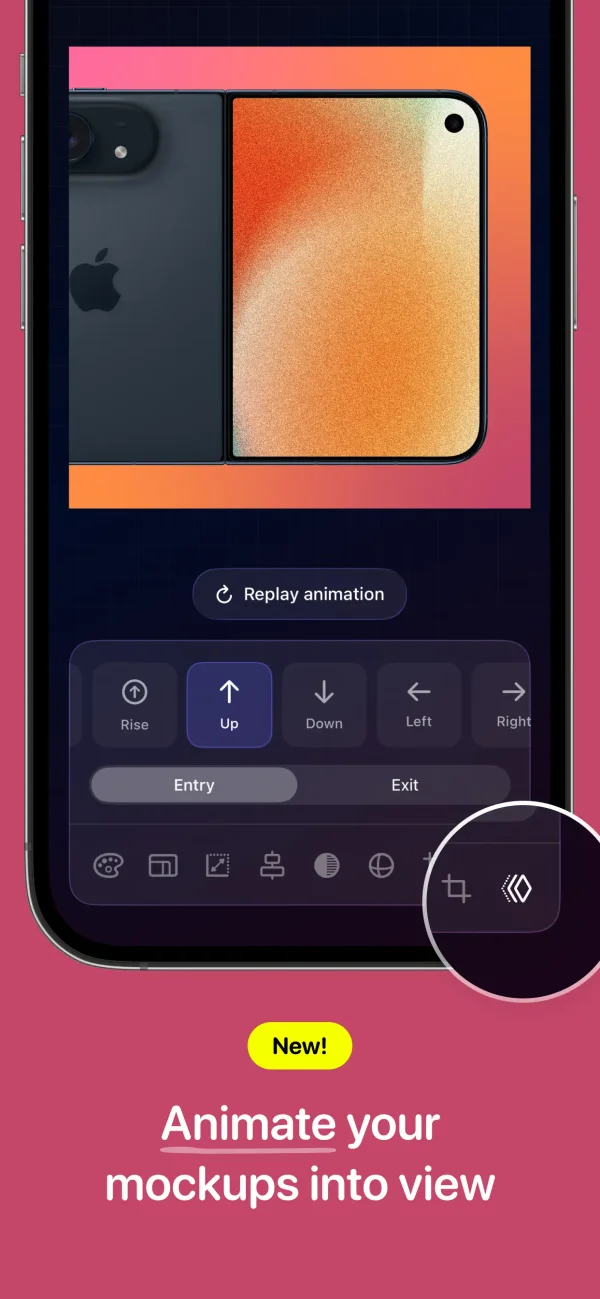
Animate your device into view, out of it, or both: Fade, Rise, Slide, Scale or Pop. Even a single screenshot can export as a short video clip, ready for a social feed.
REALISTIC DEVICE FRAMES
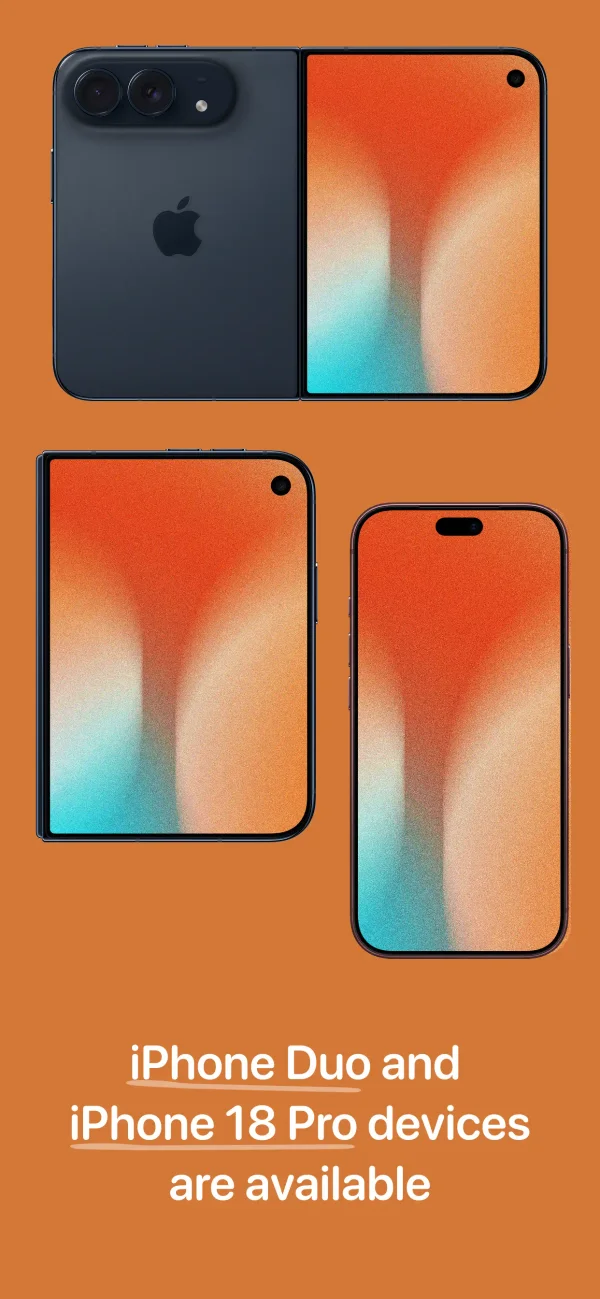
Choose from a range of modern iPhone frames, including iPhone 18 Pro in Burgundy, Glacier and Black, and the foldable iPhone Duo with all three of its displays. Your current device is always one tap away in the editor header.
MADE FOR SHARING
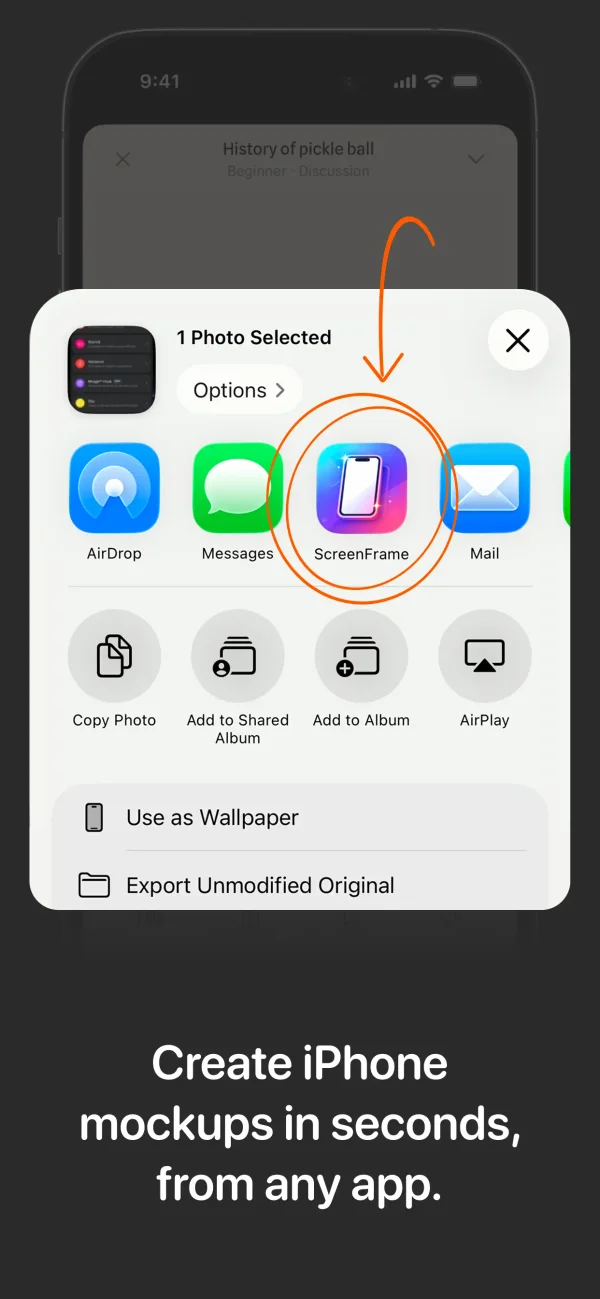
Pick the canvas shape for where your mockup is going: 9:16 for Stories and Reels, 1:1, 3:4 and 4:3 for feeds, and 16:9 for websites and presentations. Every shape exports at the same high quality. ScreenFrame works with Photos and the iOS share sheet, so you can frame a screenshot or recording from anywhere on your iPhone.
PRIVATE BY DESIGN
Everything happens on your device. There are no accounts, no cloud processing and no tracking. Your screenshots and recordings never leave your phone.
Simple on purpose: open a screenshot or screen recording, frame it, angle it, animate it if you like, export and share.
Terms of Use: https://www.apple.com/legal/internet-services/itunes/dev/stdeula/
Privacy Policy: https://screenframe.fun/privacy
Yenilikler
Sürüm 1.3.0 · 18.10.2026
New
• Angled mockups: Turn your device in 3D for a more dynamic shot. Pick a ready-made angle (Hero, Turn, Lean or Isometric) or set your own Turn, Tilt and Spin. Works for images, animations and video exports.
Improved
• Move your device anywhere: Position now goes all the way until the device leaves the canvas, even when it's zoomed in.
Uygulama gizliliği
Bu uygulamanın verileri nasıl işlediği hakkında Gaddafi Rusli tarafından App Store üzerinde yapılan beyan.
-
Sizinle ilişkilendirilmeyen veriler
Toplanabilir ancak kimliğinizle ilişkilendirilmez.
- Satın alımlar
- Konum
- Kullanım verileri
Gizlilik uygulamaları, örneğin kullandığınız özelliklere veya yaşınıza göre değişiklik gösterebilir.
Bilgiler
- Satıcı
- Gaddafi Rusli
- Kategori
- Fotoğraf ve Video
- Sürüm
- 1.3.0
- Güncellendi
- 18.10.2026
- Yayın tarihi
- 18.02.2026
- Boyut
- 25,0 MB
- Gereksinim
- iOS 26.0 veya sonrası
- Yaş sınırı
- 4+
- Fiyat
- Ücretsiz
- Uygulama içi satın alma
- Evet
- Diller
- İngilizce
- Telif hakkı
- © 2026 Instance Design
Bunları da beğenebilirsiniz
-
 Mockify App Photo Video MockupFotoğraf ve Video
-
 AR COPY & PASTE IN MOTION 2Fotoğraf ve Video
-
 Framy - Photo Collage MakerFotoğraf ve Video
-
 ShotEdit: Gradient ScreenshotEkran görüntüsü çerçeveleri
-
 Simple Mockup VideoFotoğraf ve Video
-
 Aralıklı Kamera: Oto Çekim1 sn–5 dk eller serbest selfie
-
 EZPhotos: Fotoğraf DüzenleyiciFotoğraflarını kolayca düzenle
-
 Editioz: Video Düzenleyiciİnternetsiz video oluştur
-
 Movyra: Offline AI Video MakerFotoğraf ve Video
-
 Shutternote: EXIF ÇerçeveEXIF bilgili çerçeveli foto