- Clasificación por edad4+
- CategoríaProductividad
- DesarrolladorMobiltex Data
- IdiomasInglés
- Tamaño53,1 MB
Enlaza a la página oficial de App Store
Download.org no aloja ningún archivo de LTE Swap. El botón abre la página de la aplicación en App Store, donde la publica Mobiltex Data. Ficha comprobada por última vez el 15/11/2026.
Capturas de pantalla


Acerca de
El desarrollador no ha proporcionado este texto en tu idioma.
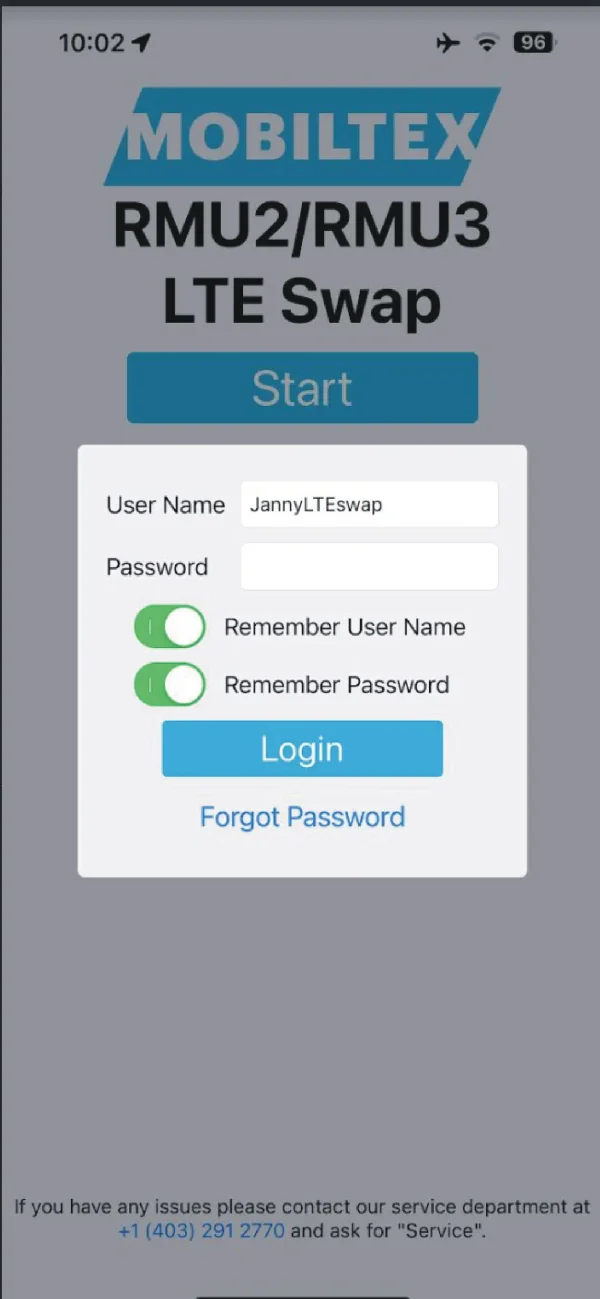
*** Requires a corTalk® RBT1 or RMU123PGM and RMU2 or RMU3 to use. ***
Contact us at 'sales.lteswap@mobiltex.com' to purchase.
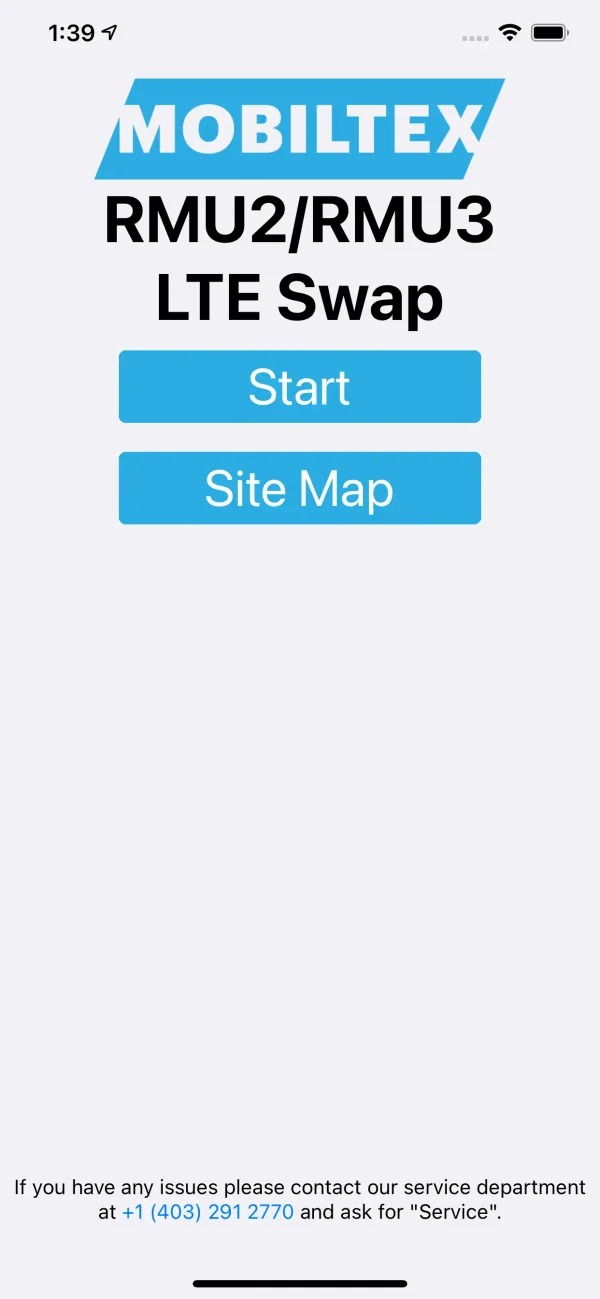
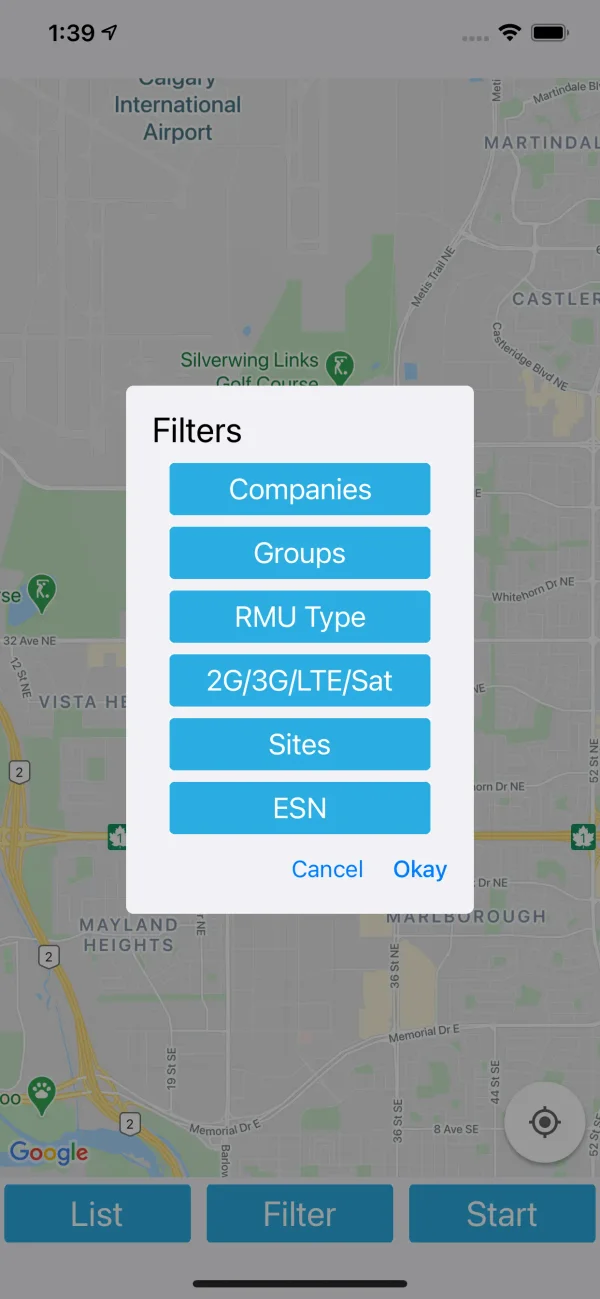
LTE Swap facilitates the upgrade process from 2G or 3G cellular technology Mobiltex RMU2 and RMU3 units to corresponding pre-purchased LTE units. It helps transfer all settings and configuration data which allows for a quick and simple swap process. If needed, it will also update the firmware of the unit it is connecting to before completing the swap process to ensure that the most up to date software is being used.
The RMU2 process consists of:
1. Plug in old RMU2 antenna and base to the programmer (RBT1 or RMU123PGM)
2. Run the app, login to your corView account and press "Start"
3. Select your programmer from the list of available devices
4. Wait for the app to read in all the settings and update the programmer and RMU2 (if required)
5. Unplug the old antenna plug in the new antenna
6. The app will then communicate with the corView servers to complete the swap process
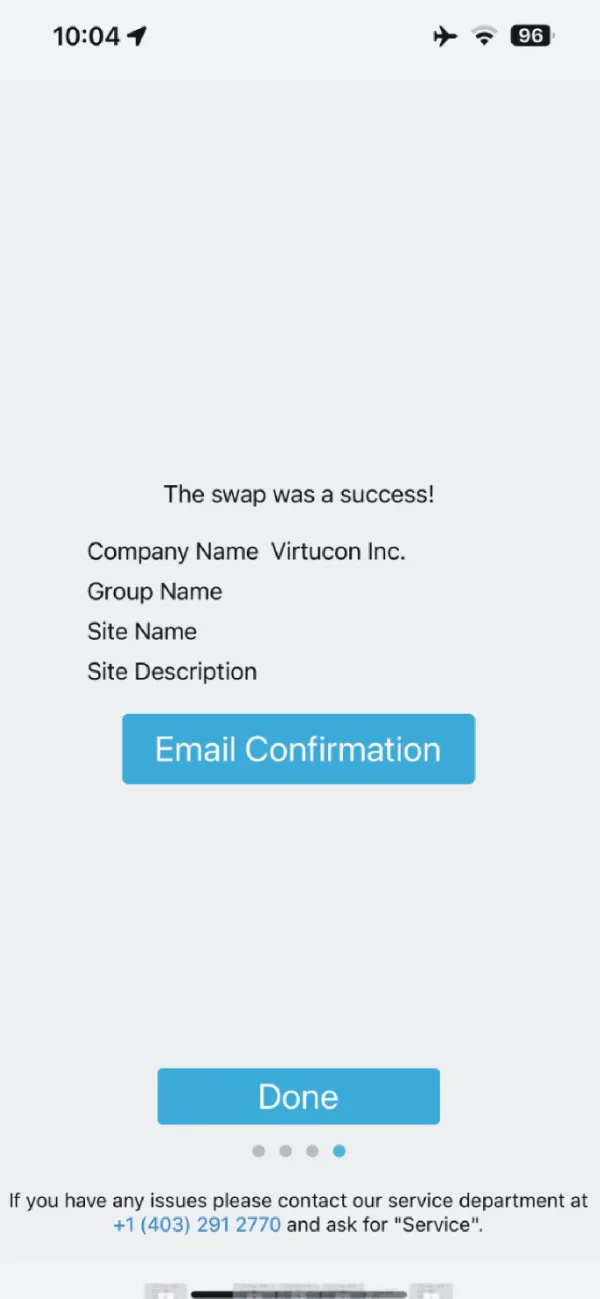
7. The user can then send a confirmation email of the swap process for their archives
The RMU3 process consists of:
1. Plug in old RMU3 antenna and base to the programmer (RBT1 or RMU123PGM)
2. Run the app, login to your corView account and press "Start"
3. Select your programmer from the list of available devices
4. Wait for the app to read in all the settings and update the programmer
5. Unplug the old antenna plug in the new antenna
6. Wait for the app to update the RMU3 and write in the settings of the old unit
7. The app will then communicate with the corView servers to complete the swap process
8. The user can then send a confirmation email of the swap process for their archives
The RBT1 and RMU123PGM requires a Bluetooth pairing code entered on the app. The pairing code (default=123456) can be entered and changed with the app. Once paired, the app can reconnect without needing to re-enter the code. The RBT1 pairing code can be reset by tapping the RBT1 5 times in 10 seconds with a user-supplied magnet.
Novedades
Versión 1.1.0 · 30/9/2024
New LTE swap host.
Firmware:
- RBT1 v1.09
- RMU123PGM v1.12
- RMU3 v1.28
- RMU2 v28
Privacidad de la aplicación
Lo que Mobiltex Data declara en App Store sobre cómo esta aplicación gestiona los datos.
-
No se recopilan datos
El desarrollador no recopila ningún dato de esta aplicación.
Las prácticas de privacidad pueden variar, por ejemplo, según las funciones que uses o tu edad.
Información
- Vendedor
- MOBILTEX DATA LTD
- Categoría
- Productividad
- Versión
- 1.1.0
- Actualizado
- 30/9/2024
- Publicado
- 27/11/2018
- Tamaño
- 53,1 MB
- Requiere
- iOS 12.0 o posterior
- Clasificación por edad
- 4+
- Precio
- Gratis
- Idiomas
- Inglés
- Copyright
- © 2021 Mobiltex Data Ltd
Quizá también te guste
-
 Contador de datos celularesmonitorear consumo wifi 5g …
-
 Hotspot Monitor -datos movilesMonitorear uso datos celulares
-
 Launcher con múltiples widgetsPantalla de inicio o bloqueo
-
 Network Toolbox Net securityProductividad
-
 AT&T Cell BoosterProductividad
-
 My RoshanProductividad
-
 ArcGIS Field MapsProductividad
-
 CPU-x Dasher z Battery life 跑分Entender mejor tu telefono
-
 Auto Clicker: Auto Tap AppClick Tap, Scanbot, Assistant
-
 HaloVPN Pro: Fast VPN ProxyPrivado. Rápido. Con Un Toque