- Batasan usia4+
- KategoriProduktivitas
- PengembangMobiltex Data
- BahasaInggris
- Ukuran53,1 MB
Tertaut ke halaman resmi App Store
Download.org tidak menyimpan file LTE Swap apa pun. Tombol ini membuka halaman aplikasi di App Store, tempat Mobiltex Data menerbitkannya. Halaman terakhir diperiksa pada 15/11/2026.
Tangkapan layar


Tentang
Pengembang belum menyediakan teks ini dalam bahasa Anda.
*** Requires a corTalk® RBT1 or RMU123PGM and RMU2 or RMU3 to use. ***
Contact us at 'sales.lteswap@mobiltex.com' to purchase.
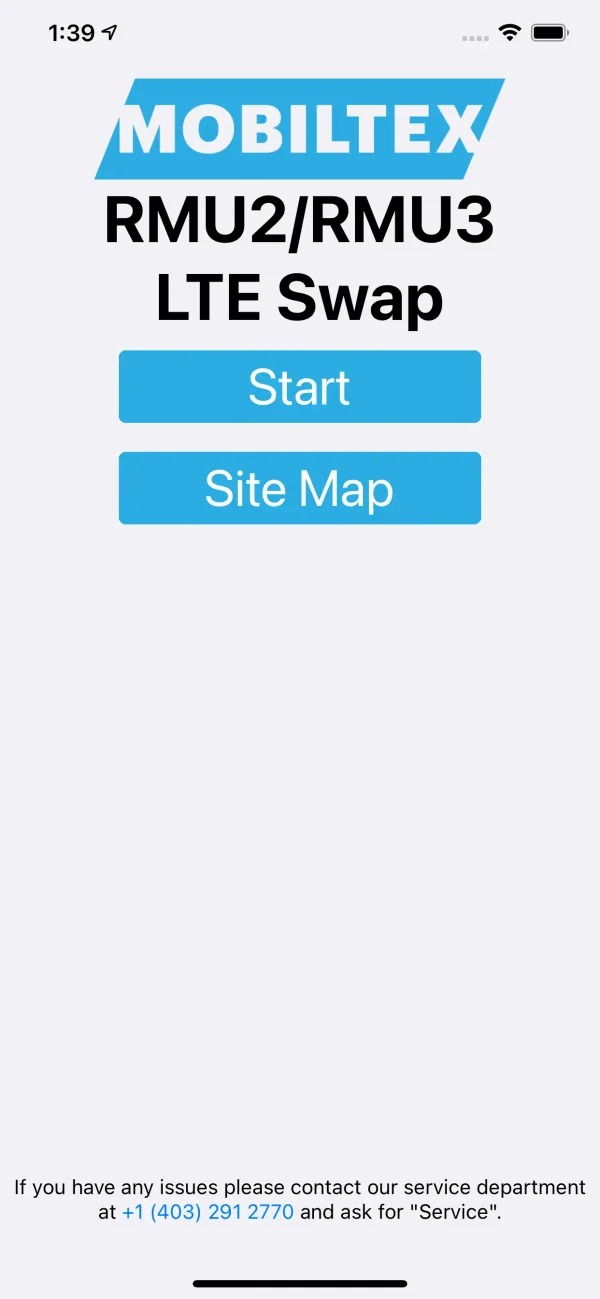
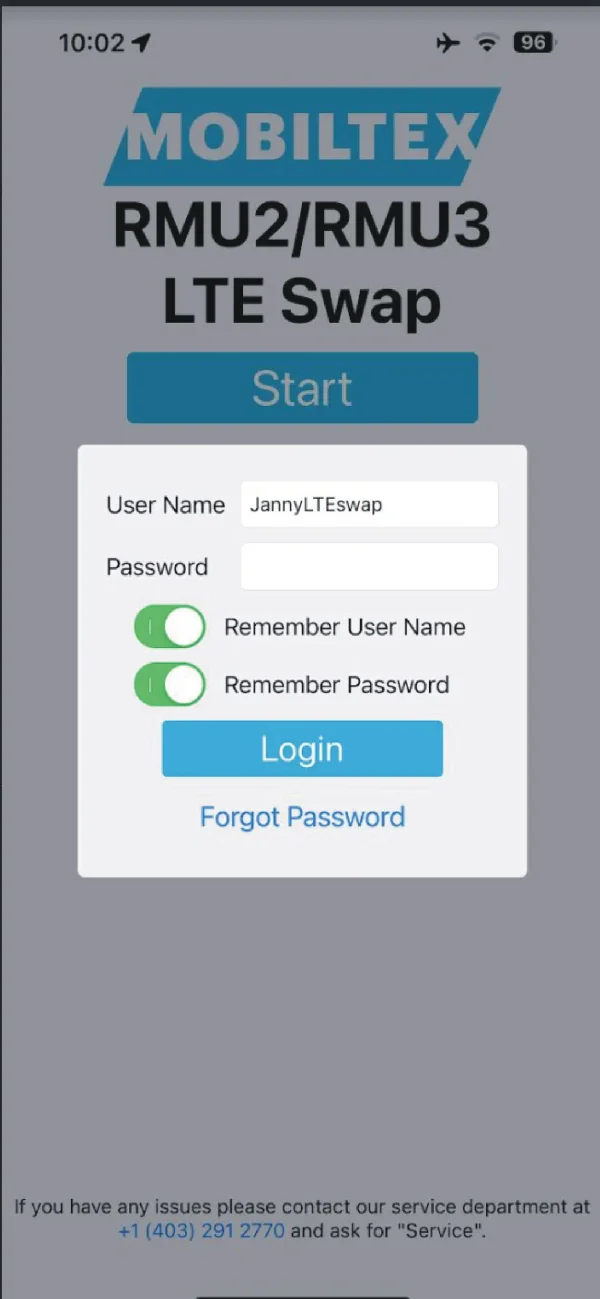
LTE Swap facilitates the upgrade process from 2G or 3G cellular technology Mobiltex RMU2 and RMU3 units to corresponding pre-purchased LTE units. It helps transfer all settings and configuration data which allows for a quick and simple swap process. If needed, it will also update the firmware of the unit it is connecting to before completing the swap process to ensure that the most up to date software is being used.
The RMU2 process consists of:
1. Plug in old RMU2 antenna and base to the programmer (RBT1 or RMU123PGM)
2. Run the app, login to your corView account and press "Start"
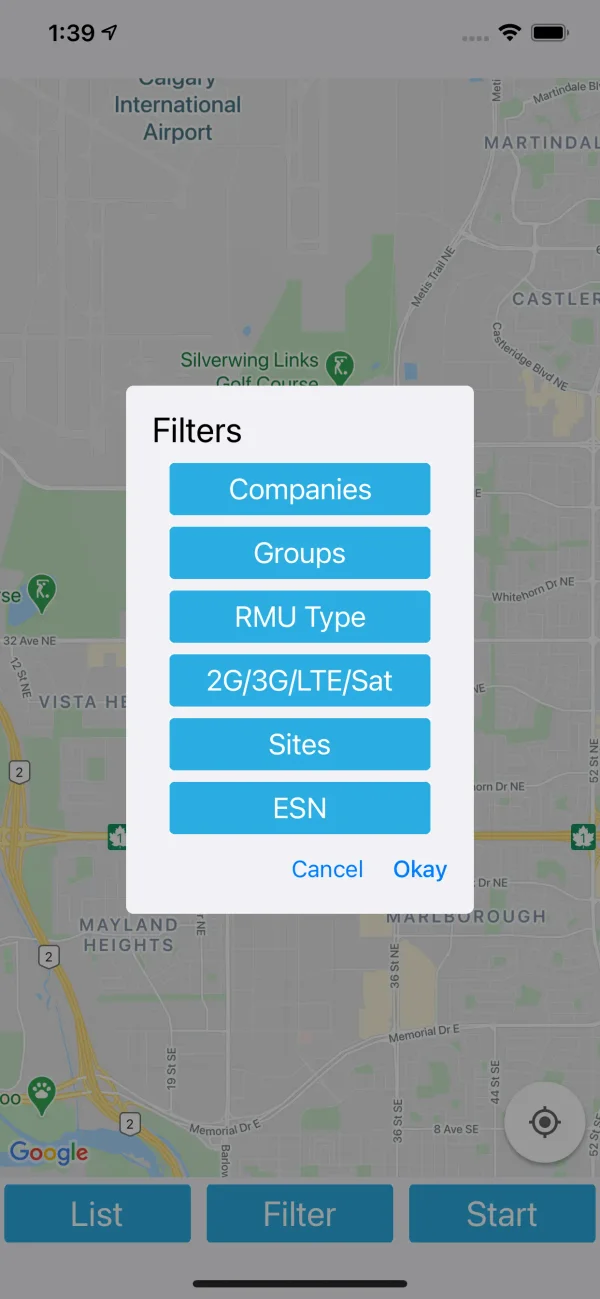
3. Select your programmer from the list of available devices
4. Wait for the app to read in all the settings and update the programmer and RMU2 (if required)
5. Unplug the old antenna plug in the new antenna
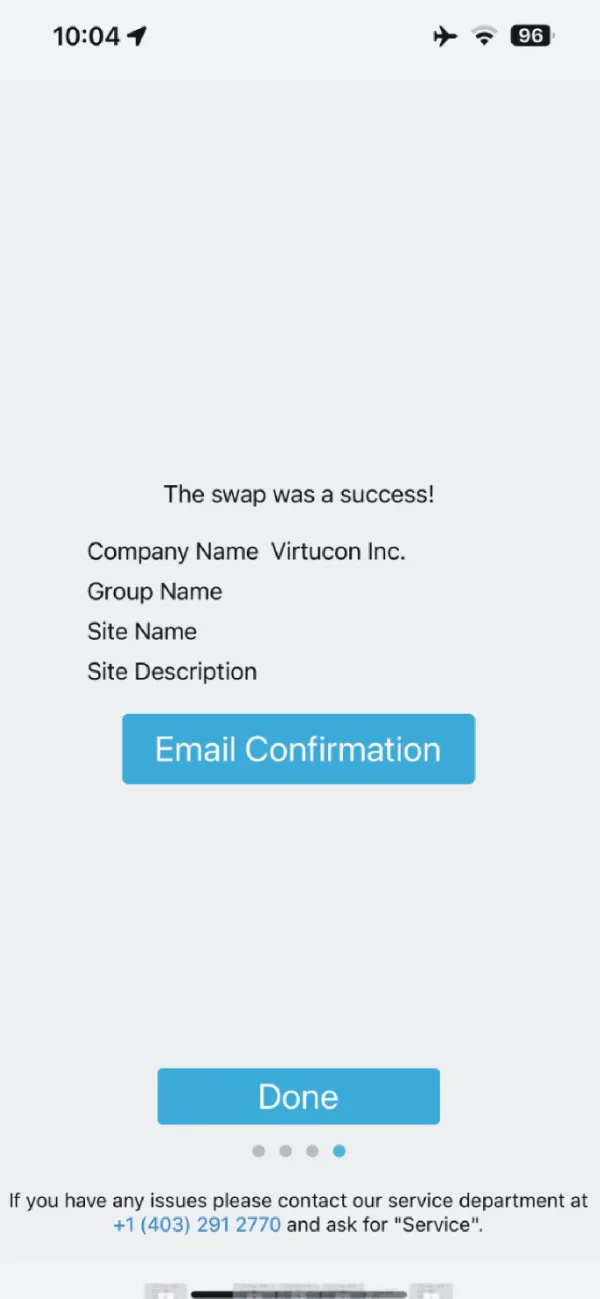
6. The app will then communicate with the corView servers to complete the swap process
7. The user can then send a confirmation email of the swap process for their archives
The RMU3 process consists of:
1. Plug in old RMU3 antenna and base to the programmer (RBT1 or RMU123PGM)
2. Run the app, login to your corView account and press "Start"
3. Select your programmer from the list of available devices
4. Wait for the app to read in all the settings and update the programmer
5. Unplug the old antenna plug in the new antenna
6. Wait for the app to update the RMU3 and write in the settings of the old unit
7. The app will then communicate with the corView servers to complete the swap process
8. The user can then send a confirmation email of the swap process for their archives
The RBT1 and RMU123PGM requires a Bluetooth pairing code entered on the app. The pairing code (default=123456) can be entered and changed with the app. Once paired, the app can reconnect without needing to re-enter the code. The RBT1 pairing code can be reset by tapping the RBT1 5 times in 10 seconds with a user-supplied magnet.
Yang baru
Versi 1.1.0 · 30/9/2024
New LTE swap host.
Firmware:
- RBT1 v1.09
- RMU123PGM v1.12
- RMU3 v1.28
- RMU2 v28
Privasi aplikasi
Yang dinyatakan Mobiltex Data di App Store tentang cara aplikasi ini menangani data.
-
Data tidak dikumpulkan
Pengembang tidak mengumpulkan data apa pun dari aplikasi ini.
Praktik privasi dapat bervariasi, misalnya berdasarkan fitur yang Anda gunakan atau usia Anda.
Informasi
- Penjual
- MOBILTEX DATA LTD
- Kategori
- Produktivitas
- Versi
- 1.1.0
- Diperbarui
- 30/9/2024
- Dirilis
- 27/11/2018
- Ukuran
- 53,1 MB
- Memerlukan
- iOS 12.0 atau yang lebih baru
- Batasan usia
- 4+
- Harga
- Gratis
- Bahasa
- Inggris
- Hak cipta
- © 2021 Mobiltex Data Ltd
Mungkin Anda juga suka
-
 Penghitung seluler datamemantau penggunaan data
-
 Hotspot Monitor - Data selulerpenggunaan hotspot pribadi
-
 Launcher with Multiple WidgetsProduktivitas
-
 Network Toolbox Net securityProduktivitas
-
 AT&T Cell BoosterProduktivitas
-
 My RoshanProduktivitas
-
 ArcGIS Field MapsProduktivitas
-
 CPU-x Dasherx z Battery life跑分Lebih memahami telepon Anda
-
 Auto Clicker: Click AssistantAuto Click & Fast Save
-
 HaloVPN Pro: Fast VPN ProxyPribadi. Cepat. Satu Ketukan