- Age rating4+
- CategoryProductivity
- DeveloperMobiltex Data
- LanguagesEnglish
- Size53.1 MB
Links to the official App Store page
Download.org hosts no file of LTE Swap. The button opens its official App Store page, published by Mobiltex Data. Listing last checked on Nov 15, 2026.
Screenshots


About
*** Requires a corTalk® RBT1 or RMU123PGM and RMU2 or RMU3 to use. ***
Contact us at 'sales.lteswap@mobiltex.com' to purchase.
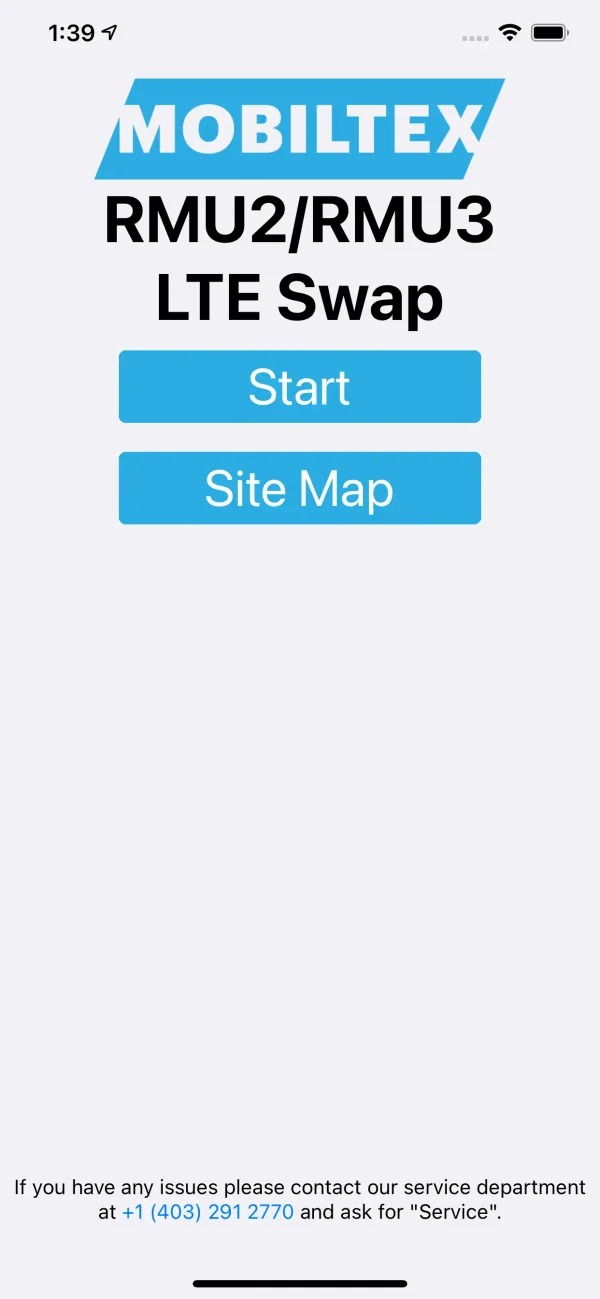
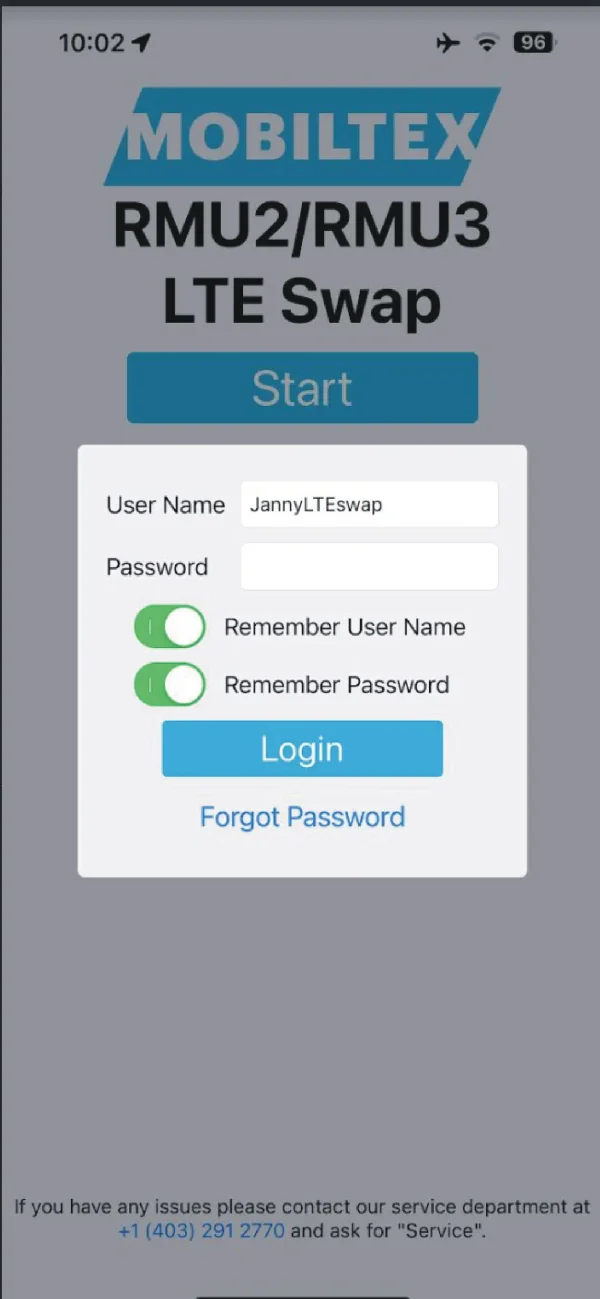
LTE Swap facilitates the upgrade process from 2G or 3G cellular technology Mobiltex RMU2 and RMU3 units to corresponding pre-purchased LTE units. It helps transfer all settings and configuration data which allows for a quick and simple swap process. If needed, it will also update the firmware of the unit it is connecting to before completing the swap process to ensure that the most up to date software is being used.
The RMU2 process consists of:
1. Plug in old RMU2 antenna and base to the programmer (RBT1 or RMU123PGM)
2. Run the app, login to your corView account and press "Start"
3. Select your programmer from the list of available devices
4. Wait for the app to read in all the settings and update the programmer and RMU2 (if required)
5. Unplug the old antenna plug in the new antenna
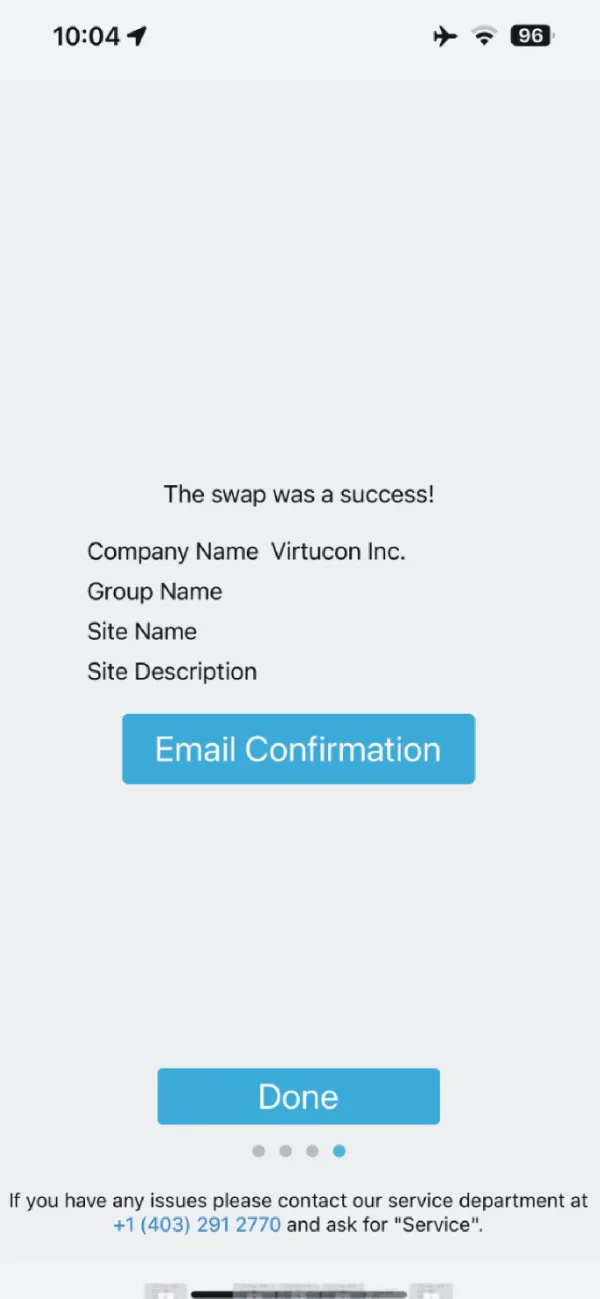
6. The app will then communicate with the corView servers to complete the swap process
7. The user can then send a confirmation email of the swap process for their archives
The RMU3 process consists of:
1. Plug in old RMU3 antenna and base to the programmer (RBT1 or RMU123PGM)
2. Run the app, login to your corView account and press "Start"
3. Select your programmer from the list of available devices
4. Wait for the app to read in all the settings and update the programmer
5. Unplug the old antenna plug in the new antenna
6. Wait for the app to update the RMU3 and write in the settings of the old unit
7. The app will then communicate with the corView servers to complete the swap process
8. The user can then send a confirmation email of the swap process for their archives
The RBT1 and RMU123PGM requires a Bluetooth pairing code entered on the app. The pairing code (default=123456) can be entered and changed with the app. Once paired, the app can reconnect without needing to re-enter the code. The RBT1 pairing code can be reset by tapping the RBT1 5 times in 10 seconds with a user-supplied magnet.
What’s new
Version 1.1.0 · Sep 30, 2024
New LTE swap host.
Firmware:
- RBT1 v1.09
- RMU123PGM v1.12
- RMU3 v1.28
- RMU2 v28
App privacy
What Mobiltex Data declares on the App Store about how this app handles data.
-
Data not collected
The developer does not collect any data from this app.
Privacy practices may vary, for example with the features you use or your age.
Information
- Seller
- MOBILTEX DATA LTD
- Category
- Productivity
- Version
- 1.1.0
- Updated
- Sep 30, 2024
- Released
- Nov 27, 2018
- Size
- 53.1 MB
- Requires
- iOS 12.0 or later
- Age rating
- 4+
- Price
- Free
- Languages
- English
- Copyright
- © 2021 Mobiltex Data Ltd
You might also like
-
 Data Cellular Countermonitor data usage
-
 Hotspot Monitor Data UsageCellular traffic - personal
-
 Launcher with Multiple WidgetsCustomize Lock and Home Screen
-
 Network Toolbox Net securityWiFi Cell LAN scanning tools
-
 AT&T Cell BoosterProductivity
-
 My RoshanRoshan
-
 ArcGIS Field MapsProductivity
-
 CPU-x Dasher z Battery lifeReal cpu frequency & speedtest
-
 Auto Clicker:Automatic TapperAuto Click & Liker App, Assist
-
 HaloVPN Pro: Fast VPN ProxyPrivate. Fast. One-Tap Secure