- Yaş sınırı4+
- KategoriÜretkenlik
- GeliştiriciMobiltex Data
- Dillerİngilizce
- Boyut53,1 MB
Resmi App Store sayfasına bağlanır
Download.org, LTE Swap için hiçbir dosya barındırmaz. Düğme, uygulamanın App Store üzerindeki sayfasını açar; uygulamayı orada Mobiltex Data yayınlar. Sayfanın son kontrolü: 15.11.2026.
Ekran görüntüleri


Hakkında
Geliştirici bu metni dilinizde sunmamış.
*** Requires a corTalk® RBT1 or RMU123PGM and RMU2 or RMU3 to use. ***
Contact us at 'sales.lteswap@mobiltex.com' to purchase.
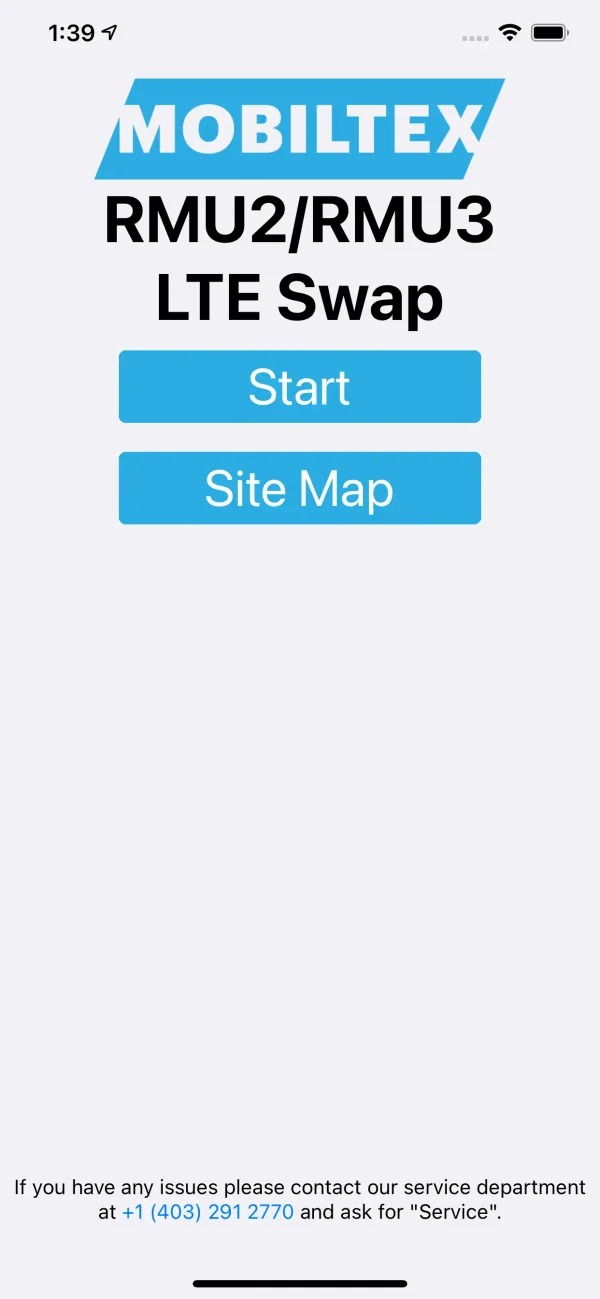
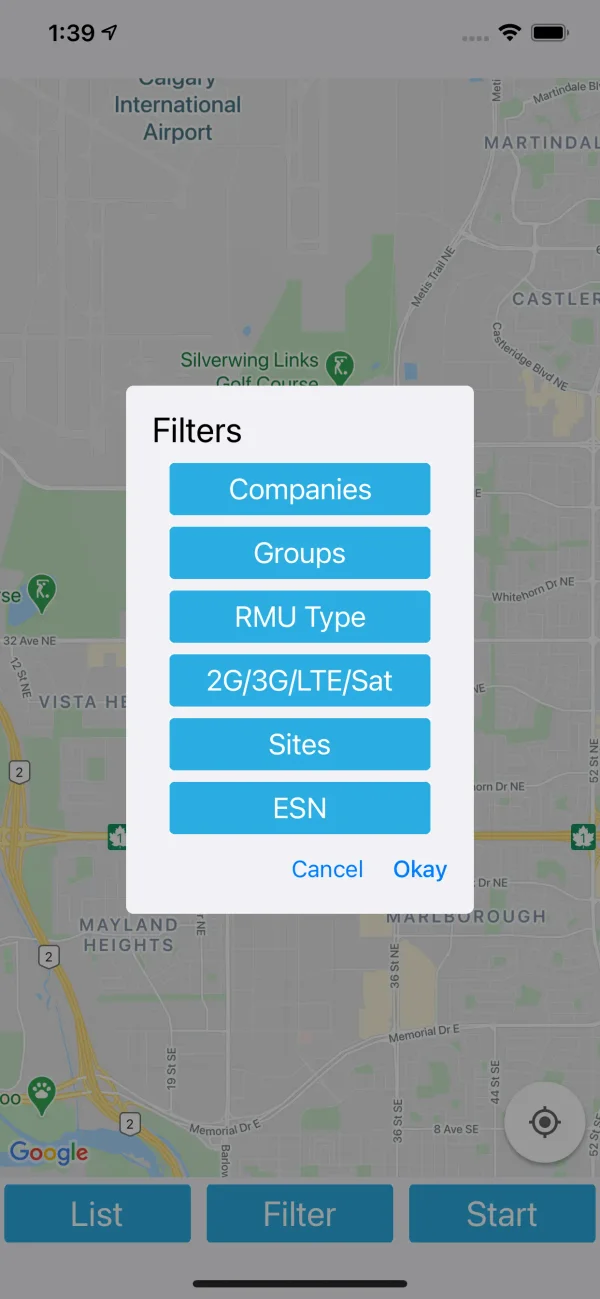
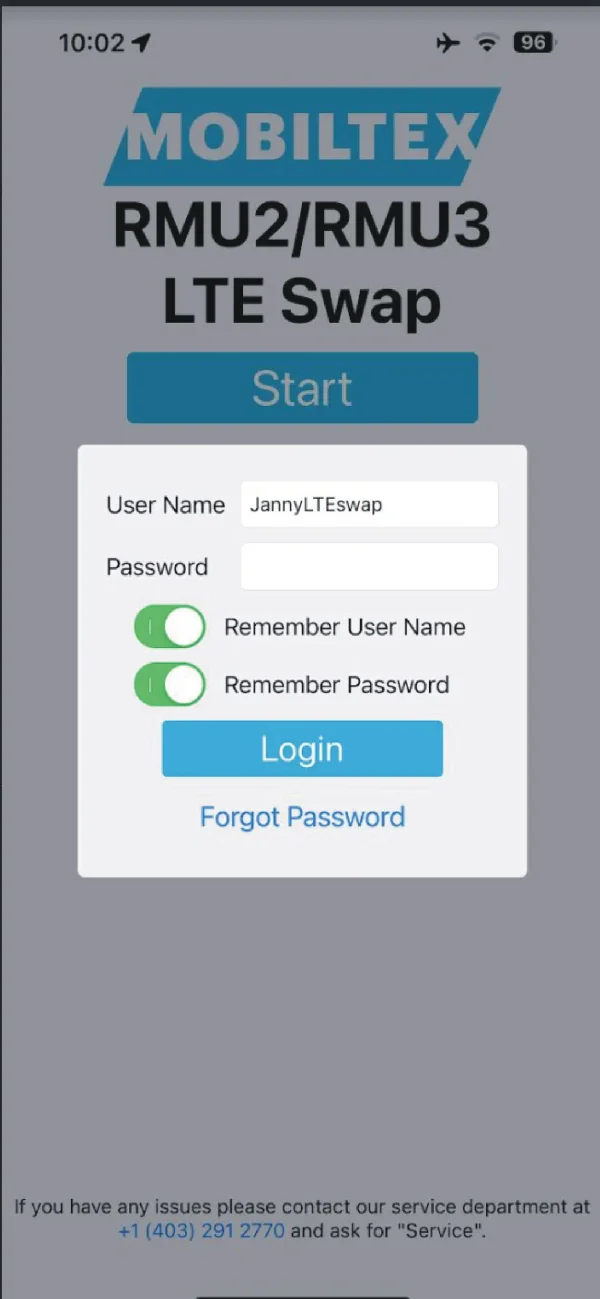
LTE Swap facilitates the upgrade process from 2G or 3G cellular technology Mobiltex RMU2 and RMU3 units to corresponding pre-purchased LTE units. It helps transfer all settings and configuration data which allows for a quick and simple swap process. If needed, it will also update the firmware of the unit it is connecting to before completing the swap process to ensure that the most up to date software is being used.
The RMU2 process consists of:
1. Plug in old RMU2 antenna and base to the programmer (RBT1 or RMU123PGM)
2. Run the app, login to your corView account and press "Start"
3. Select your programmer from the list of available devices
4. Wait for the app to read in all the settings and update the programmer and RMU2 (if required)
5. Unplug the old antenna plug in the new antenna
6. The app will then communicate with the corView servers to complete the swap process
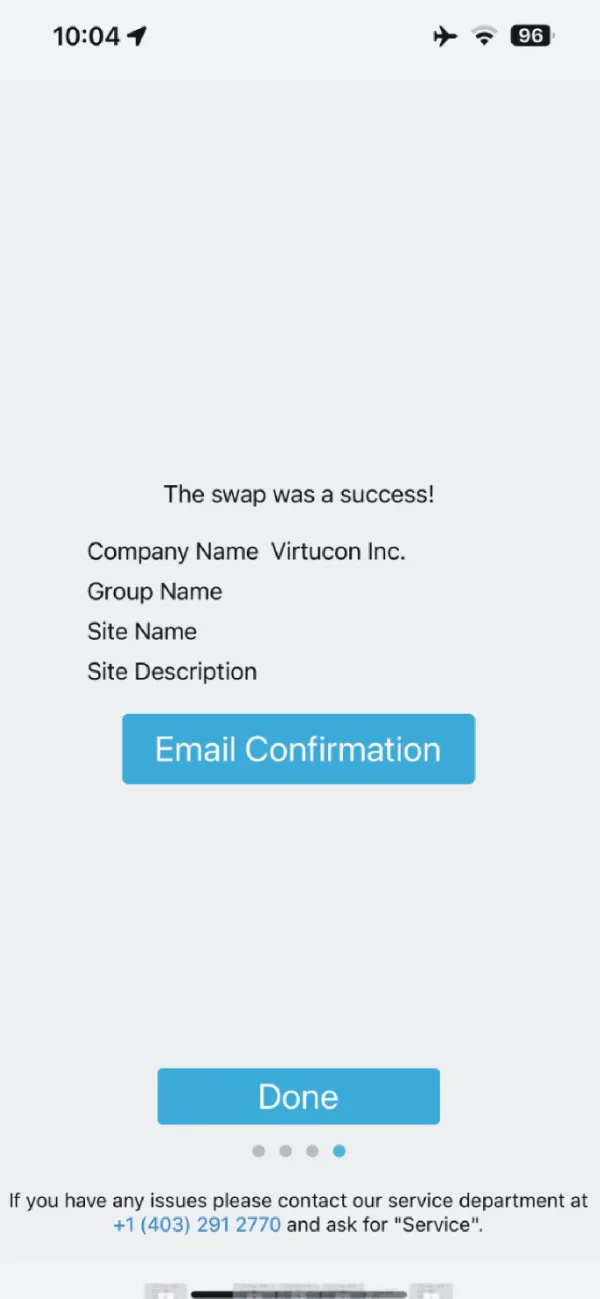
7. The user can then send a confirmation email of the swap process for their archives
The RMU3 process consists of:
1. Plug in old RMU3 antenna and base to the programmer (RBT1 or RMU123PGM)
2. Run the app, login to your corView account and press "Start"
3. Select your programmer from the list of available devices
4. Wait for the app to read in all the settings and update the programmer
5. Unplug the old antenna plug in the new antenna
6. Wait for the app to update the RMU3 and write in the settings of the old unit
7. The app will then communicate with the corView servers to complete the swap process
8. The user can then send a confirmation email of the swap process for their archives
The RBT1 and RMU123PGM requires a Bluetooth pairing code entered on the app. The pairing code (default=123456) can be entered and changed with the app. Once paired, the app can reconnect without needing to re-enter the code. The RBT1 pairing code can be reset by tapping the RBT1 5 times in 10 seconds with a user-supplied magnet.
Yenilikler
Sürüm 1.1.0 · 30.09.2024
New LTE swap host.
Firmware:
- RBT1 v1.09
- RMU123PGM v1.12
- RMU3 v1.28
- RMU2 v28
Uygulama gizliliği
Bu uygulamanın verileri nasıl işlediği hakkında Mobiltex Data tarafından App Store üzerinde yapılan beyan.
-
Veri toplanmıyor
Geliştirici bu uygulamadan hiçbir veri toplamıyor.
Gizlilik uygulamaları, örneğin kullandığınız özelliklere veya yaşınıza göre değişiklik gösterebilir.
Bilgiler
- Satıcı
- MOBILTEX DATA LTD
- Kategori
- Üretkenlik
- Sürüm
- 1.1.0
- Güncellendi
- 30.09.2024
- Yayın tarihi
- 27.11.2018
- Boyut
- 53,1 MB
- Gereksinim
- iOS 12.0 veya sonrası
- Yaş sınırı
- 4+
- Fiyat
- Ücretsiz
- Diller
- İngilizce
- Telif hakkı
- © 2021 Mobiltex Data Ltd
Bunları da beğenebilirsiniz
-
 Veri hücresel sayacıveri kullanımını izle
-
 Hotspot Monitor -Hücresel veriVeri kullanımını izleyin 5g ..
-
 Launcher with Multiple WidgetsÜretkenlik
-
 Network Toolbox Net securityÜretkenlik
-
 AT&T Cell BoosterÜretkenlik
-
 My RoshanÜretkenlik
-
 ArcGIS Field MapsÜretkenlik
-
 CPU-x Dasherx z Battery lifespeedtest pusula pil
-
 Auto Clicker: Tap AssistantClicker Counter & Fast Save
-
 HaloVPN Pro: Fast VPN ProxyÖzel. Hızlı. Tek Dokunuş