- 対象年齢4+
- カテゴリ仕事効率化
- 開発元Mobiltex Data
- 言語英語
- サイズ53.1 MB
App Storeの公式ページにリンクしています
Download.orgはLTE Swapのファイルを一切ホストしていません。ボタンを押すと、Mobiltex Dataが公開しているApp Storeのアプリページが開きます。ページの最終確認:2026/11/15。
スクリーンショット

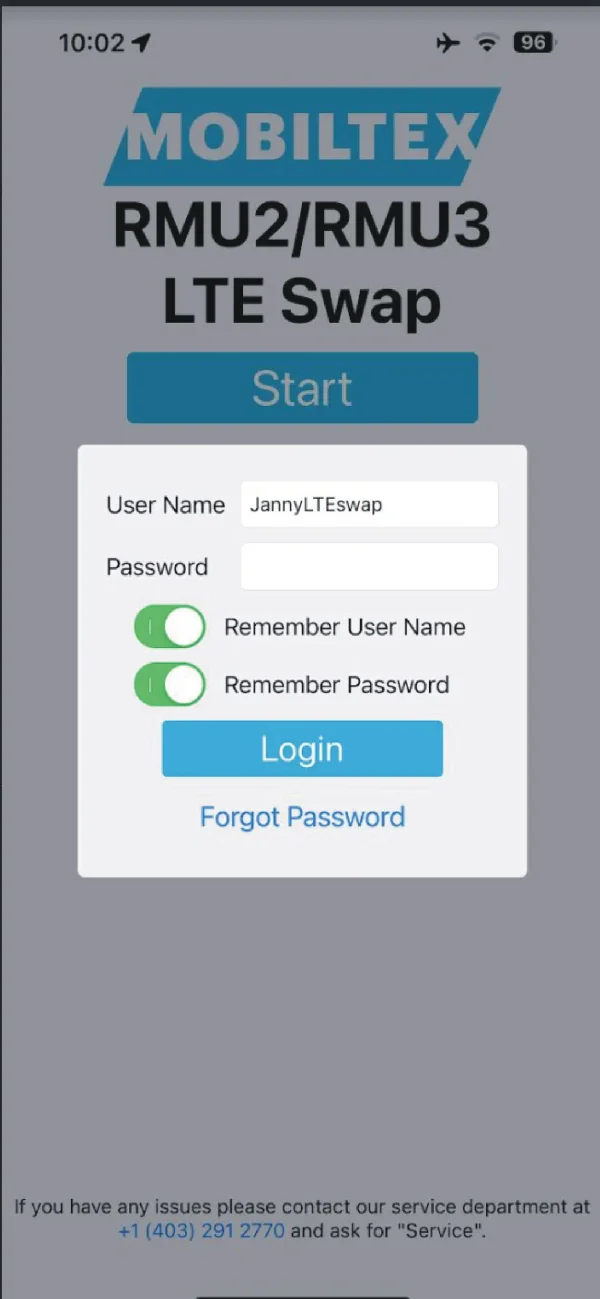

概要
開発元はこのテキストをお使いの言語で提供していません。
*** Requires a corTalk® RBT1 or RMU123PGM and RMU2 or RMU3 to use. ***
Contact us at 'sales.lteswap@mobiltex.com' to purchase.
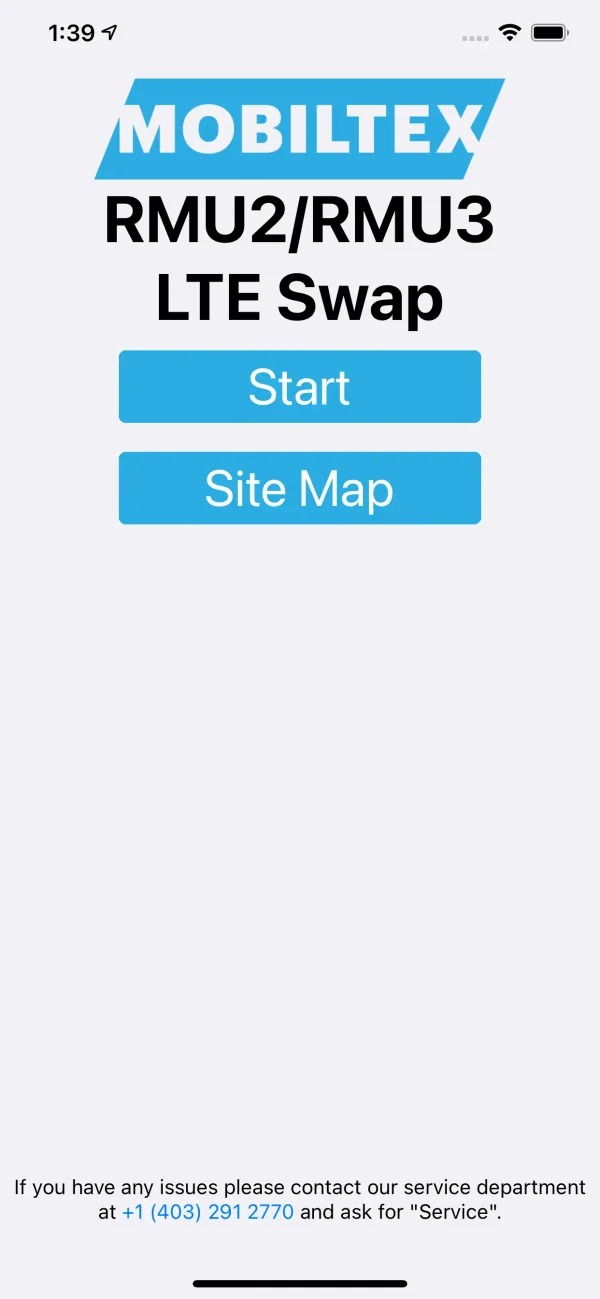
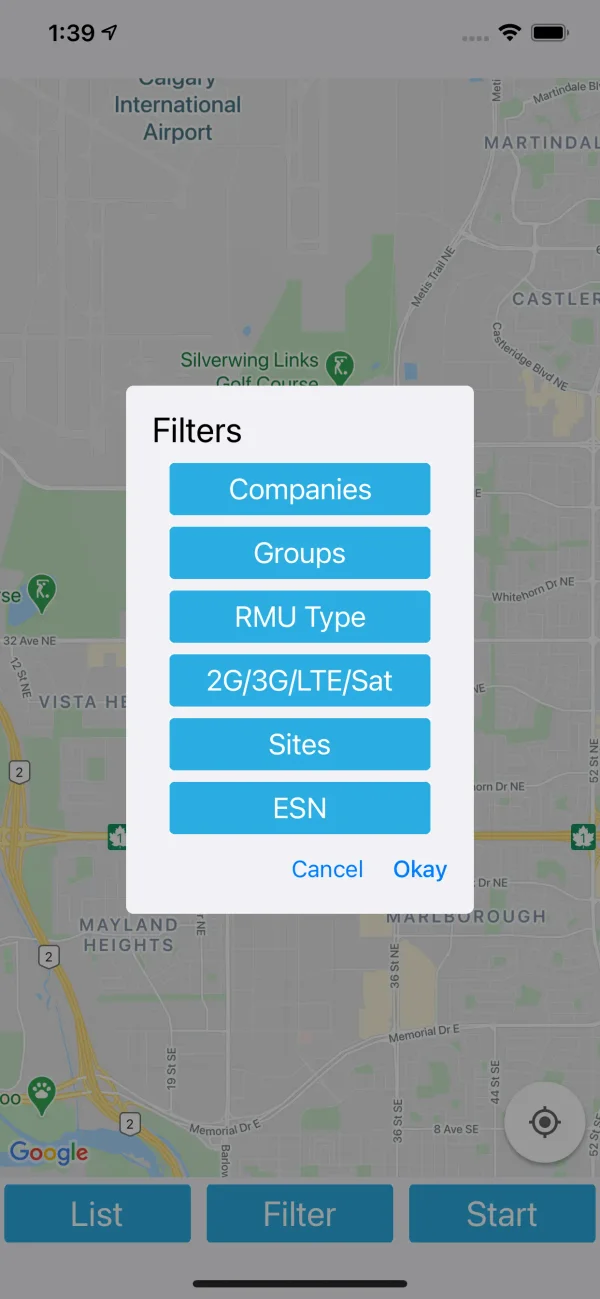
LTE Swap facilitates the upgrade process from 2G or 3G cellular technology Mobiltex RMU2 and RMU3 units to corresponding pre-purchased LTE units. It helps transfer all settings and configuration data which allows for a quick and simple swap process. If needed, it will also update the firmware of the unit it is connecting to before completing the swap process to ensure that the most up to date software is being used.
The RMU2 process consists of:
1. Plug in old RMU2 antenna and base to the programmer (RBT1 or RMU123PGM)
2. Run the app, login to your corView account and press "Start"
3. Select your programmer from the list of available devices
4. Wait for the app to read in all the settings and update the programmer and RMU2 (if required)
5. Unplug the old antenna plug in the new antenna
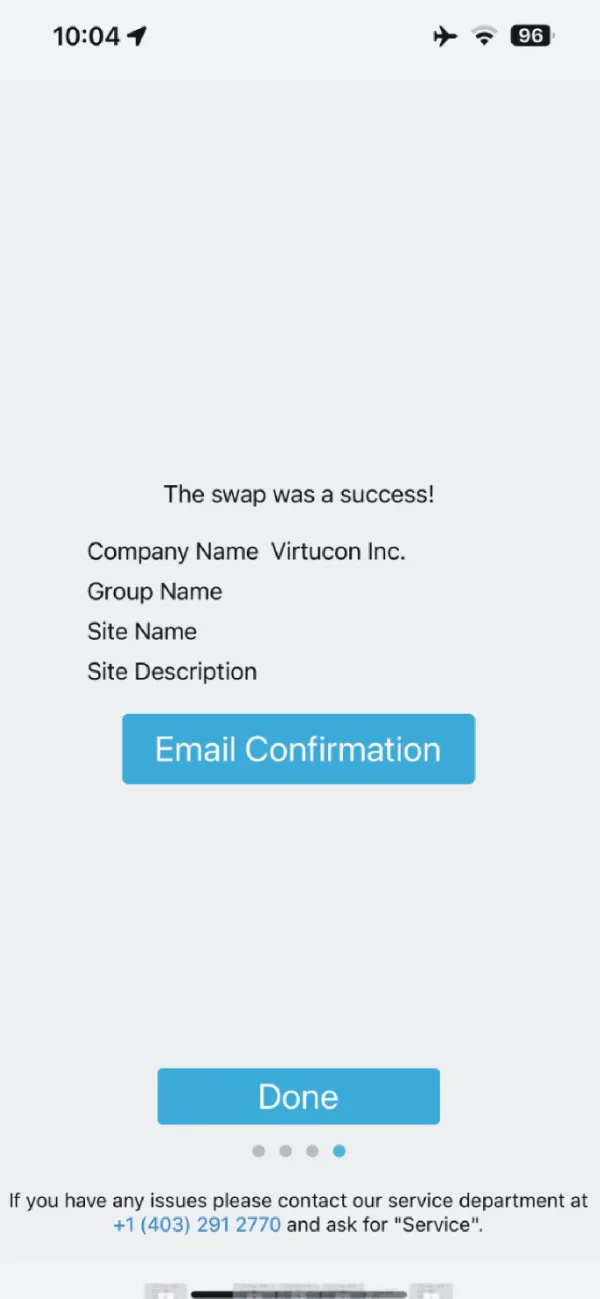
6. The app will then communicate with the corView servers to complete the swap process
7. The user can then send a confirmation email of the swap process for their archives
The RMU3 process consists of:
1. Plug in old RMU3 antenna and base to the programmer (RBT1 or RMU123PGM)
2. Run the app, login to your corView account and press "Start"
3. Select your programmer from the list of available devices
4. Wait for the app to read in all the settings and update the programmer
5. Unplug the old antenna plug in the new antenna
6. Wait for the app to update the RMU3 and write in the settings of the old unit
7. The app will then communicate with the corView servers to complete the swap process
8. The user can then send a confirmation email of the swap process for their archives
The RBT1 and RMU123PGM requires a Bluetooth pairing code entered on the app. The pairing code (default=123456) can be entered and changed with the app. Once paired, the app can reconnect without needing to re-enter the code. The RBT1 pairing code can be reset by tapping the RBT1 5 times in 10 seconds with a user-supplied magnet.
新機能
バージョン 1.1.0 · 2024/9/30
New LTE swap host.
Firmware:
- RBT1 v1.09
- RMU123PGM v1.12
- RMU3 v1.28
- RMU2 v28
アプリのプライバシー
このアプリのデータの取り扱いについて、Mobiltex DataがApp Storeで申告している内容です。
-
データの収集なし
開発元はこのアプリからデータを収集しません。
プライバシーの取り扱いは、ご利用の機能やお客様の年齢などに応じて異なる場合があります。
情報
- 販売元
- MOBILTEX DATA LTD
- カテゴリ
- 仕事効率化
- バージョン
- 1.1.0
- 更新日
- 2024/9/30
- リリース
- 2018/11/27
- サイズ
- 53.1 MB
- 必要条件
- iOS 12.0以降
- 対象年齢
- 4+
- 価格
- 無料
- 言語
- 英語
- 著作権
- © 2021 Mobiltex Data Ltd
こちらもおすすめ
-
 データセルラーカウンター - データ使用量を監視するWiFi,3g 4g 5g LTE ホットスポットの使用状況
-
 Hotspot Monitor - データ使用量を監視する3g 4g 5g LTE ホットスポットの使用状況
-
 Launcher - 複数のウィジェットを持つランチャーロックまたはホーム画面のカスタマイズ
-
 Network Toolbox Net security仕事効率化
-
 AT&T Cell Booster仕事効率化
-
 My Roshan仕事効率化
-
 ArcGIS Field Maps仕事効率化
-
 CPU-x z Battery life masterお使いの携帯電話をよく理解する
-
 オートクリッカー - 自動クリック, 連打ツール連打アプリ | タップ | Auto Click &Tap
-
 HaloVPN Pro: Fast VPN Proxy仕事効率化