- Altersfreigabe4+
- KategorieProduktivität
- EntwicklerMobiltex Data
- SprachenEnglisch
- Größe53,1 MB
Verlinkt auf die offizielle App Store-Seite
Download.org hostet keine Datei von LTE Swap. Die Schaltfläche öffnet die App-Seite bei App Store, wo Mobiltex Data die App veröffentlicht. Eintrag zuletzt geprüft am 15.11.2026.
Screenshots


Info
Der Entwickler hat diesen Text nicht in Ihrer Sprache bereitgestellt.
*** Requires a corTalk® RBT1 or RMU123PGM and RMU2 or RMU3 to use. ***
Contact us at 'sales.lteswap@mobiltex.com' to purchase.
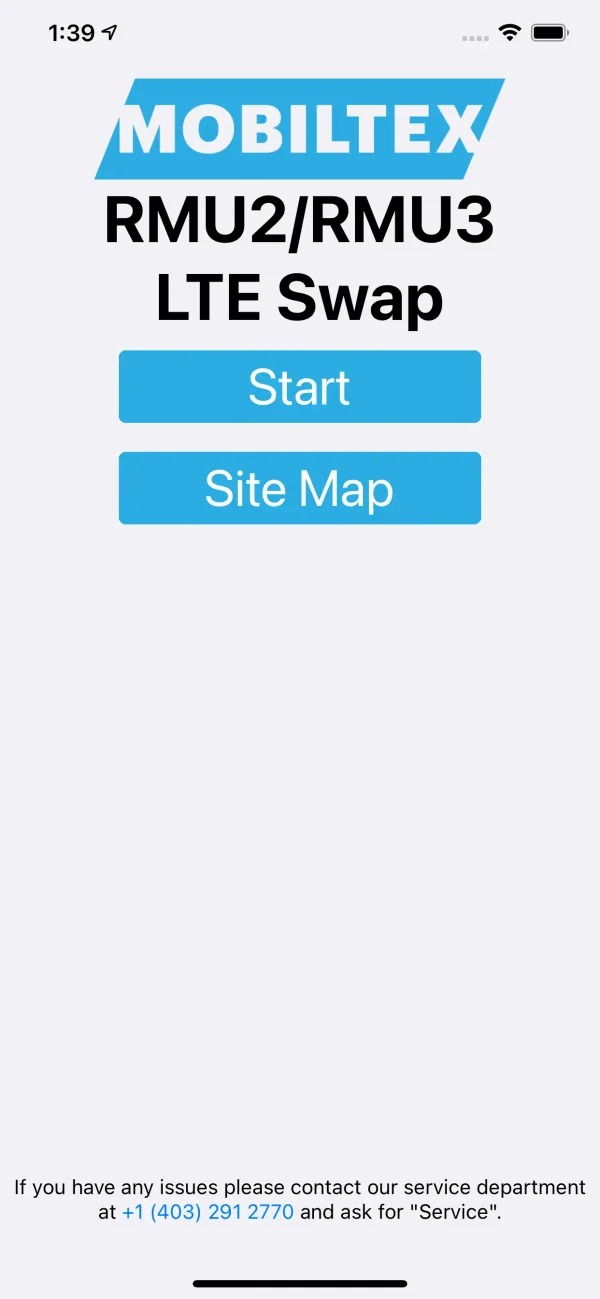
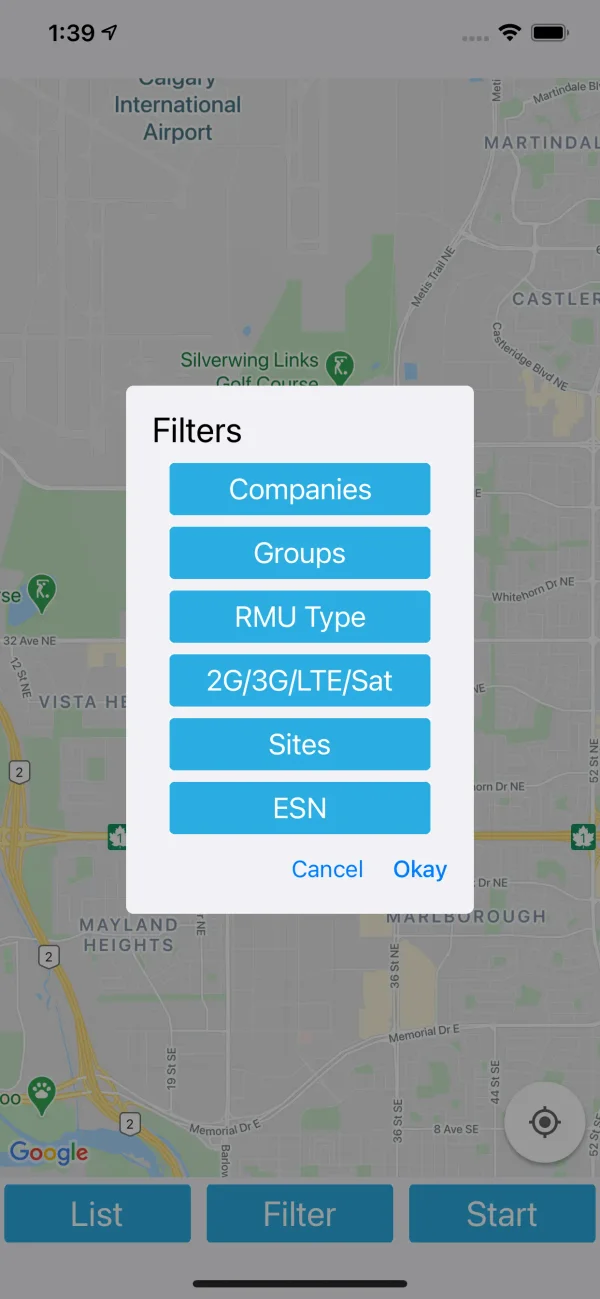
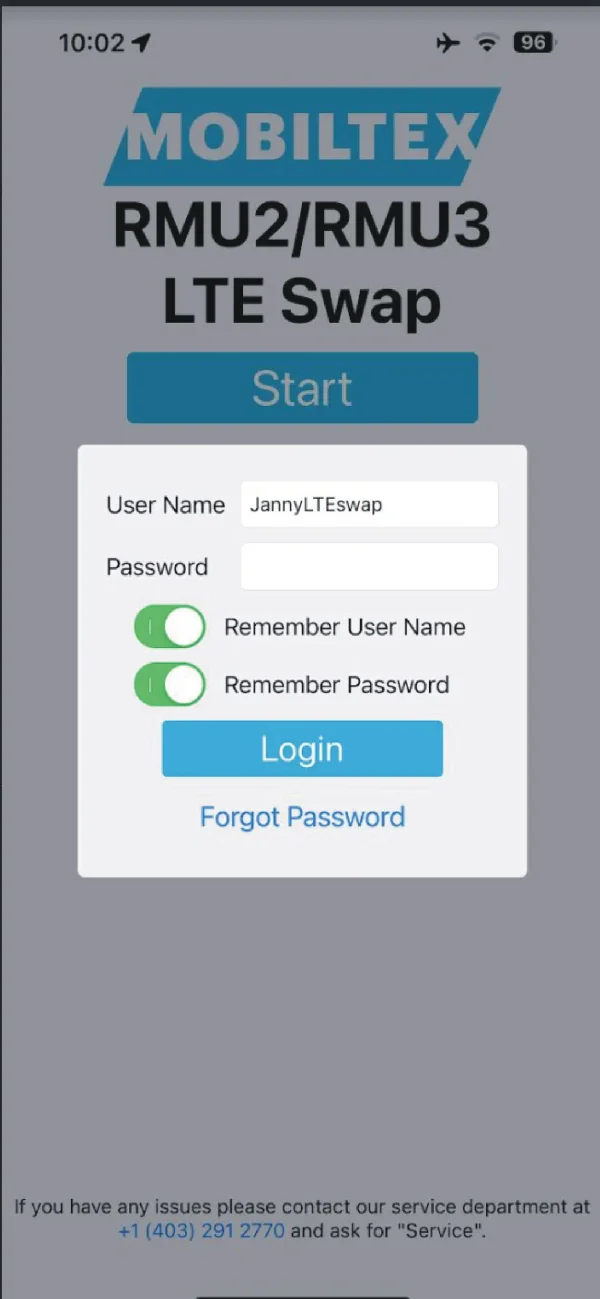
LTE Swap facilitates the upgrade process from 2G or 3G cellular technology Mobiltex RMU2 and RMU3 units to corresponding pre-purchased LTE units. It helps transfer all settings and configuration data which allows for a quick and simple swap process. If needed, it will also update the firmware of the unit it is connecting to before completing the swap process to ensure that the most up to date software is being used.
The RMU2 process consists of:
1. Plug in old RMU2 antenna and base to the programmer (RBT1 or RMU123PGM)
2. Run the app, login to your corView account and press "Start"
3. Select your programmer from the list of available devices
4. Wait for the app to read in all the settings and update the programmer and RMU2 (if required)
5. Unplug the old antenna plug in the new antenna
6. The app will then communicate with the corView servers to complete the swap process
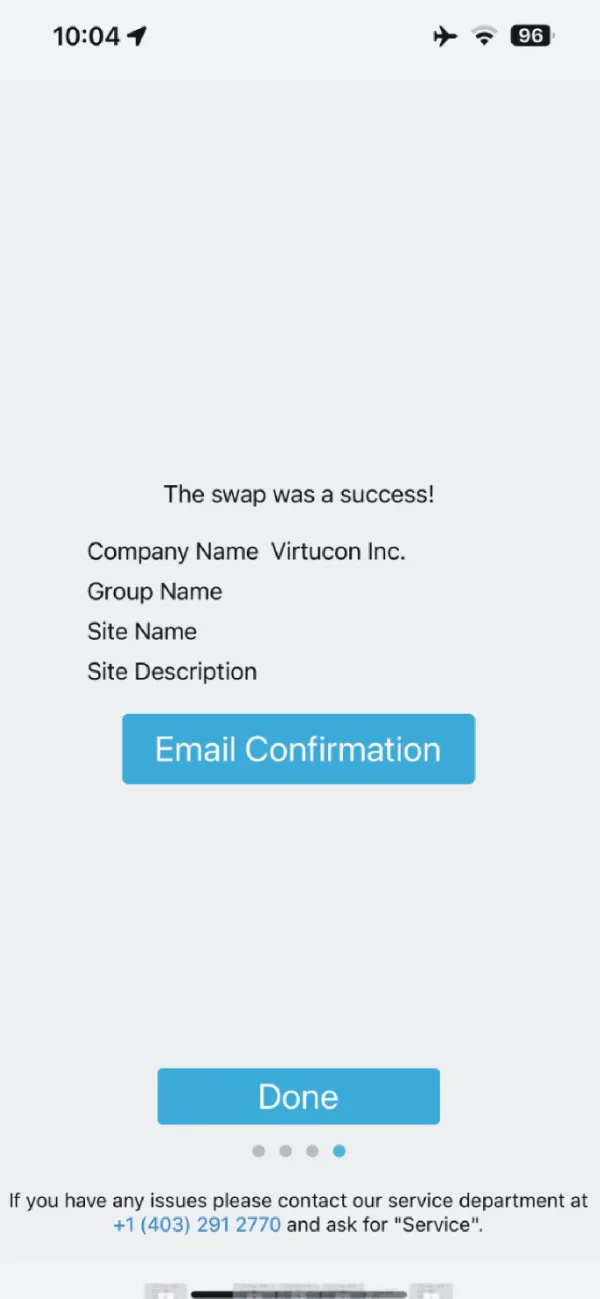
7. The user can then send a confirmation email of the swap process for their archives
The RMU3 process consists of:
1. Plug in old RMU3 antenna and base to the programmer (RBT1 or RMU123PGM)
2. Run the app, login to your corView account and press "Start"
3. Select your programmer from the list of available devices
4. Wait for the app to read in all the settings and update the programmer
5. Unplug the old antenna plug in the new antenna
6. Wait for the app to update the RMU3 and write in the settings of the old unit
7. The app will then communicate with the corView servers to complete the swap process
8. The user can then send a confirmation email of the swap process for their archives
The RBT1 and RMU123PGM requires a Bluetooth pairing code entered on the app. The pairing code (default=123456) can be entered and changed with the app. Once paired, the app can reconnect without needing to re-enter the code. The RBT1 pairing code can be reset by tapping the RBT1 5 times in 10 seconds with a user-supplied magnet.
Neue Funktionen
Version 1.1.0 · 30.09.2024
New LTE swap host.
Firmware:
- RBT1 v1.09
- RMU123PGM v1.12
- RMU3 v1.28
- RMU2 v28
App-Datenschutz
Was Mobiltex Data im App Store zum Umgang dieser App mit Daten angibt.
-
Keine Daten erfasst
Der Entwickler erfasst keine Daten von dieser App.
Die Datenschutzpraktiken können variieren, zum Beispiel je nach den von Ihnen verwendeten Funktionen oder Ihrem Alter.
Informationen
- Anbieter
- MOBILTEX DATA LTD
- Kategorie
- Produktivität
- Version
- 1.1.0
- Aktualisiert
- 30.09.2024
- Veröffentlicht
- 27.11.2018
- Größe
- 53,1 MB
- Erfordert
- iOS 12.0 oder neuer
- Altersfreigabe
- 4+
- Preis
- Kostenlos
- Sprachen
- Englisch
- Copyright
- © 2021 Mobiltex Data Ltd
Das könnte Ihnen auch gefallen
-
 Daten MobilfunkzählerÜberwachung der Datennutzung
-
 Hotspot Monitor Data UsageÜberwachen Sie Datennutzung
-
 Launcher mit mehreren WidgetsSperrbildschirm & Homescreen
-
 Network Toolbox Net securityProduktivität
-
 AT&T Cell BoosterProduktivität
-
 My RoshanProduktivität
-
 ArcGIS Field MapsProduktivität
-
 CPU-x Dasher z Battery lifeCPU-Freq Geschwindigkeitstest
-
 Auto Clicker: Click CounterAutoclicker | Quick Save | Tap
-
 HaloVPN Pro: Fast VPN ProxyProduktivität