
OpenDeck
Open & present HTML decks
Diseñada para iPhone, iPad, Mac, iPod touch
Gratis
- Clasificación por edad4+
- CategoríaProductividad
- DesarrolladorSinisha Djukic
- IdiomasInglés
- Tamaño10,0 MB
Enlaza a la página oficial de App Store
Download.org no aloja ningún archivo de OpenDeck. El botón abre la página de la aplicación en App Store, donde la publica Sinisha Djukic. Ficha comprobada por última vez el 12/11/2026.
Capturas de pantalla
Acerca de
El desarrollador no ha proporcionado este texto en tu idioma.
OpenDeck is a viewer for self-contained HTML *documents* ("decks"), analogous to a PDF reader or a web browser opening a local page. Decks are content the user explicitly imports (via Files, AirDrop, or the share sheet) — they are not code downloaded to change the app's own features, and the app ships no in-app store or remote-content fetch.
Each deck renders inside a sandboxed, cross-origin iframe served from an isolated origin (a custom deck:// scheme on iOS/macOS). The sandbox withholds top-level navigation, so a deck can never replace or reach the app shell or the native bridge. The app's functionality is fixed; decks cannot alter it. (Ref: Guideline 2.5.2.)
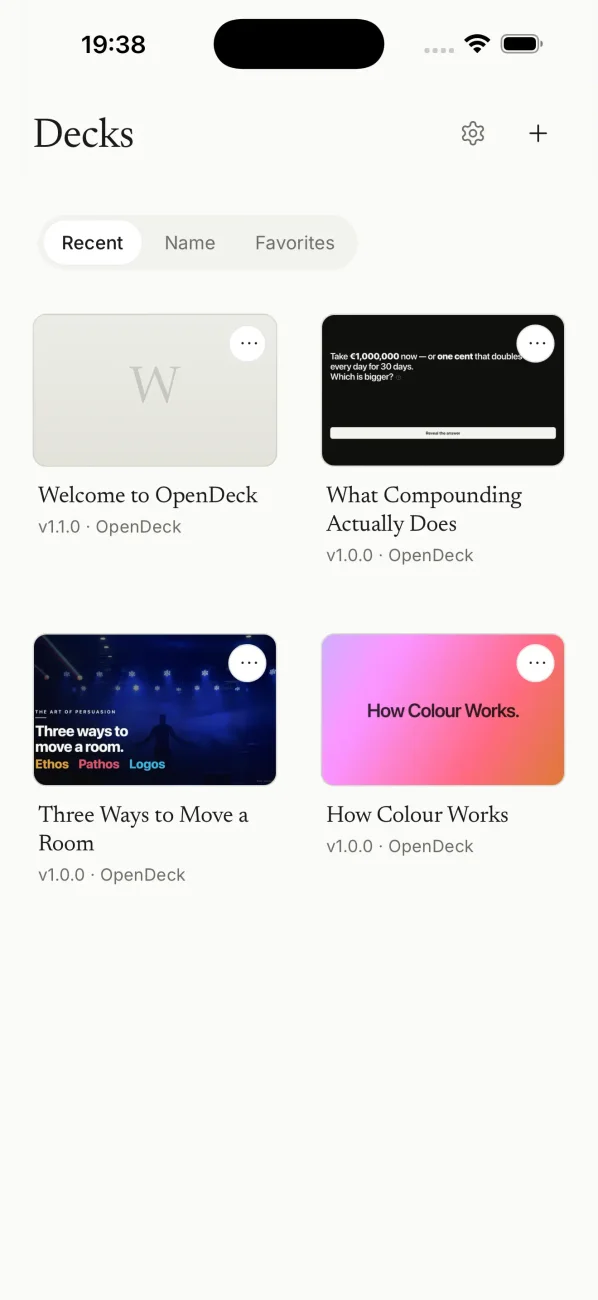
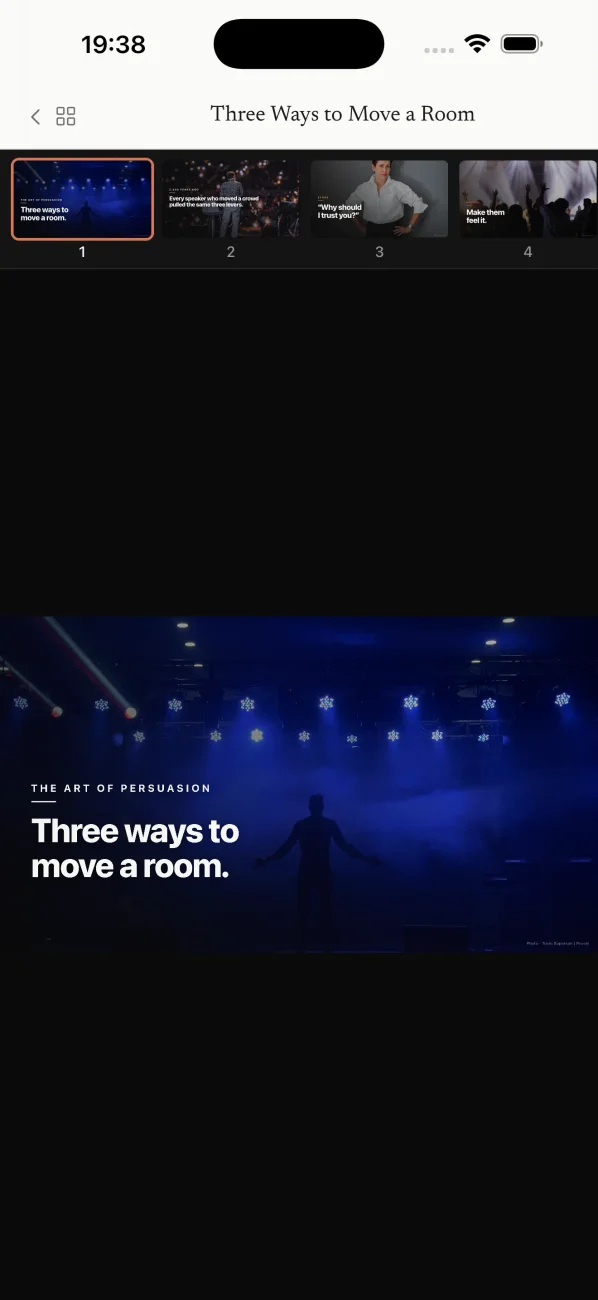
To test presenting: on first launch the app preloads a short "Welcome" deck plus three example decks (illustrative HTML presentations) — open any of them from the library and move through the slides by tapping the screen (iPhone/iPad), using the on-screen arrow controls or the thumbnail rail, or pressing the left/right arrow keys.
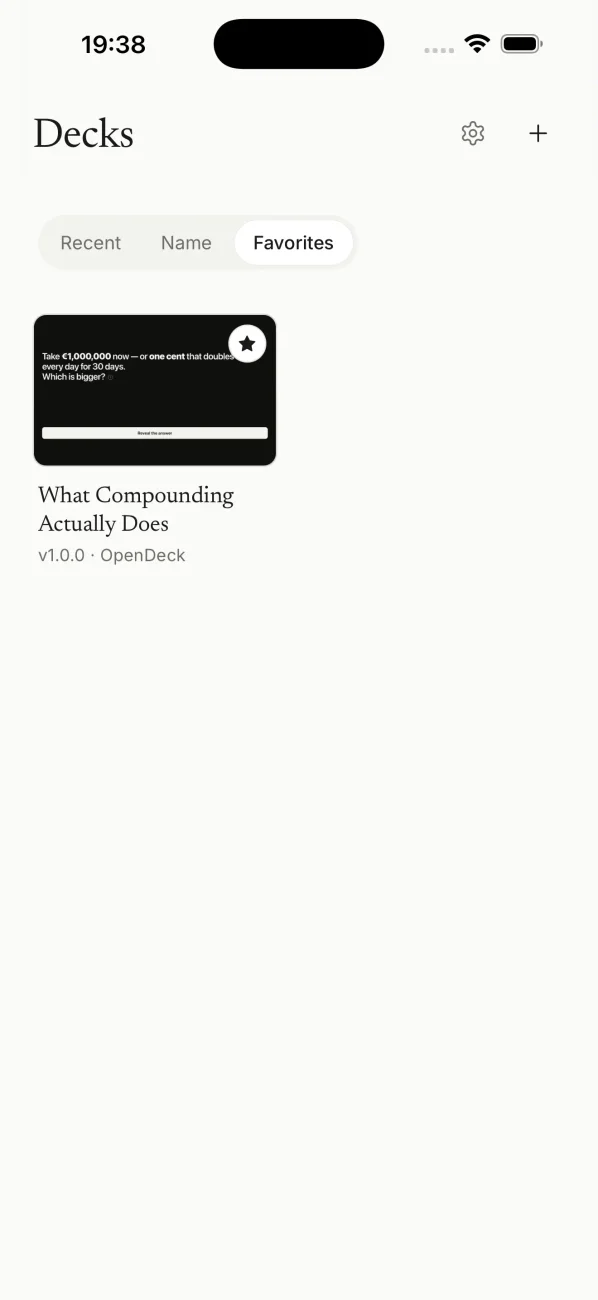
To test import: ready-made .deck files are downloadable from the "Examples" section of the home page at https://open-deck.org (smallest is "What Compounding Actually Does", 0.3 MB — direct link: https://open-deck.org/downloads/compounding.deck). Download one on the device, then open it via the system Share sheet → OpenDeck, or from the Files app — it is added to the library. Note: those three decks are also preloaded, and decks are content-addressed, so re-importing one simply refreshes it rather than duplicating; to watch a brand-new deck appear, first delete it from the library (••• → Delete) and then import the downloaded file. (AirDrop'ing any .deck to the device and choosing OpenDeck works too.)
The bundled example decks are first-party sample content; any photographs in them are licensed stock imagery (Pexels License, which permits commercial and in-app use).
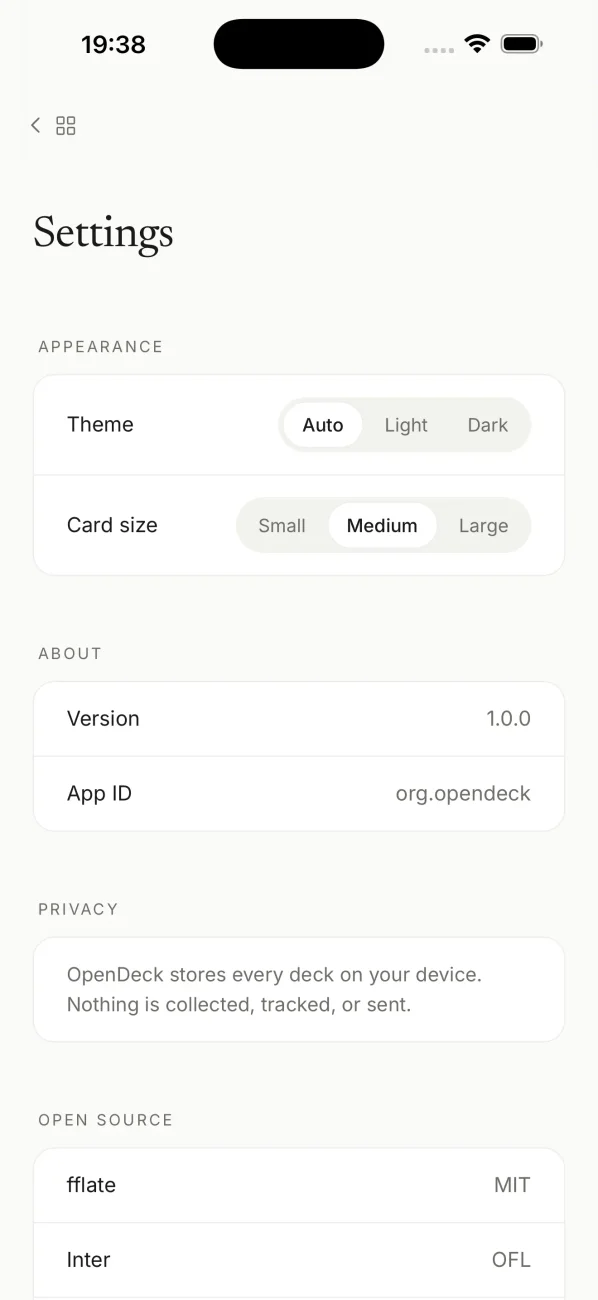
The app collects no data and makes no network requests; everything is stored on-device.
Privacidad de la aplicación
Lo que Sinisha Djukic declara en App Store sobre cómo esta aplicación gestiona los datos.
-
No se recopilan datos
El desarrollador no recopila ningún dato de esta aplicación.
Las prácticas de privacidad pueden variar, por ejemplo, según las funciones que uses o tu edad.
Información
- Vendedor
- Sinisha Djukic
- Categoría
- Productividad
- Versión
- 1.0.0
- Actualizado
- 30/6/2026
- Publicado
- 30/6/2026
- Tamaño
- 10,0 MB
- Requiere
- iOS 15.0 o posterior
- Clasificación por edad
- 4+
- Precio
- Gratis
- Idiomas
- Inglés
- Copyright
- © Sinisha Djukic
Quizá también te guste
-
 Webly : HTML ViewerProductividad
-
 SumSlide — PPTX EditorProductividad
-
 Neatbase: Personal DatabaseProductividad
-
 OpenNow - Markdown HTMLProductividad
-
 HLL Pdf ReaderProductividad
-
 SocratusProductividad
-
 Marp Slide: Markdown PPTCrea y presenta desde el móvil
-
 HTML Editor - Local FilesProductividad
-
 Anycap: Capture & BookmarksProductividad
-
 Slide Fácil: Crea DiapositivasCrea y presenta con facilidad