
OpenDeck
Open & present HTML decks
Entwickelt für iPhone, iPad, Mac, iPod touch
Kostenlos
- Altersfreigabe4+
- KategorieProduktivität
- EntwicklerSinisha Djukic
- SprachenEnglisch
- Größe10,0 MB
Verlinkt auf die offizielle App Store-Seite
Download.org hostet keine Datei von OpenDeck. Die Schaltfläche öffnet die App-Seite bei App Store, wo Sinisha Djukic die App veröffentlicht. Eintrag zuletzt geprüft am 12.11.2026.
Screenshots
Info
Der Entwickler hat diesen Text nicht in Ihrer Sprache bereitgestellt.
OpenDeck is a viewer for self-contained HTML *documents* ("decks"), analogous to a PDF reader or a web browser opening a local page. Decks are content the user explicitly imports (via Files, AirDrop, or the share sheet) — they are not code downloaded to change the app's own features, and the app ships no in-app store or remote-content fetch.
Each deck renders inside a sandboxed, cross-origin iframe served from an isolated origin (a custom deck:// scheme on iOS/macOS). The sandbox withholds top-level navigation, so a deck can never replace or reach the app shell or the native bridge. The app's functionality is fixed; decks cannot alter it. (Ref: Guideline 2.5.2.)
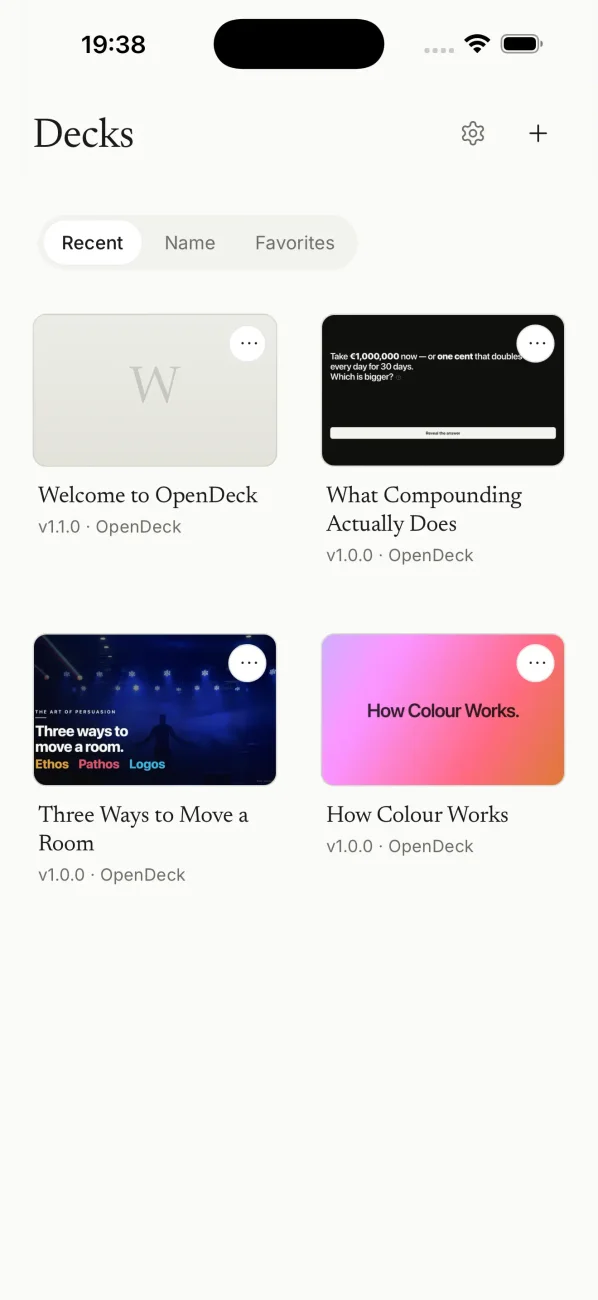
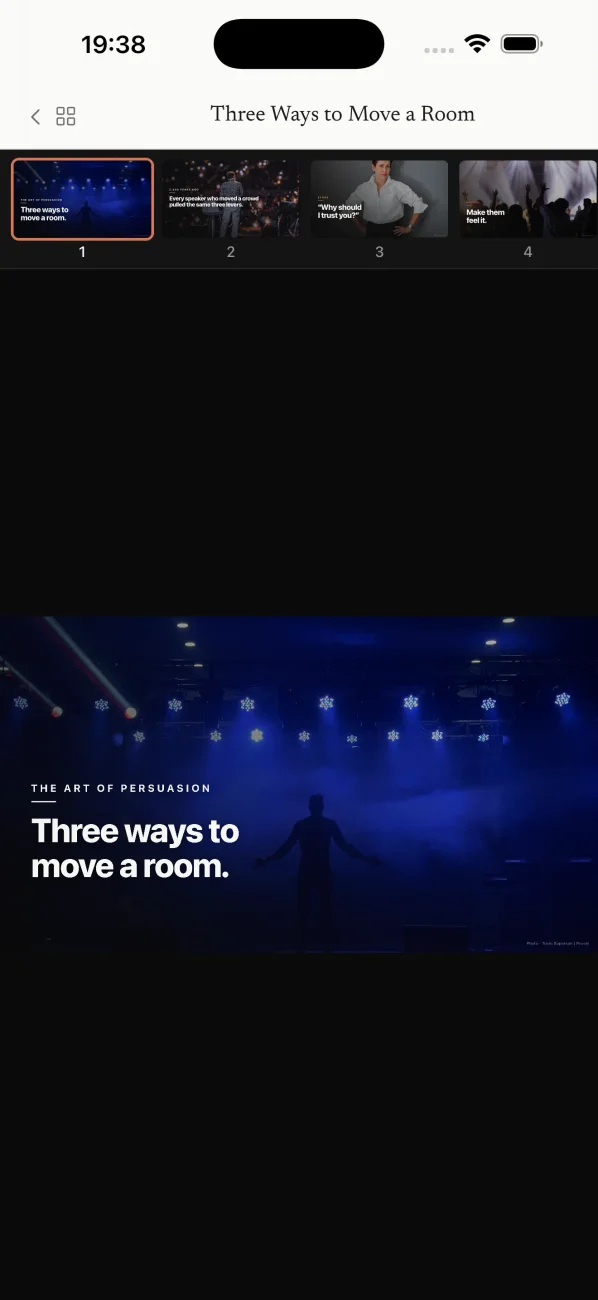
To test presenting: on first launch the app preloads a short "Welcome" deck plus three example decks (illustrative HTML presentations) — open any of them from the library and move through the slides by tapping the screen (iPhone/iPad), using the on-screen arrow controls or the thumbnail rail, or pressing the left/right arrow keys.
To test import: ready-made .deck files are downloadable from the "Examples" section of the home page at https://open-deck.org (smallest is "What Compounding Actually Does", 0.3 MB — direct link: https://open-deck.org/downloads/compounding.deck). Download one on the device, then open it via the system Share sheet → OpenDeck, or from the Files app — it is added to the library. Note: those three decks are also preloaded, and decks are content-addressed, so re-importing one simply refreshes it rather than duplicating; to watch a brand-new deck appear, first delete it from the library (••• → Delete) and then import the downloaded file. (AirDrop'ing any .deck to the device and choosing OpenDeck works too.)
The bundled example decks are first-party sample content; any photographs in them are licensed stock imagery (Pexels License, which permits commercial and in-app use).
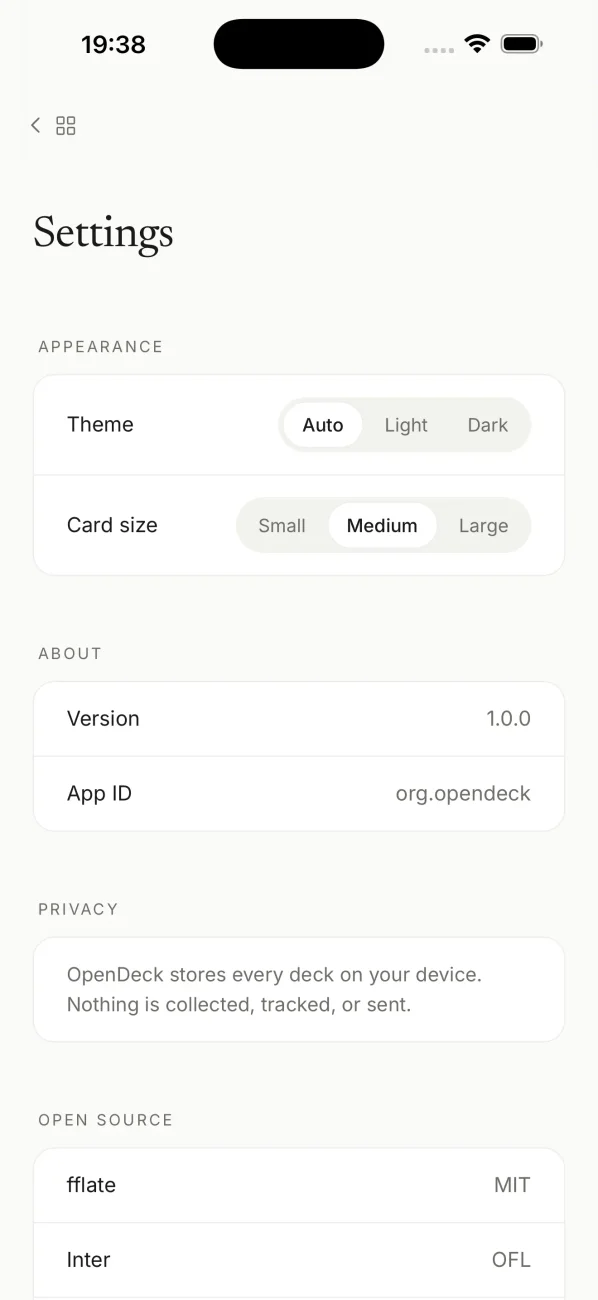
The app collects no data and makes no network requests; everything is stored on-device.
App-Datenschutz
Was Sinisha Djukic im App Store zum Umgang dieser App mit Daten angibt.
-
Keine Daten erfasst
Der Entwickler erfasst keine Daten von dieser App.
Die Datenschutzpraktiken können variieren, zum Beispiel je nach den von Ihnen verwendeten Funktionen oder Ihrem Alter.
Informationen
- Anbieter
- Sinisha Djukic
- Kategorie
- Produktivität
- Version
- 1.0.0
- Aktualisiert
- 30.06.2026
- Veröffentlicht
- 30.06.2026
- Größe
- 10,0 MB
- Erfordert
- iOS 15.0 oder neuer
- Altersfreigabe
- 4+
- Preis
- Kostenlos
- Sprachen
- Englisch
- Copyright
- © Sinisha Djukic
Das könnte Ihnen auch gefallen
-
 Webly : HTML ViewerProduktivität
-
 SumSlide — PPTX EditorProduktivität
-
 Neatbase: Personal DatabaseProduktivität
-
 OpenNow - Markdown HTMLProduktivität
-
 HLL Pdf ReaderProduktivität
-
 SocratusProduktivität
-
 Marp Slide: Markdown PPTErstellen & präsentieren
-
 HTML Editor - Local FilesProduktivität
-
 Anycap: Capture & BookmarksProduktivität
-
 Simple Slide: Folien erstellenFolien einfach erstellen